Week 8 - Challenge 4 - Coin Holder Design
Class A Surface Creation:
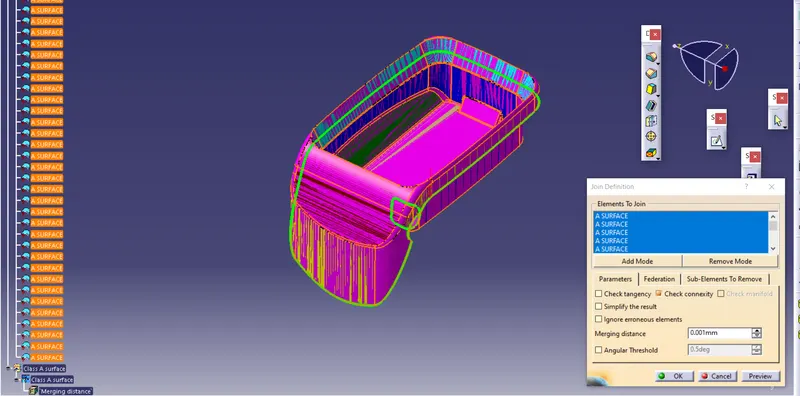
After receiving A surface as input we have to make sure all srufaces are connecting and if surfaces are not connected or properly merged then we have to use JOIN command to make proper Class A surface without any deviations and gaps between the surfaces
In this assignment input Class A surface was not properly merged and have gaps in between to I have to apply some operations to make these surfaces connecting.
Tooling Axis Creation:
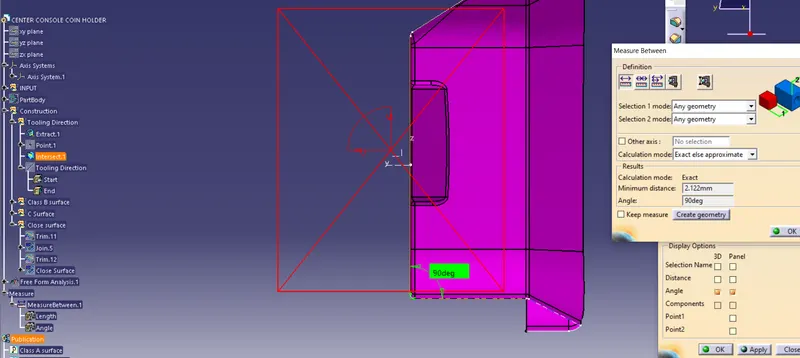
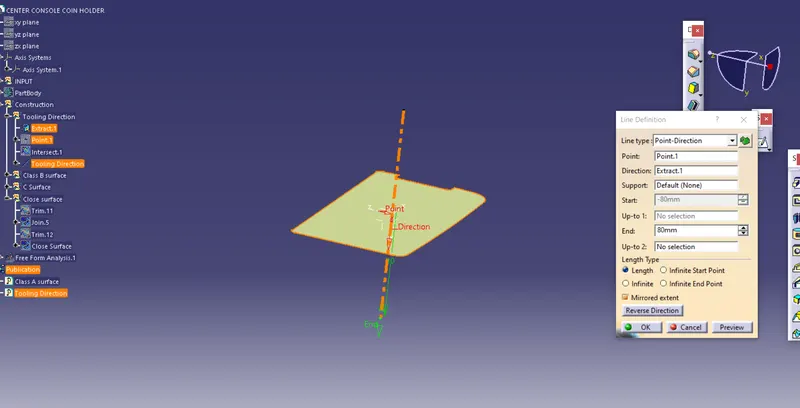
Class A surface given has no draft so we will directly take line normal to the surface as tooling direction.
CLASS B Surface Creation: Now we make class B surface using the plane surfaces of Class A.
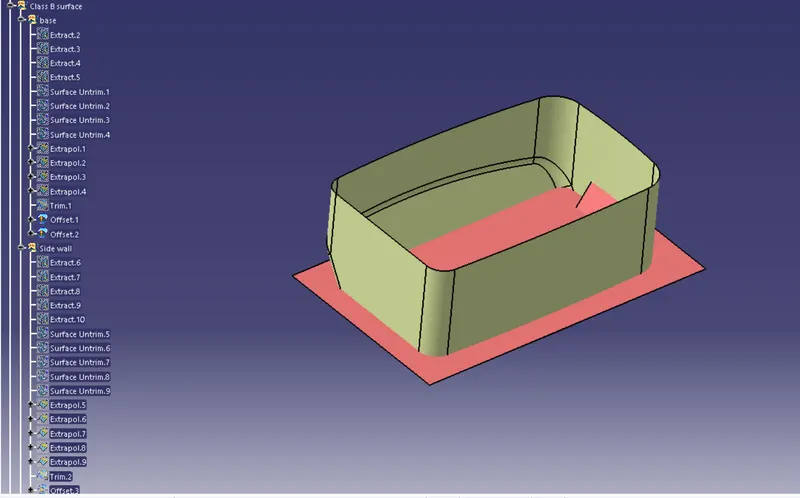
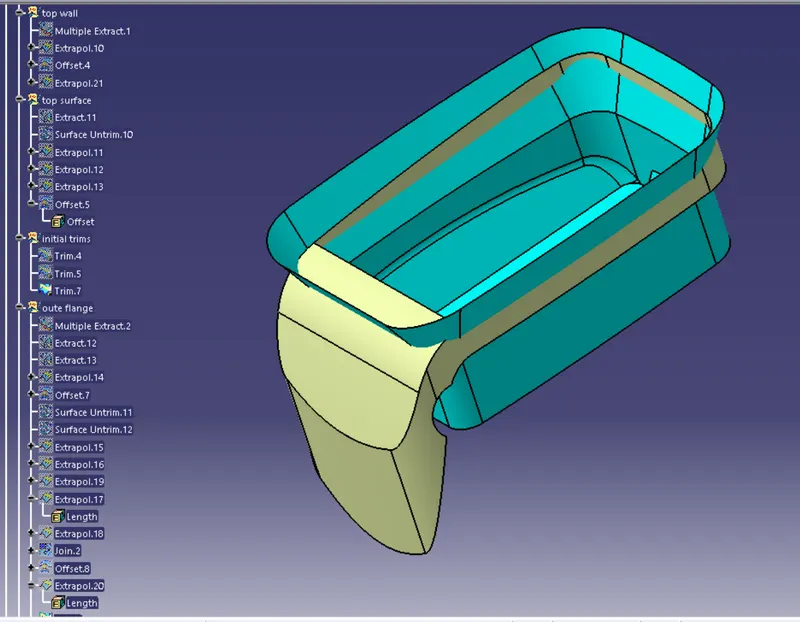
1. First we use extract command to copy the plane surfaces of Class A and then Untrim those surfaces.
2. Then we get the basic surfaces and extrapolate then so that they are easy to Trim later.
3. After extrapolating the surfaces we trim then together to form sharp model.
4. We take offset of the surfaces as per the required thickness of the bracket.
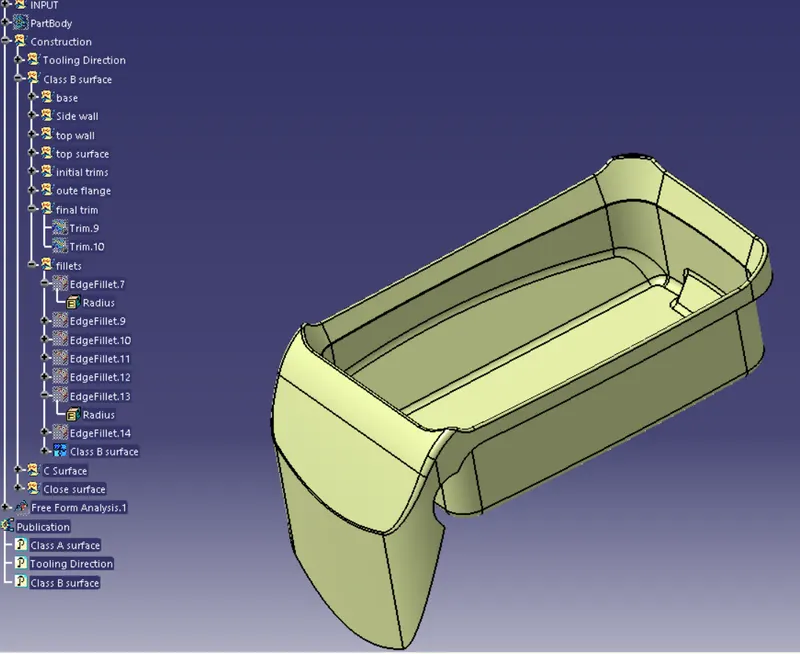
5. After offset we trim all base surfaces and walls together and form a single sharp model.
6. After trim we apply Edge fillet to sharp edges.
Now B surface is formed and we can publish the final B surface.
Class C Surface Creation:
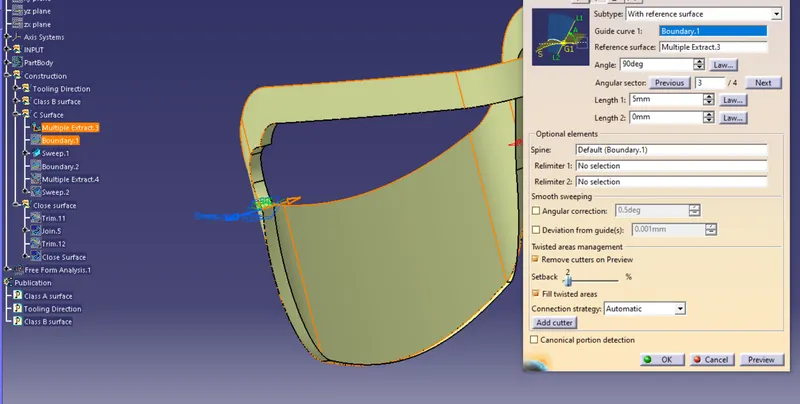
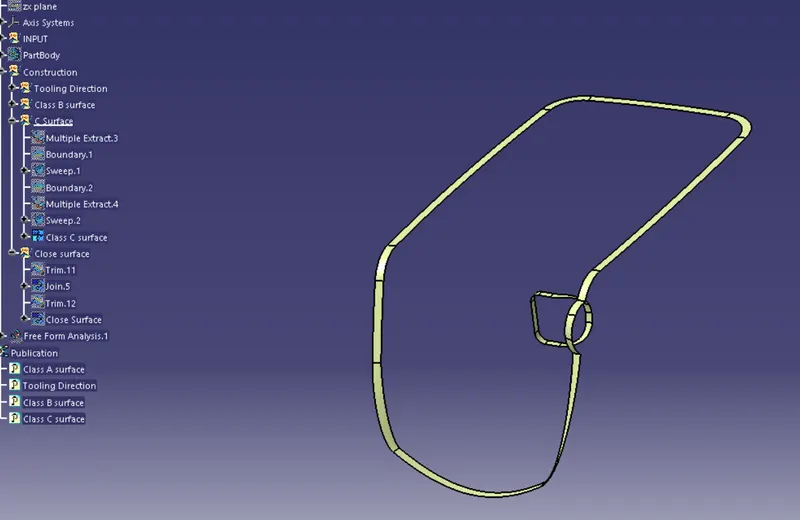
Taking boundary of Class A surface and then making sweep with reference to A surafce at 90 degrees
Close surface:
After creating the Class A B & C surfaces we make close colume using trim
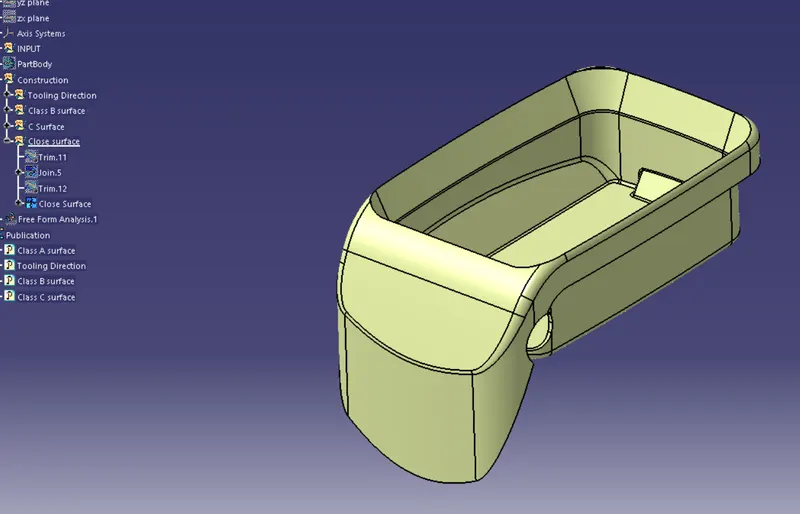
Now we make it solid body using Close surface command in part body workbench
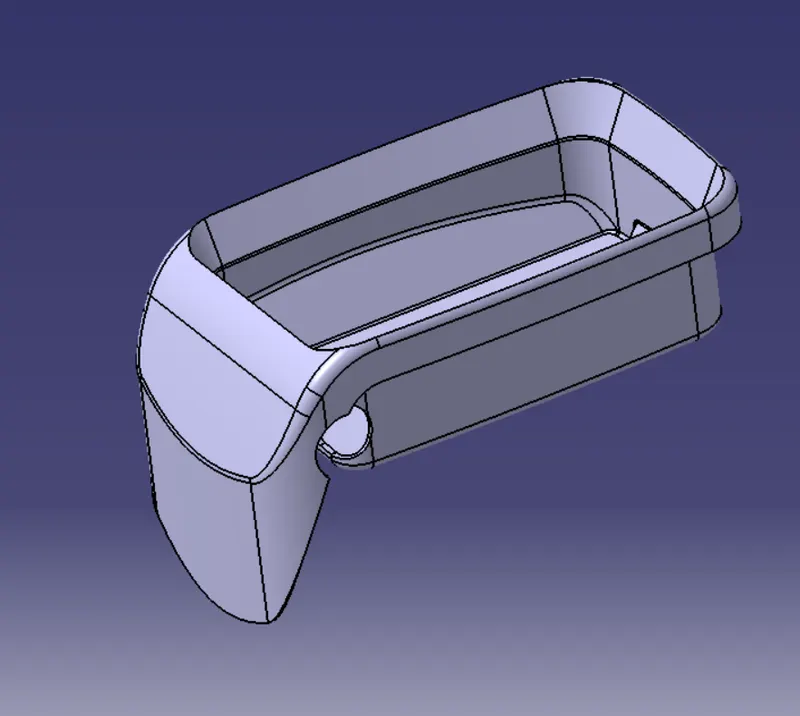
DRAFT ANALYSIS:
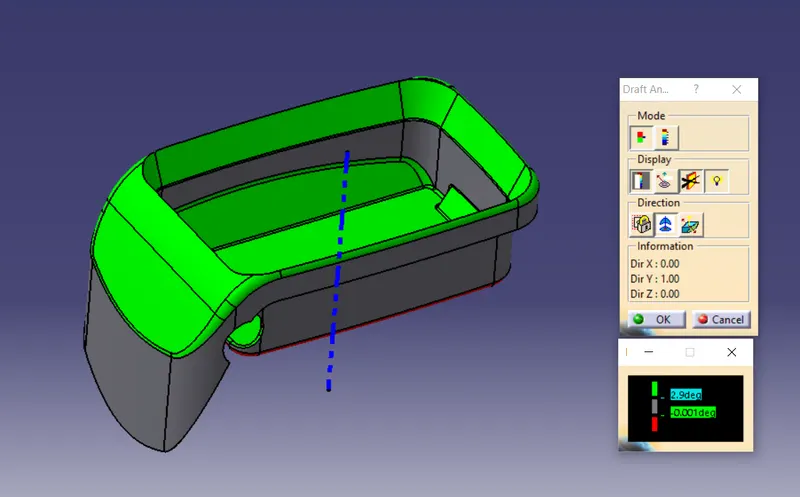
ISO View
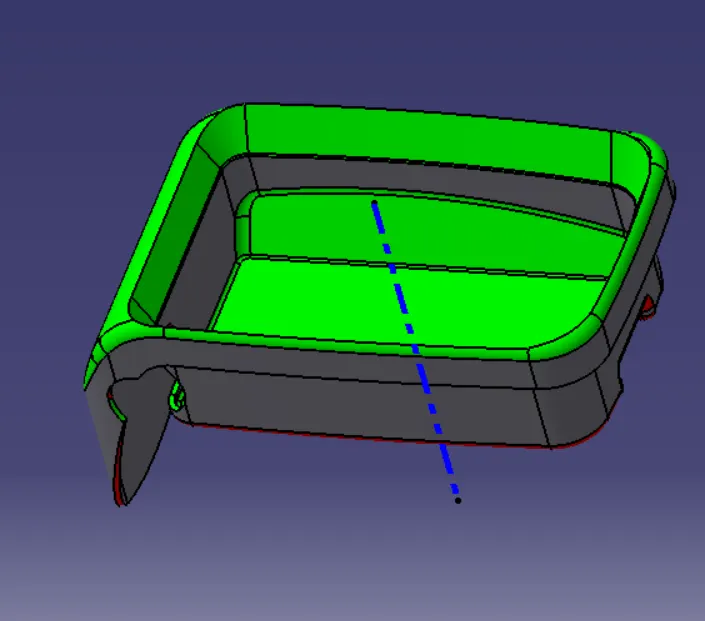
FRONT VIEW:
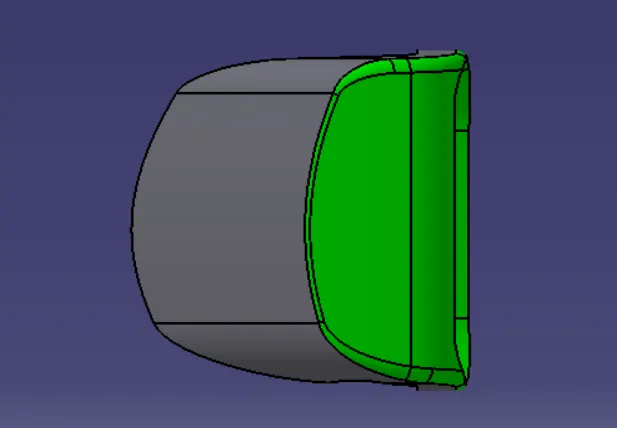
TOP VIEW:
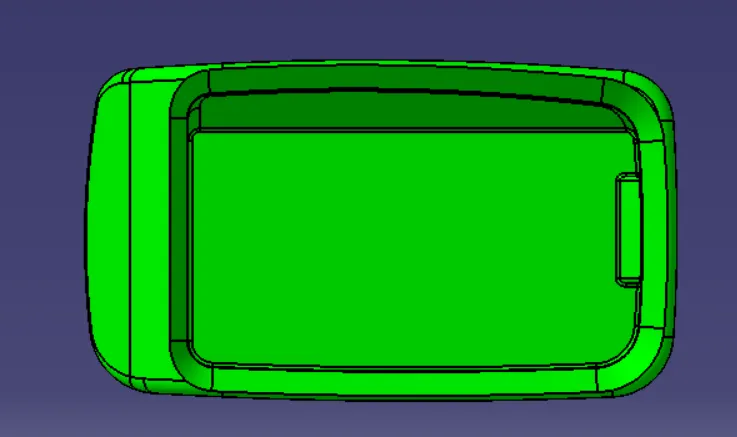
SIDE VIEW:
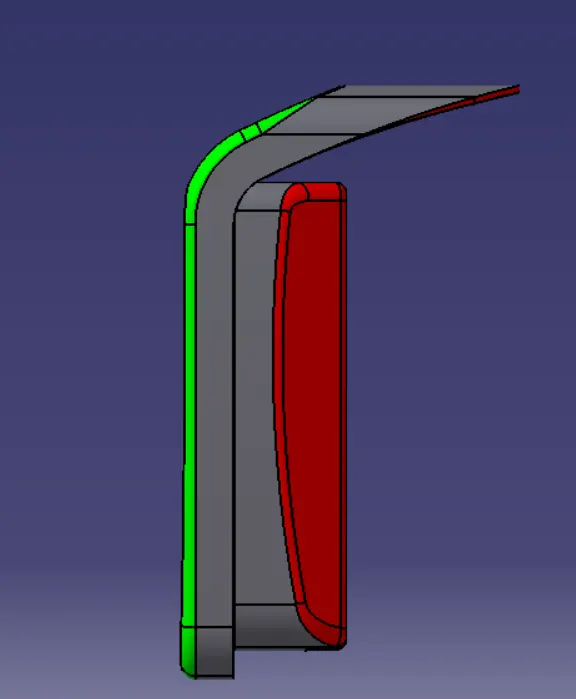
A surface whivh we recieved as input does not have Draft on it so it is recommended to give draft on the surfaces for proper ejection of component after cooling so that part produced is defect free.