Challenge 4 : Concept Modelling of Alloy Wheel
Project: Concept Modelling of Alloy Wheel
Objective: To create a surface model of Alloy Wheel on Autodesk Alias Design Software.
Introduction: In this project I have made the Surface model of alloy of Mercedes Benz C220 model. In this porject i have taken the reference of Side View Picture of real model with the help of that picture we have to visualize how the surfaces are flowing.
Alloy Wheel are generaly symmetric and follows the same patter over the circle so we have to identify the pattern and make only those surfaces which will help to easily make the alloy wheel surface model.
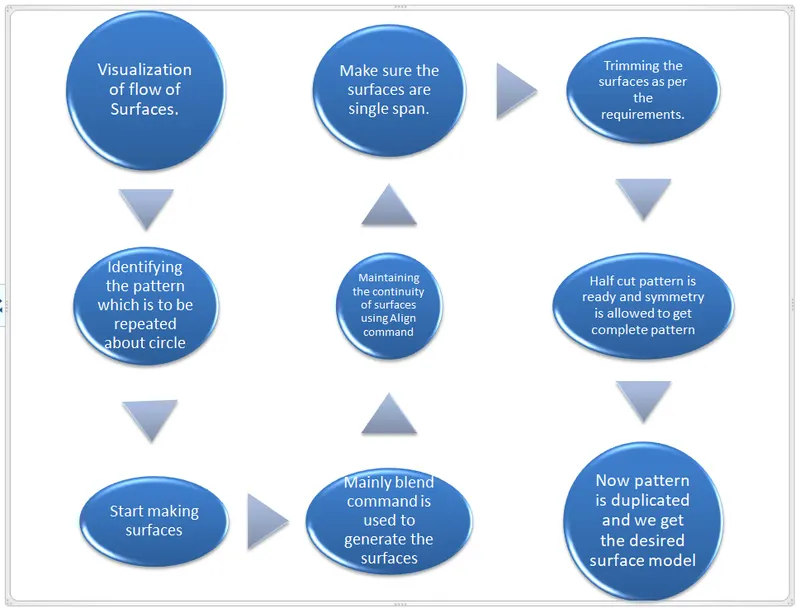
Please refer the below flow chart for design methdology:
Tools Used During Modelling:
- CV CURVE: It is made by joining of CV( Control Vertices). The first CV is marked as box then next as ‘U’ Shaped and then all others marked as ‘X’ .
CVs decide the shape of the curve.
Degree and Span of CV curve: It decides the continuity of curve. If we have a long continuous curve then we should use single span curve and increasing the degree to make the curve smooth and continuous. - Blend: It is used to join two curves. They can be formed in curvature continuity and also with the help of editor we can change its continuity to tangency. We can also change the degree and span of curve formed by blend and manipulate according to our required shape.
- Trim: Trim a surface by removing (actually hiding) any part of the surface bounded by curves-on-surface or cross sections.You can also split (divide) a surface into multiple surfaces.
- Project: It used to project the curves on surfaces to perform the trim operation there must be curve projected on the surface.
- LAYER: Using this different objects can be placed under the layer. For example In this assignment I have put the image in one layer and then rest of geometry I have put in different layers row wise. We can easily toggle between these layers and also assign multiple objects to single layer.
- Symmetry: It make the symmetry along the planes selected
- Duplicate: It is used to make similar objects. We can Translate it to form pattern along X,Y & Z directions also we can rotate it to form a circular pattern which is the case we used in the modeling of alloy wheel
Please refer the pictures for more details:
ISO VIEW: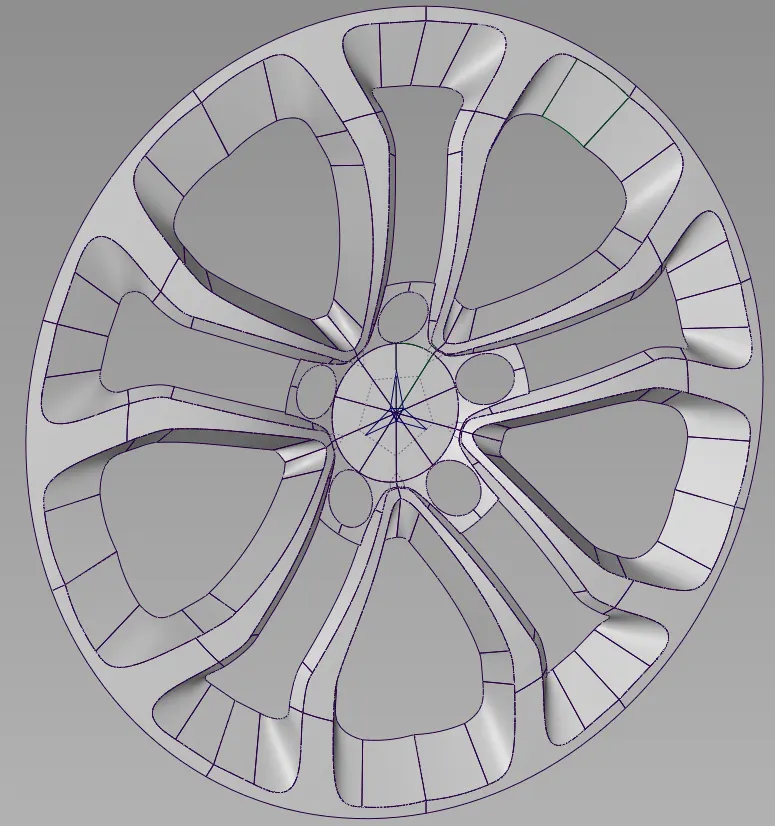
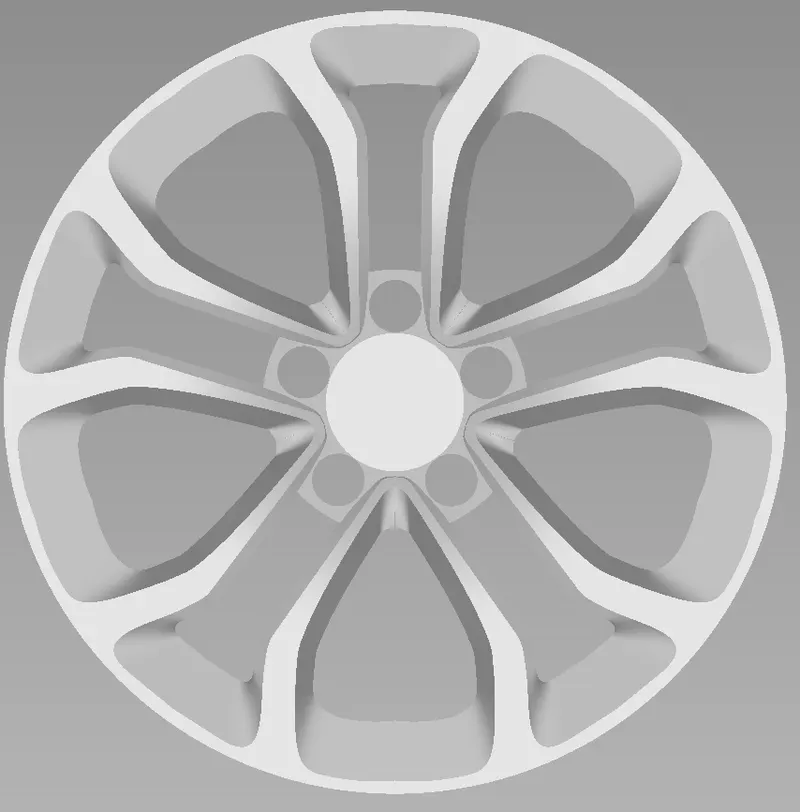
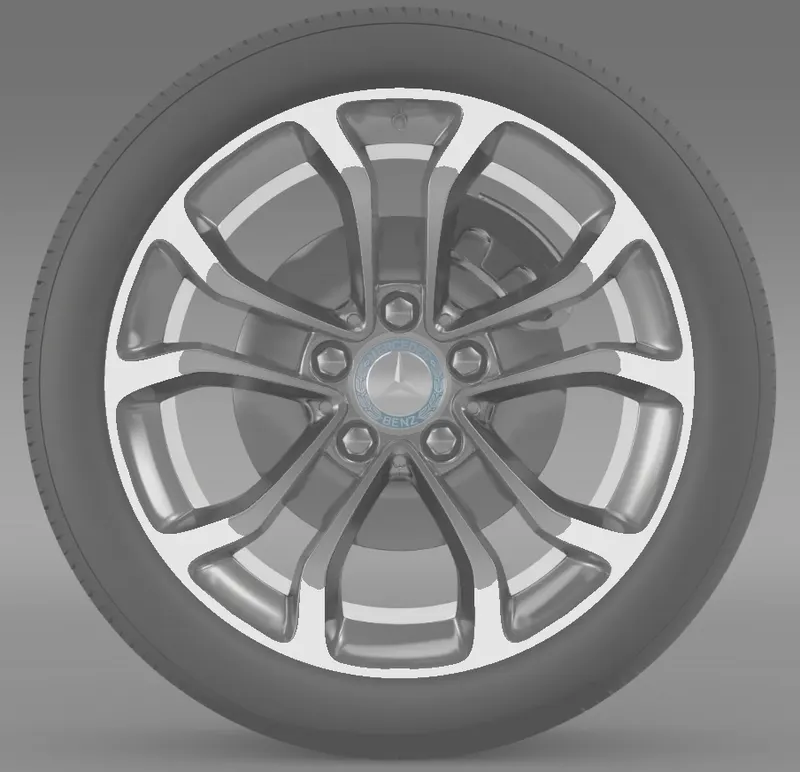
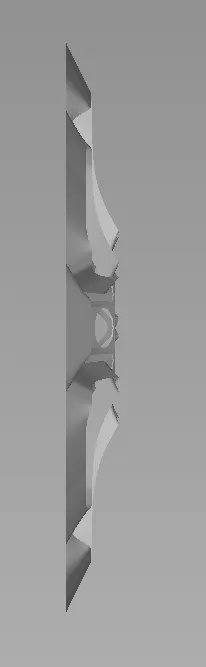
Conclusion: In this project we learned to create the surface model of Alloy wheel with just one view as reference
We learned to visualize the surfaces and how to create them in sequence with which it is easy to make the model.
More focus is on the surface creation and their flow.
In this assignment i have prepared two models of allow wheen one which is given in assignment that is of model Renault Duster and other one is of Mercedes Benz C 220 model. Please find the attached models as well as pictures.