Week 8 - Challenge 4 - Coin Holder Design
AIM:
- Create the Coin Holder Plastic component through the given Class-A surface.
- To begin with, the tooling axis for the given Class-A Surface should be created meeting the requirements of the draft angle and at the end perform the Draft analysis on the model.
- Take the Thickness of the component to be 2.5 mm.
PROCEDURE:
CHECK THE CONNECTIVITY OF CLASS A :
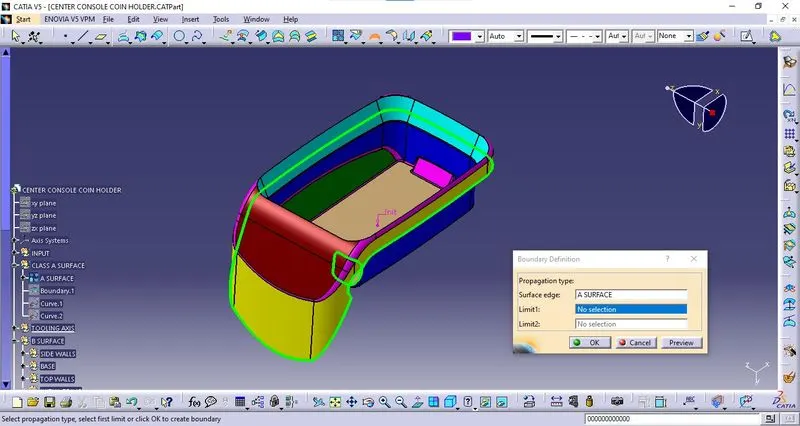
- Check the connectivity of Class A Surface using the boundary option.
- Ensure that there is no gap between the two surfaces.
TOOLING AXIS :
- Now we need to create the tooling axis for the Center Console Coin Holder model.
- Visually check which direction is better for creating the tooling axis. Now in order to create the tooling axis in Z - direction
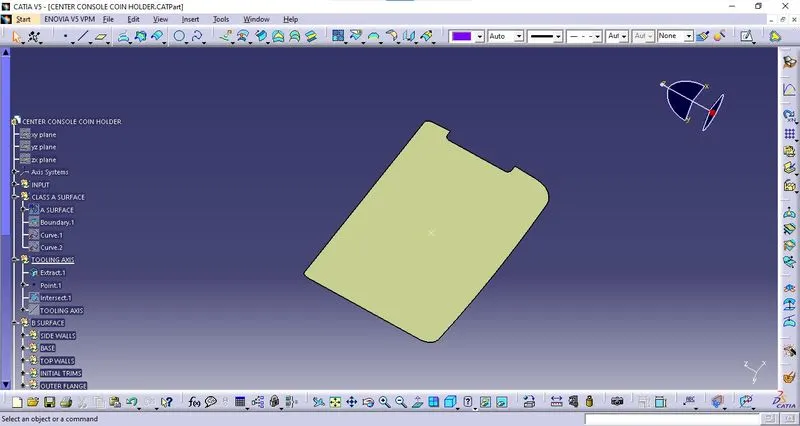
- First creates a reference point on any surface as shown in below.
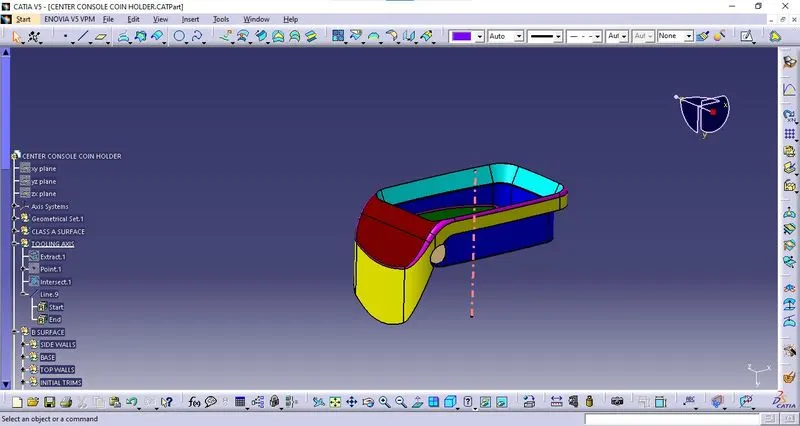
Now using the reference point, create a line normal to the surface. This line will give us the tooling axis.
CLASS B SURFACE :
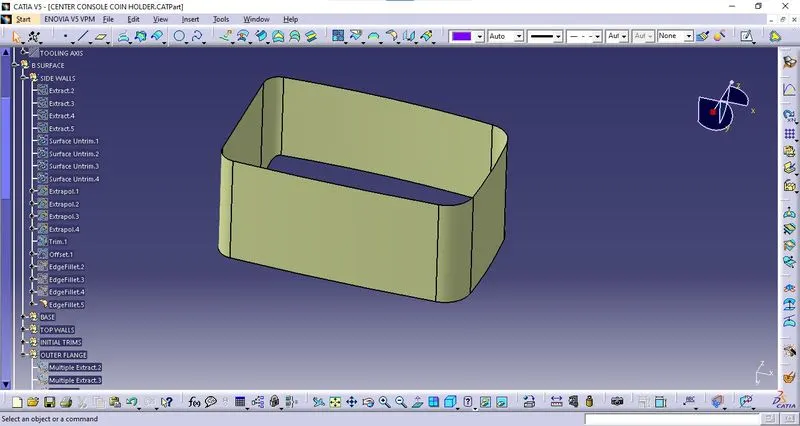
SIDEWALLS :
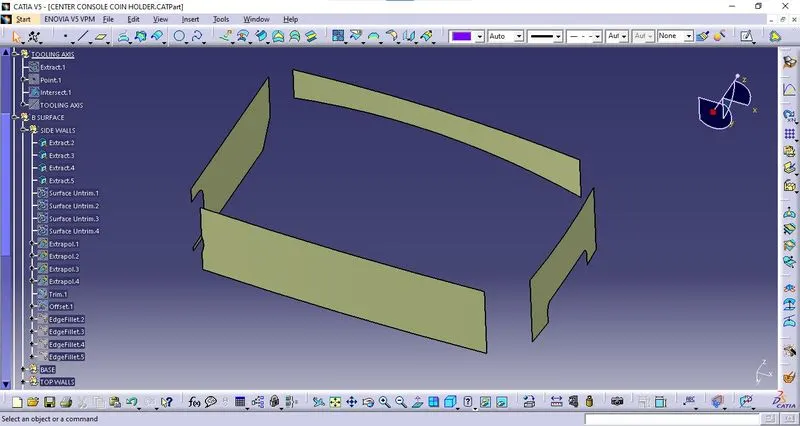
- Once the sidewalls are Extracted, Untrim it
- Extrapolate it by 20 mm on each side using point continuity.
- Trim them to form proper walls.
- Now offset it by 2.5 mm.
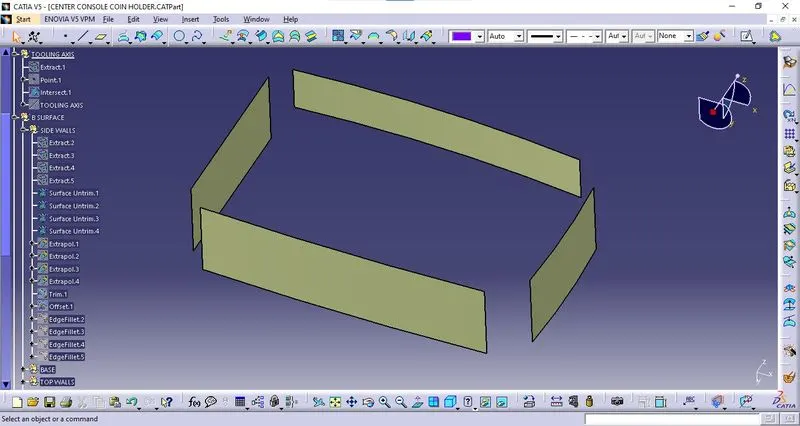
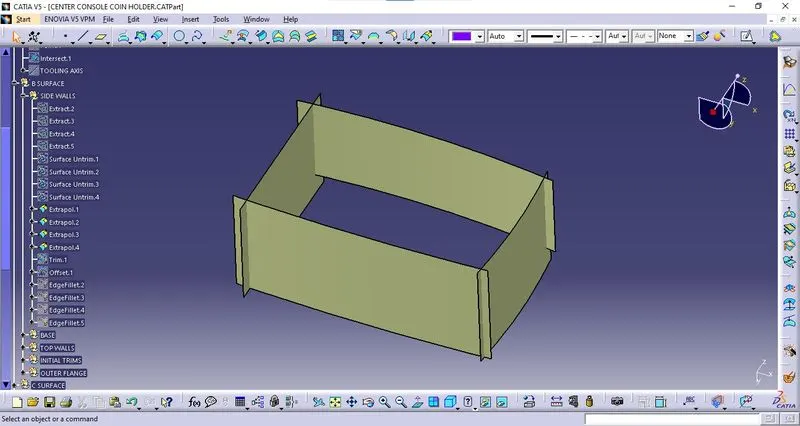
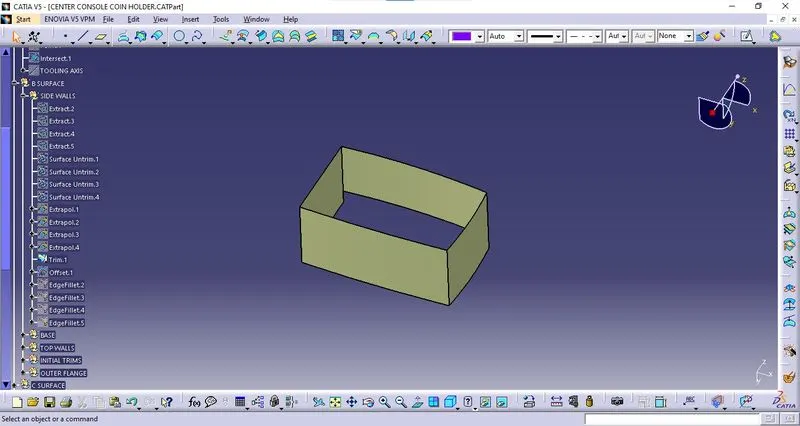
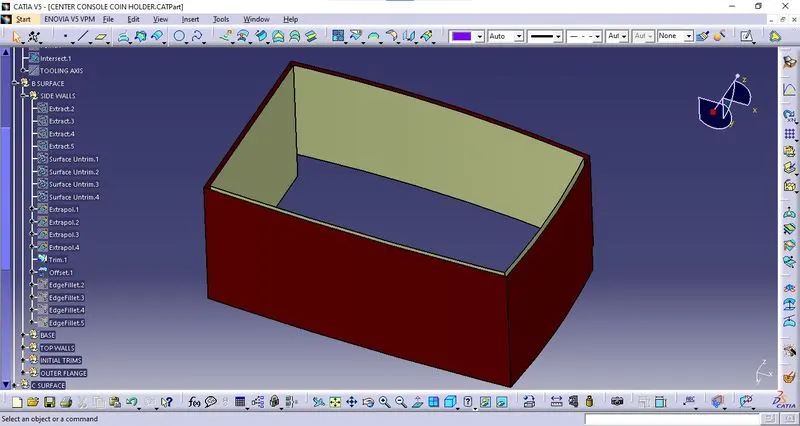
FILLETS :
Fillets measure the class a surface and give the fillets it by required values.
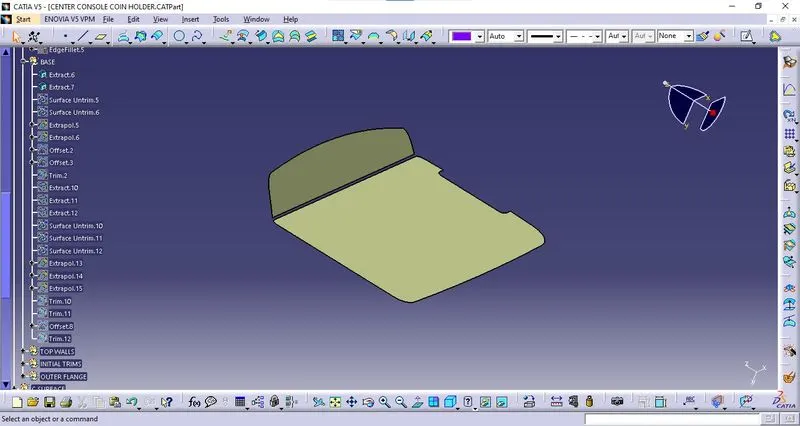
BASE :
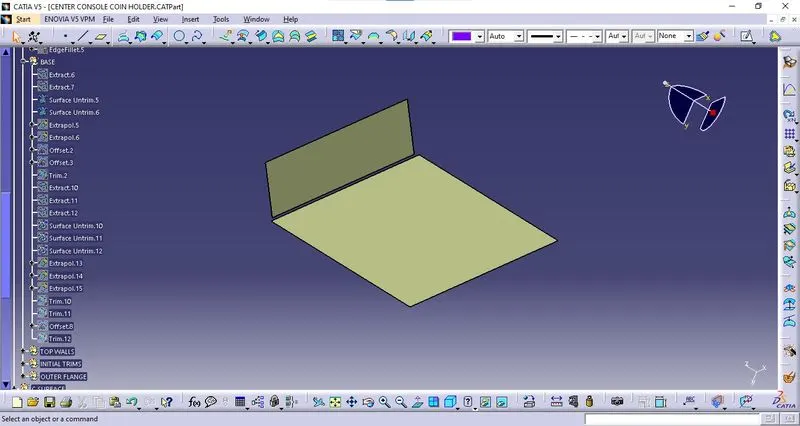
- Once the base surfaces are Extracted, Untrim and Extrapolate it by 20 mm on each side using point continuity.
- Offset it by 2.5 mm.
- Trim them to form the proper base.
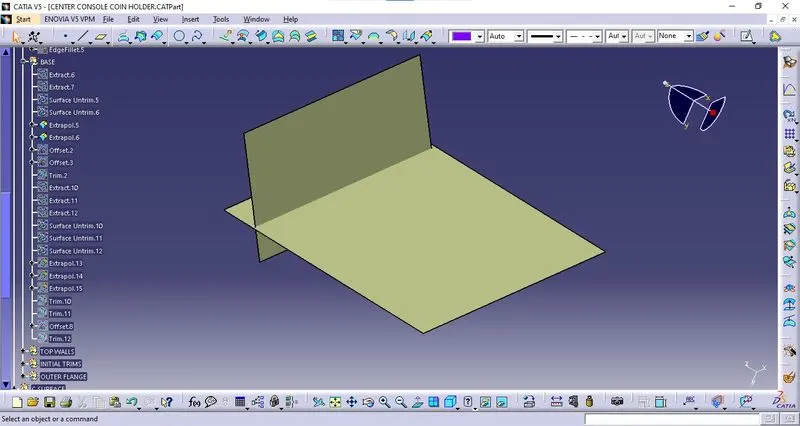
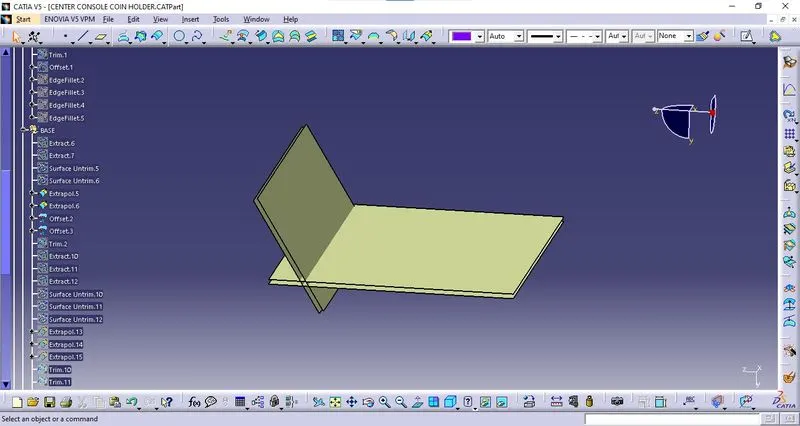
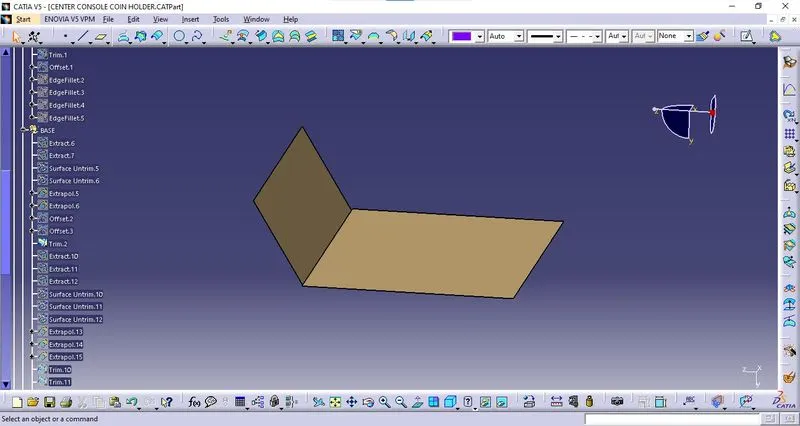
BASE WALLS :
- Base walls are Extracted, Untrim, and Extrapolate by 10 mm on each side using point continuity.
- Trim them to form a proper base wall.
- Offset it by 2.5 mm.
- Offset trim with a base surface.
- Replace trim 2 with trim 12.
- Local update in trim 3.
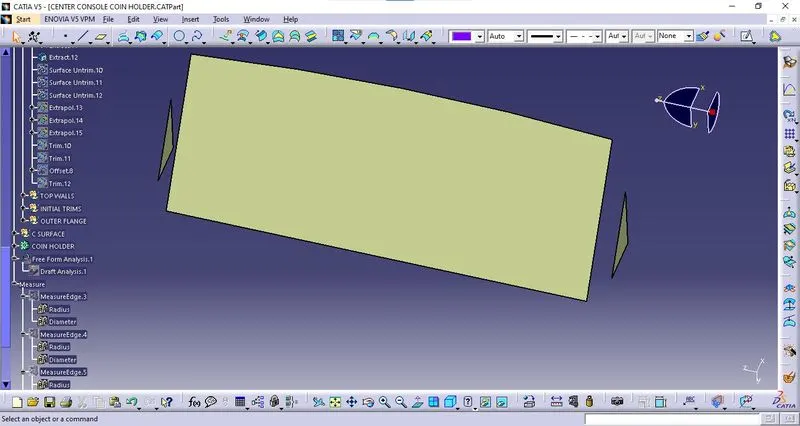
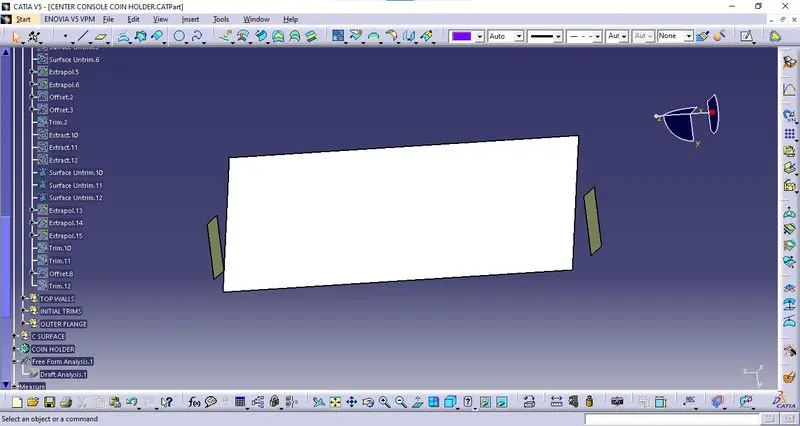
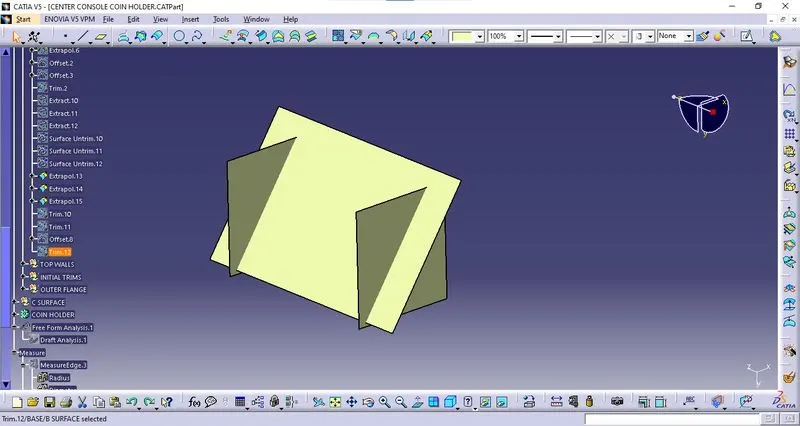
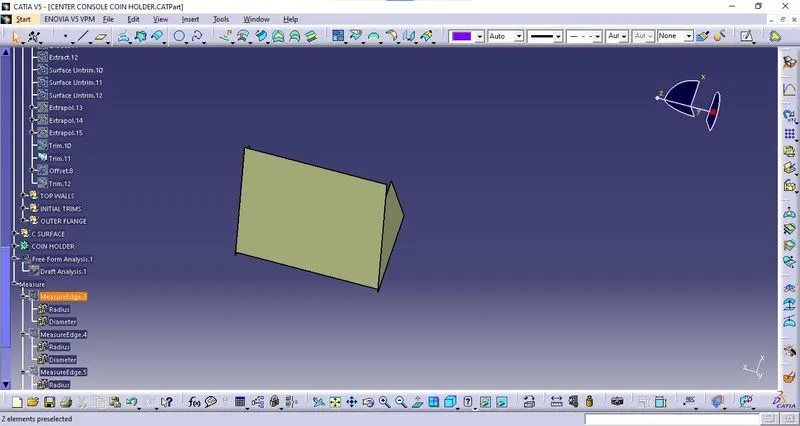
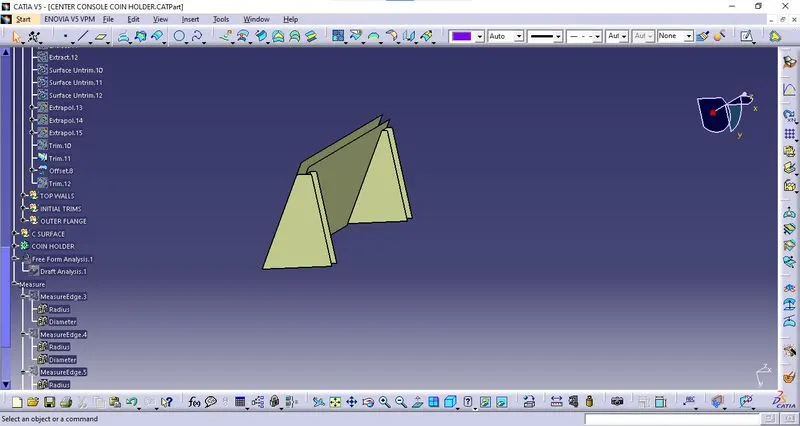
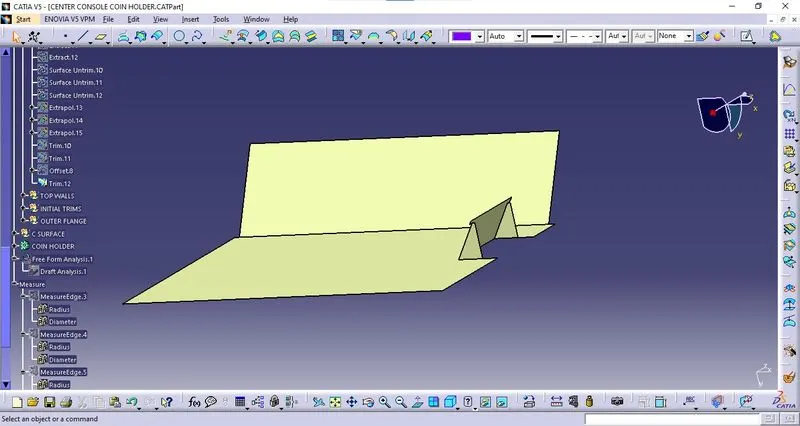
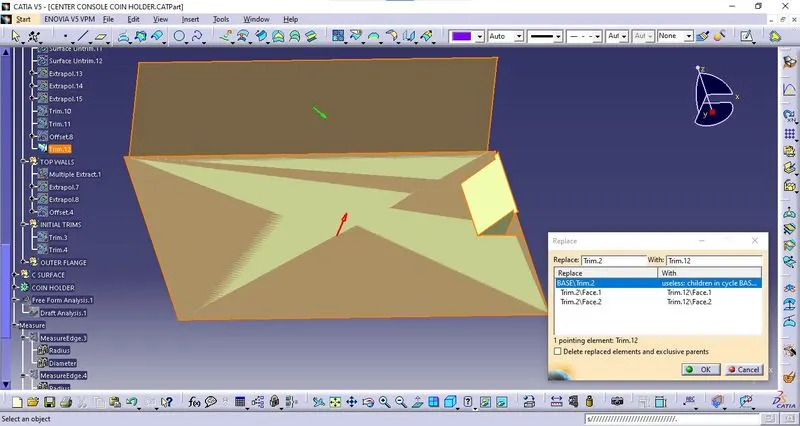
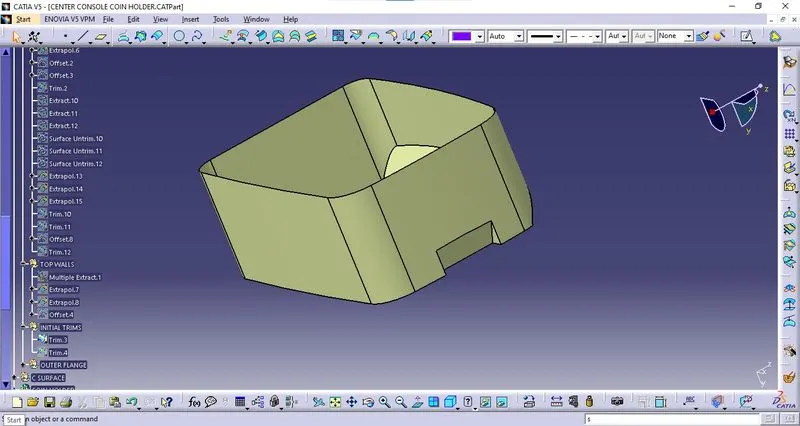
Sidewalls trim with Base Surface.
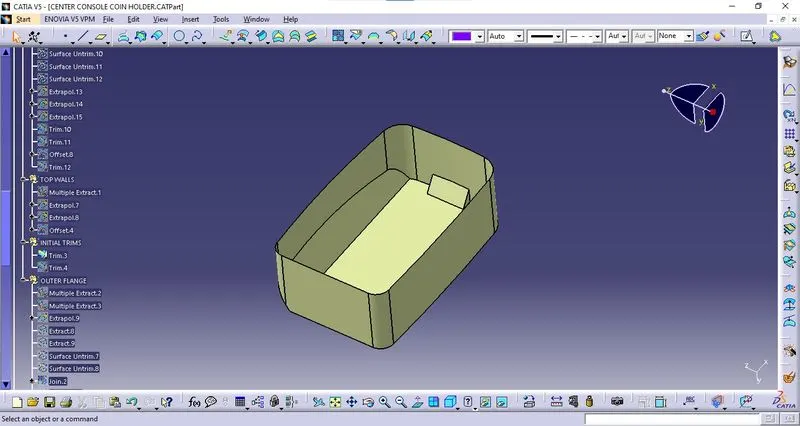
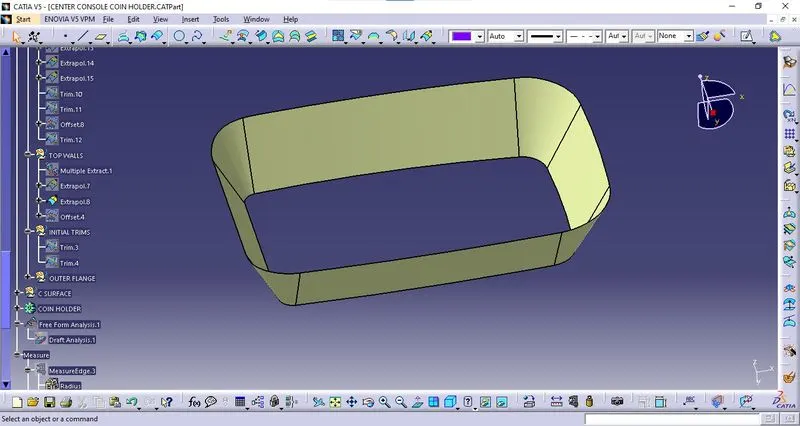
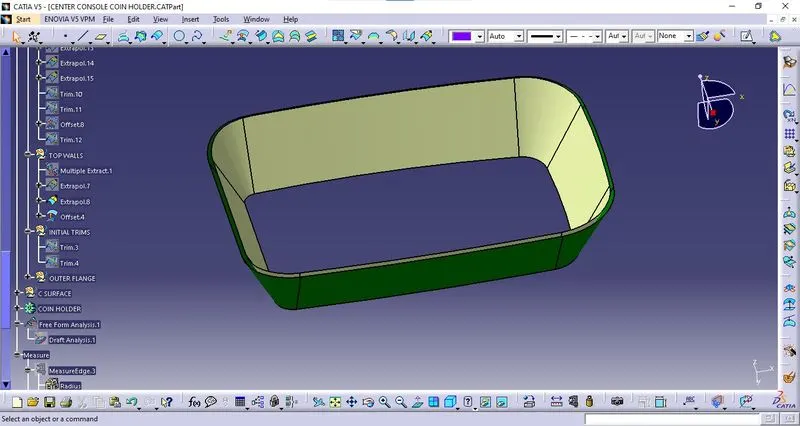
TOP WALL:
- Top walls are Extracted and Extrapolate by 20mm on each side using point continuity.
- Extrapolate by 4 mm.
- Offset it by 2.5 mm.
- trim 3 with offset.
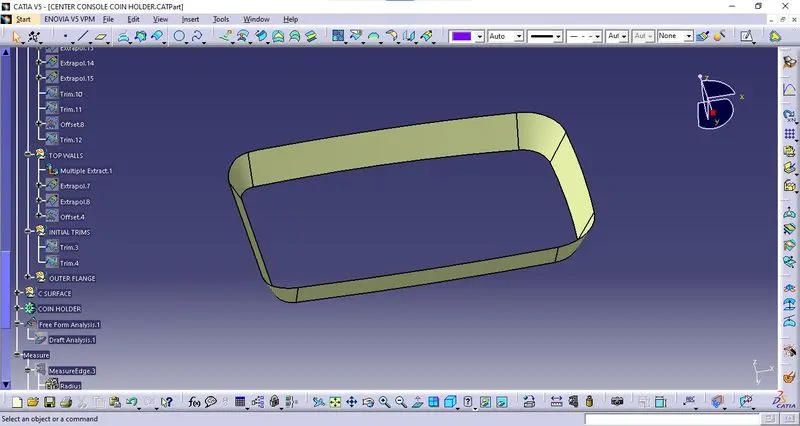
CLASS B SURFACE :
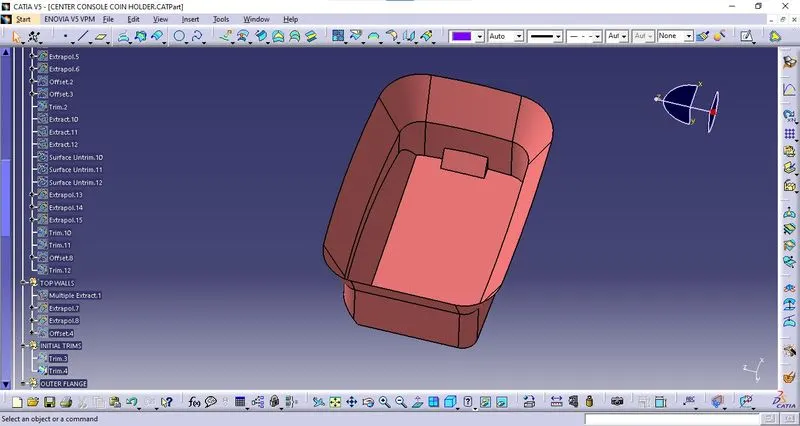
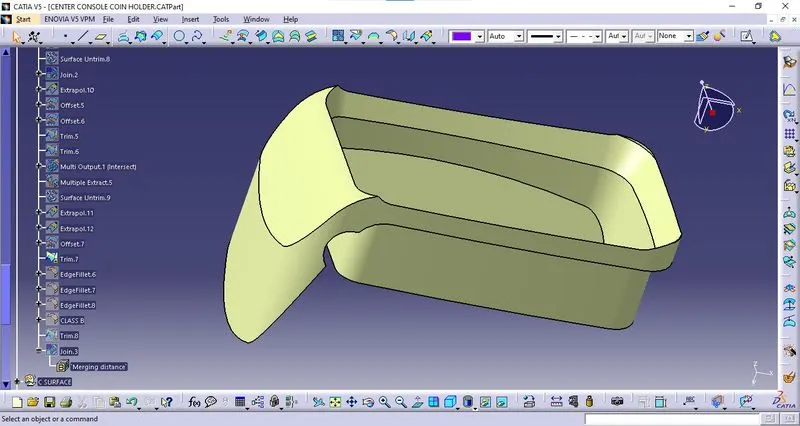
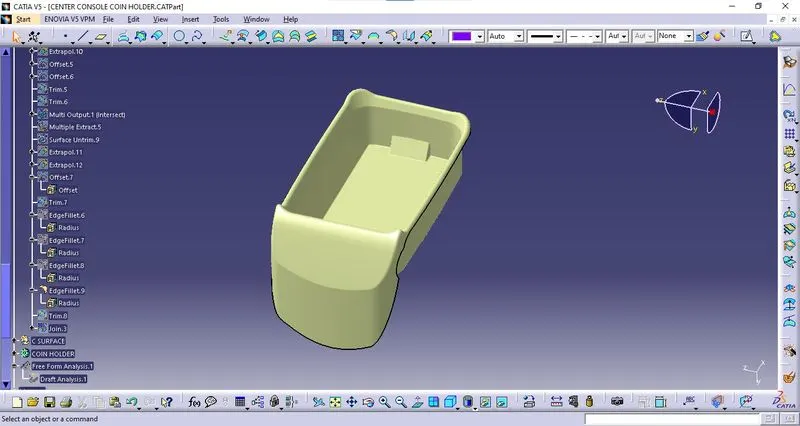
- Once all the surfaces are created trim these surfaces to form a Class B surface.
- Give the appropriate fillets to form a Class B surface.
Class C Surface :
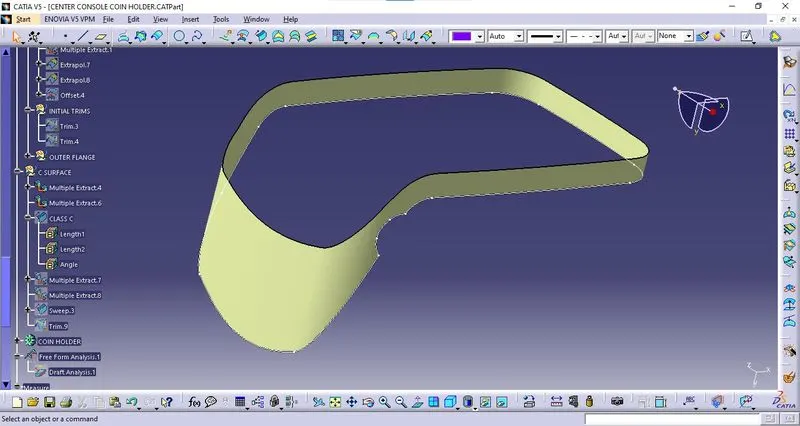
To create the Class C surface first, extract the boundaries of the Class A surface and extract the adjacent surfaces to the boundary as shown below.
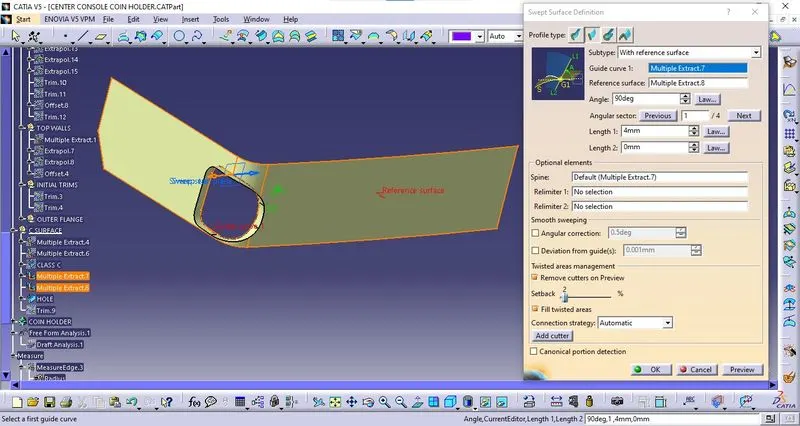
Sweep:
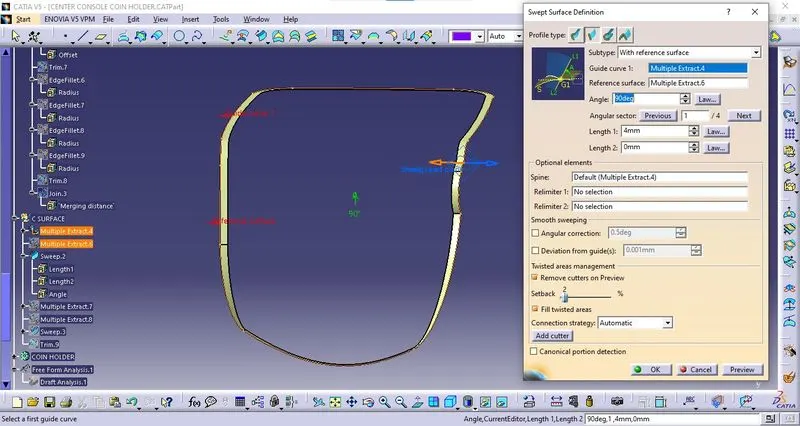
- Now using the sweep option create the surface.
- To perform this operation, Go to the Toolbar > Sweep > Profile type > Line > Subtype > With reference surface > Guide curve 1 - (select the extracted boundaries) > Reference surface - (select the extracted surface) > angle and length as 90 deg and 4 mm respectively and click ok.
Hole:
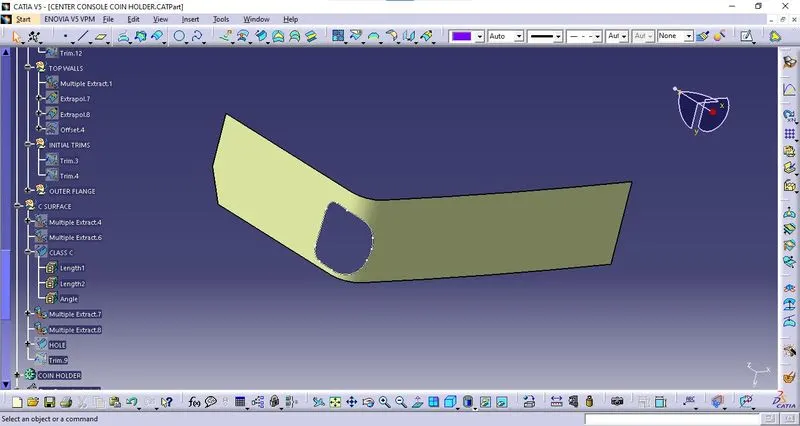
To create a hole first, extract the boundary of the hole and extract the adjacent surfaces to the boundary as shown below.
Sweep:
- Now using the sweep option create the surface.
- To perform this operation, Go to the Toolbar > Sweep > Profile type > Line > Subtype > With reference surface > Guide curve 1 - (select the extracted boundaries) > Reference surface - (select the extracted surface) > angle and length as 90 deg and 4 mm respectively and click ok.
Final trim:
- At last, Class A and Class C surfaces were joined together and trimmed along with the class B surface.
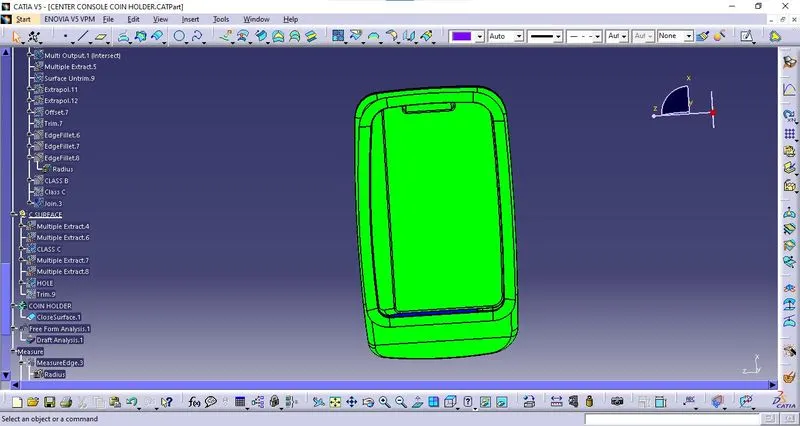
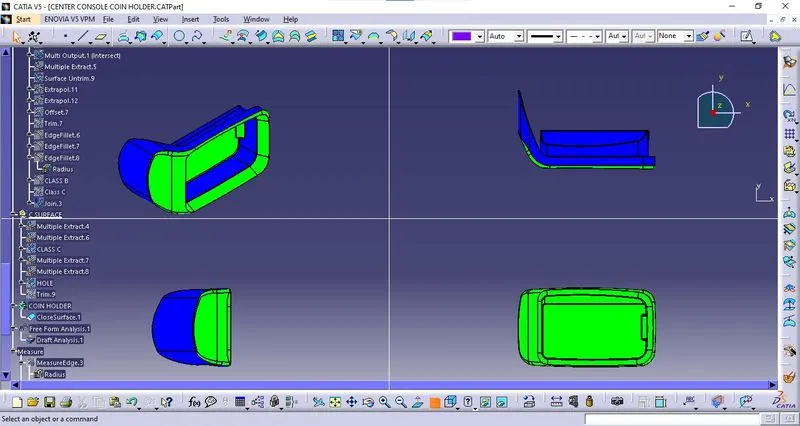
- Thus a closed surface was formed as shown below.
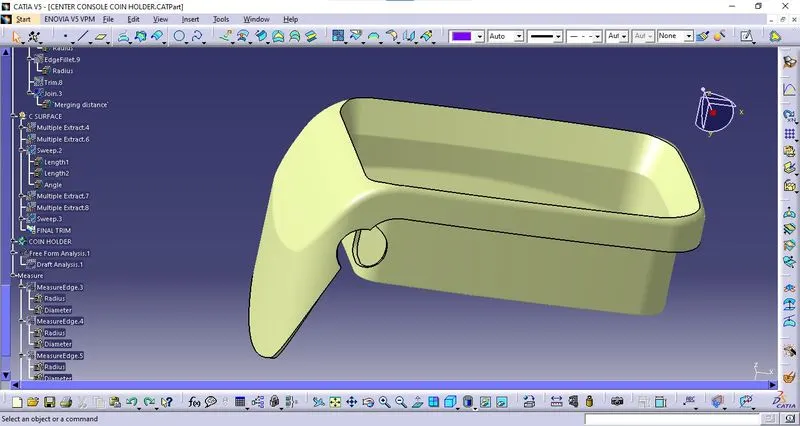
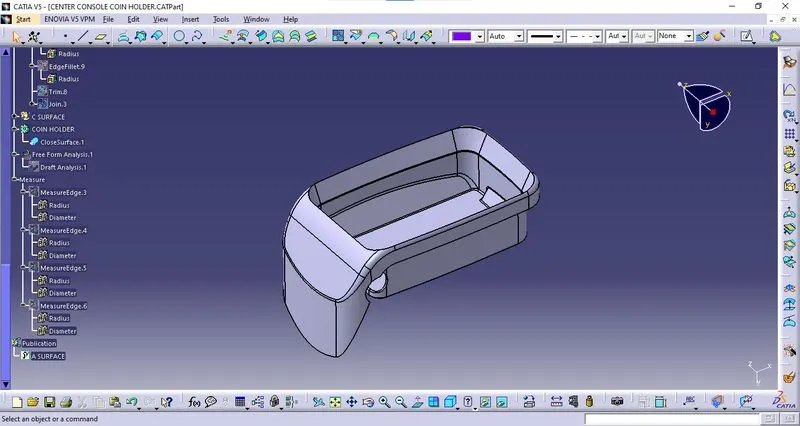
Now using the close surface from the part workbench form a solid body from the surface body.
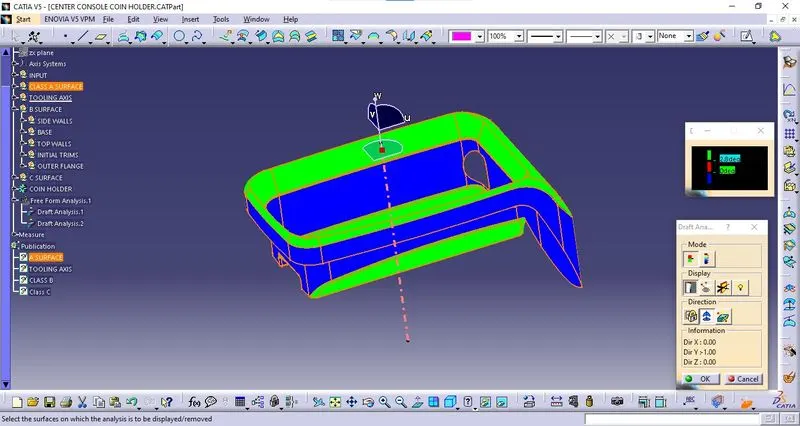
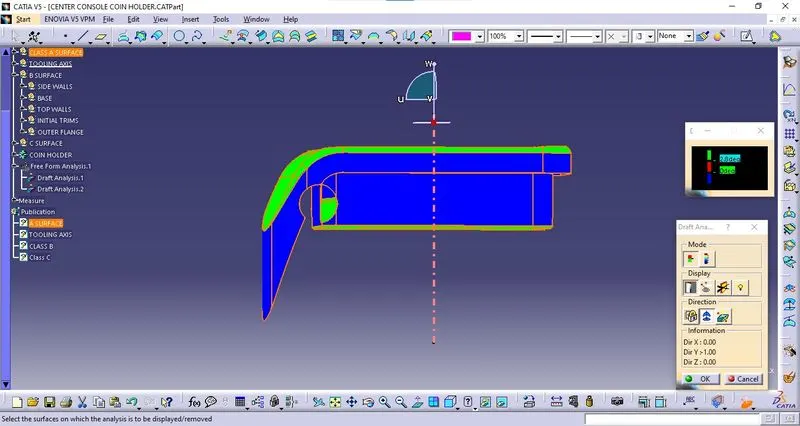
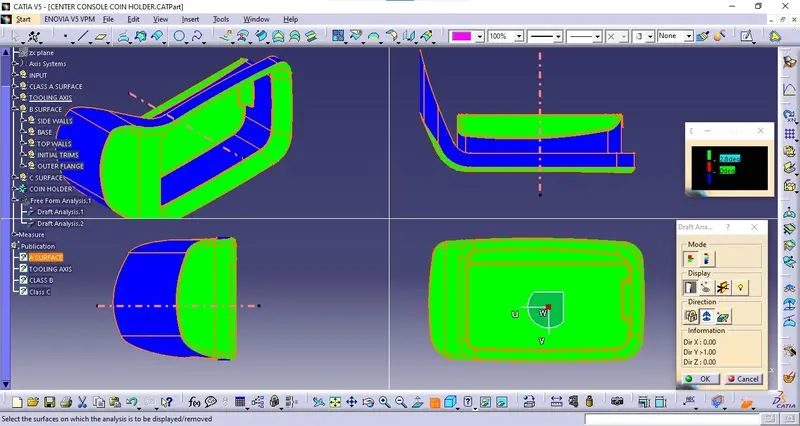
Draft Analysis:
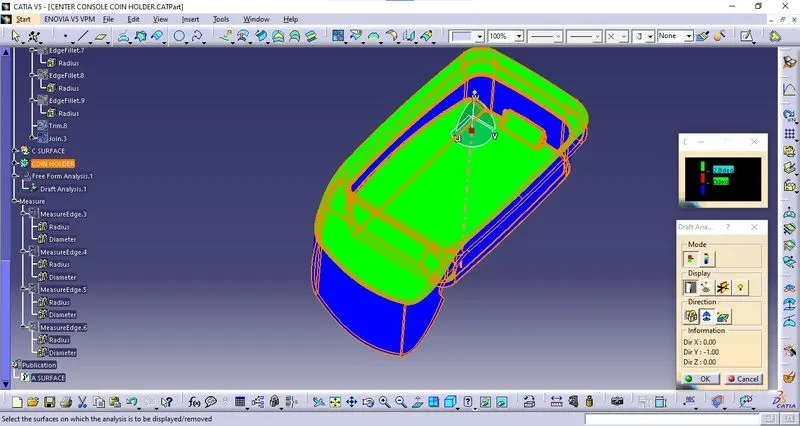
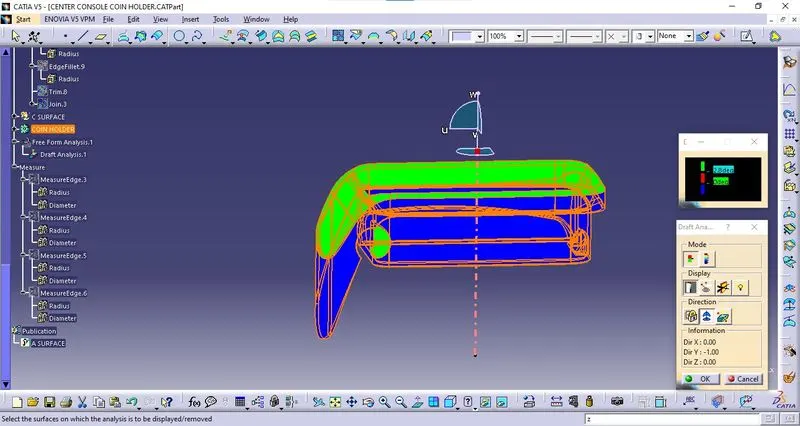
- To perform Draft Analysis on the Center Console Coin Holder model, first set the view parameters to Material Mode.
- Then Go to the menu bar > select insert > Analysis > Feature Draft Analysis.
- To give the draft direction, use the compass and align the Z-axis of it with the final tooling axis for the Center Console Coin Holder model.
- Once it is properly aligned, lock the draft direction.
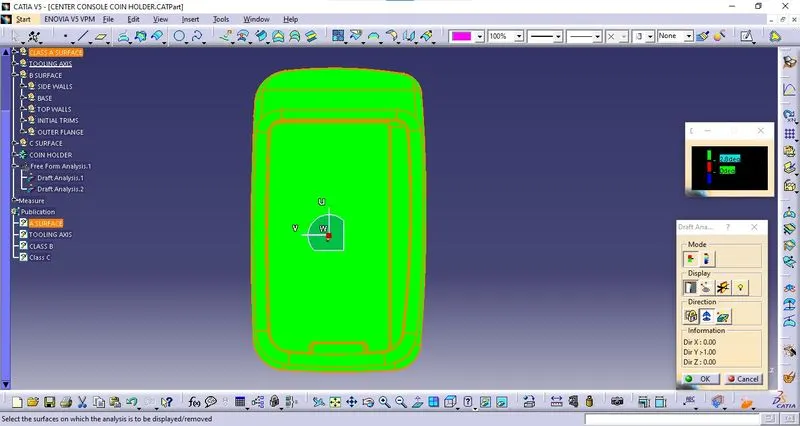
- Select the Center Console Coin Holder and it will show us the current draft angle of the model.
- Set the draft value to 2.8 deg under the colour scale variant and press ok.
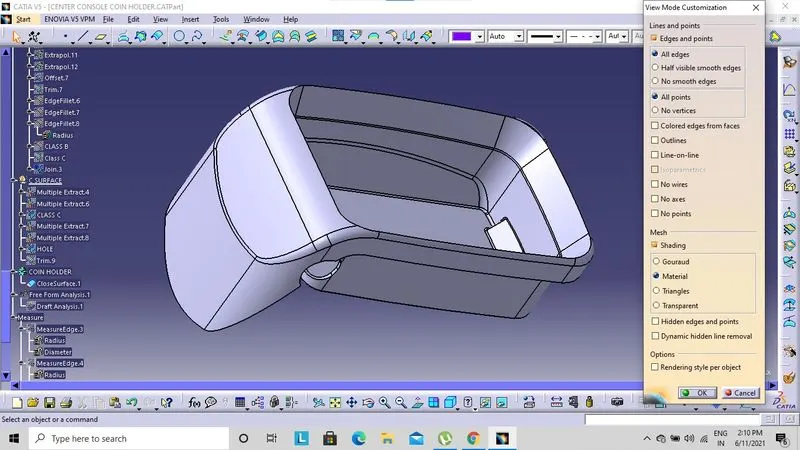
Solid-body Draft Analysis :
Class A Draft Analysis: