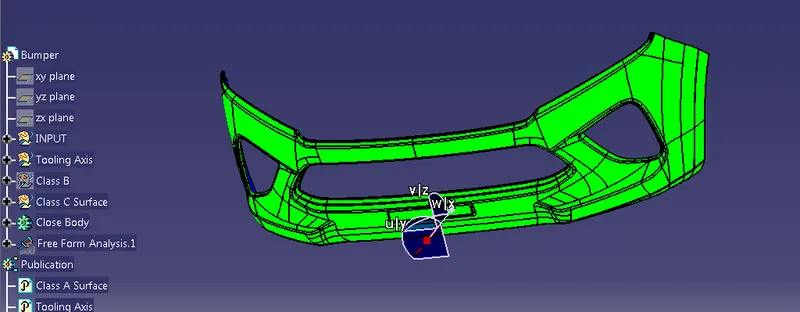
Week 8 - Challenge 4 - Bumper
1st create tooling axis
1) extract the face
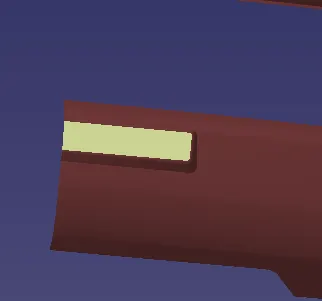
2)create the point on the extracted surface.
3) create line at the point in direction
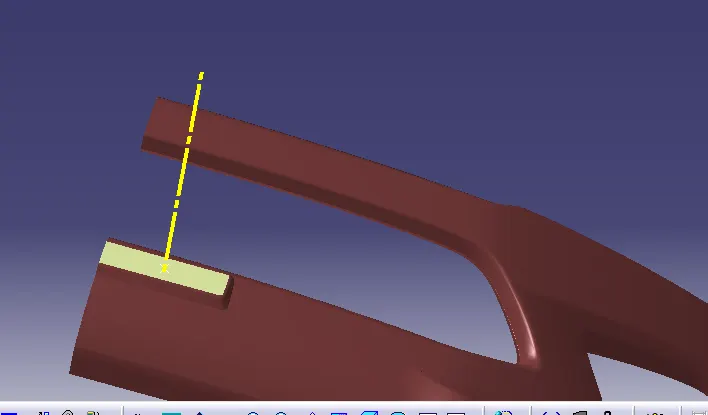
4) That line called Tooling Axis
After tooling Axis creation check the class A surface draft Analysis
B surface - for the class B surface create different parts like Number plate portion, grill portion and top portion etc
1) create offset of class A surface by using offset command and it offseted by 3mm as given as instruction
2) create the Number plate portion and then for correct fillet value ,it measure the fillet value from the class A surface
and give the fillet as per class A with 3 mm less
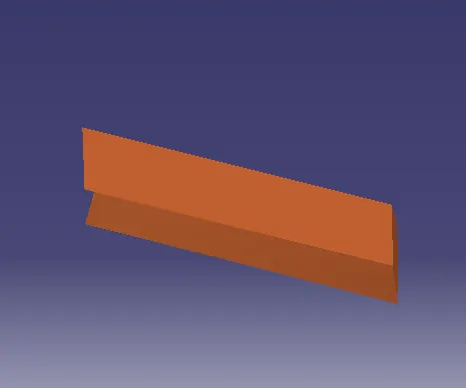
3) Then create grill
4) At the last create Top portion
5) and fillet the class B surface and get the CLASS B surface
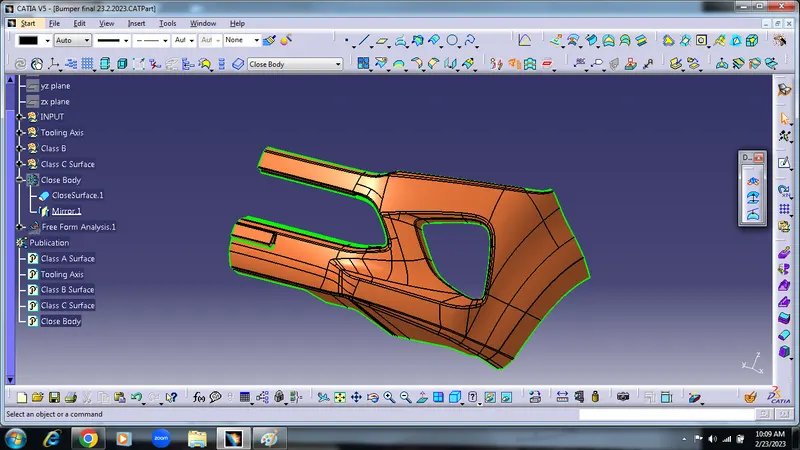
C - CLASS Surface-
The main purpose of the class C surface is to connect CLASS-A and CLASS-B surface .
1) By using boundry command create boundry for CLASS A surface
2) Then the boundry sweep and multisection get the c surface
3) but corner are opened ,so extrapolate by 5mm and then trim it
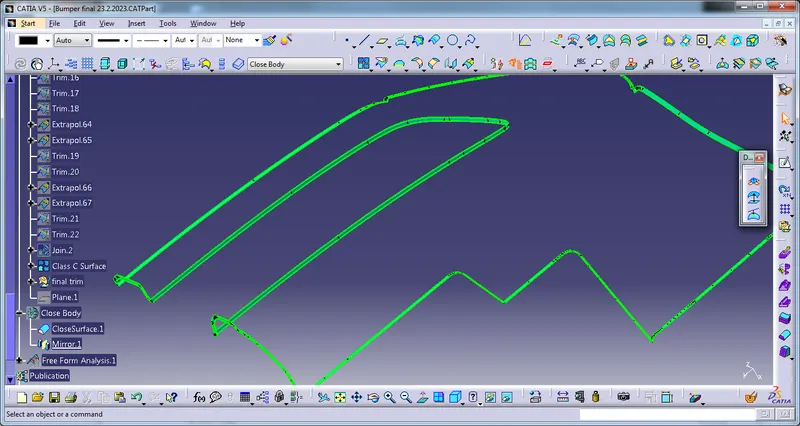
4) then trim CLASS B and above last trim together and get the final Class C surface.
the Class -C surface looks shown in below figure
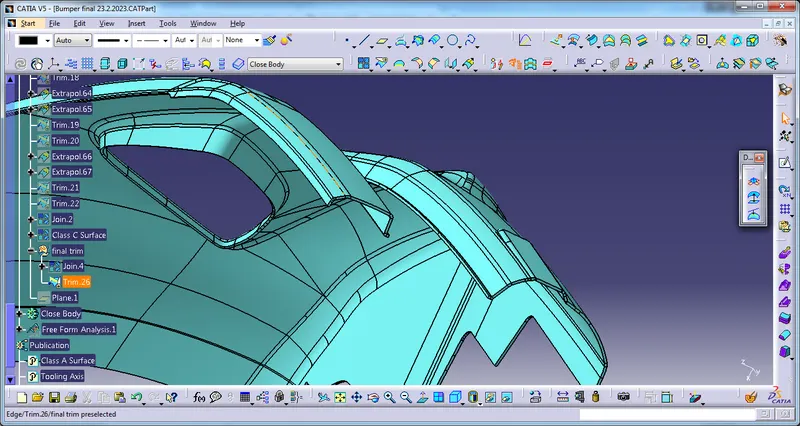
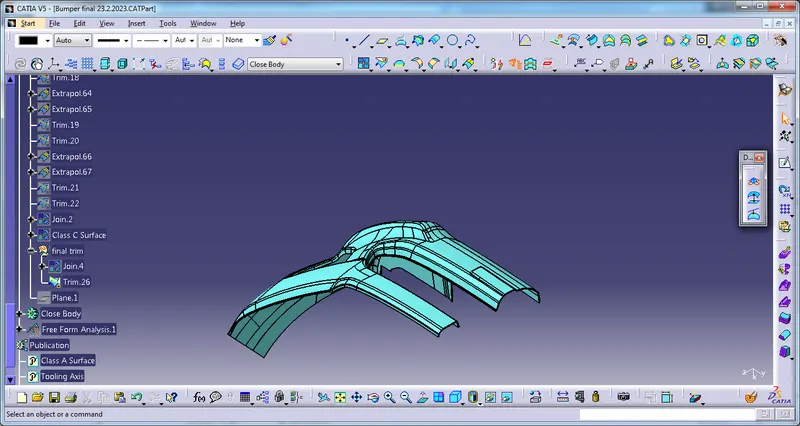
CLOSE SURFACE-
1) Go to the part modelling and choose close surface command and create complete model surface
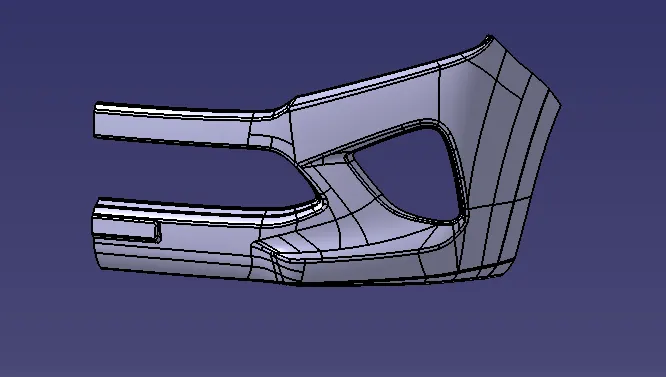
2) Then the closed body mirror for full size of Bumper
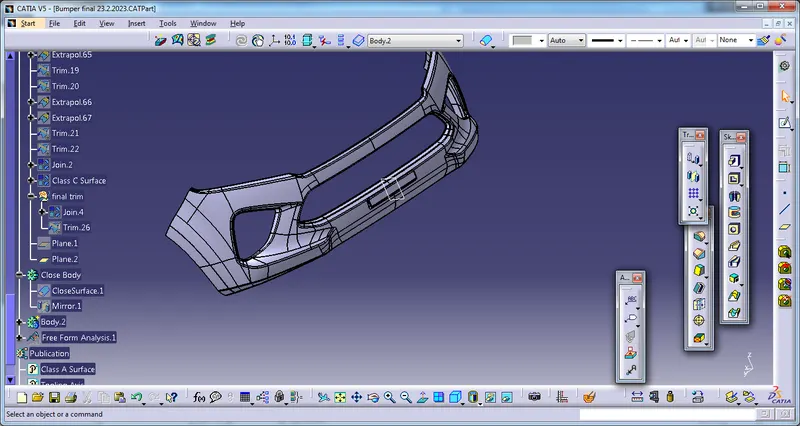
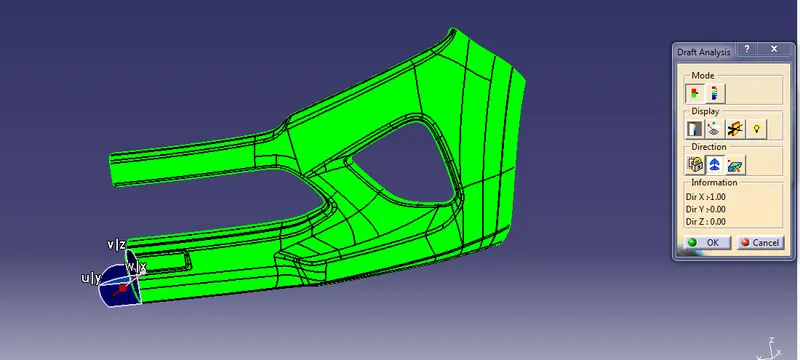
Draft Analysis- at the last draft analysis conducted and draft angle is 3 degree