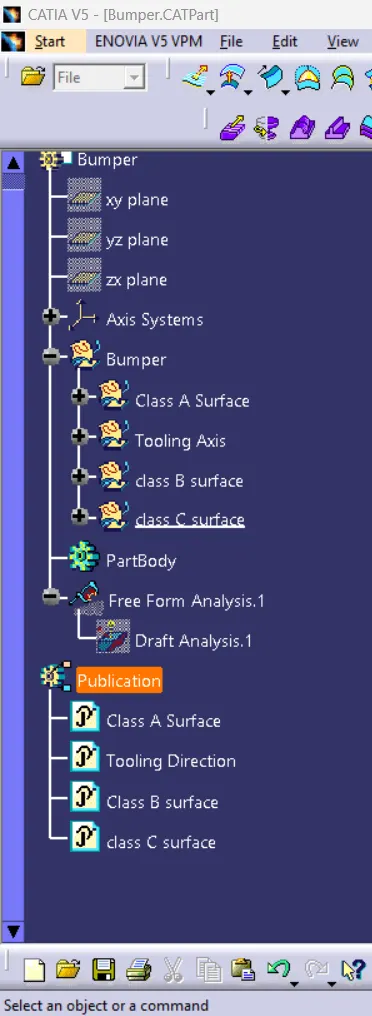
Week 8 - Challenge 4 - Bumper
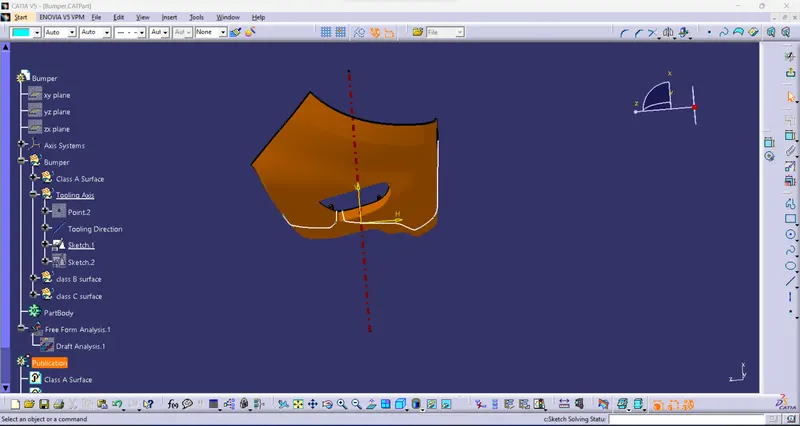
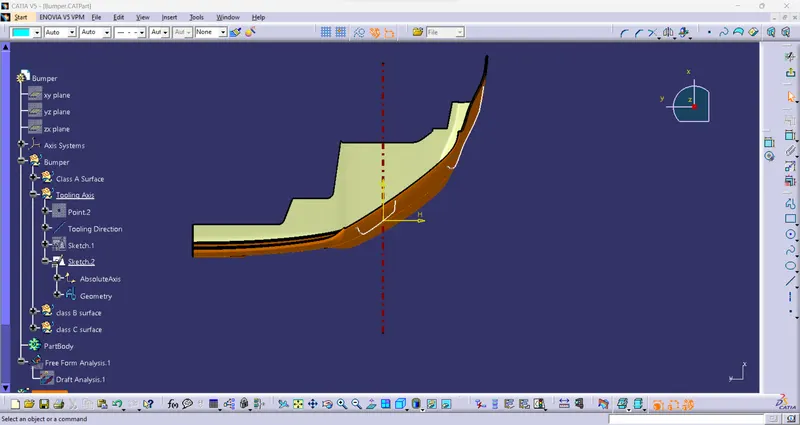
Tooling Axis:
- Tooling Axis is a line in which the core & cavity is open.
- create an intersection on both sides to check the center of the axis
- To create a point using the surface to generate the line to the center of the tooling axis.
- To change the name to Tooling axis.
Draft analysis:
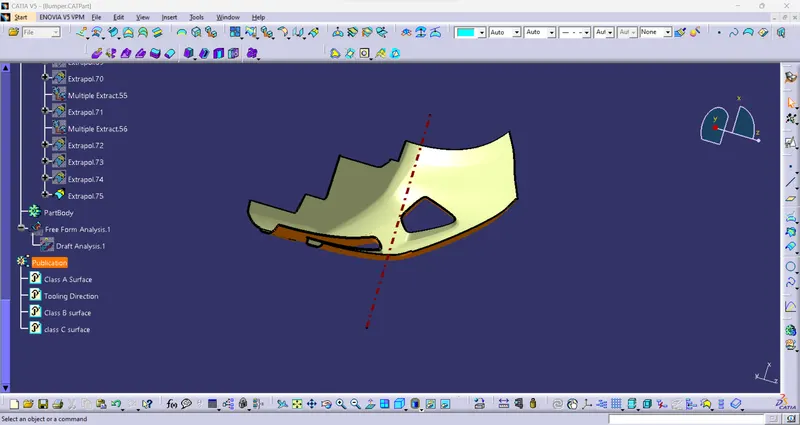
- Analysis of the draft angle of the completed solid model.
- Using this command to check the possibility of the draft angle for tooling direction.
- The green color in the correct body or possible side.
- Blue is between the 0 to 3° angle.
- Red is a negative angle not possible.
- This draft analysis uses the tooling direction to analyze all the angles of the solid surface.
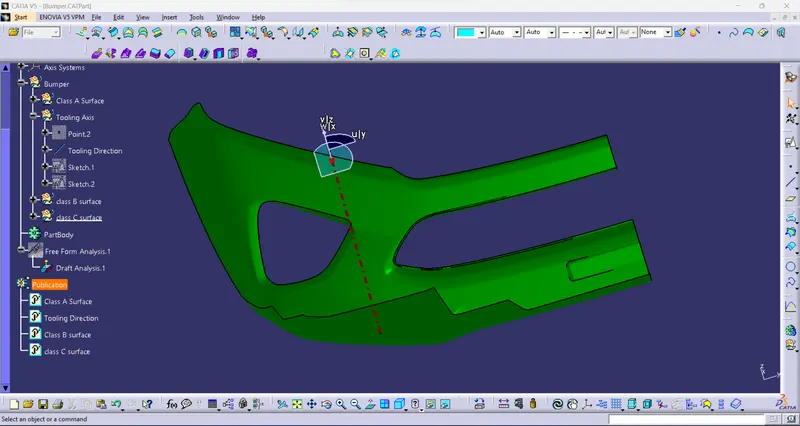
View:
Isometric view:
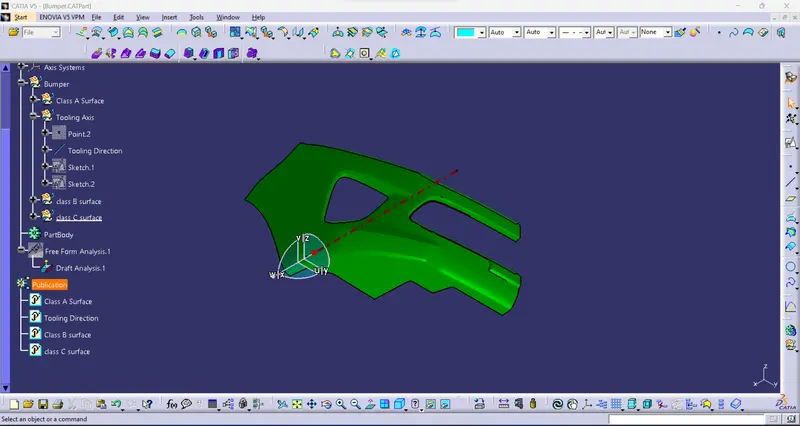
Front view:
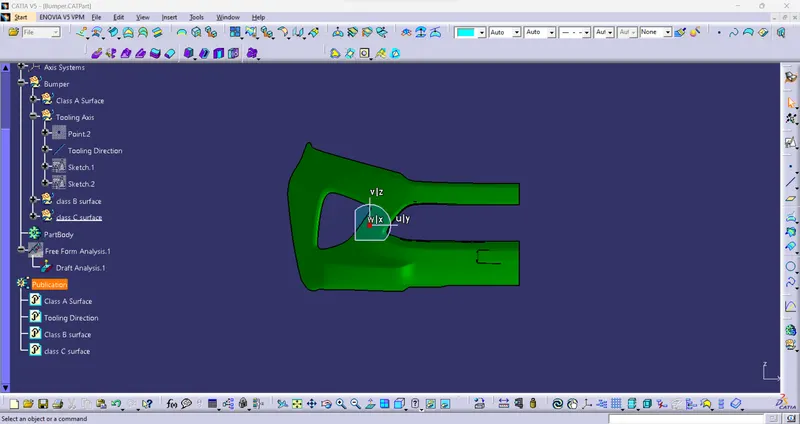
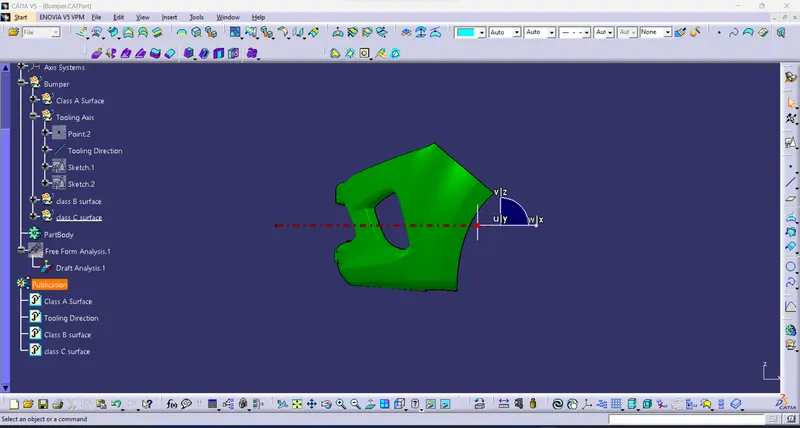
side view:
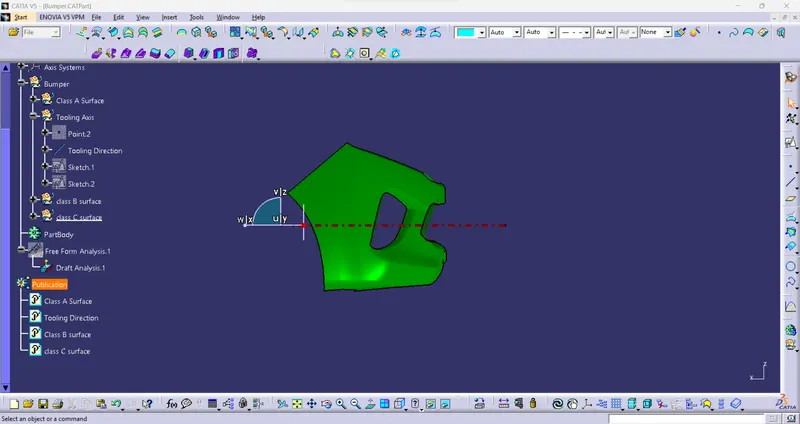
Top View:
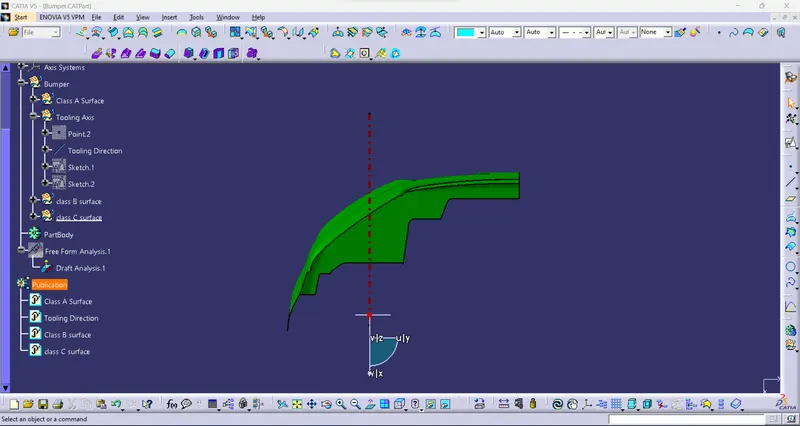
Surface modeling :
Class A surface:
- class a is an input to get stylish.
- check the class A surface to fully closed surface or not.
- the use to create class B surface.
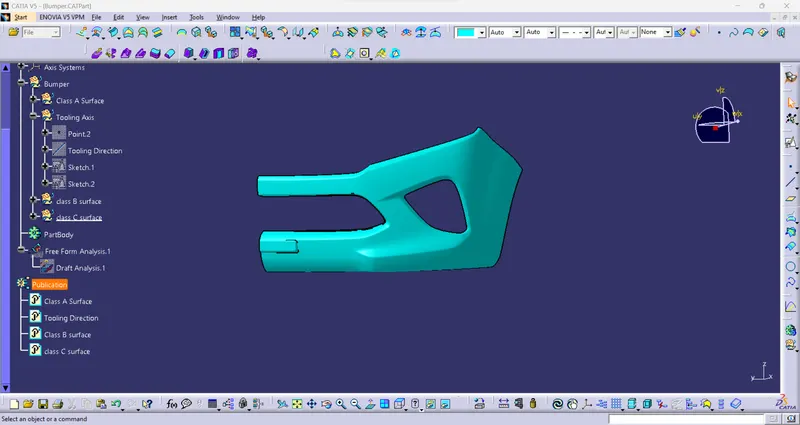
Class B surface:
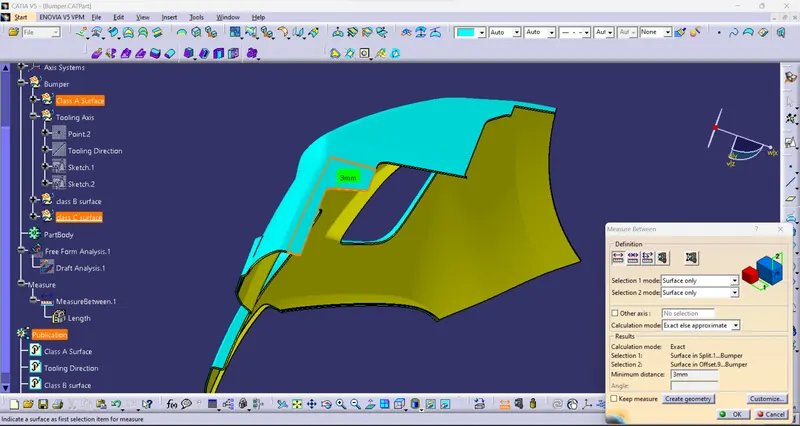
- Class B surface has Extracted the surface from the class A surface.
- First, offset the surface for a given thickness of 3mm distance.
- Then clear small gaps for the fillet side to create a blend surface using to boundary command.
- Finally, create a class B surface:
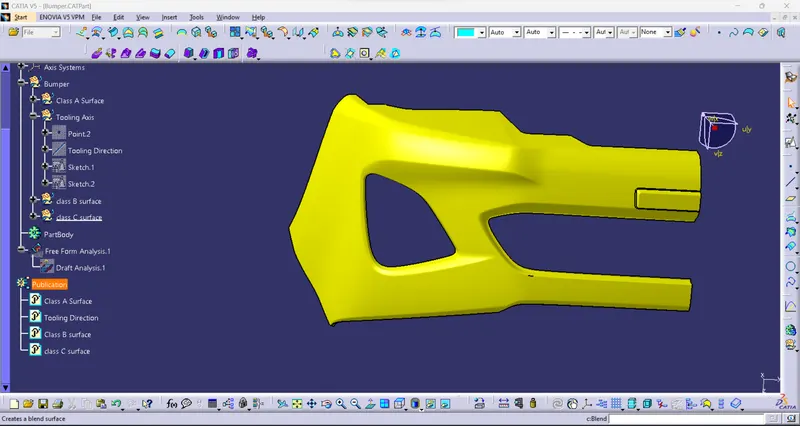
Class C Surface:
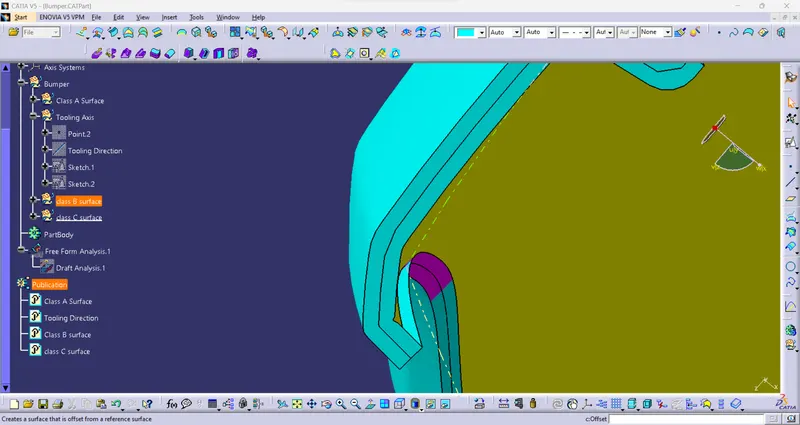
- create class C surface used to Sweep command to close the surface then trim the body.
- to close the surface.
- To get the closed surface
Tree management: