Week 8 - Challenge 4 - Bumper
TO DESIGN A CAR BUMPER BY USING CLASS A SURFACE
AIM:
- To design a car bumper Plastic component through the given Class-A surface by creating a tooling axis and draft analysis of the given surface.
DESIGN PROCEDURE:
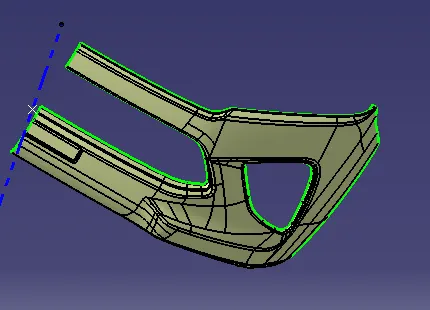
- To setup the class-A surface and to creating a tooling axis
- add draft angle
- To create a base surface of model
- To create a B-surface
- To create a C-surface
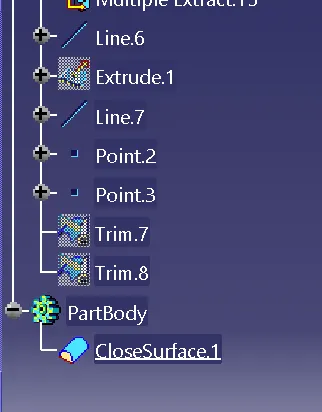
- To use close surface for creating a solid part model
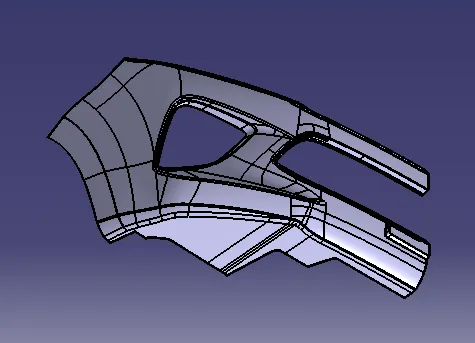
CLASS-A SURFACE:
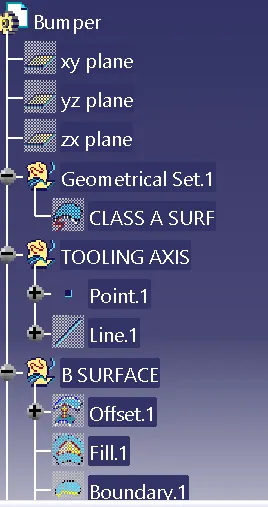
TOOLING AXIS:
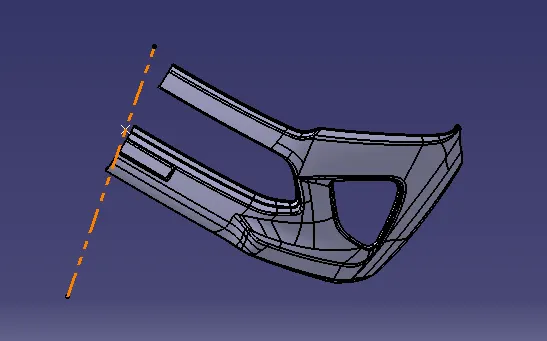
- Tooling axis can be classified into two methods
- direct method
- For this model, to use a line at mid-point of the base of the coin holder
- Due to perpendicular walls of the class A surface
DRAFT ANALYSIS:
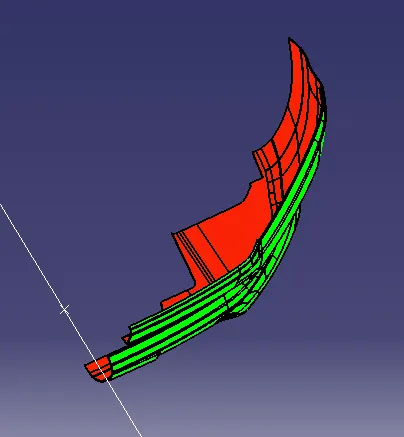
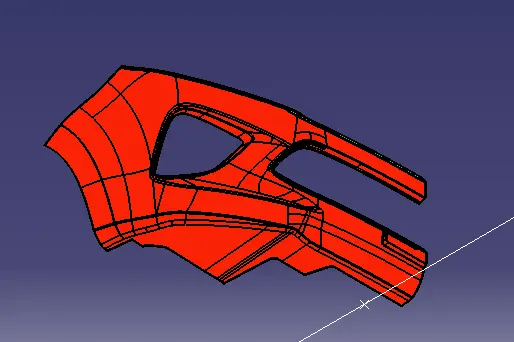
- The Drafting analysis was performed on the class-A surface by using the Feature Draft Analysis command.
- Using this command, the compass was set on the main tooling axis and the Draft angle was changed to 3 degrees.
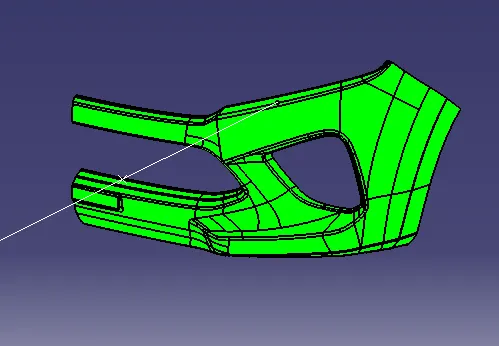
CREATING CLASS-B SURFACE:
- To offset the class-A surface along 3mm for to create a B- SURFCAE.
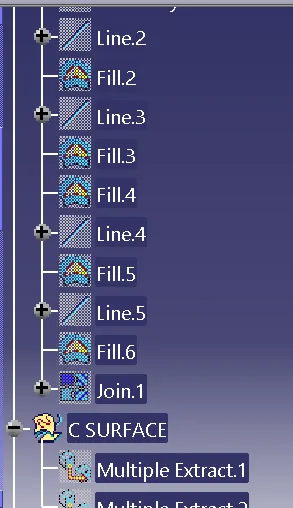
- Surface Gaps can be filled by using a fill tool and multi sectional tool
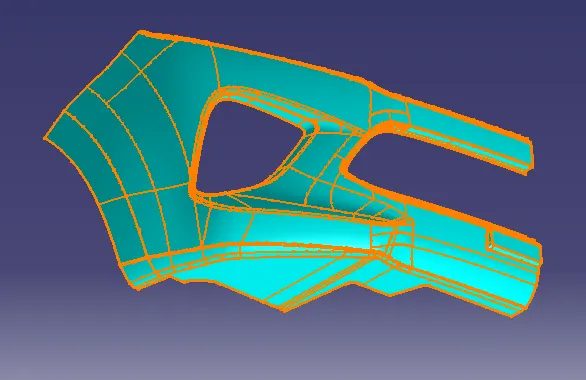
B-SURFACE
CREATING C- SURFACE:
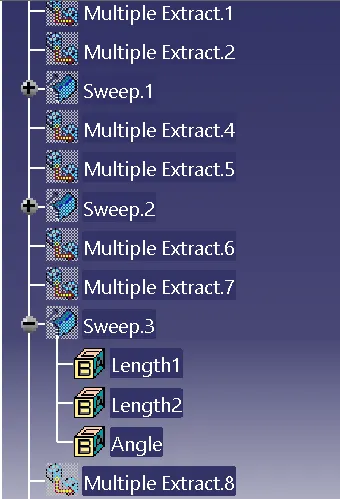
- To use multiple extract tool on the class A surface
- The extract boundaries can be sweep at 90 degrees to the reference boundaries up to required length
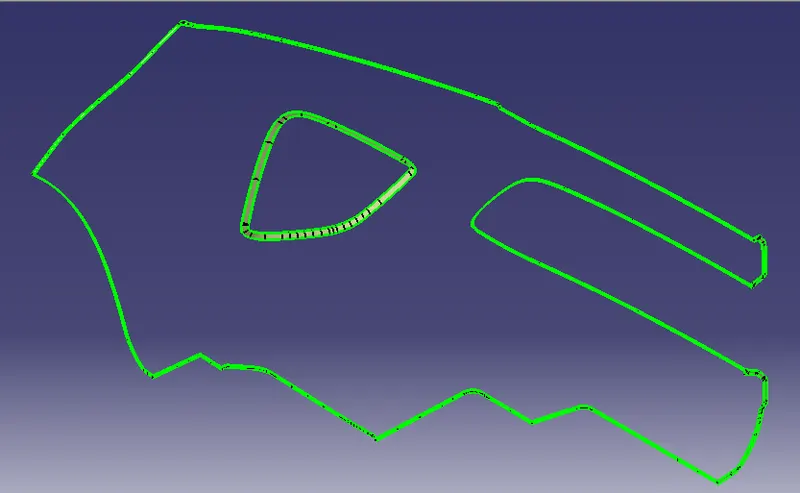
C-SURFACE
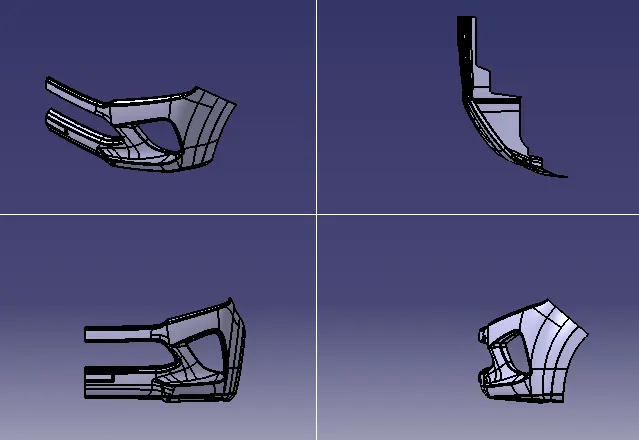
SURFACE MODEL OF A CAR BUMPER:
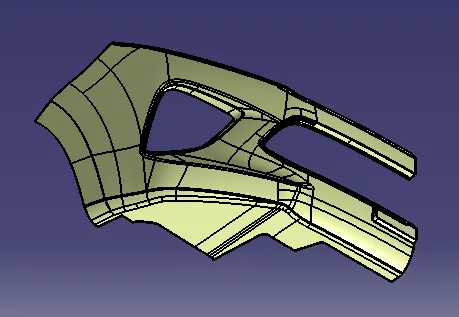
SOLID MODEL OF A CAR BUMPER:
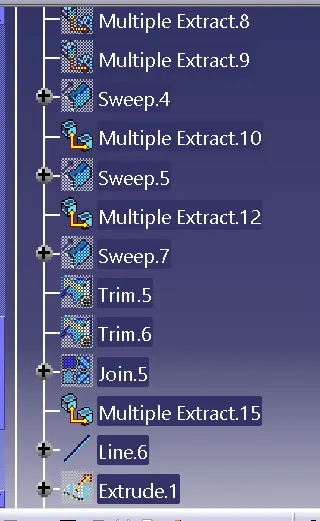
TREE SHOTS:
CONCLUSION:
- To use class-A surface and create Tooling axis, Draft analysis were performed.
- The solid component was created from the surface model.