Week 8 - Challenge 3 - Switch Bezel Design
PROJECT : Design and draft analysis of switch panel bezel
SOFTWARE USED : Catia V5
3D EXPERIENCE : Shape generative design
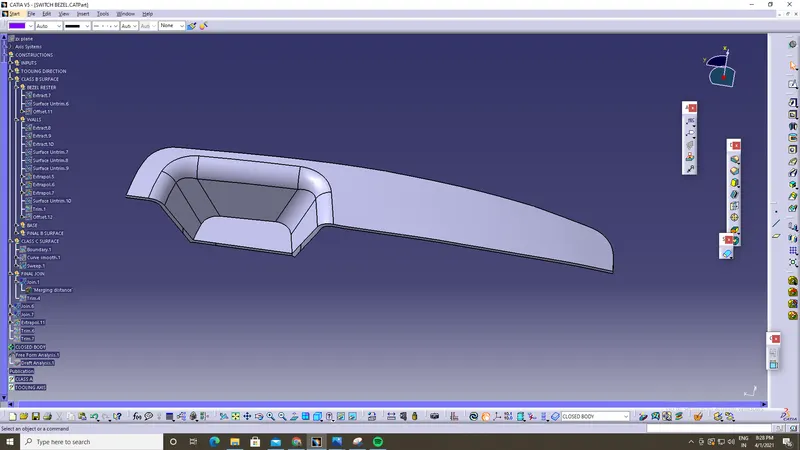
Given input Class-A surface & to develop Class-B surface and Class-C surface design and to demonstrate draft analysis of the component and to show the part design of the component is final output in this review.
Class-A surface :
Explaination :
For the given class-A surface to design class-B & class-C surfaces is explained in step by step procedure.
Commands used :
Extract | Surface untrim |extrapol| trim | offset |edge fillets | curve smooth | boundary | sweep | axis system |draft analysis | publication | etc
Defining Class-B surface is observed in the below image
STEP 1 : Extracting each surface to determine class-B Bezel rester
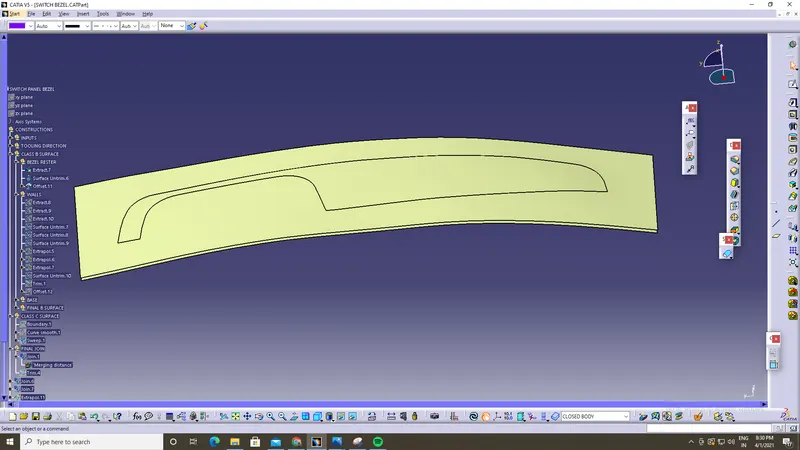
STEP 2 : Extracting walls surface to determine class-B
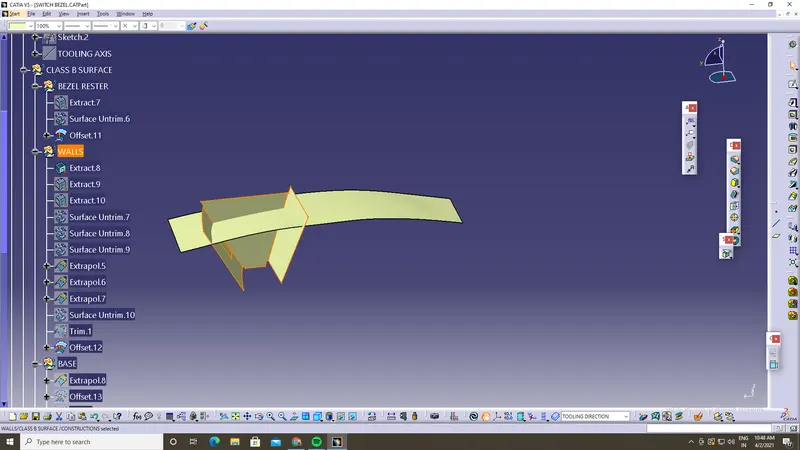
STEP 3 : Extracting base surface to determine class-B
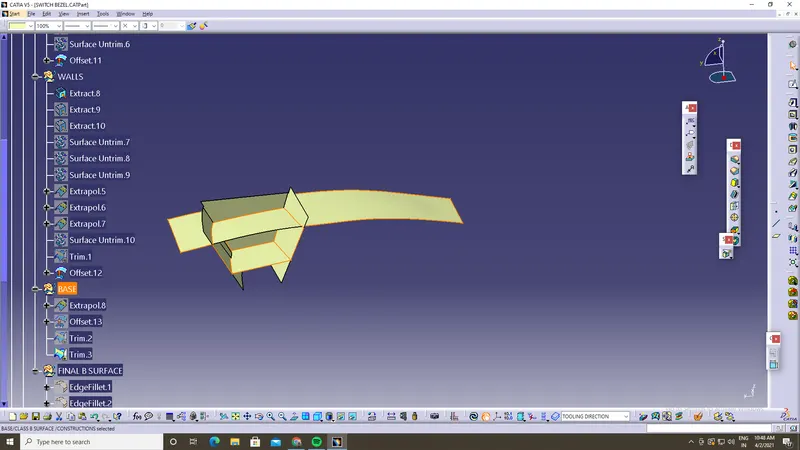
All surfaces veiwing command is used to preview my making of class-B surface
STEP : 4
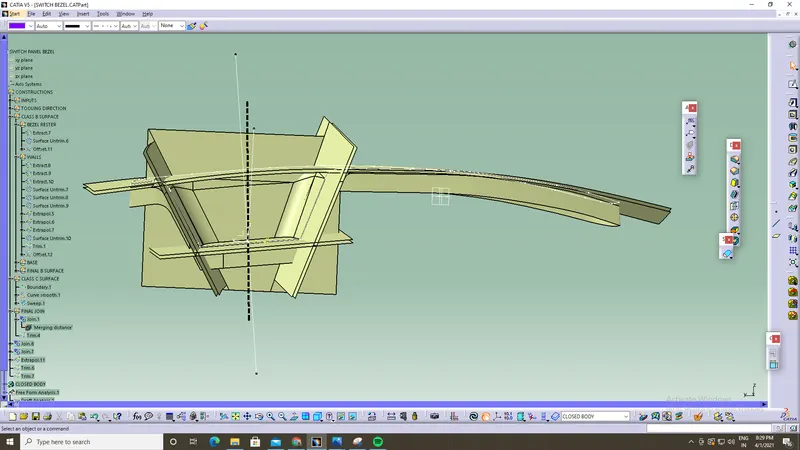
STEP 4 : FINAL CLASS-B SURFACE
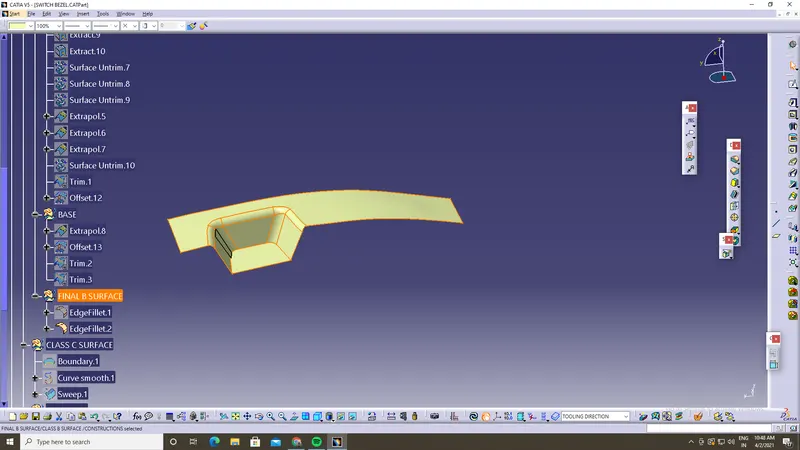
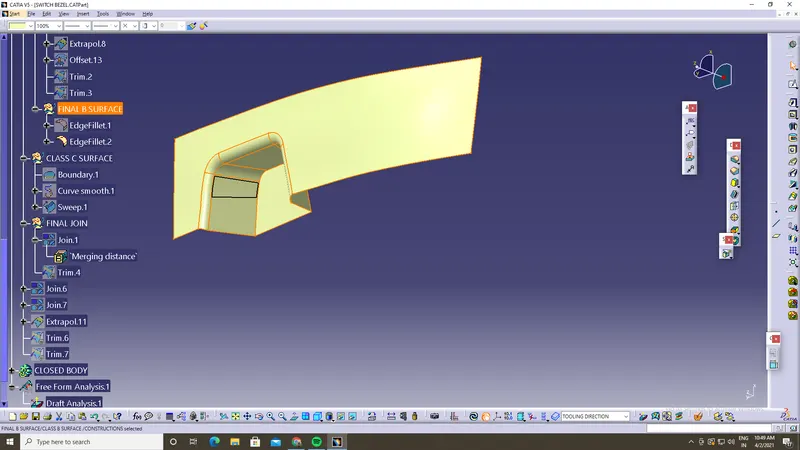
STEP 5: Tooling Direction of component using PLANE ZX & PLANE YZ positioned sketch to determing tooling axis is observed
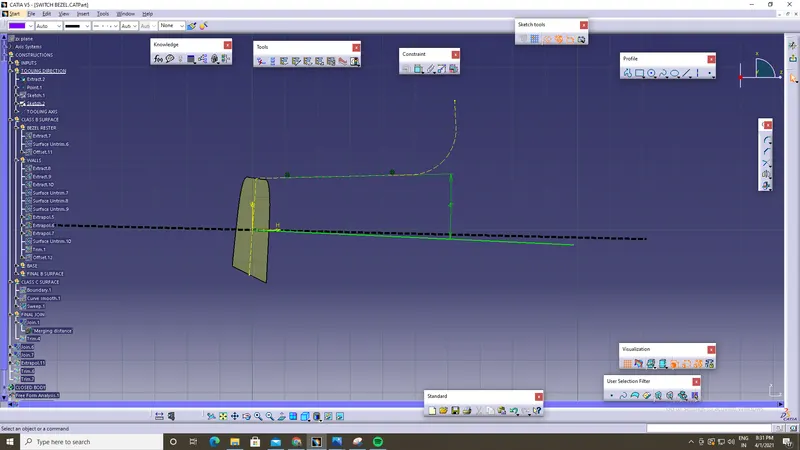
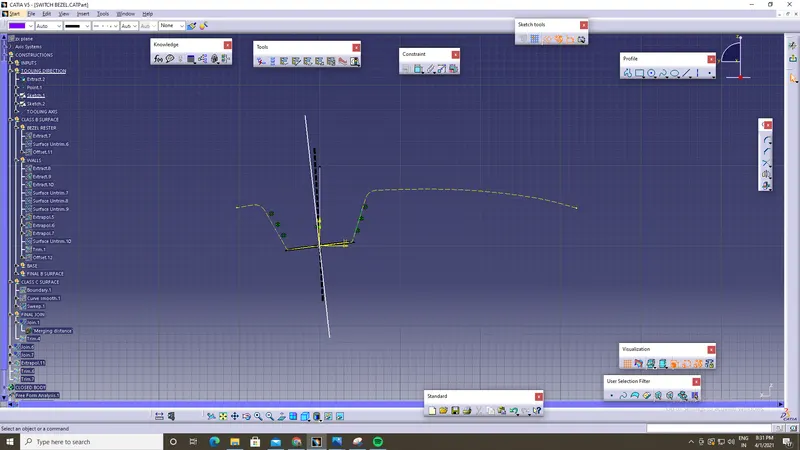
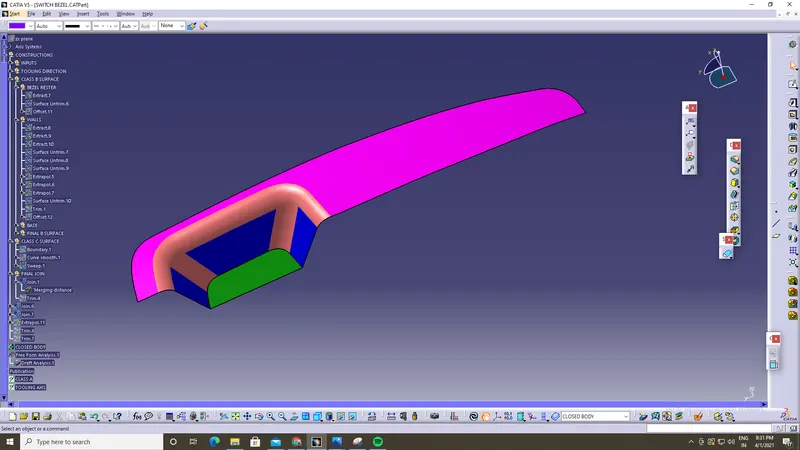
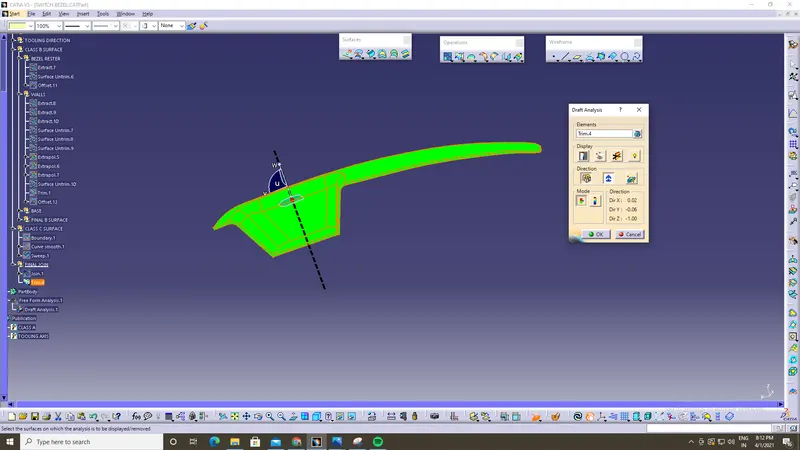
STEP 6:Draft analysis for switch panel bezel
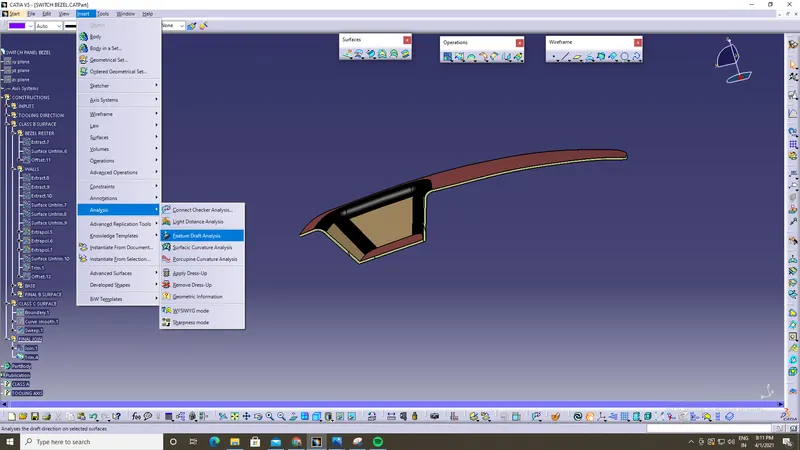
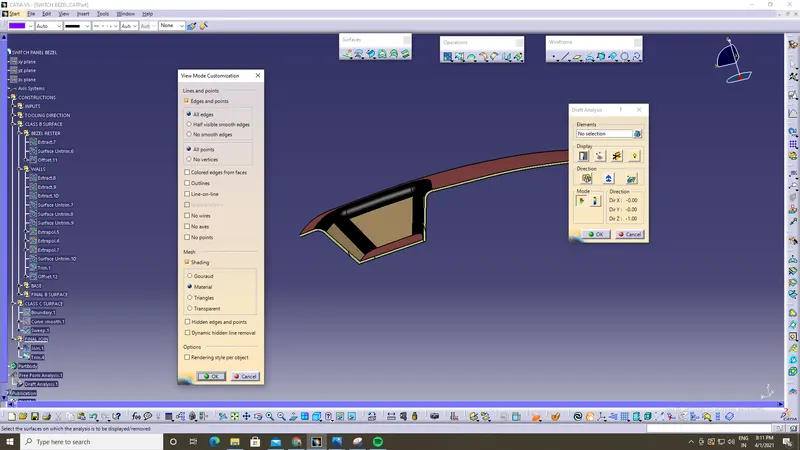
Defining for perfect tooling direction represented in green colour
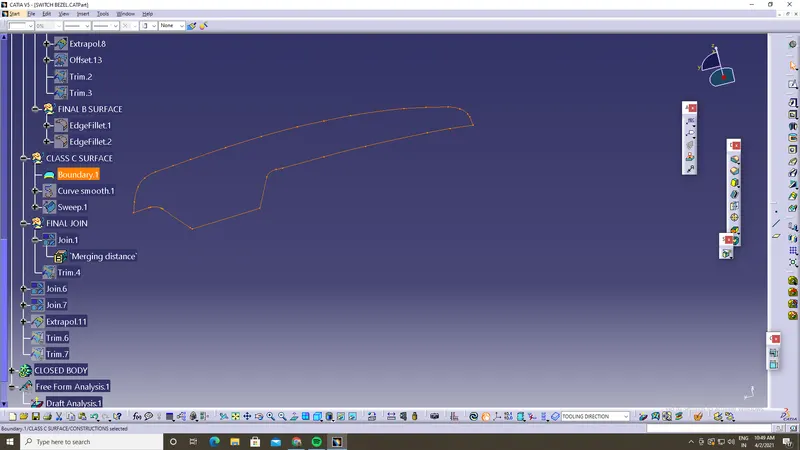
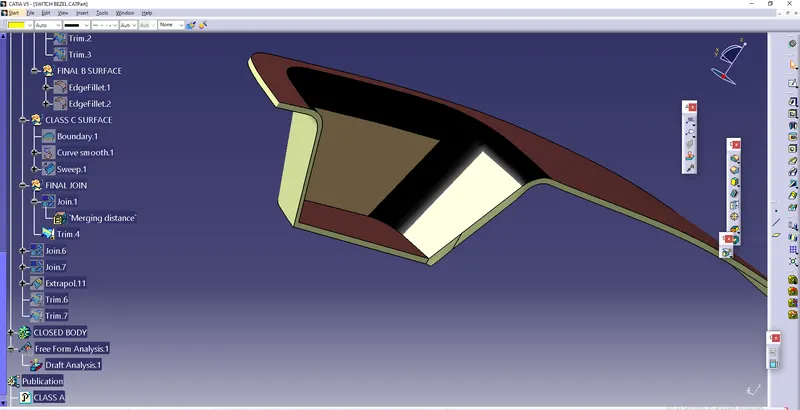
STEP 7 : Now to design class-C surface for boundary of class -B surface and to trim with class-B surface to get final output
Operations used for designing class-C surface are boundary, smooth curvature ,sweep
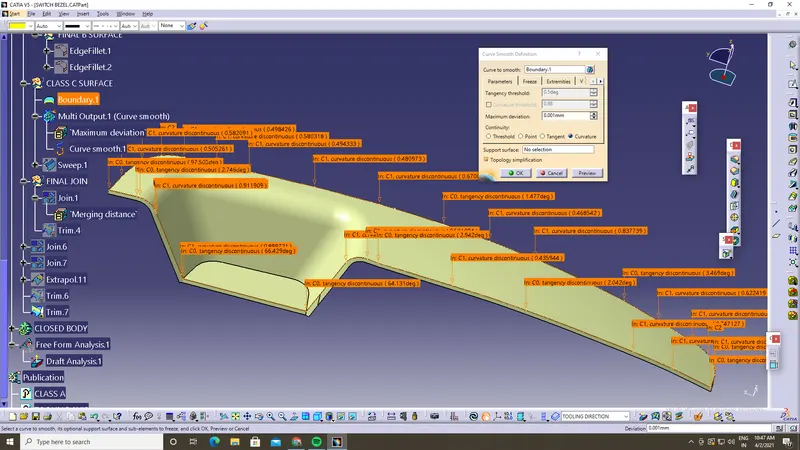
Smooth curvature
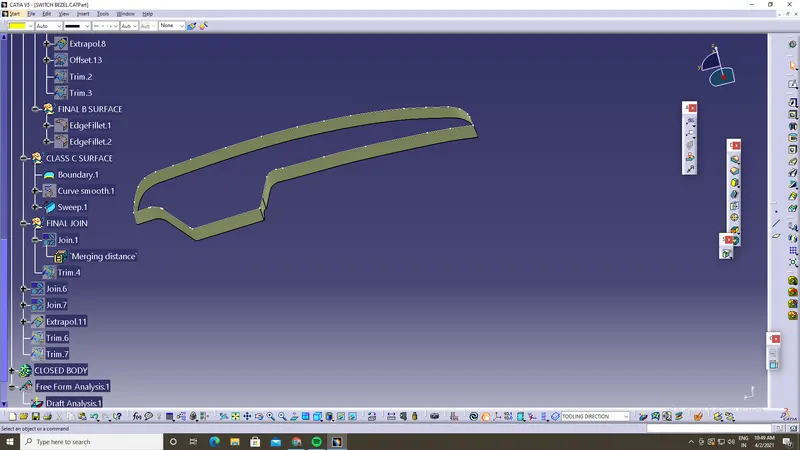
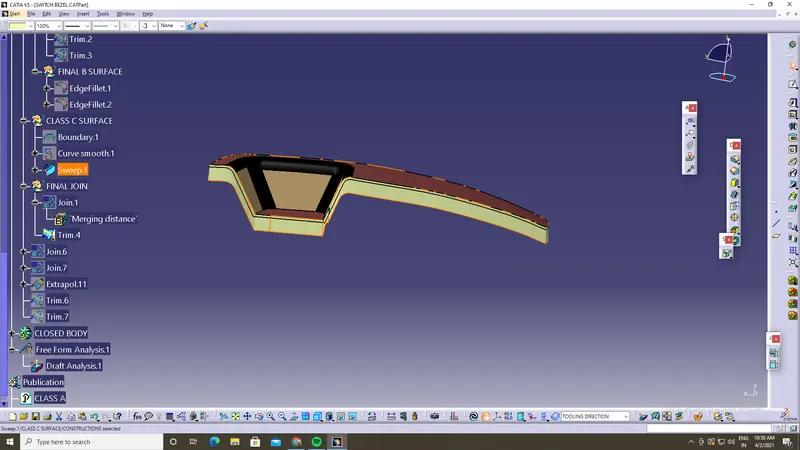
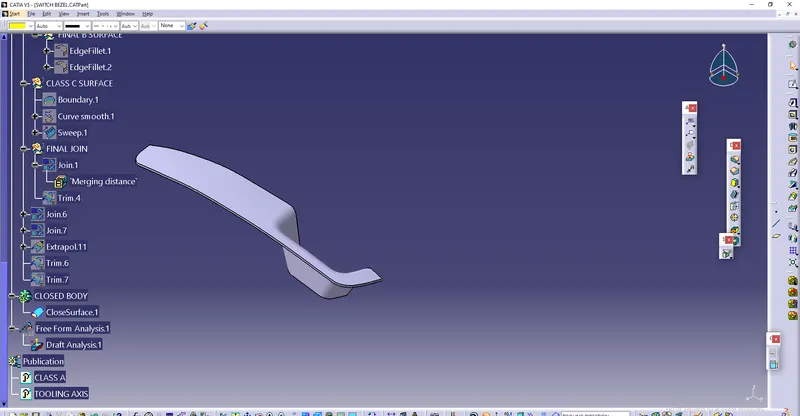
FINAL OUTPUT :
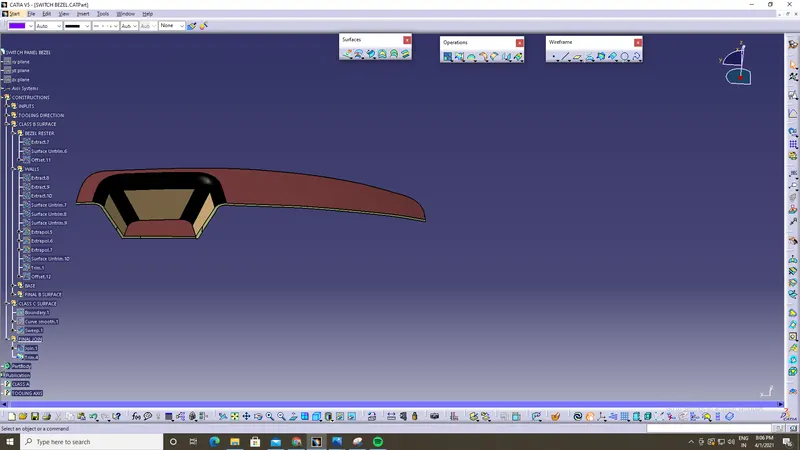
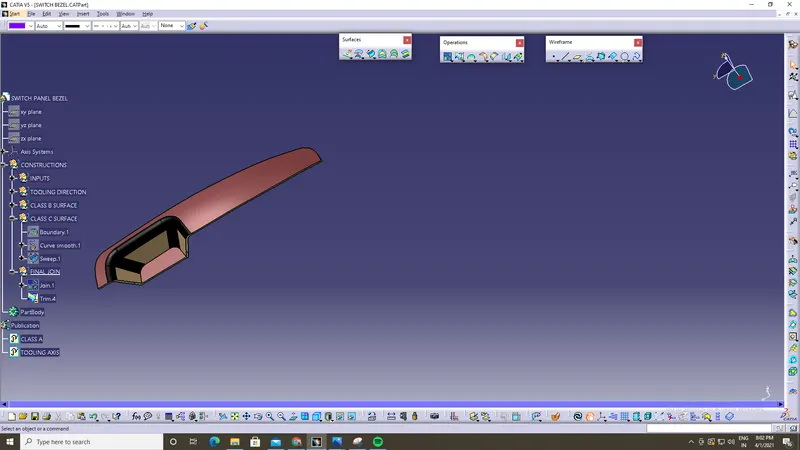
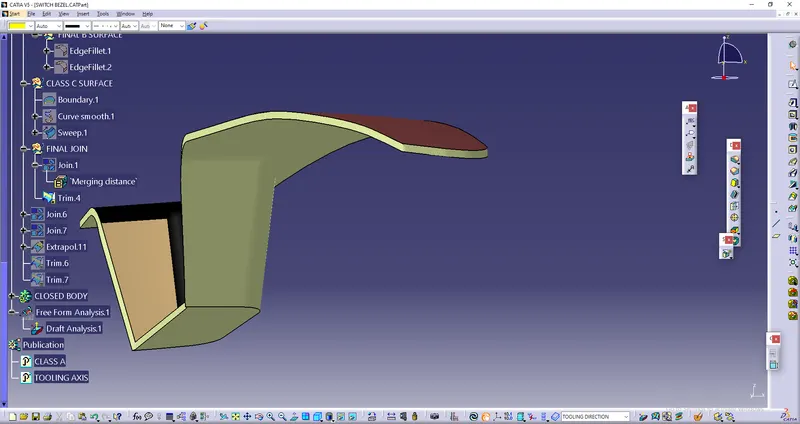
STEP 8 :CLOSED BODY READY FOR MANUFACTURING :