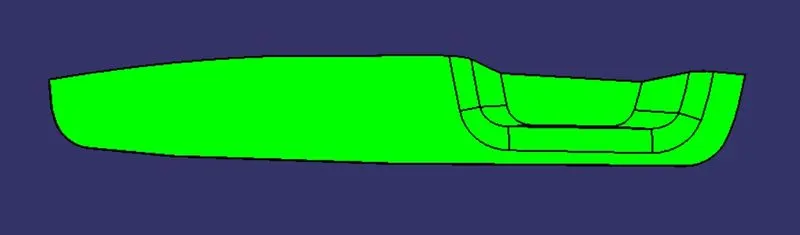
Week 8 - Challenge 3 - Switch Bezel Design
Report
Draft Analysis is very usefull tool to analysis the draft value of plastic components as well as sheet metal components. In molding process, no part can ejected from the tool if it is having a straight 90 degree profile from its base surface.so, we provide small angle to each and every area of the component to get an easy removal of the component from the tool. Draft analysis technique is used to analyze whether our part model created in cad is manufacturable based on the draft condition applied.
In this Switch Bezel components we check the draft analysis of given class-A part. for analysis draft firstly check the which plane is suitable for molding then after we draw tooling axis.
Process to draw Tooling Axis:-
- Extract the base surface of switch bezel.
- Pick the centre point of the circle by using point command.
- Create axis system on point.
- Draw sketch on XZ plane on axis system.In this sketch intersect the part and draw two line other line changed to construction line and only show centre line that are 6 degree from the bisect line.
- Draw sketch on YZ plane on axis system.In this sketch intersect the part and draw two line and then bisect the two lines. at the end only bisect line is shows as main line and rest line change as construction line.
- Bisect the two sketch(line) and that are our main Tooling axis.
Class A Draft Analysis
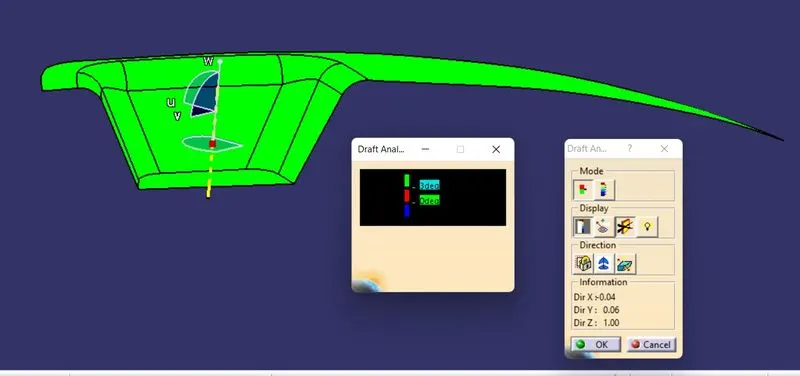
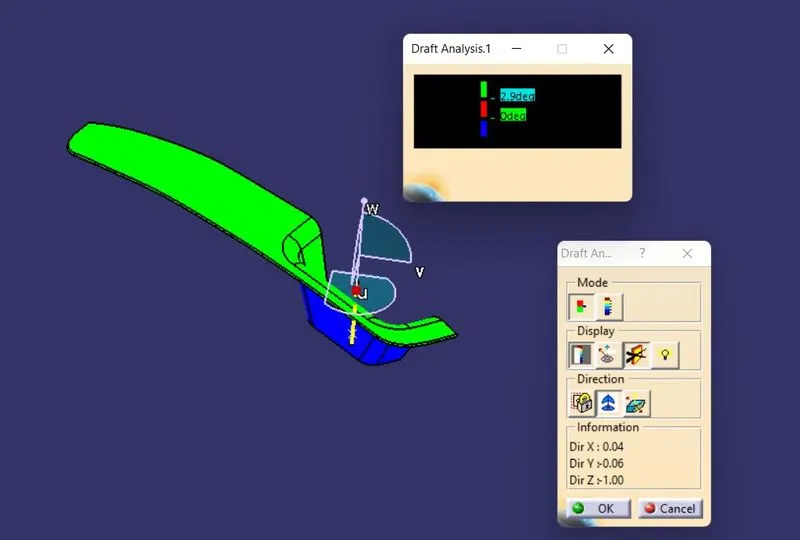
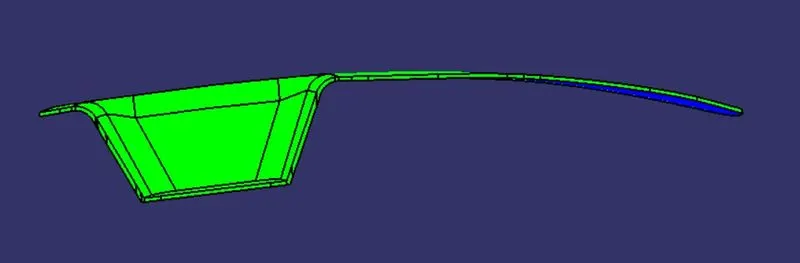
After creating tooling axis, we perform draft analysis.Draft analysis workbench available in part design, Generative shape design, wireframe and surface for building and free style shaper workbench. Draft Analysis workbench available in Insert>Analysis>Draft Analysis. Firstly change the view mode to customize view parameter and select material option from the mesh and select material. After That Drag the axis simble and fited in the tooling axis. Two sub window pop up one is for draft deviation colour bar and second is menu bar. Green colour part represent ok for manufacturing but second side show blue that mean need to thick the part so we we create B surface and C surface then we make solid using close surface operation after that we check draft analysis one more time like class A.
Final
Front View
Side View
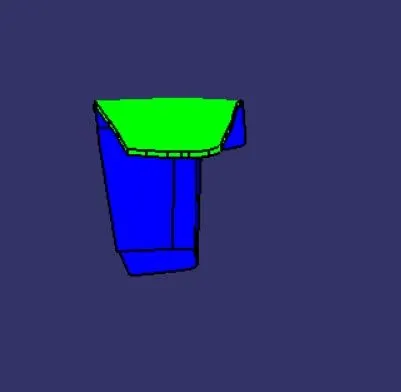
Isometric View
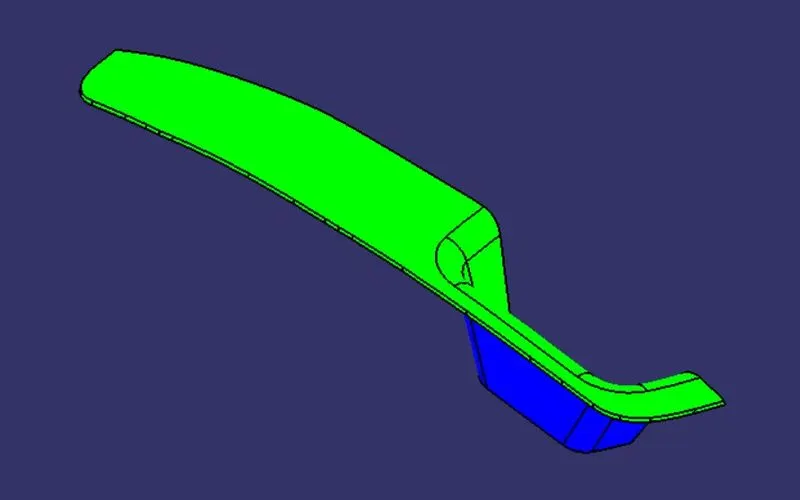
Top View