Photo Realistic Rendering
Title of the Project :- "Designing of American Chopper using Solidwork"
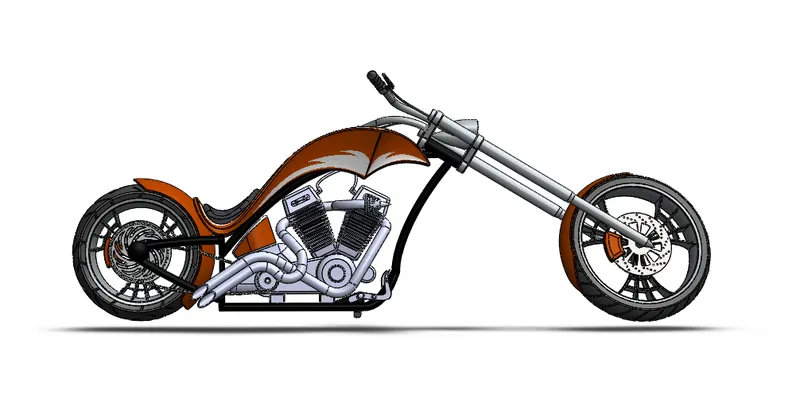
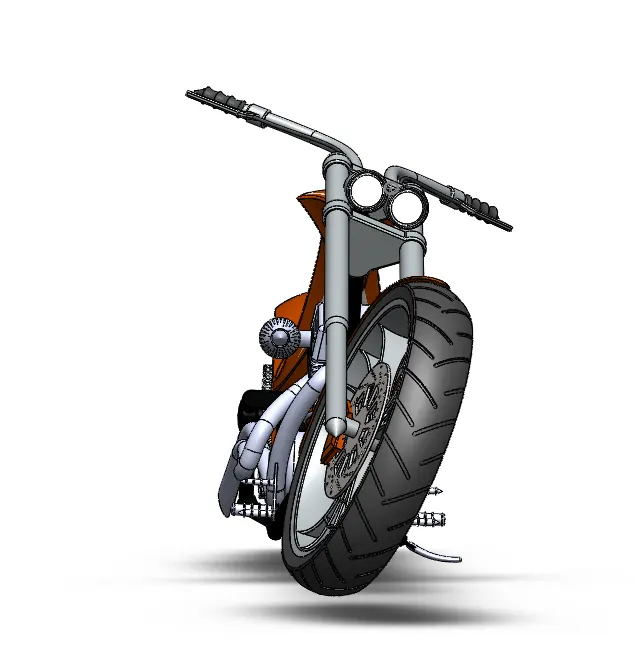
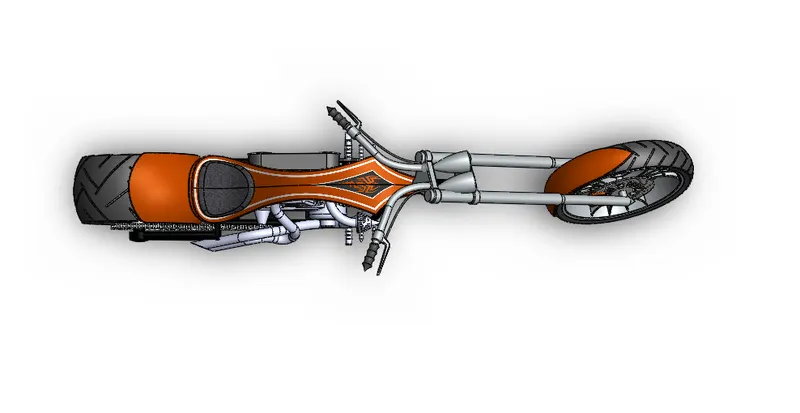
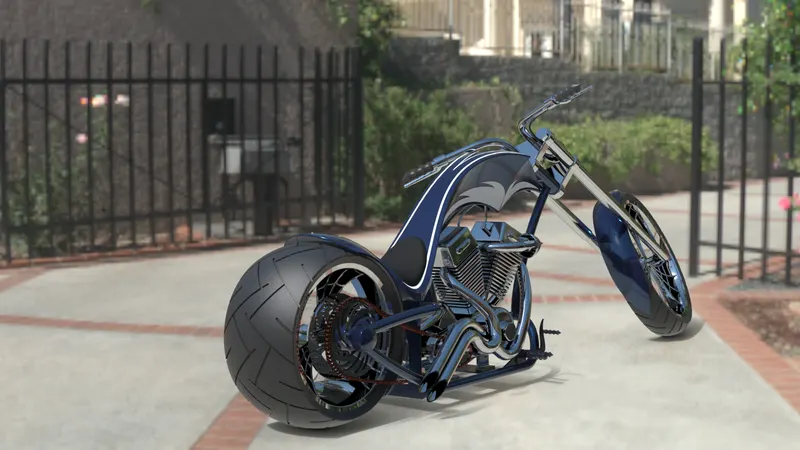
Objective:- This Project involves design, assembly and rendering of american chopper model.A motorbike with classical americam roots which is custom made and innovative with spiderweb design rim wheel and chromium themed fenders with its long front fork. The chopper is built through featured based solid modeling and surface modeling.
Introduction:- A chopper is a type of custom motercycle which emerged in California in the late 1950s. A chopper employs radically modified steering angles and lengthened forks for a stretched-out appearance. They can be built from an original motorcycle which is modified ("chopped") or built from scratch. Some of the characteristic features of choppers are long front ends with extended forks often coupled with an increased rake angle, hardtail frames, very tall "ape hanger" or very short "drag" handlebars, lengthened or stretched frames, and larger than stock front wheels. The sissy bar , a set of tubes that connect the rear fender with the frame, and which are often extended several feet high, is a signature feature on many choppers. famous examples of the chopper are customised "Harley-Davidsons".
Design methodology/approach:-
| CONCEPT SKETCH |
↓
| DESIGNING PARTS |
↓
| ADDING APPEARANCE |
↓
| PART ASSEMBLY |
↓
| CORRECTING FLAWS |
↓
| FINAL RENDER |
↓
| PHOTO REALISTIC RENDER |
Feature and Surface Tools Used :-
- Extruded Boss/Base- This feature will allow to take a 2D sketch and add thickness to it in the third dimension.
- Extruded cut- This feature will allow to remove material from the part by projecting a sketch normal to the sketching plane.
- Revolved Boss/Base- It is used to create solid 3D model around an axis.
- Revolved cut- Revolved cut is one of the very usefull feature tool, which helps to remove material from 3D models possess axis symmetry or removes materials by revolving a clossed profile along an axis.
- Swept Cut- It is mainly used to cut a solid model or part by sweeping a completely clossed profile along on open or closed path.
- Lofted Boss/Base - Mainly helps to add materials between two or more profiles with ease.
- Fillet - Fillet creats a rounded internal or external face on the part. it is mainly used on the edges and corners of the faces or parts.
- Chamfer- It is creats a bevelled feature on selected edges, faces or a vertex. it is used to create slopped or anged edges.
- Linear Pattern- It is used to creat multiple instances of one or more features that you can space uniformly along one or two linear parts.
- Circular Pattern- This feature helps to create multiple instances of one or more feature that you can space unifirming around an axies.
- Curve Driven Pattern- It allow to create patterns along a plane or 3D curve.
- Mirror- This command creats a copy of a feature ,mirrored about a face or a plane.
- Shell- It is used to create a hollow space within a solid part according to its thickness value given. mainly used in tank design.
- Project Curve- it helps to create projection of two sketch in different intersecting planes and this curves is used as a path for sweep.
- Composite Curve- It allow to combine curves, sketch geometry and model edges into a single curve and this created curves is used as a guide curve for creating a loft or a sweep.
- Split Line- This tool projects an entity (sketch, solid, surface, face, plane or suface spline) to surface or curved or plane.
- Refrence Plane- It helps to create a plane within the sketchs and it is added to facilitats an extruded cut on a nono-planer face.
- Dome- it create a hollow half sphere that is tangent to the adjacent cylindrical or conical face.
- Split- This feature helps to create multiple parts from an existing part. you can split one or more solid or surface bodies.
- Combine- It allows to add two bodies together and keep the area that is common to them.
- Move/Copy- You can move, rotate and copy solid and surfacebodies or place them using mates with the help of this feature tool.
- Lofted Surface- It helps to create surface with a smooth tangency between the selected curves by multiple 3D curves or existing edges.
- Knite Surface- This too is used to combine two or more faces and surfaces into one.
Parts Used:- Transmission Belt
Kickstand
Front Fender
Rear Fender
Oil Tank
Chain
Pendel
Front Wheel
Rear Wheel
Front Fork
Chassis
Engine
Gas Tank
Transmission Belt:- Transmission Belt is used to transfer the power from engine to the rear wheel.There following feature used to design the transmission belt-
- Sketch
- Offset
- Extrude
- Fillet
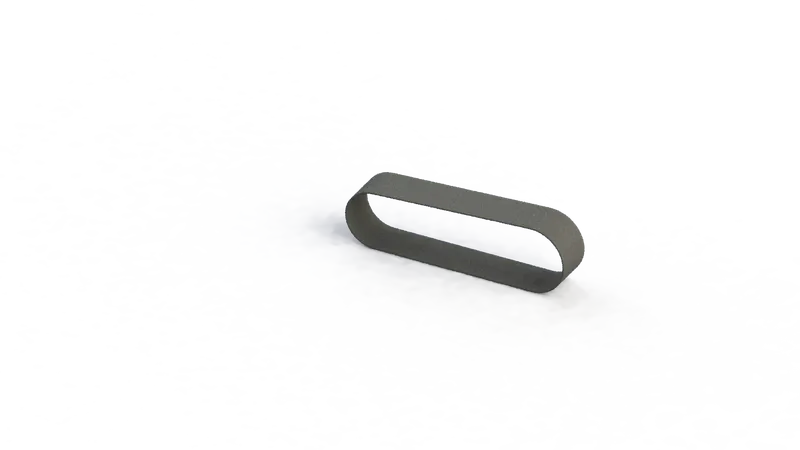
Kickstand:- Kickstand is used to support the chopper. it is assembled bottom side of the chopper. there are following command used in designing:-
- Sketch
- Loft
- Dome
- Extrude Boss
- Extrude Cut
- Split
- Fillet
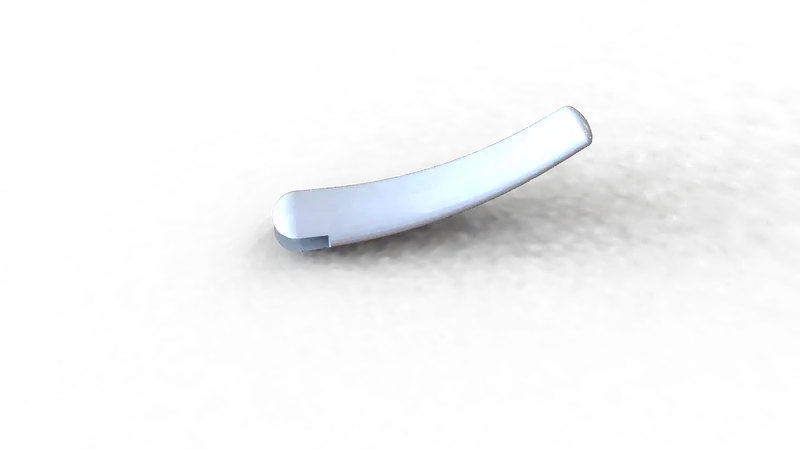
Front Fender:-Front Fender is used to protect the front wheel from dent. it is mounted above the front wheel. siena matrerial are used in the manufacturing. there are following commands used during desining--
- Sketch
- Offset Entities
- Trim Entities
- Revolve
- Splite
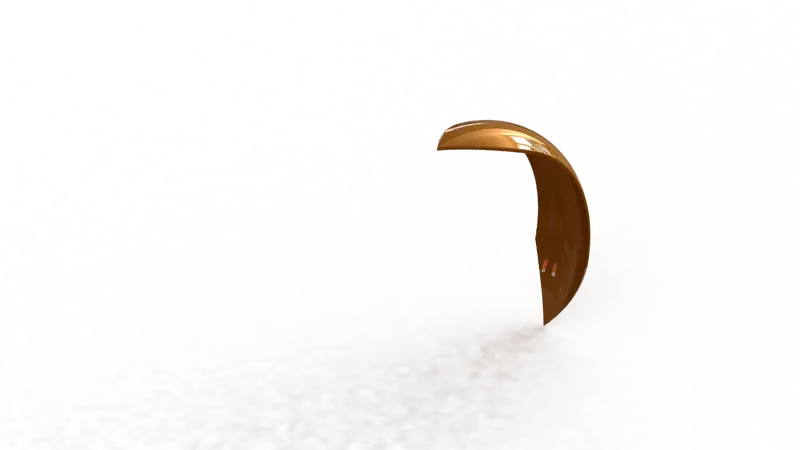
Rear Fender:-Rear Fender is used to protect rear wheel. it is mounted above the rear wheel. there are following commands are used during desinging:-
- Sketch
- Offset Entities
- Trim Entities
- Revolve
- Shell
- Fillet
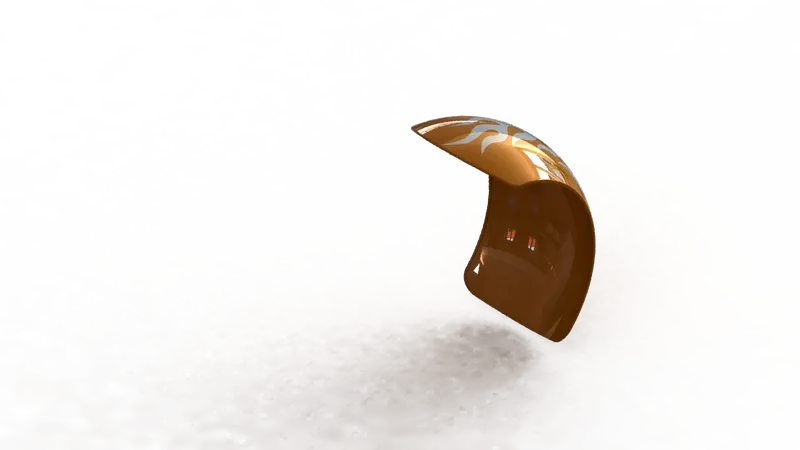
Oil Tank:- Oil Tank is used to store fuel which requred to run the engine. it is hollow inside and mounted on engine . there following commands are used during designing:-
- Sketch
- Extrude Boss
- Combine
- Fillet
- Shell
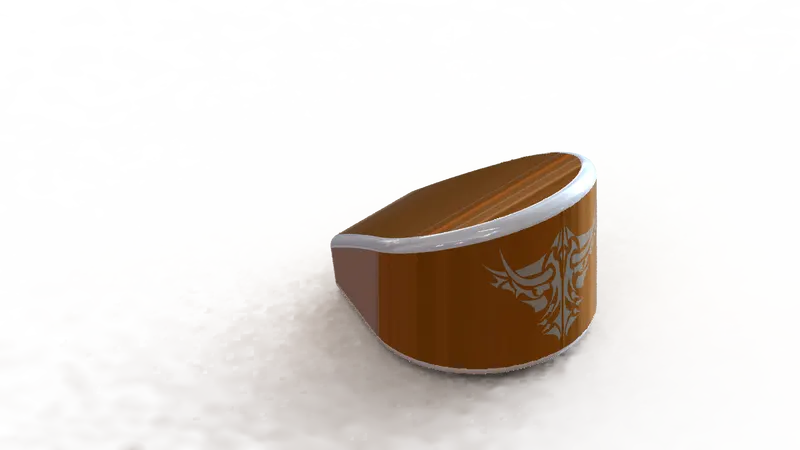
Chain:- Chain is used to transmit the mechanical power from engine to rotary to the wheels. it is connected to engine and rear wheel through gear. there are following commands used during designing --
- Skech
- Extrude Boss
- Curve Driven Pattern
- Mirror Entities
- Trim
- Fillet
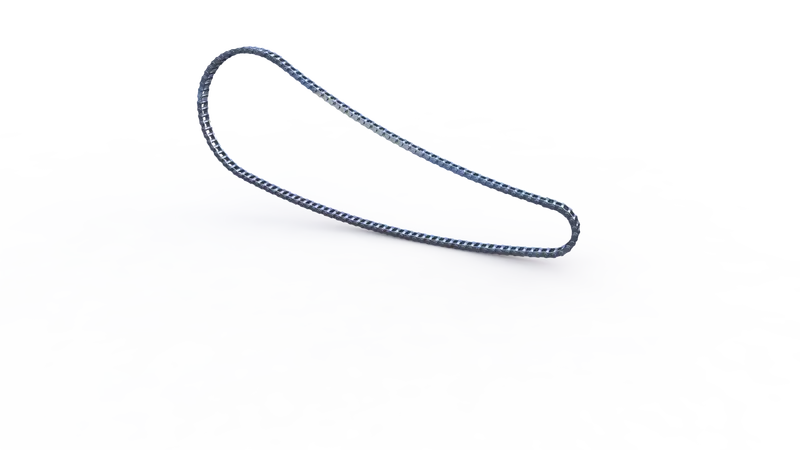
Pedal:-Pedal is the external part attached to the chassis. it is used to place the leg over it and its provide comfort to the rider. there are following commands used during designing-
- Sketch
- Extrude
- Fillet
- Linear Pattern
- Dome
- Chamfer
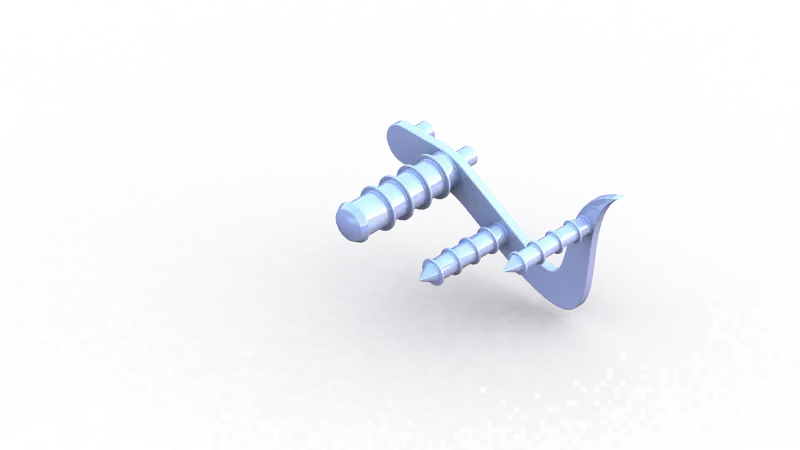
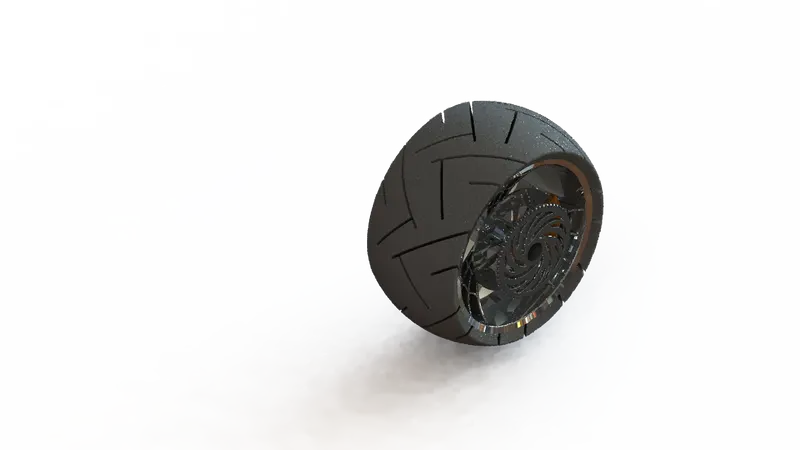
Front Wheel:-Front Wheel is circular revolved body that are covered by the tire(rubber material) and rest part made by steel alloys.its contain four part tire,tim,caliper and rotor. there are following commands are used during designing-
- Sketch
- Revolve
- Trim
- Fillet
- Extrude Boss
- Revolve Cut
- Circular Pattern
- Chamfer
- Fillet
- Extrude Cut
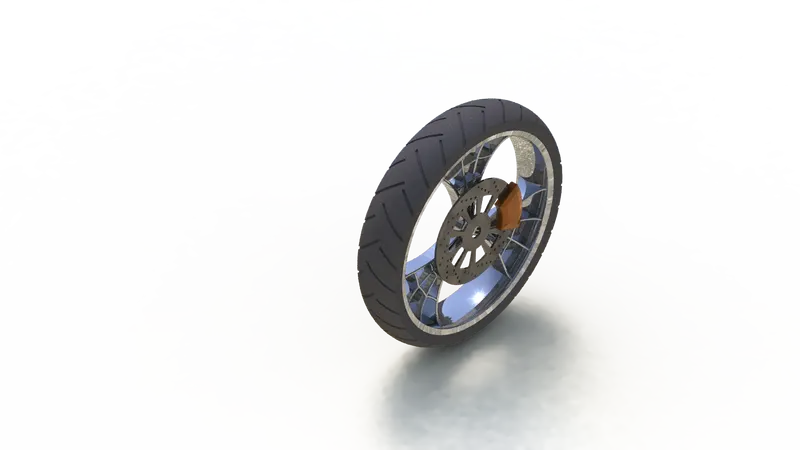
Rear Wheel:- Rear wheel is situated at rear portion of chassis. it carries the large sprocket and disce. The power is transmitted to rear wheel from gearbox to the wheel through the chain.
There are following commands are used during disign--
- Sketch
- Revolve
- Trim
- Fillet
- Extrude Boss
- Revolve Cut
- Circular Pattern
- Chamfer
- Fillet
- Exttrude cut
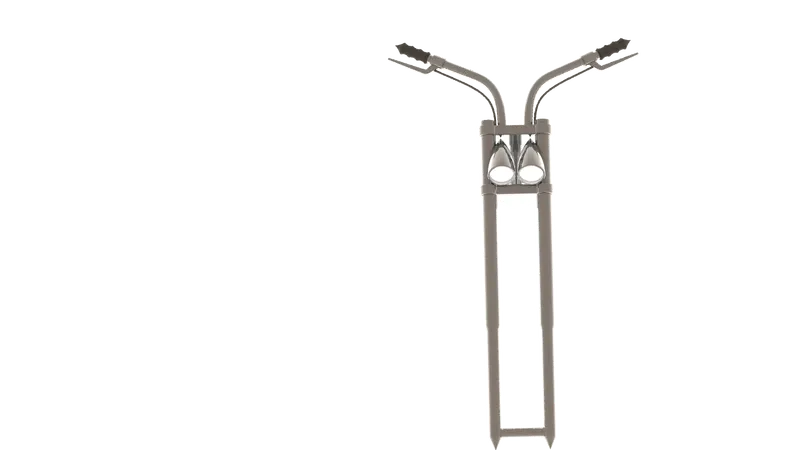
Front Fork:- Front Fork is used telescopic fork for the front sunspension. the fork is a simple large hydraulic shock absorber with internal coil spring. there are following commands are used during designing---
- Sketch
- Extrude Boss
- Trim
- Revolve
- Splite
- Plans
- Convert Entities
- Move/Copy
- Dome
- Mirror
- Combine
- Extrude Cut
- Curve
- Sweep
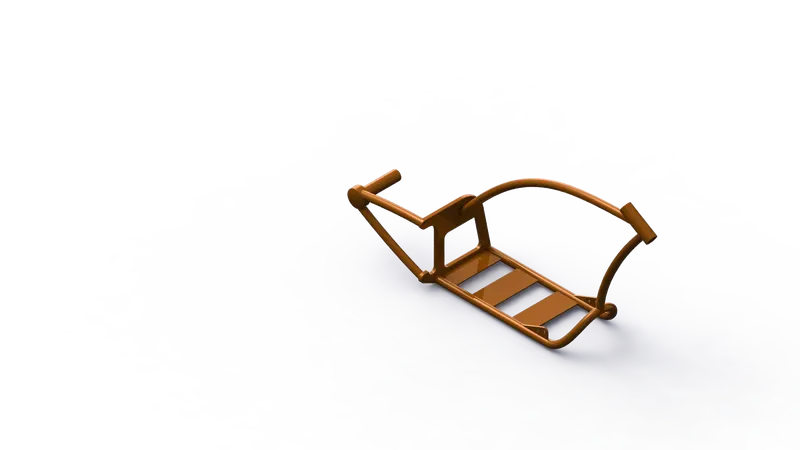
Chassis:-Chassis is the main support structure of the vehicle which is known as fram.It is bear all the stress on the vehicle in both static and dynamic conditions also,it serves to hold all the components. There are following commands are used during design--
- Sketch
- Offset
- Convert Entities
- Projected Curves
- Trim
- Planes
- Sweep
- Splite
- Revolve
- Extrude Cut
- Fillet
- Combine
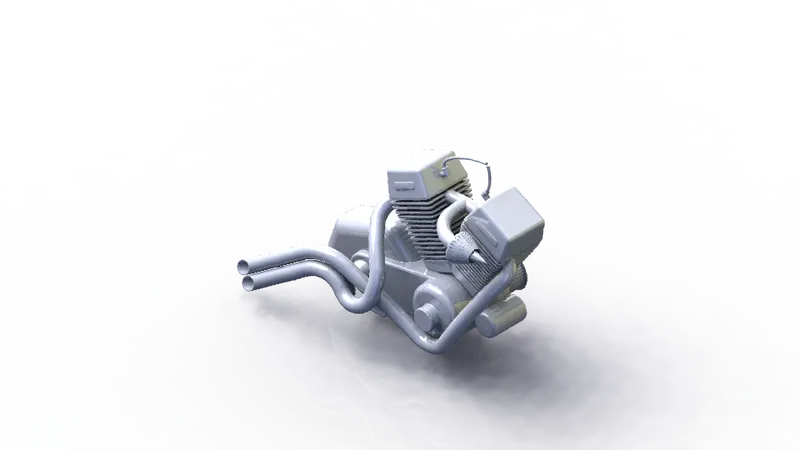
Engine:- Engine is the prime mover of the vehicle. its is convert chemical energy into heat energy and then the heat energy convert into mechanical energy that are transmitted by engine to rear wheel through gear box and chain spocket mechanism. There are following commands are used during designing--
- Sketch
- Offset
- Convert Entities
- Projected Curve
- Trim
- Plane
- Sweeps
- Revolve
- Extrude Cut
- Fillet
- Combine
- Composite Curve
- Curcular Pattern
- Mirror
- Dome
Gas Tank:- Gas Tank is used to store gass in the tank and supply whenever required to engine . There are following commands are using during designing--
- Sketch
- Offset
- Convert Entities
- Trim
- Plan
- Sweep Surface
- Loft Surface
- Fill Surface
- Fillet
- Surface Trim
- Surface Knit
- Sweep Cut
- Mirror
Assembly:-Firstly, The chassis part inserted in the assembly by using insert part option. after that the all part is inserted into the assembly and given possible mate condition.
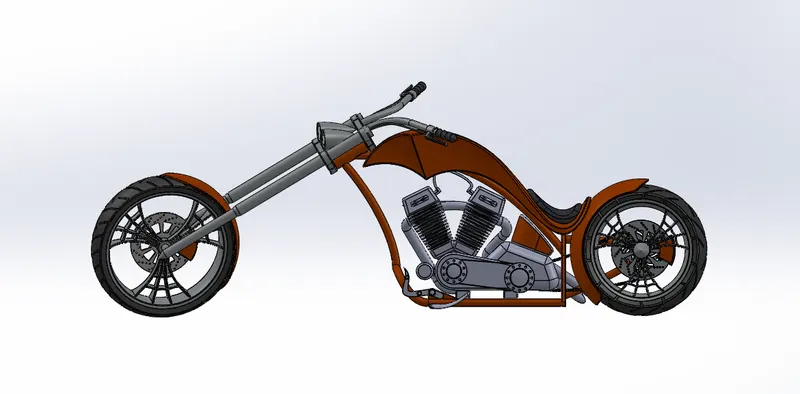
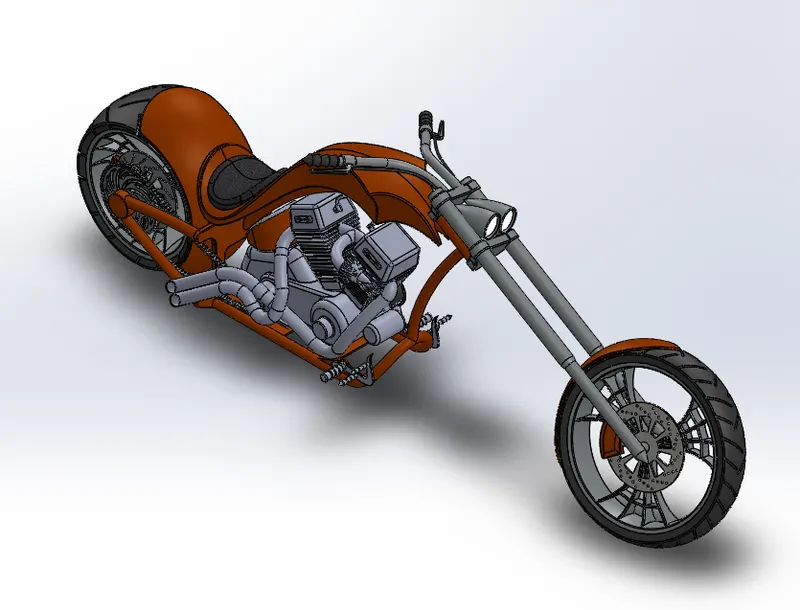
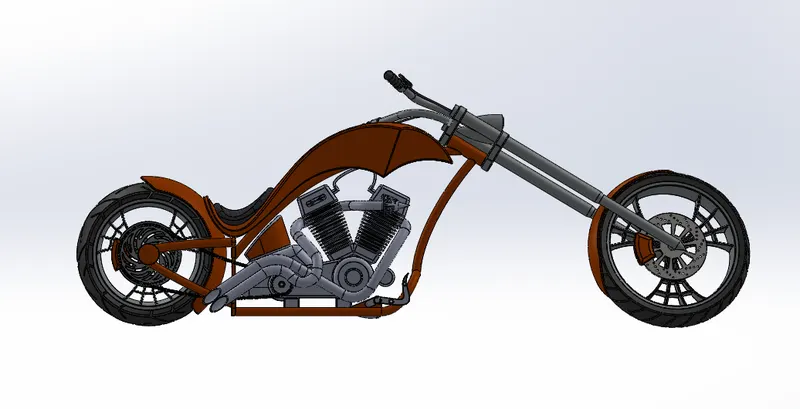
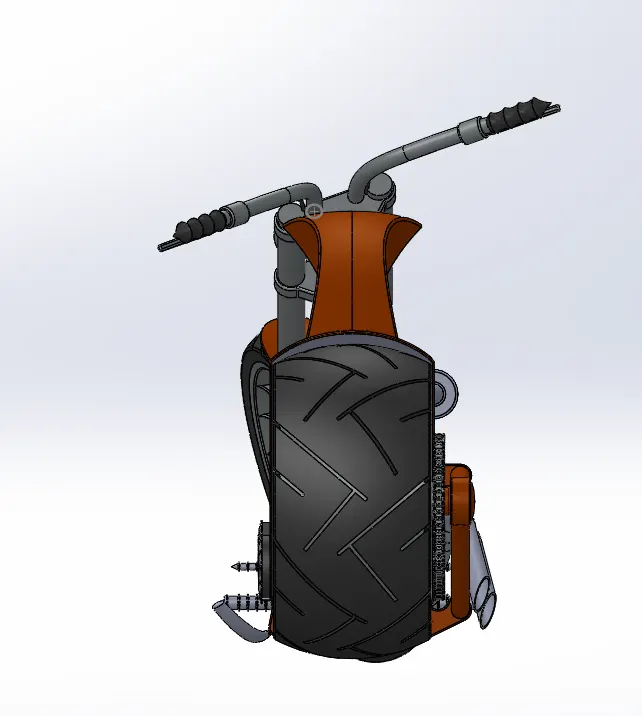
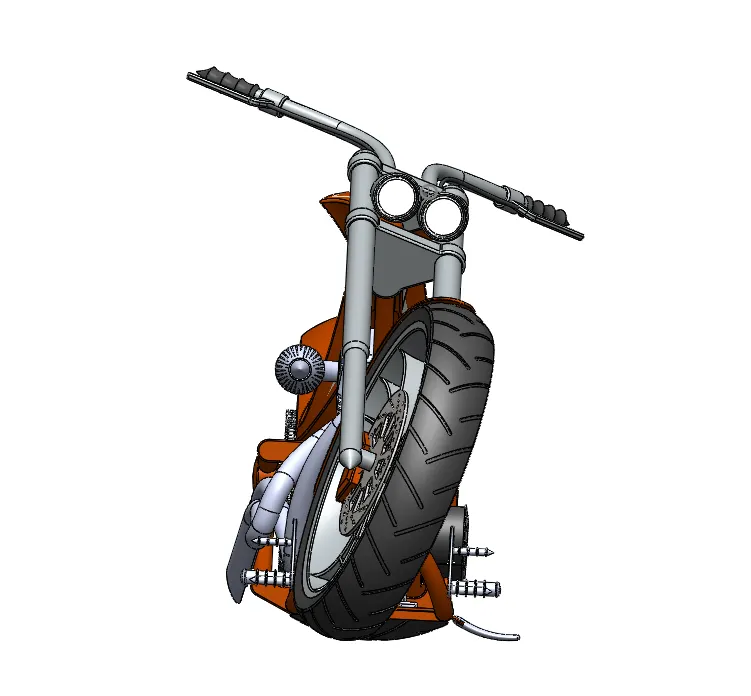
Rendering :- Rendering is the process of creating realistic images of the photorealistic model with the environment. rendering has done in two ways-
- Photoview 360
- Solidwork Visualize
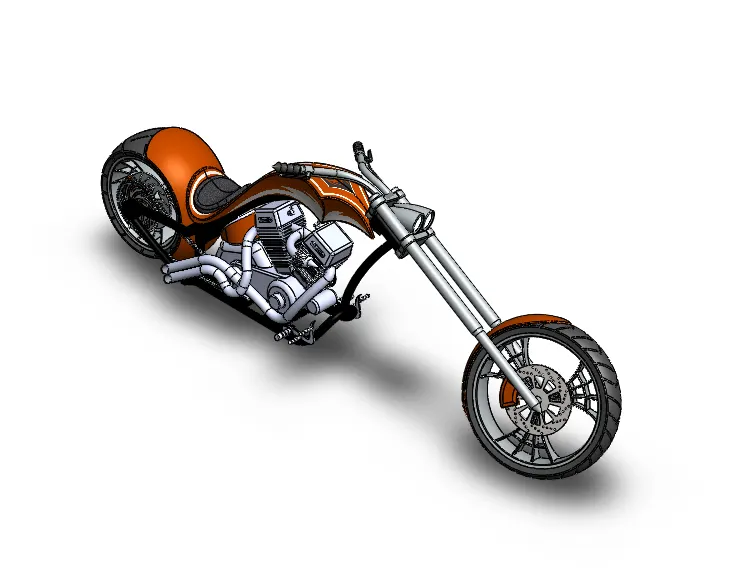
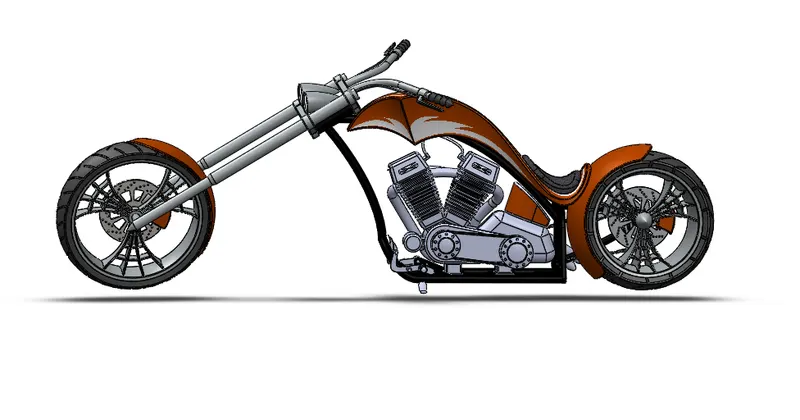
Learning Outcome:- Learning Various tools for surface modeling and solid Modeling.