Week 8 - Challenge 3 - Switch Bezel Design
AIM: TO CREAT THE SWITCH BEZEL DESIGN BY CREATING CLASS A B C SURFACES
OBJECTIVE: To creat a design a perform a draft analysis
INTRODUCTION :
CLASS A SURFACES - The surface which is givem to the pkastic modeler which is of aesthetic and outer most surface and the surface made by the designer known as clasa a surfaces
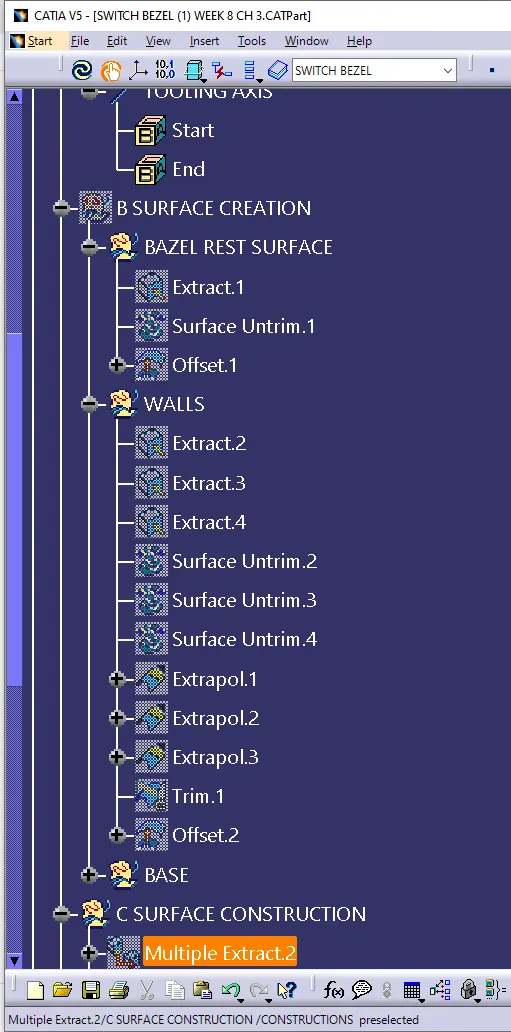
CLASS B SURFACES - The surfaces which is under the class A surfaces and which contain some engineering aspects on it is known as class B surfaces
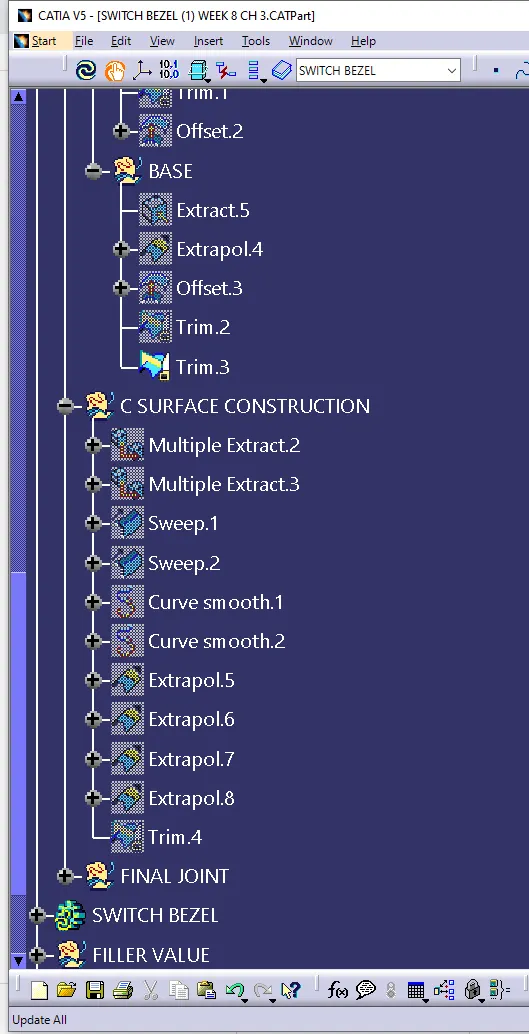
CLASS C SURFACES - AT THE END the all classes of A B are going to be join called class c surfaces
FLOWING THE PROCEDURE STEPS:
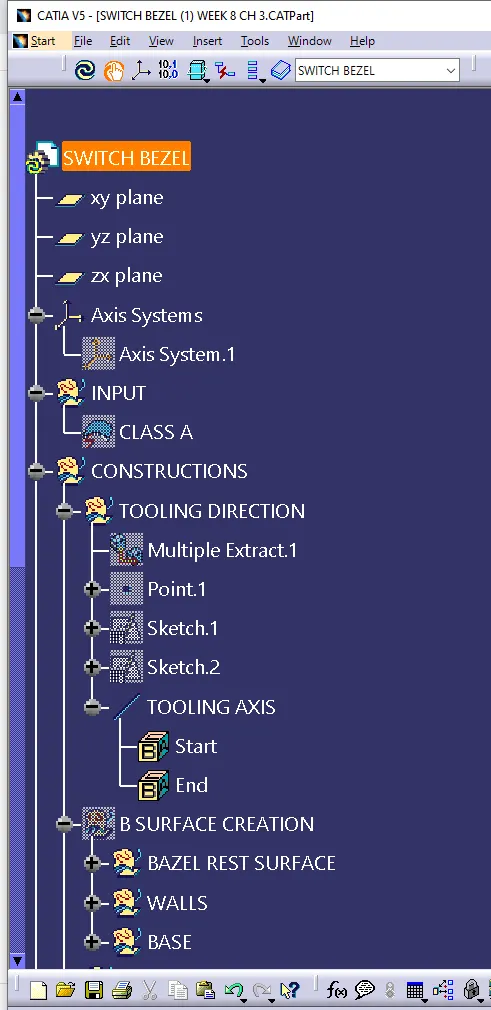
1) CREATING A TOOLING AXIS
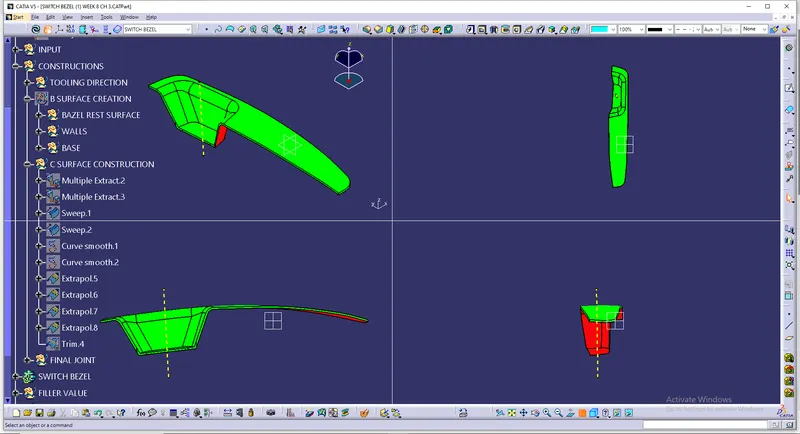
2) PERFORMING DRAFT ANALYSIS
3) CREATING A CLASS A SURFACES
4) CREATING A CLASS B SURFACES
5) CREATING A SOLID MODEL
HOW DO WE A CREAT A TOOLING AXIS ??
INITIALLY Obseve the class a surfaces before going to creat the tooling axis, and check wether it contain any discontinity and joined properly or not, have to check in all the x y z direction and we have to go with the top line and creat a axis called tooling axis
- Creat an intersection where we required, creat two lines at required intersectiojn and creat bijection line between them and also creat a dummy tooling axis
- extracting the suurfaces due to fillets and offset them upto 3mm
And the second method is check with draft analysis with the help of compass placing on the tooling axis and check the draft colour whether it is in green or not and lock the compass and change the tooling line w.r.s.t compass direction then the final direction is set..