Week 8 - Challenge 3 - Switch Bezel Design
In this challange we will be doing draft analysis on SWITCH BEZEL using CATIA V5.
DRAFT ANANLYSIS
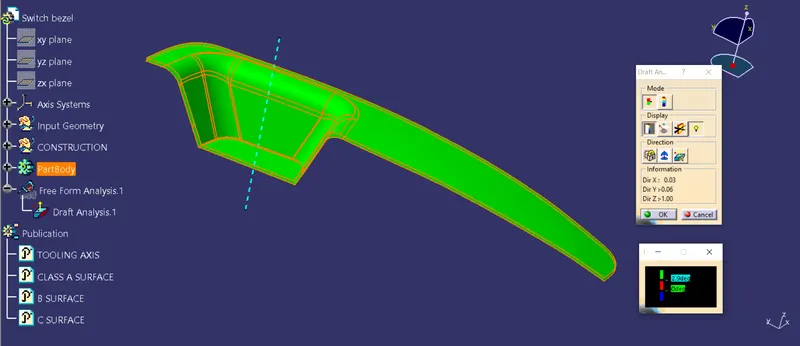
Draft ananlysis is a method used in design to check whether the component created in CAD is manufactrable based on the draft condition applied. The main reason behind draft ananlysis is the part manufacted should easily removed from the mold. It also gives an idea of draft angle from the tooling direction. here we are giving a tooling direction inorder to eject the component easily from the tool. The ideal draft angle given in automotive industries for plastic components are 3 degree.
Some of the components where draft analysis is done are hood, fenders, roof, side doors etc.
PROCEDURE FOR PERFORMING DRAFT ANALYSIS
1. Ensuring no gap in the model
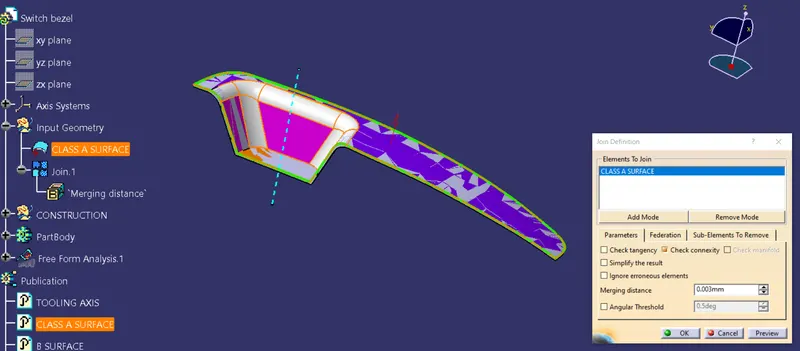
Once the class A surface is recieved, the designer has to check whether the surface is closed. This can be checked by using the join or boundary option.
2. Creation of tooling axis
Tooling axis plays an important role in manufacturing of plastic products. The axis decides in which direction the mould will work while production of the component.
The main focus while deciding the tooling axis is the clearing the component in the moulding in the same axis with the minimum use of side core for producing the component.
For particular component X,Y & Z can be the possible tooling axis.
In this component, Z direction will be the axis where most of the parts are cleared. Therefore, we choose Z direction for tooling.
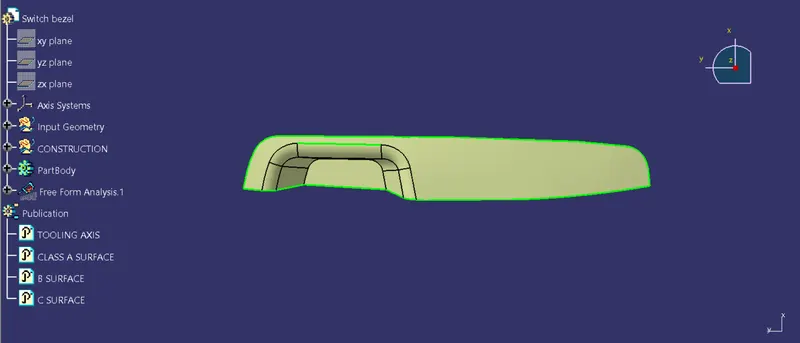
Next, we have created two lines to find the bisecting line between them.
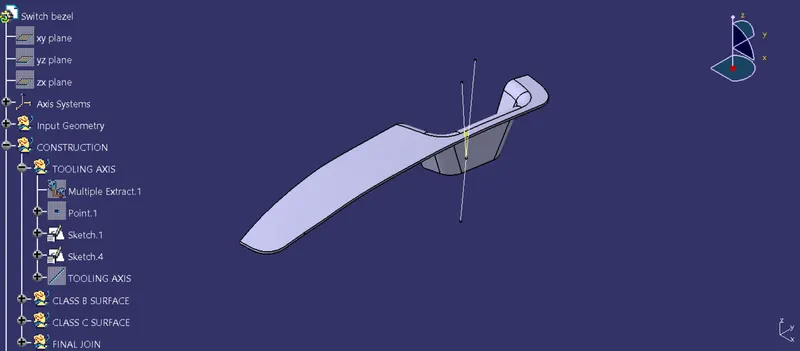
Now, bisecting both the line we get a new line which is our main Tooling axis.
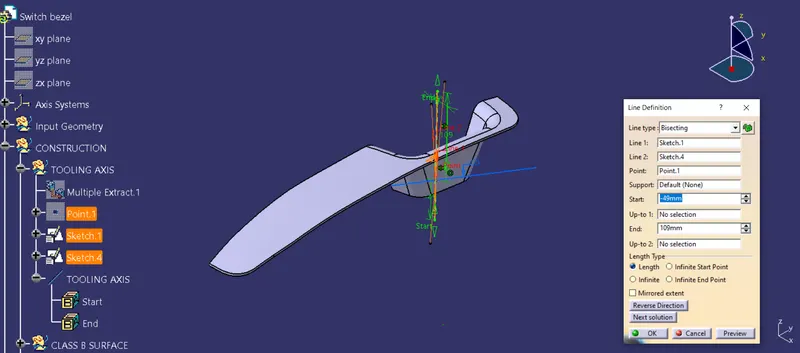
Hence the tooling line is created.
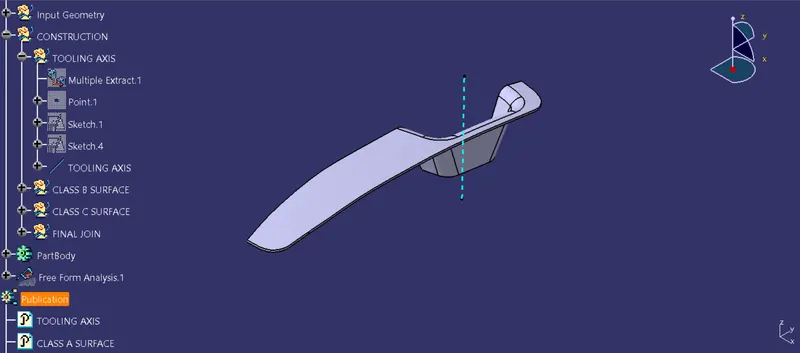
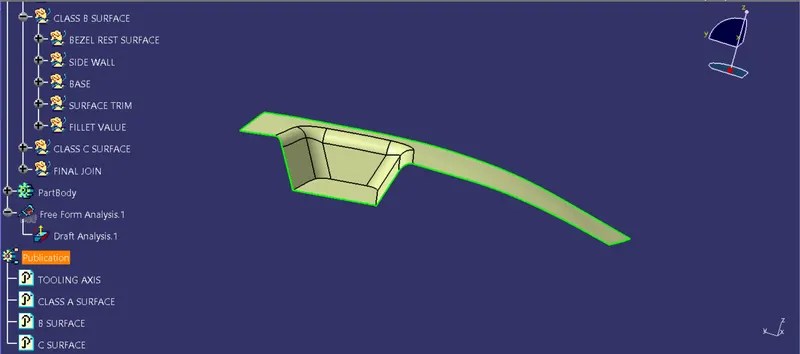
3. CREATING B SURFACE
To make the B surface, the surfaces of class A are extracted to given thickness (2.5mm given). Then, the surfaces are untrimed induvidually. After this using TRIM option, the surfaces are trimed to get required shape.
Once we get the desired surface, apply the edge fillet.
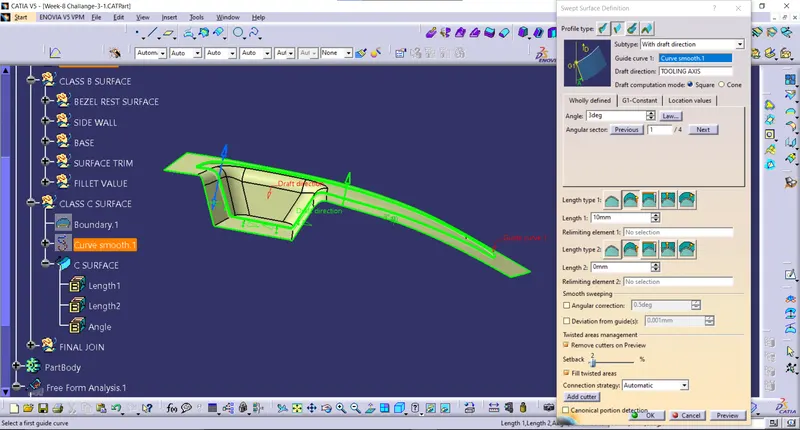
4. CREATING C SURFACE
For creating C surface, we use the boundary of Class A surface and use the sweep option and give the draft value of 3 deg.
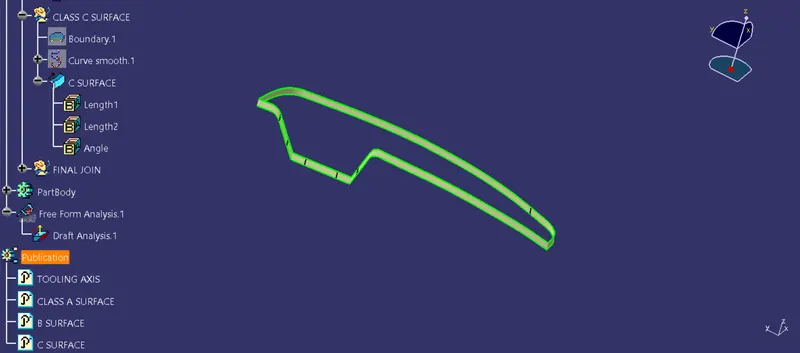
5. MAKING THE SURFACE INTO SOLID
Once the B surface and C surface are created, the Class A surface is trimed with the Class C surface. The output is again trimed with Class B surface. Now, we have got the desired part in surface. Change the workbrnch into Part design and using closed surface option make the final output as a solid part.
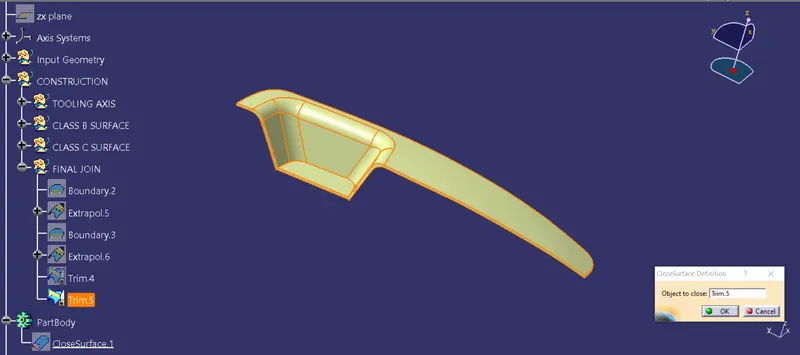
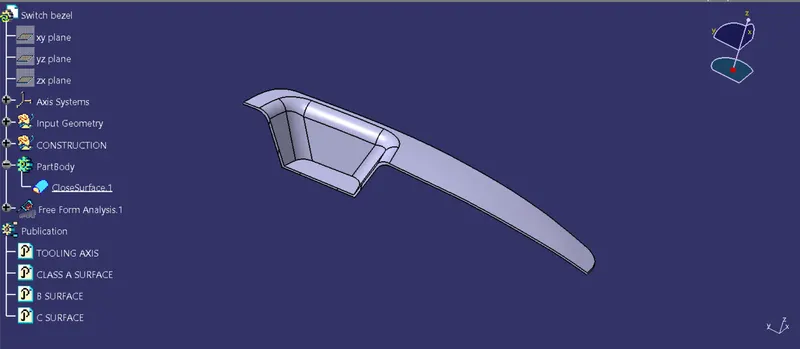
6. CREATING PUBLICATION
After the creation of the tooling axis we can insert the publication from the insert tool, the publication serves your time while working on the class A for the draft analysis as well as thickening of the component you can directly select your tooling axis and class A SURFACE as and when required during working on the class A surface. Also we can add B surface and C surface to publications.
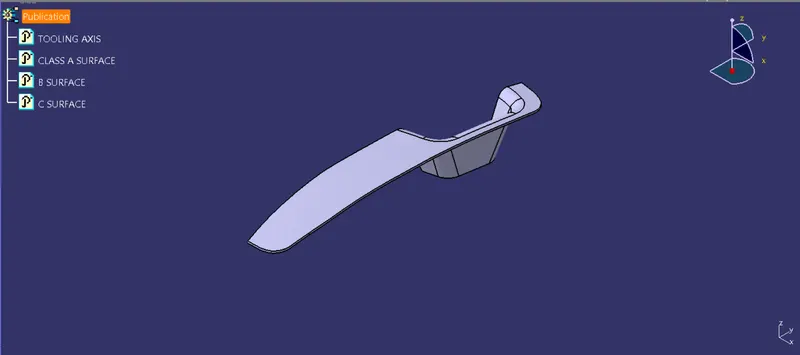
7. DRAFT ANALYSIS
The draft analysis is an important tool as it helps the user to analyse the draft at various surfaces, the draft analyser in catia uses the colour codes for the identifiction of the draft. Each colour has its own meaning for minimum draft negative draft and under draft.
The draft analyis toolbar provide two modes for analysis the draft, first is the quick analyis which basically has three colours for analyzing GREEN RED,AND BLUE on the other hand other option is the full analyis mode which enables few more detailing into the draft and is used in the complex comporlents like instrument panel etc. In above challenge we have used the quick analysis mode for analysing draft here. Now, bring the compass and align it with the tooling axis and click the lock button in the dialog box.
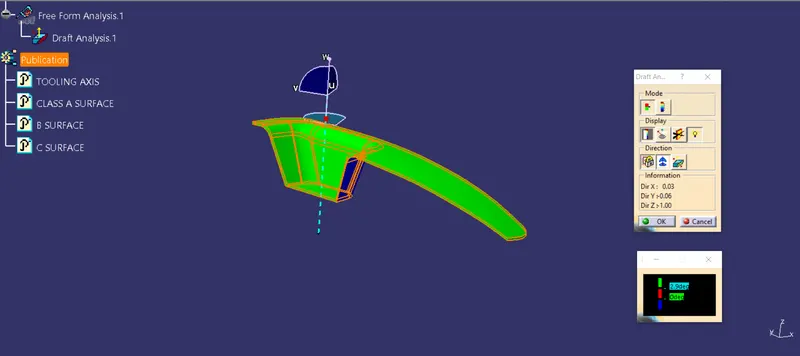
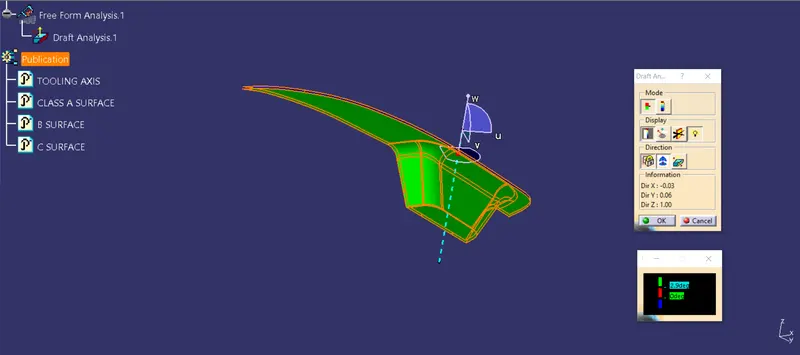
Switch bezel in different views
Isometric view
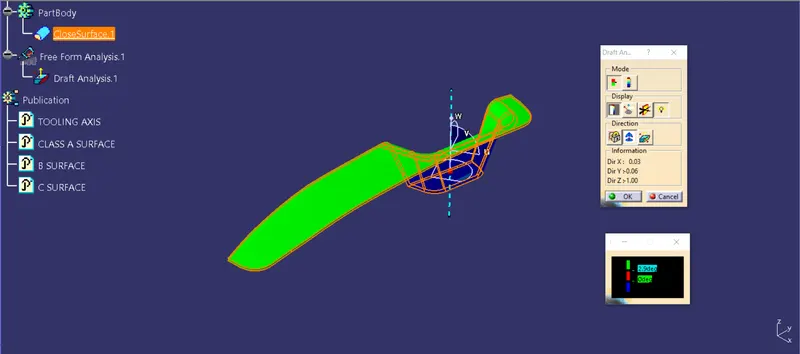
Front view
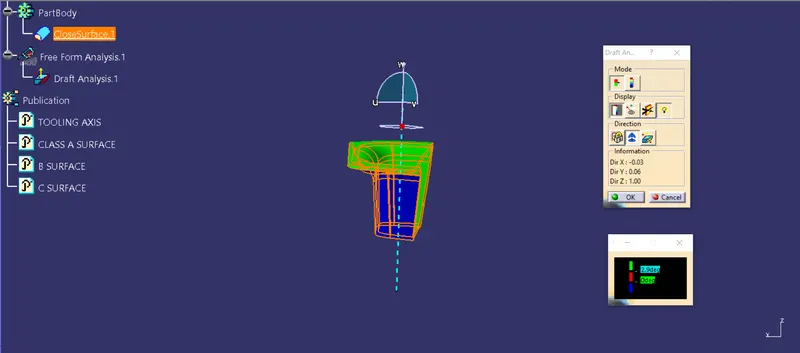
Side view
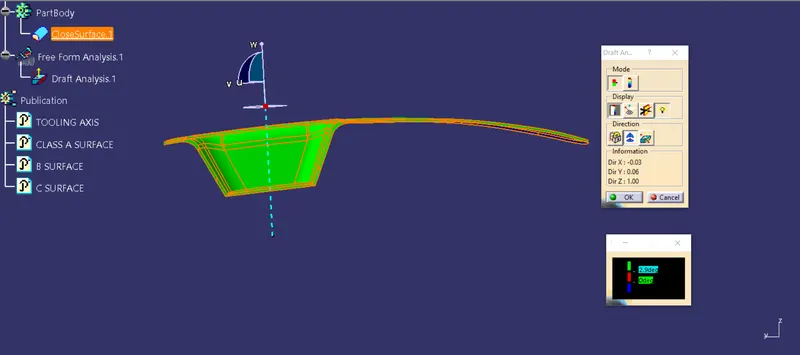
Top view
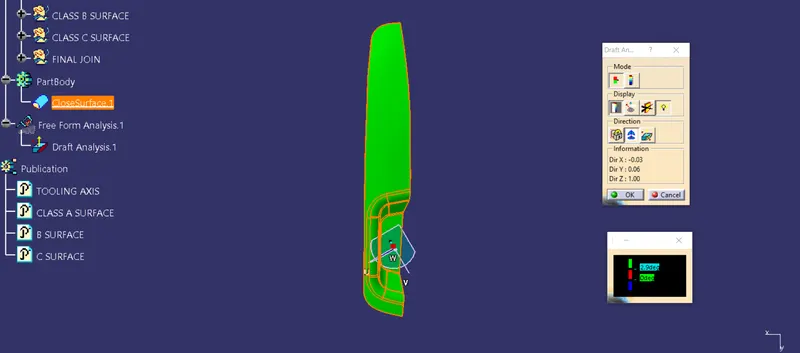
Multi view
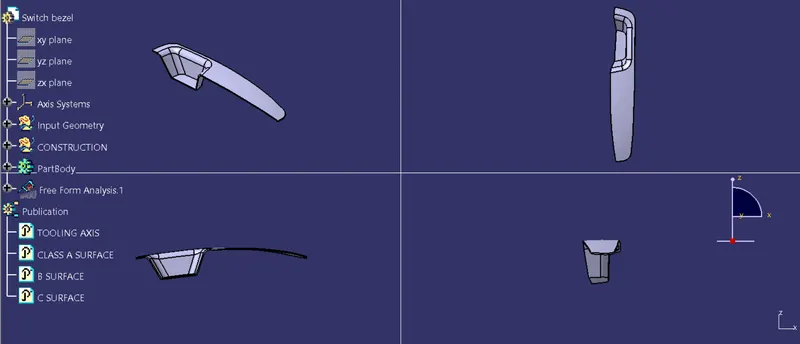
Hence, the DRAFT ANALYSIS was performed successfully on the given Switch bezel component.