Switch Bezel Design
OBJECTIVE:
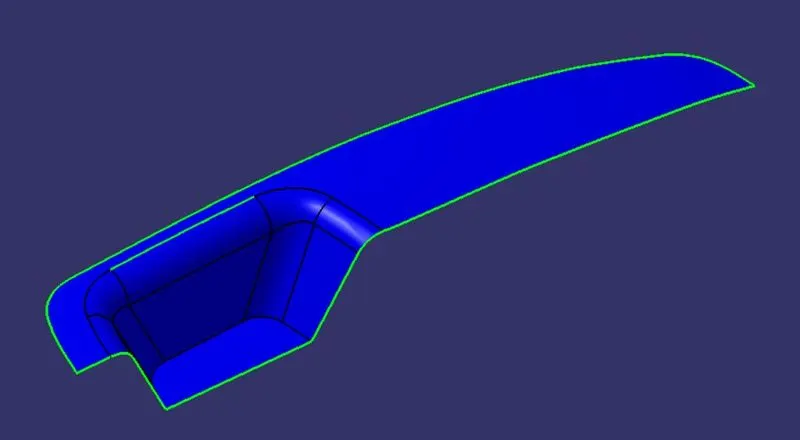
- To Design a car door switch bezel using Class A surface in CATIA V5
PROCEDURE:
- Import the class A surface into a Surface workbench in CATIA
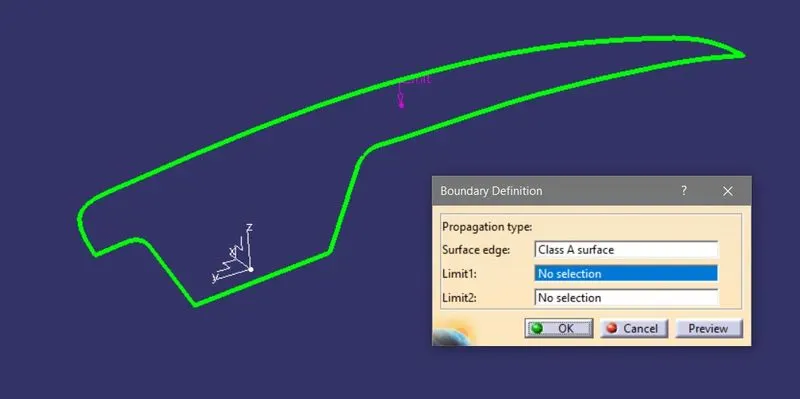
- Check for the patches by applying the Boundary command as shown in the figure, if any increase the merging distance according to OEM standard (0.003)
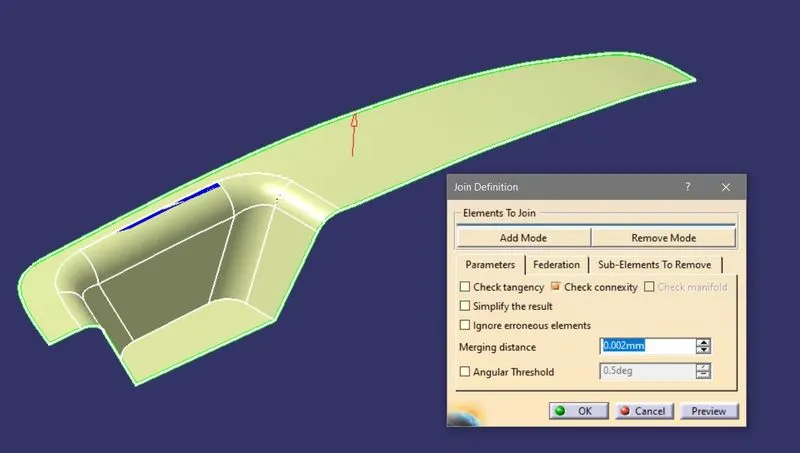
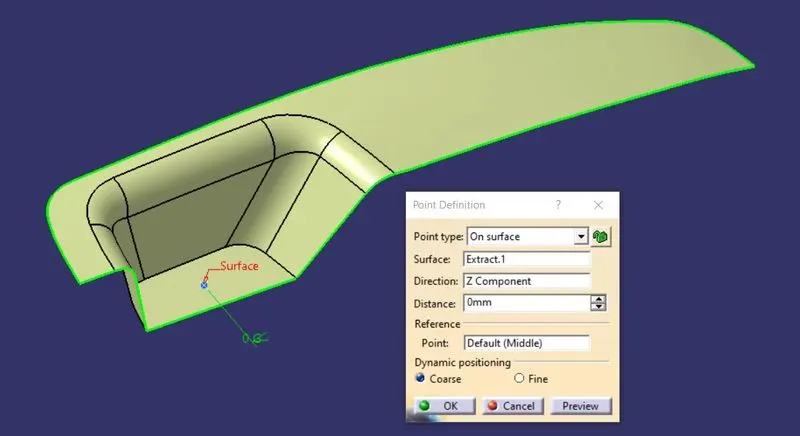
- Select a flat face and extract the surface of it for creating the point on it,
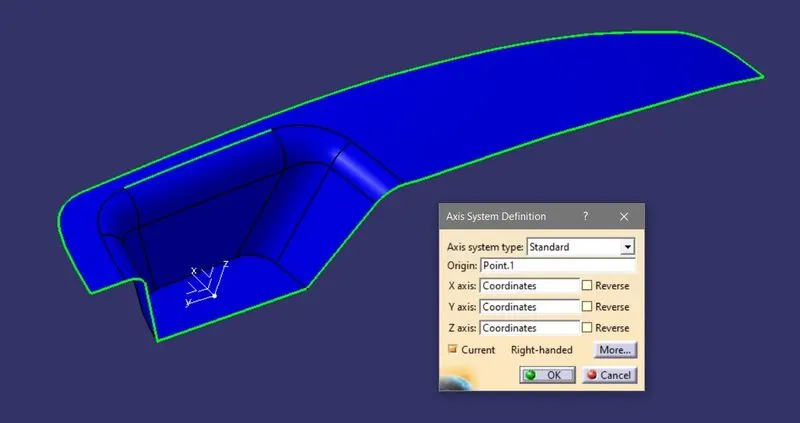
- Add the axis system on the point
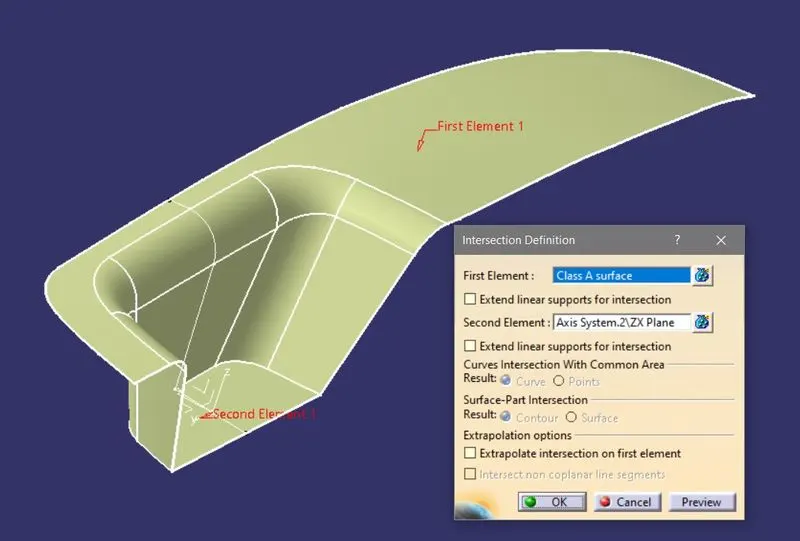
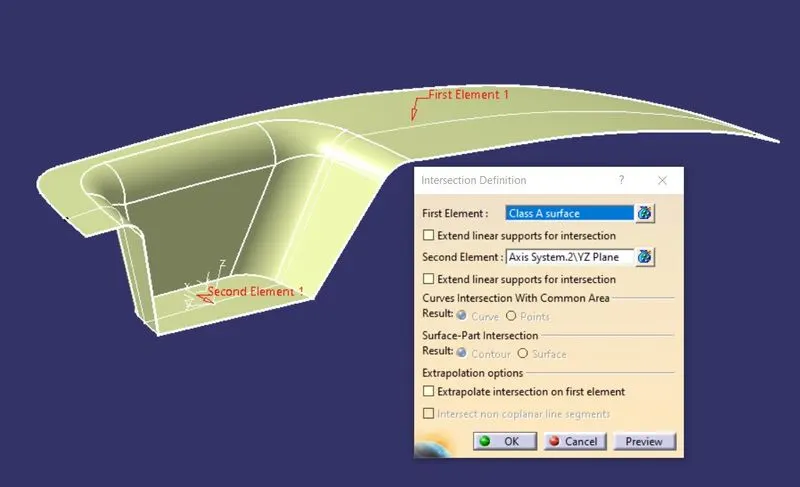
- Create an intersection between the part and planes according to the requirements,
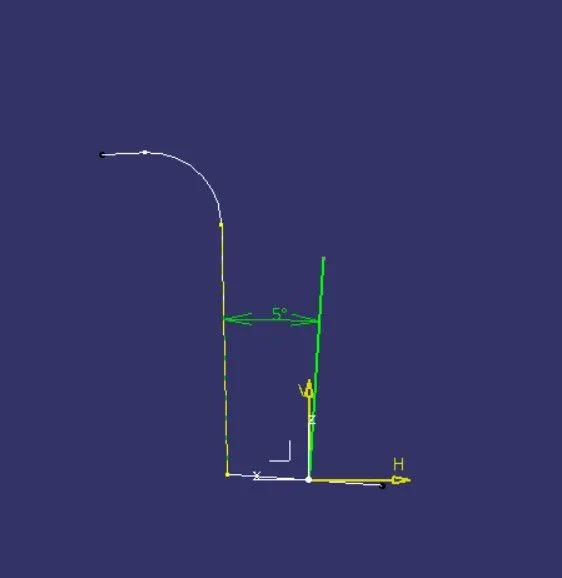
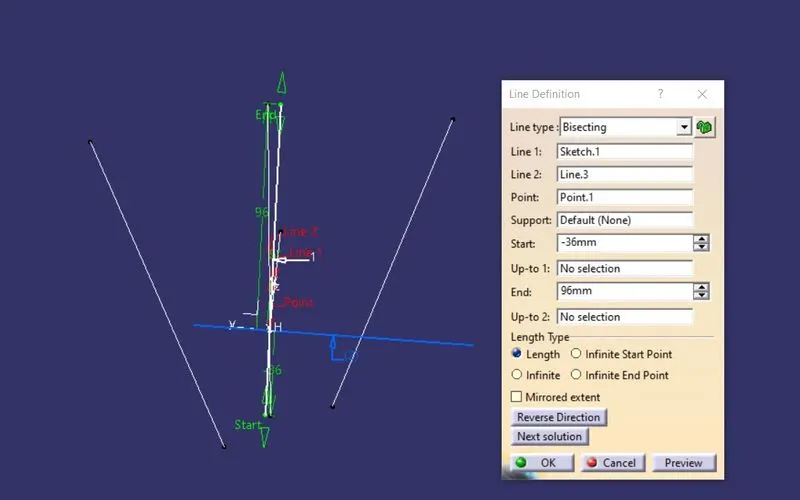
- Now create a sketch that consists of lines at an angle of more than 3deg, then bisect these three lines and create a new line for the tooling axis.
- Then extract the faces from the surface and apply un-trim for them to get a full surface,
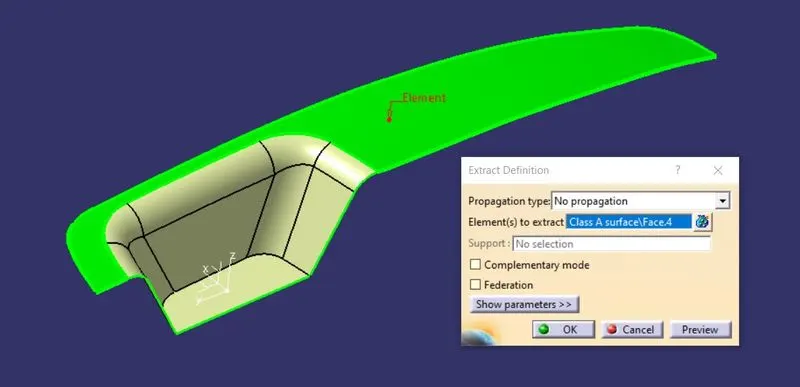
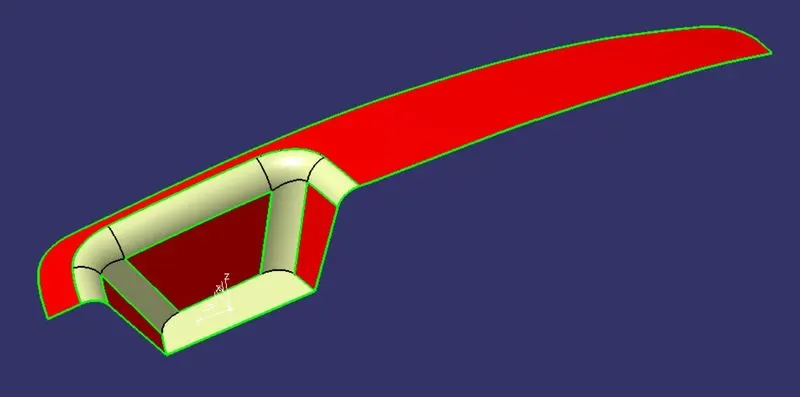
- Increase the length of the faces by applying to extrapolate and trim them according to the requirements,
- Now offset the trimmed surface which is represented as a Class B surface with a distance of 2.5mm.
- Then add the fillets at its edges by checking with the class A surface
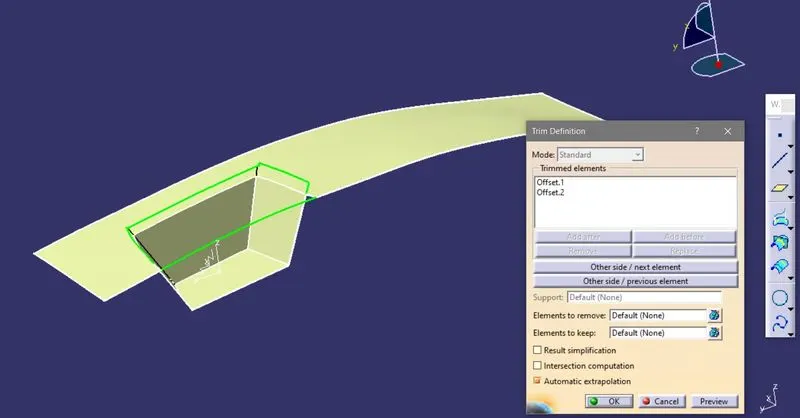
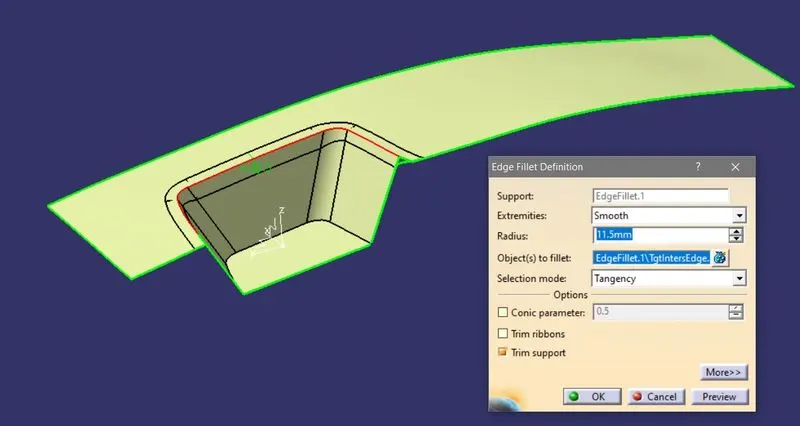
- Next, create the Class C surface by using the boundary of Class B surface with an added material as shown in the figure,
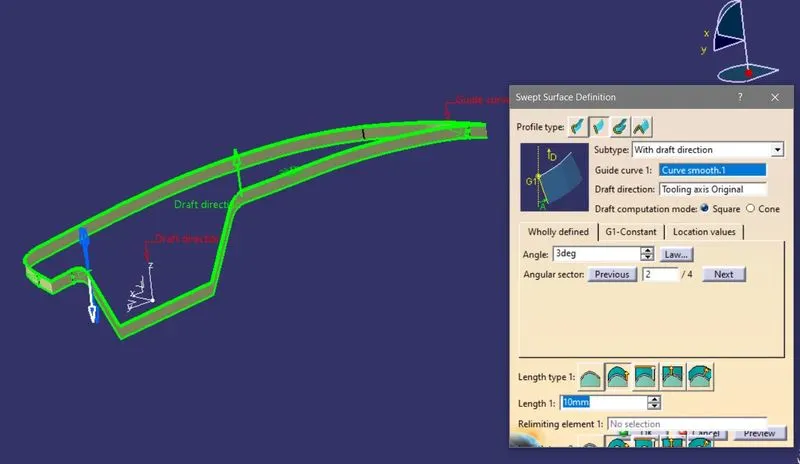
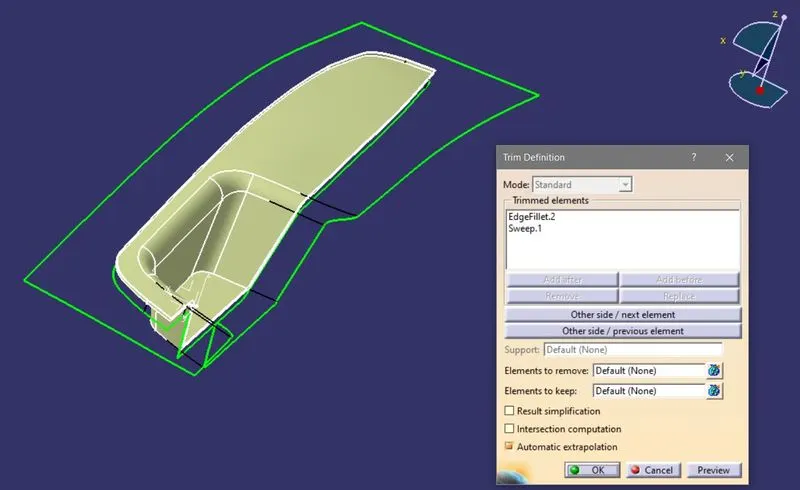
- Now make the final trim by chopping off the extra material and close the surface for making a solid part,
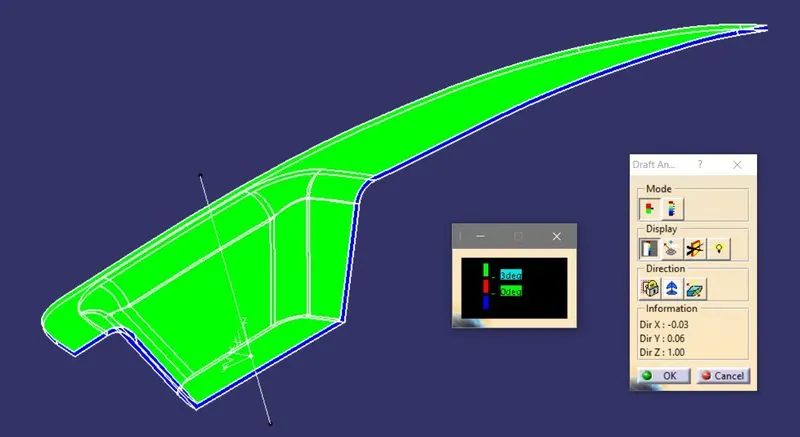
- Conduct the draft analysis on the part and check for the draft angles of the part.
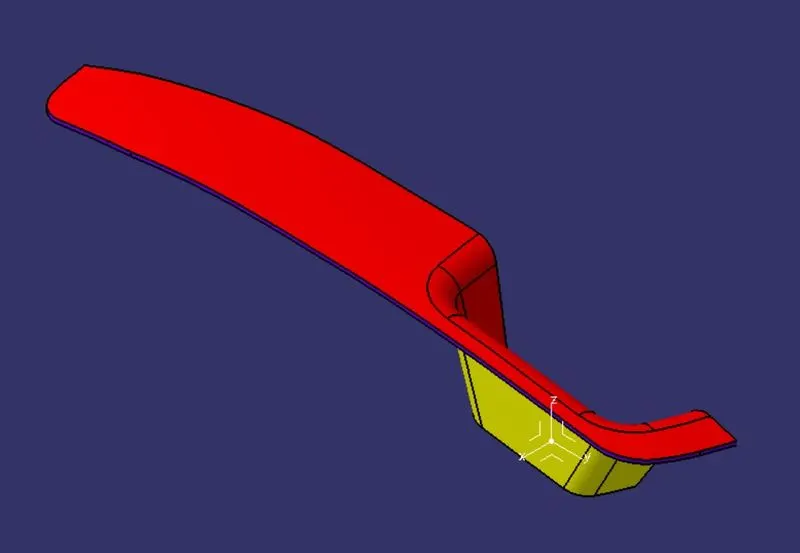
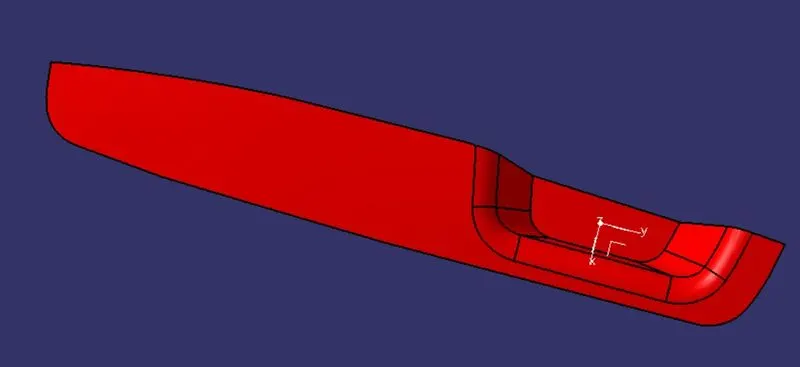
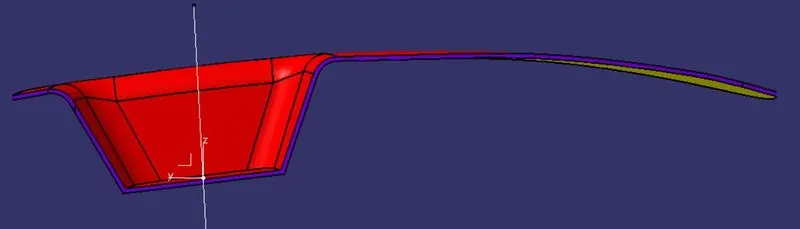
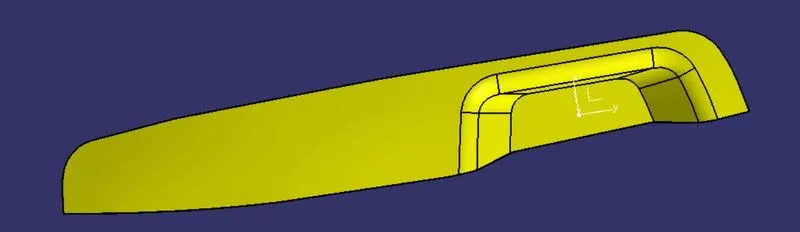
- VIEWS:
CONCLUSION:
Designed the Switch Bezel and conducted the draft analysis on it in CATIA V5