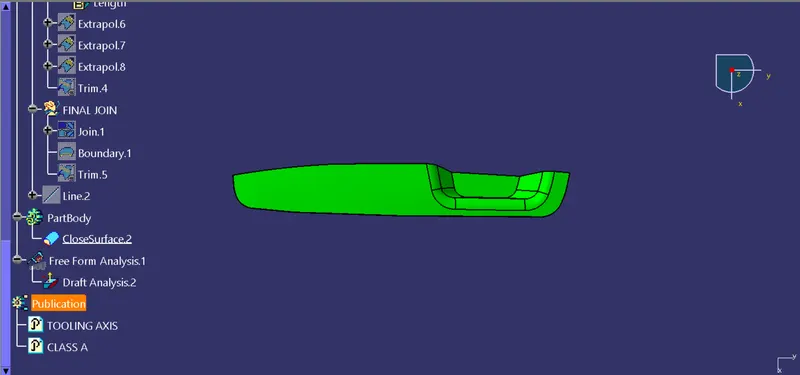
Week 8 - Challenge 3 - Switch Bezel Design
Draft- For the easy removal of component Draft is given.
Draft Analysis- The drafted design component is manufacturable or not is cleared by performing the draft analysis process.
- Steps for creation of tooling axis are as follows-
1) Create a point on the centre of the extracted bottom face. Then add the Axis system to that point. Then use intersect for Class A And the YZ plane of the axis. Next use positioned sketch in yz plane.
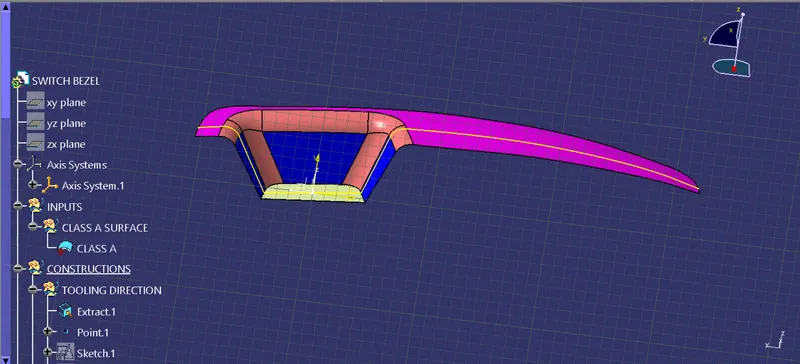
2) By using the positioned sketch, draw a tooling axis in the Y direction in which create two lines on the inclined surface and bisect them.
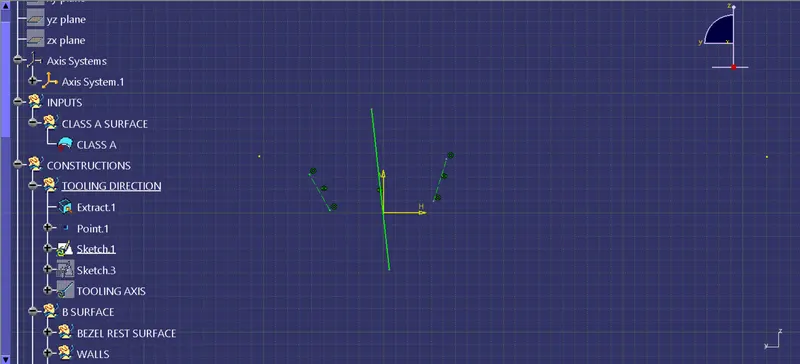
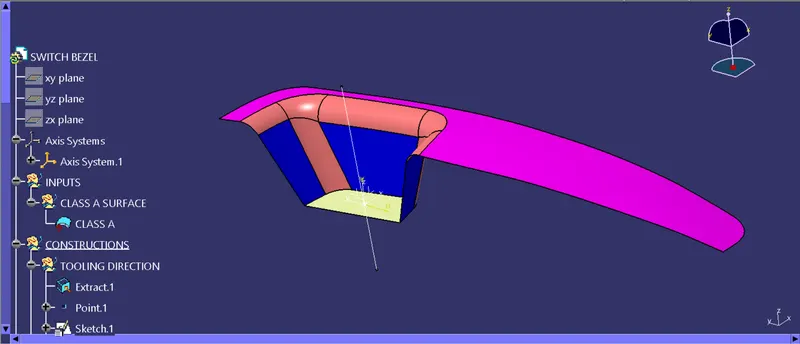
3) Now create the tooling axis in X direction by intersecting ZX with class A surface. Then bisect the line on inclined surface.
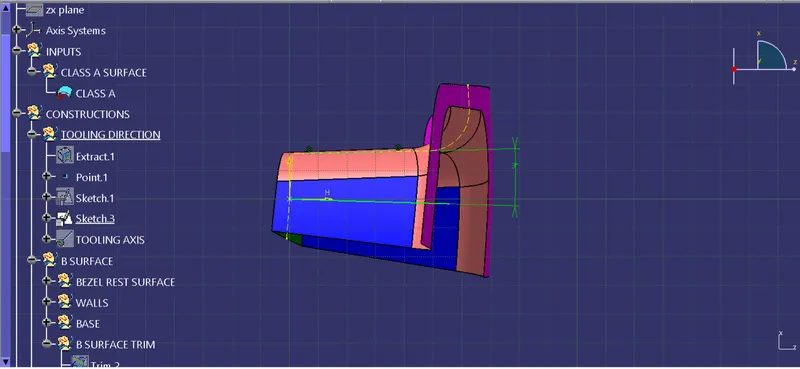
4) Bisect these two lines and increase the length of bisecting line and name it as Tooling Axis. And then Publish the Tooling Axis and given Class A surface for ease.
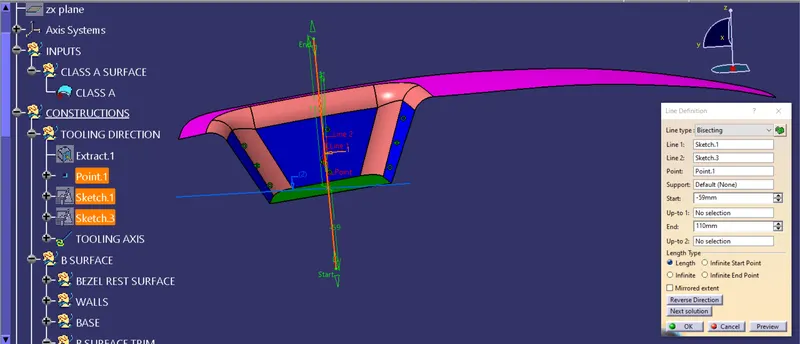
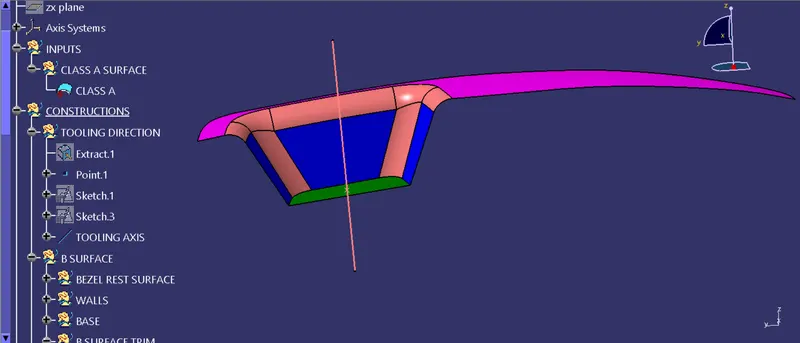
- Steps for creation of Class B Surface-
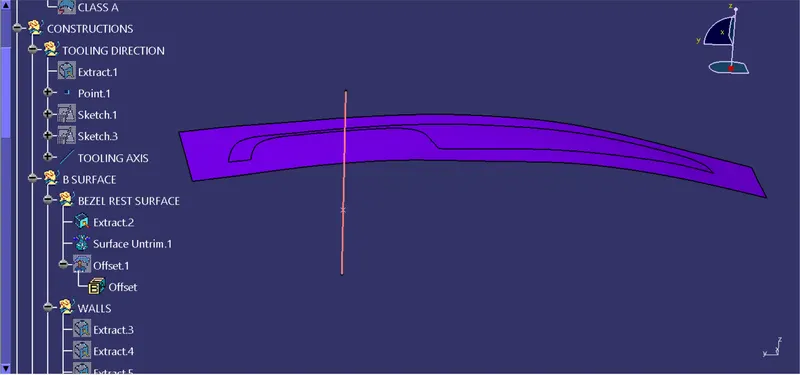
1) First upon extract the sidewalls face and untrim it. Perform every needfull activity by taking itself new geometric set as show below image and also do not conside fillet for now, it will create problem.
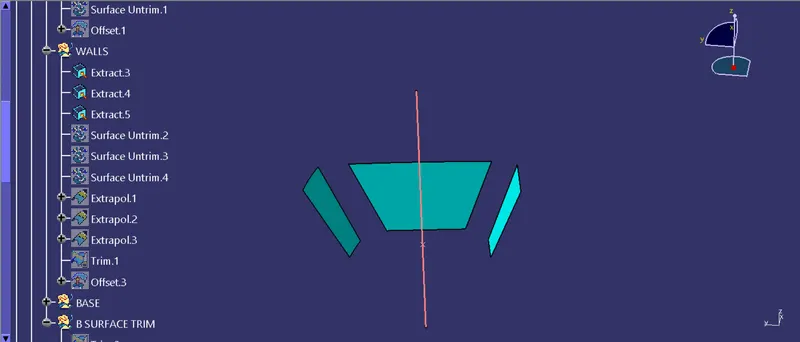
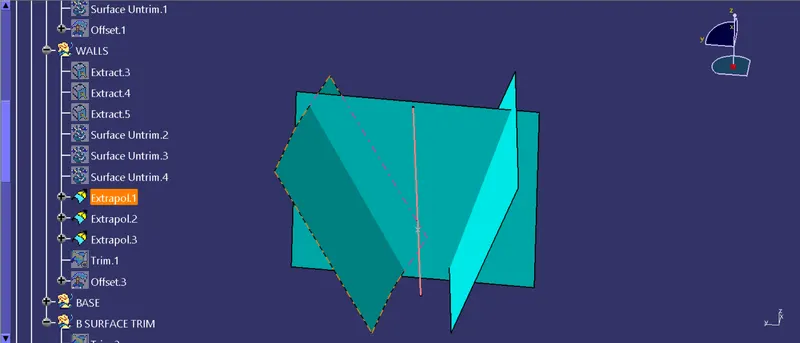
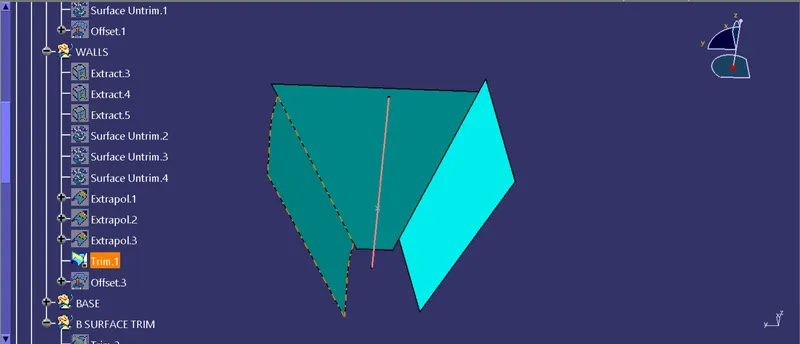
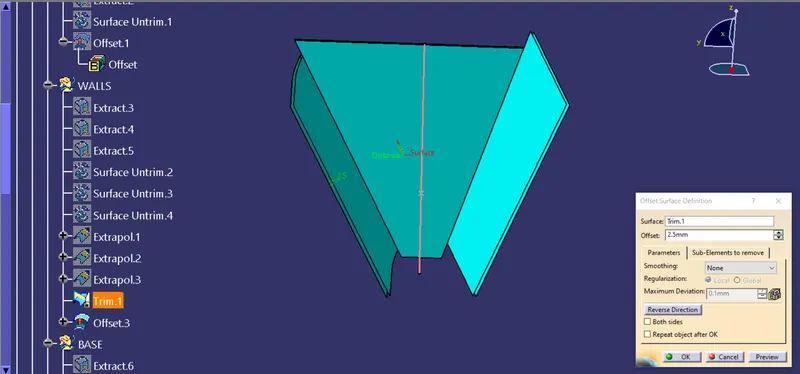
2) Now offset it by 2.5 mm because the thickness of the component is 2.5 mm.
3) Do the same procedure for the Bottom and Top Surface.
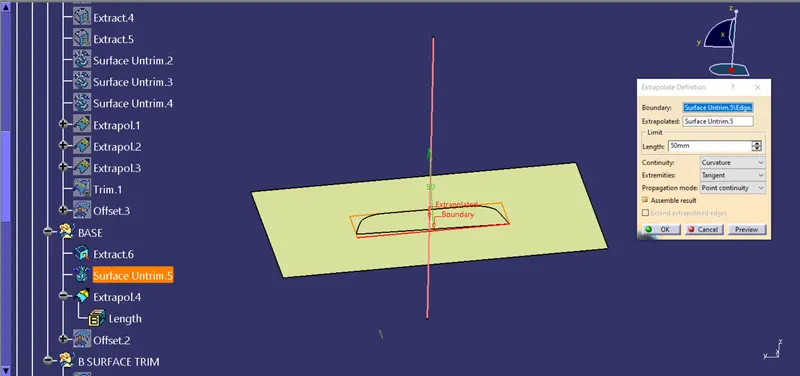
For Top Surface-
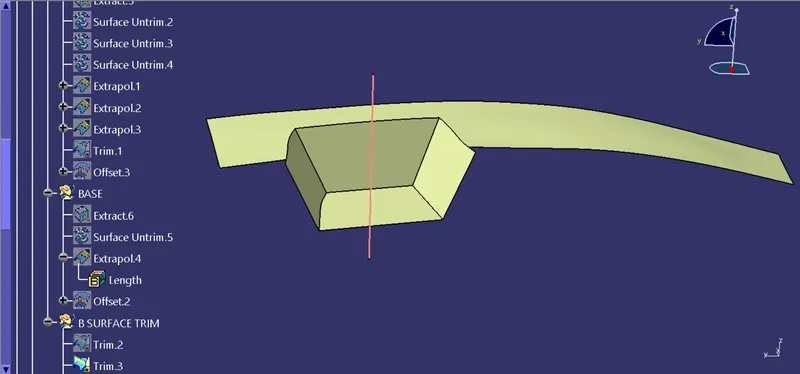
4) Trim these 3 and we will get our Class B Surface-
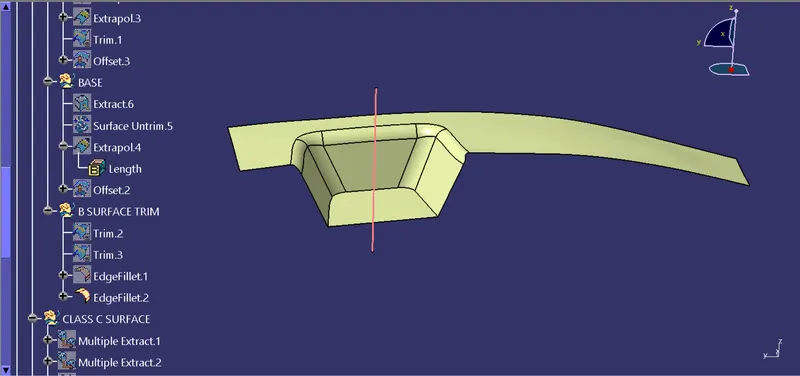
5) Now give the fillet value as required-
- Creation Of Class C Surface-
1) By using Multi-extract create boundary for class A surface.
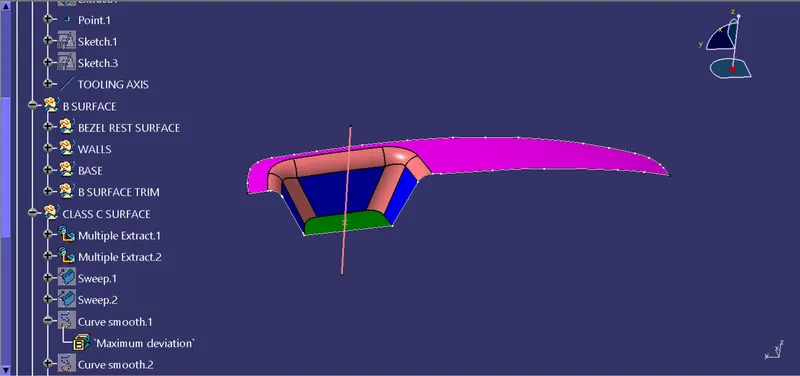
2) now apply the smooth curve on it for aesthetic view.
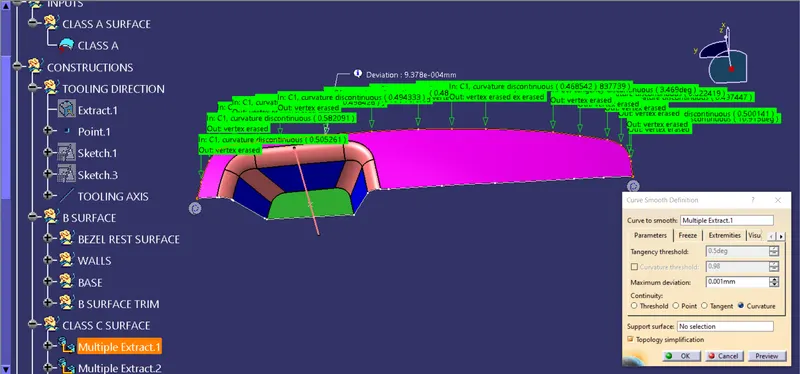
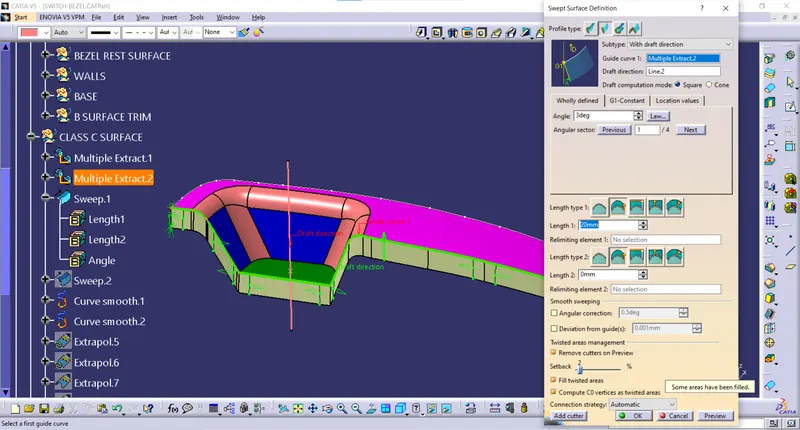
3) Now sweep this curve with reference of the tooling axis. And keep draft direction outside.
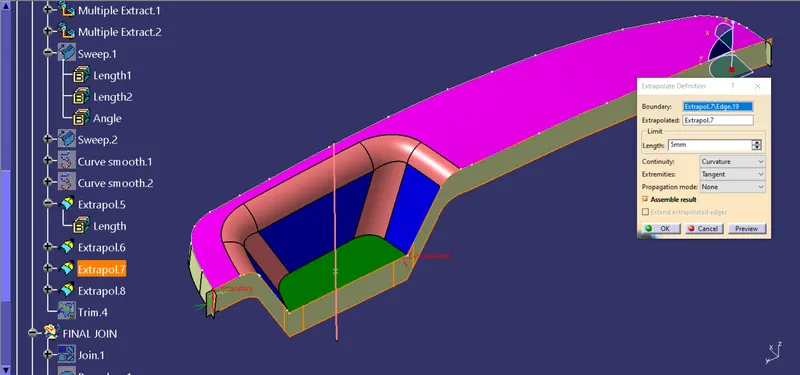
4) Now extrapolate the edges and trim them as required.
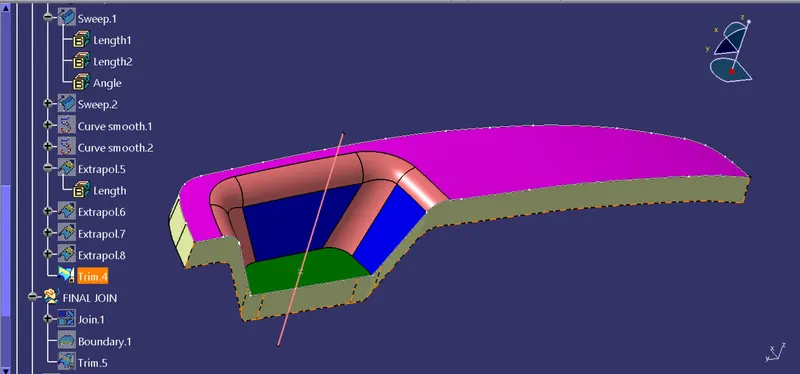
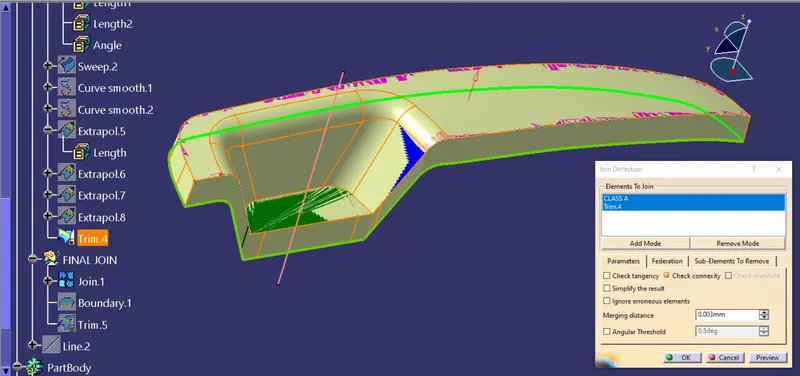
5) Now Join this Trim with Class A surface and Trim Class C surface with Class B surface and that will be our final step on Surfacing.
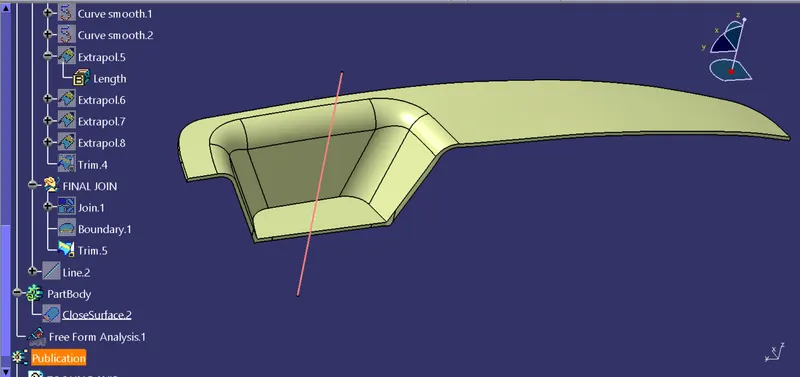
- Creation Of Solid Body-
1) Open Part Body Workbench. Now give Closed surface to final trim, And then hide the last trim.
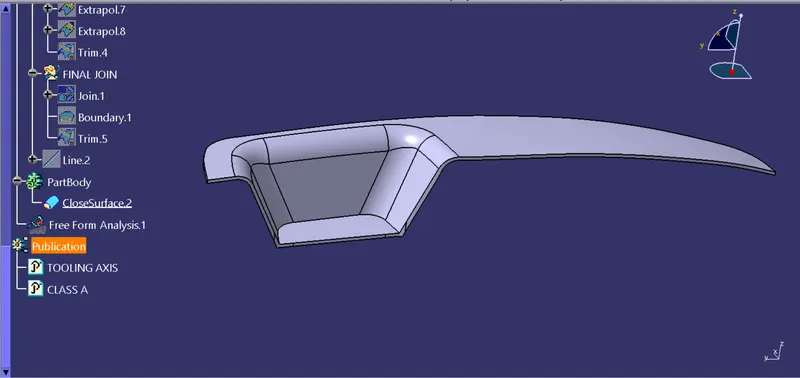
Draft Analysis on the final plastic product-
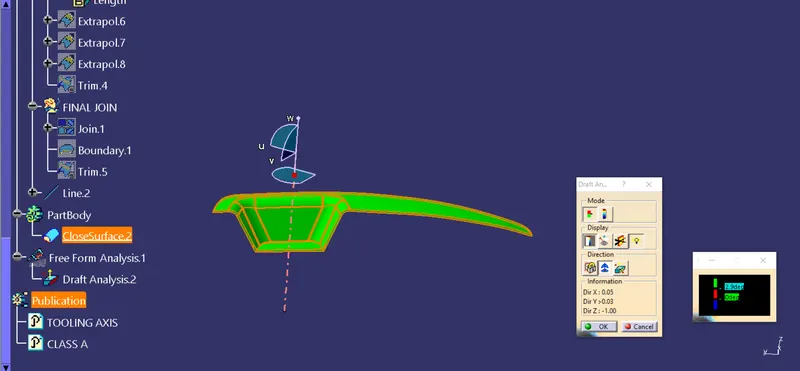
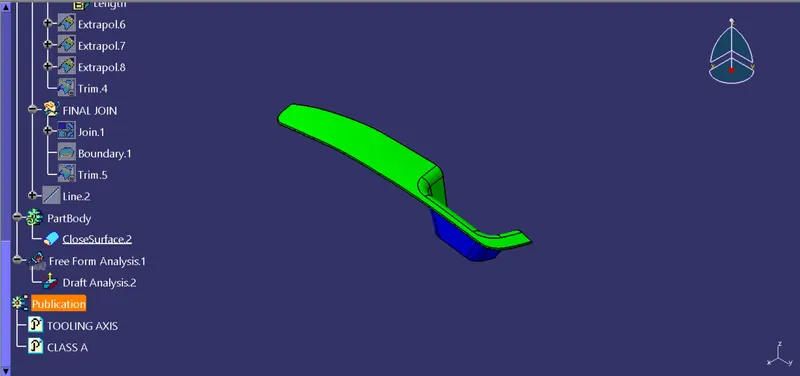
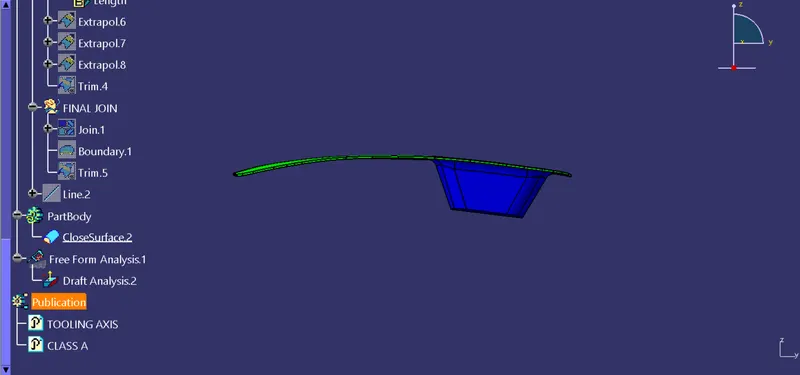
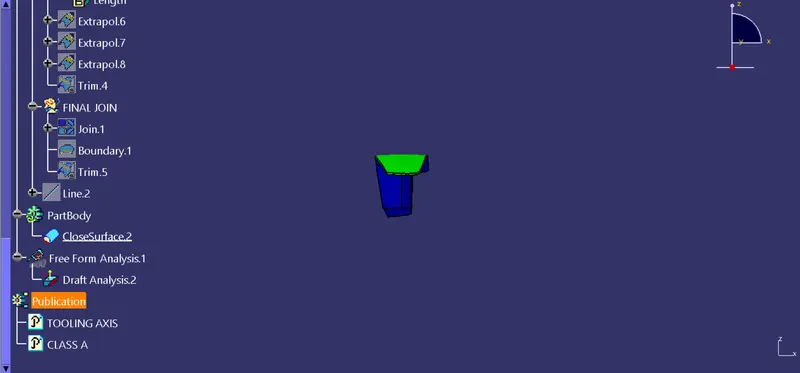
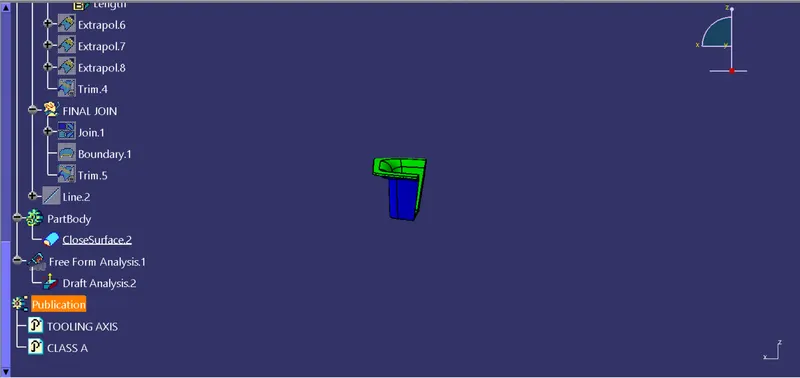
Different views of final product are as follows-
Isometric View-
Front View-
Left View-
Right View-
Top View-