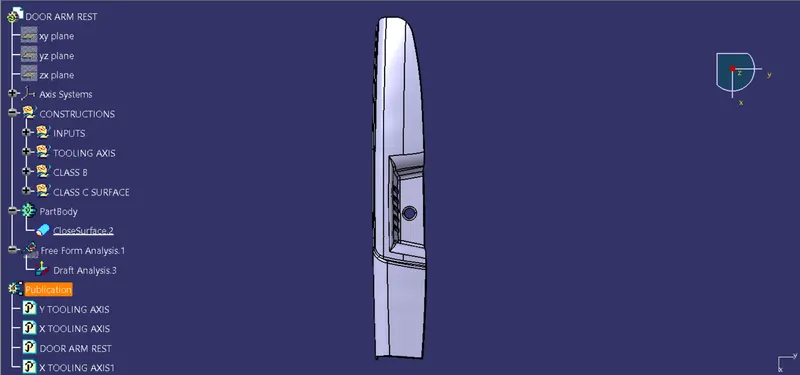
Door Arm Rest Week 8 Challenge
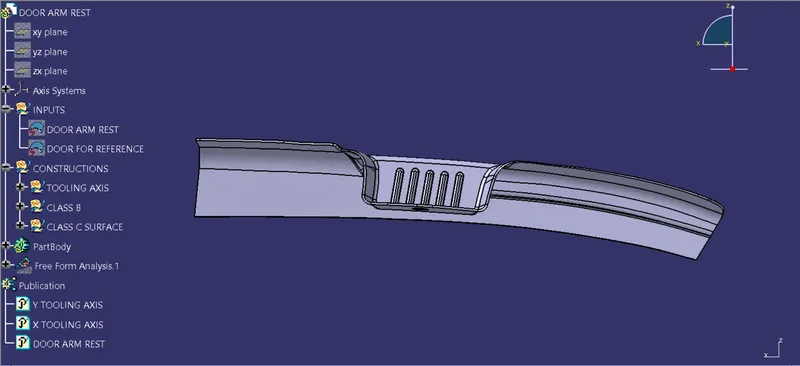
DOOR ARM REST-
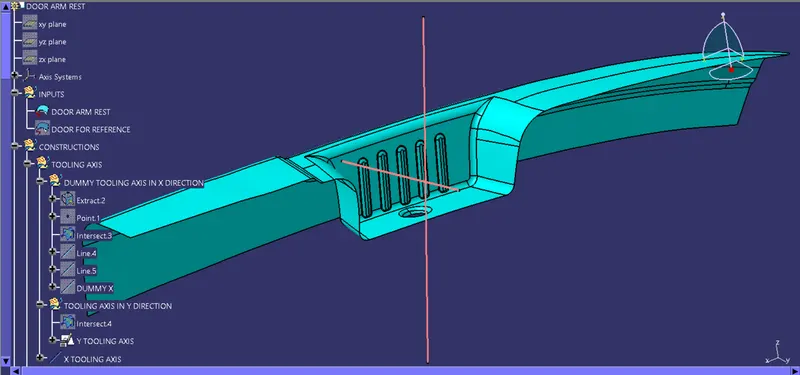
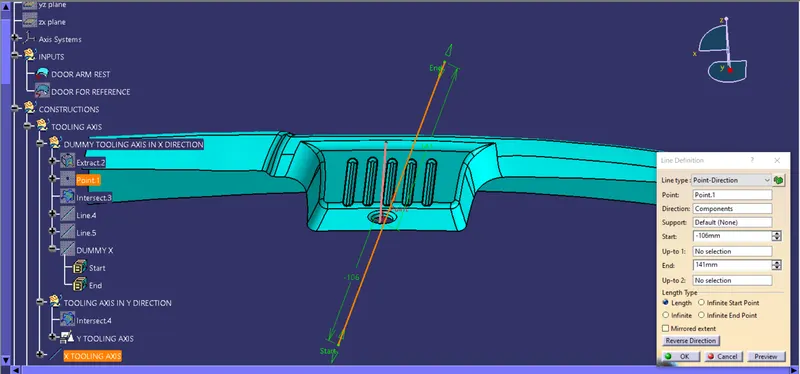
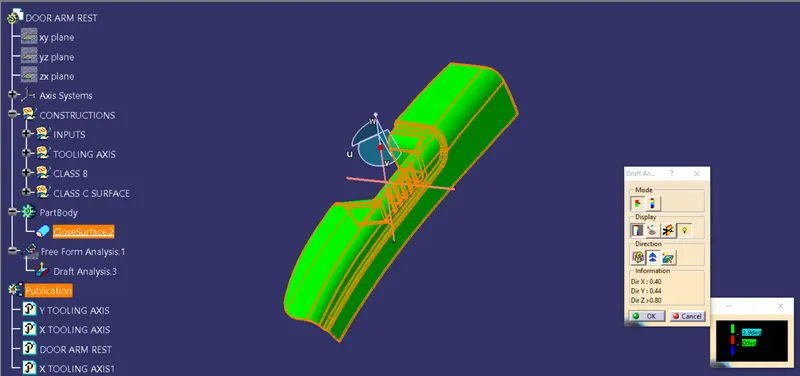
Axis Creation Procedure- In this part we have a side core also. Because of complexity in part, we have to take two tooling axis as shown in the figure. And by using both tooling axis we clear the draft at last.
Creation of Class B Surface-
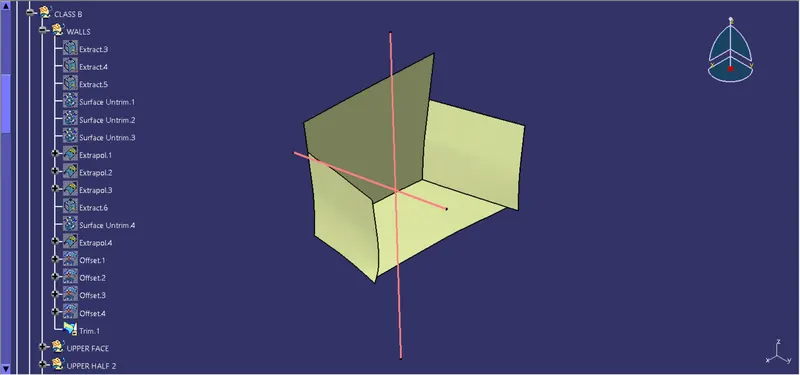
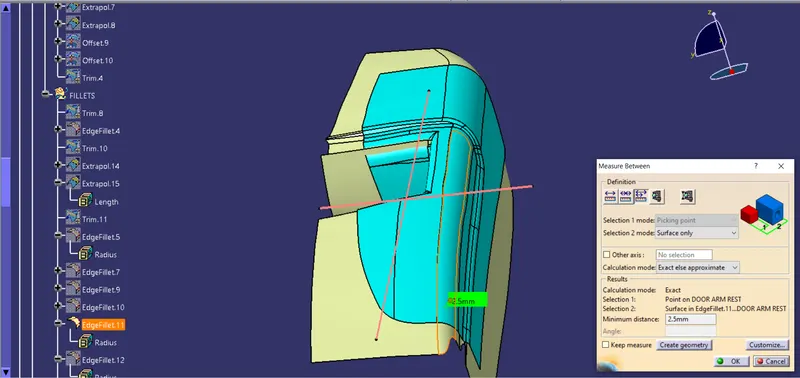
For the creation of class B surface, extract the wall and base faces and untrim and extrapolate them. After that offset them by given 2.5mm thickness.
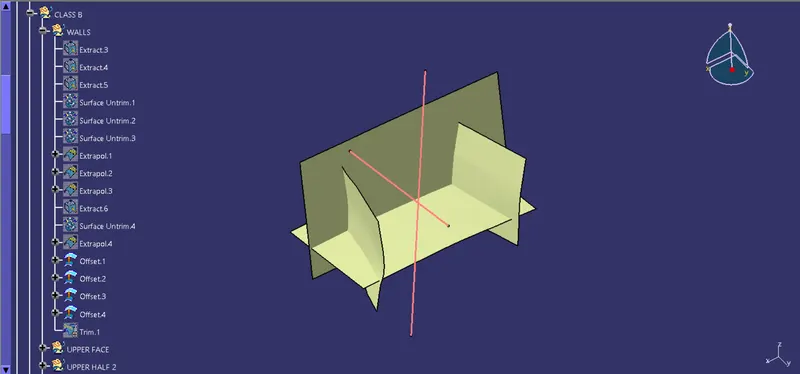
Now trim those offset surfaces as per the required shape.
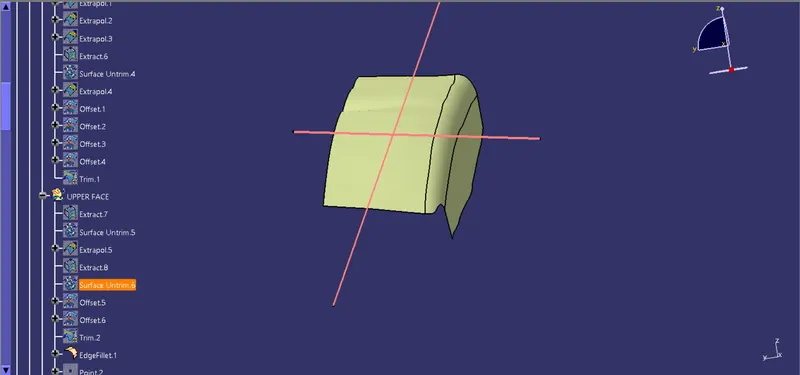
In s same manner extract, untrim, extrapolate, offset & trim the sidewall and top face and give the fillet value by considering the part thickness.
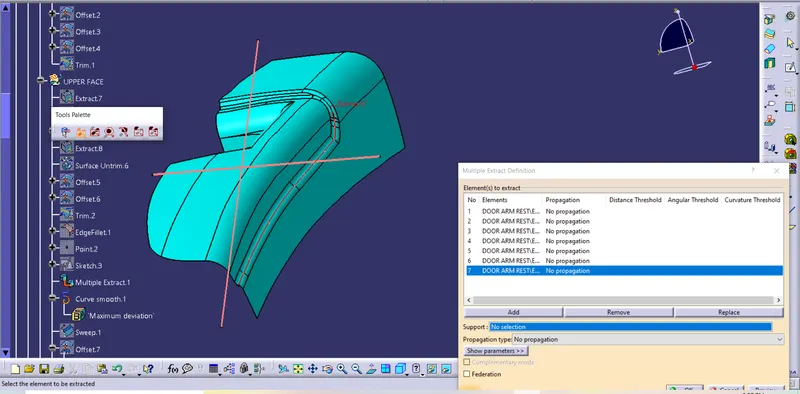
Do the same with other flat faces by extracting them, then by using multi extract the curve of the fillet line.
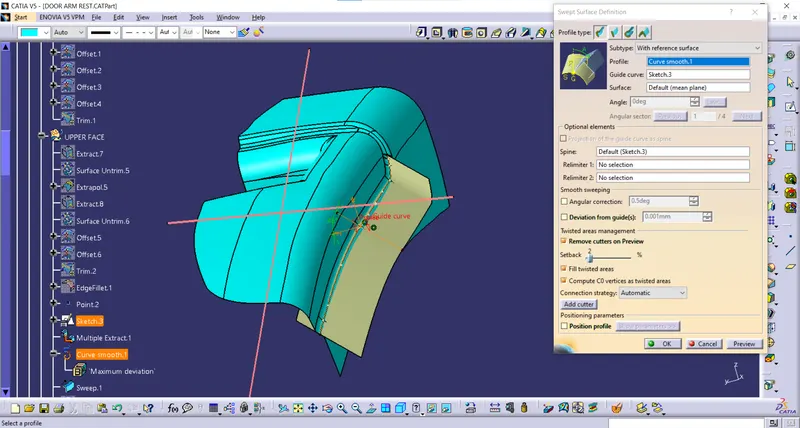
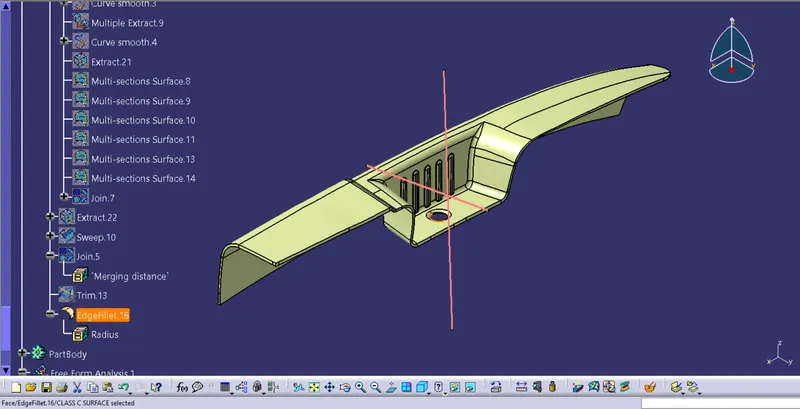
Sketch line tangent to the both fillets and sweep that curve along that tangent line. And then extract the upper edge.
Now give blend to the two extrapolated surfaces.
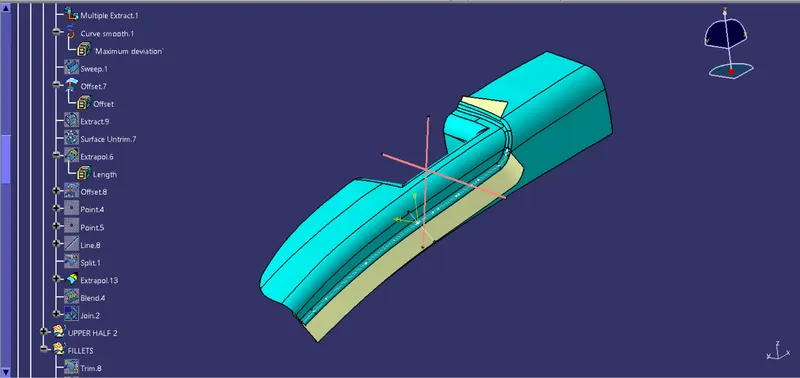
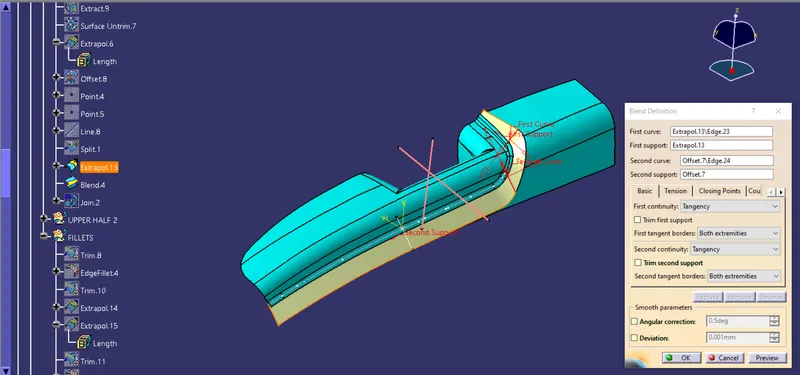
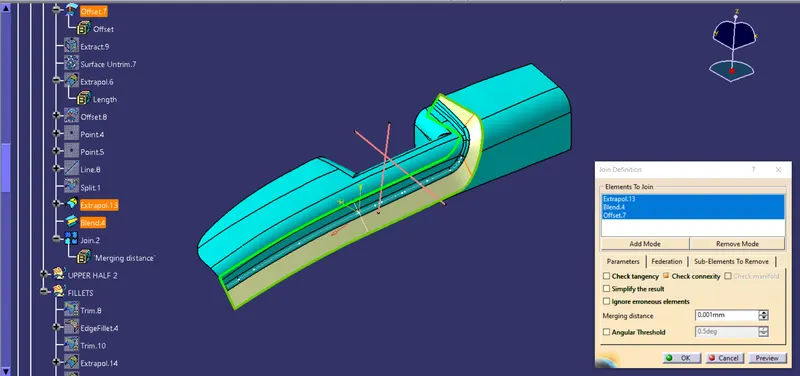
Now join the two curves with blend and trim well as per requirement.
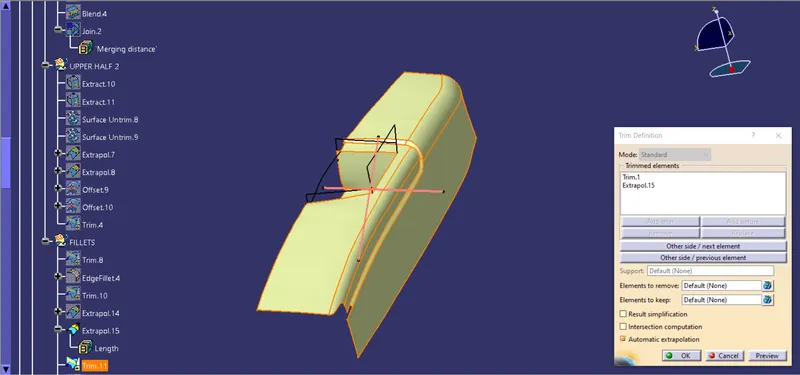
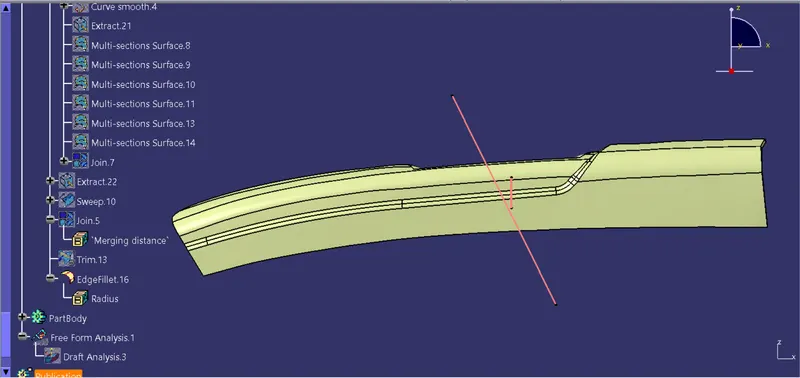
Now give the fillet vlaues by considering the thickness of part 2.5mm.
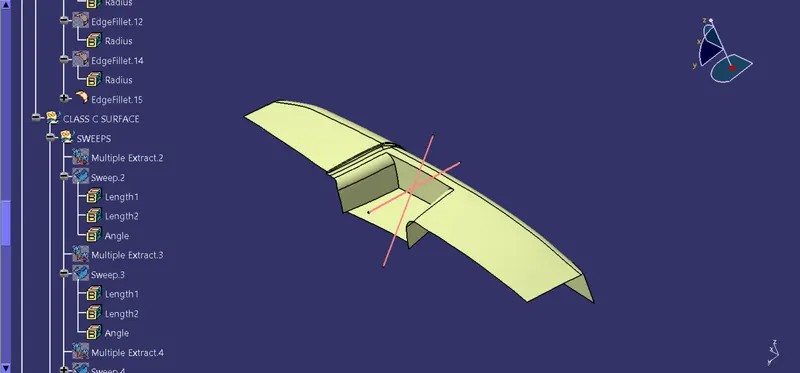
Creation Of Class C surface-
By using Multi-extract extract the boundry & sweep it with X tooling Axis.
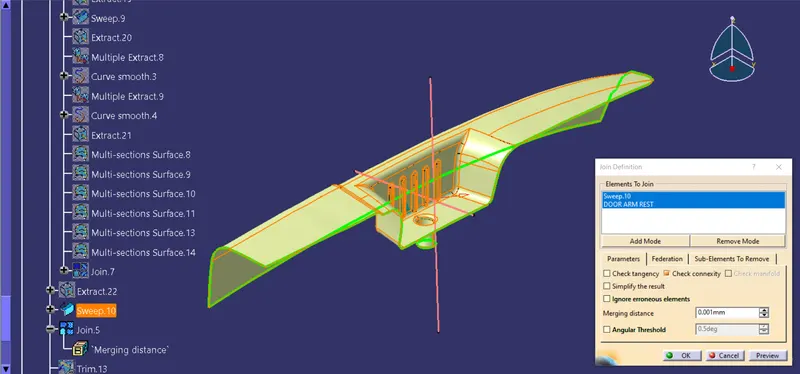
Now this joined Sweeps with Class B Surface as per required shape.
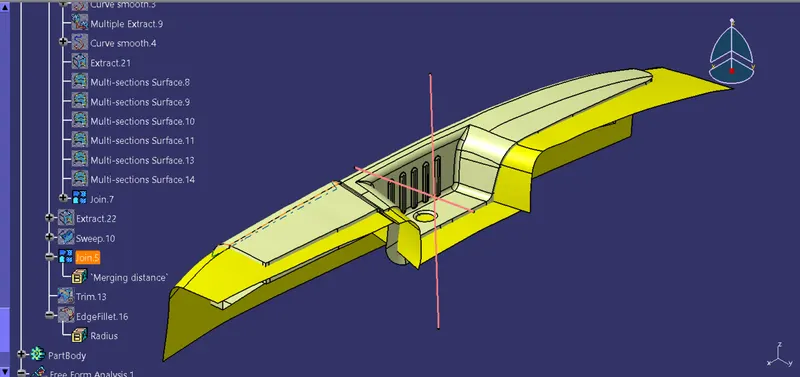
Plastic Body Creation-
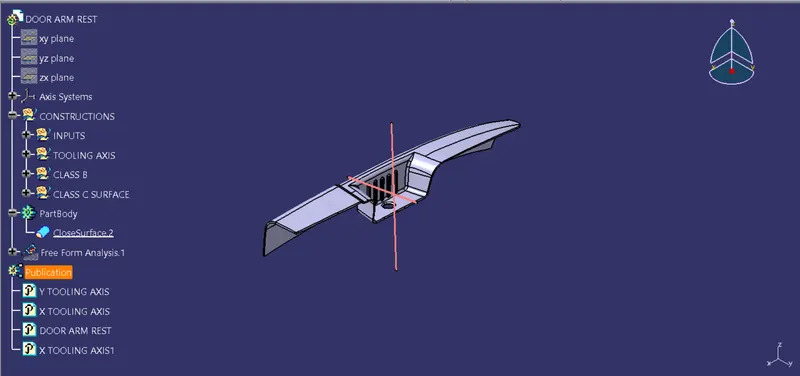
To create plastic body, go to the part design workbench and use close surface command.
Draft Analysis-
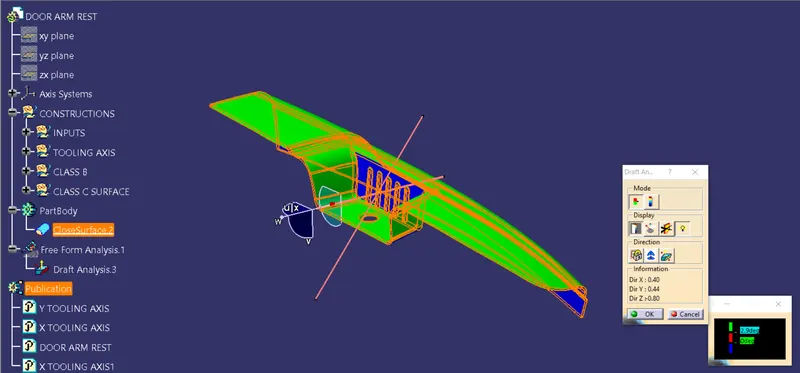
Do the Draft analysis on both Axes as shown below-
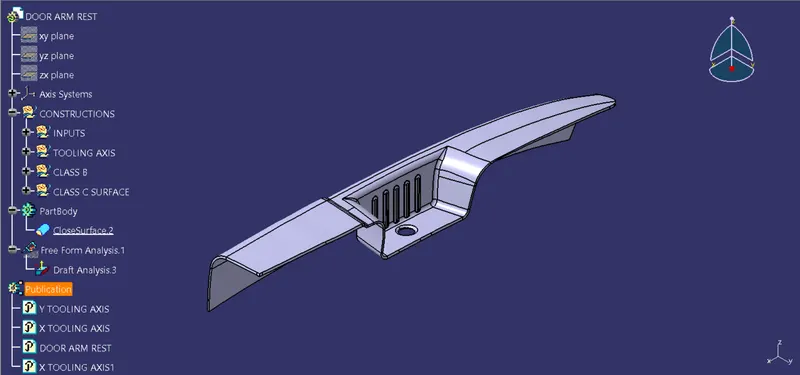
Different views of the components-
Isometric View-
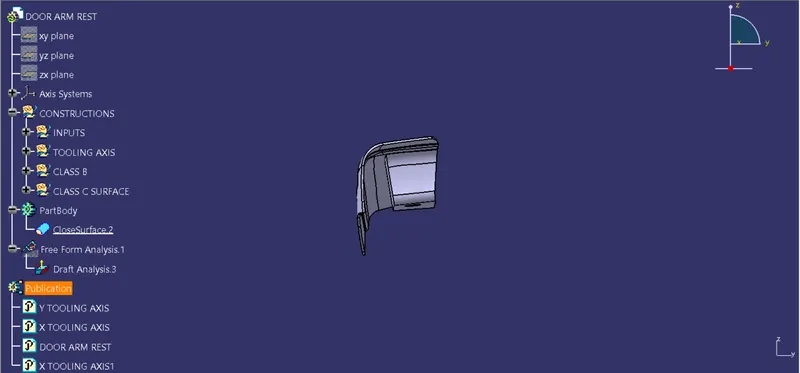
Front View-
Left View-
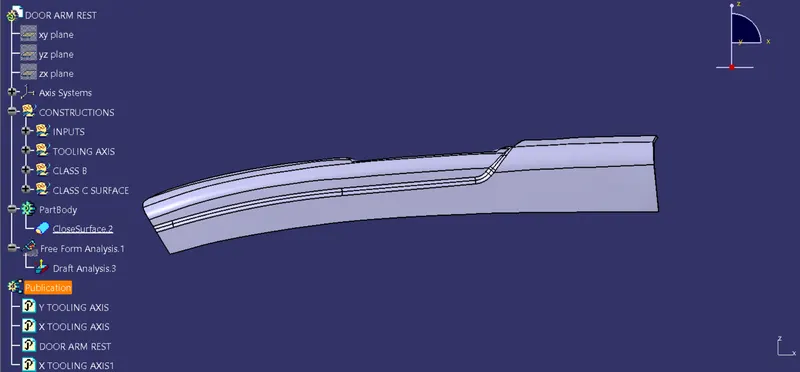
Right View-
Top View-