Week 8 - Challenge 3 - Coin Holder Design
COIN HOLDER DESIGN
CLASS A SURFACE
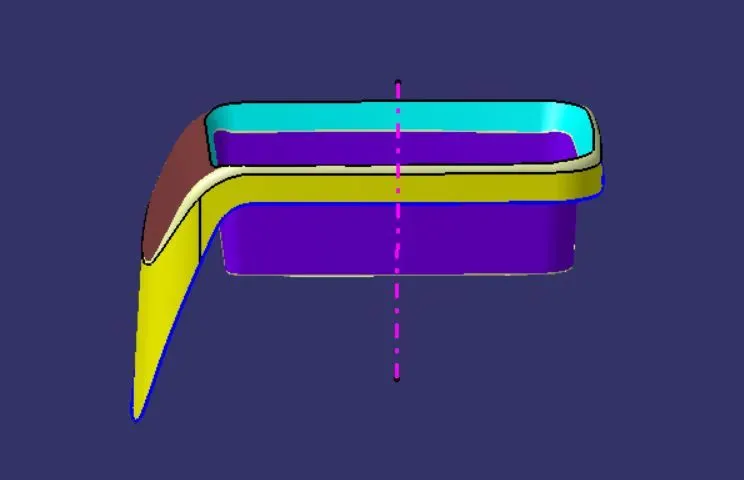
TOOLING DIRECTION
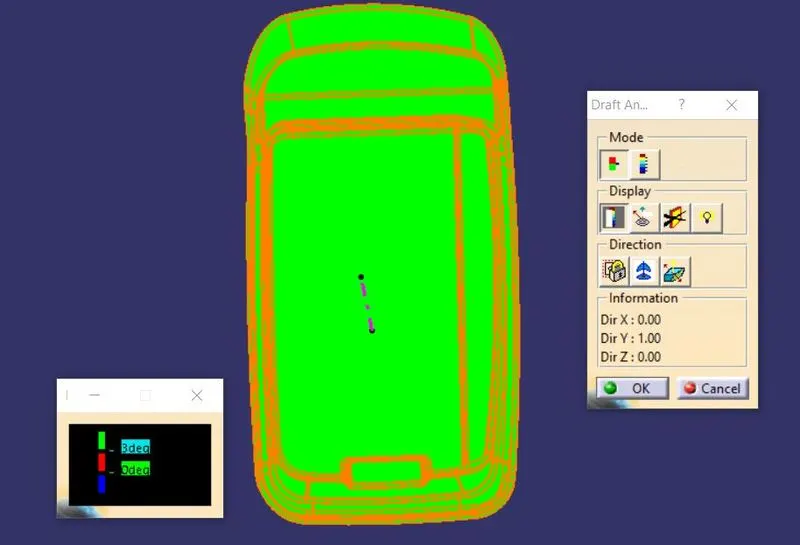
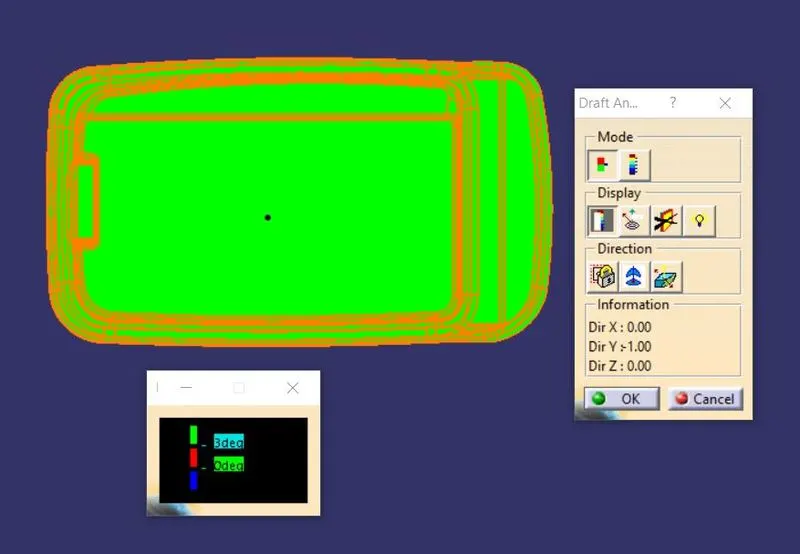
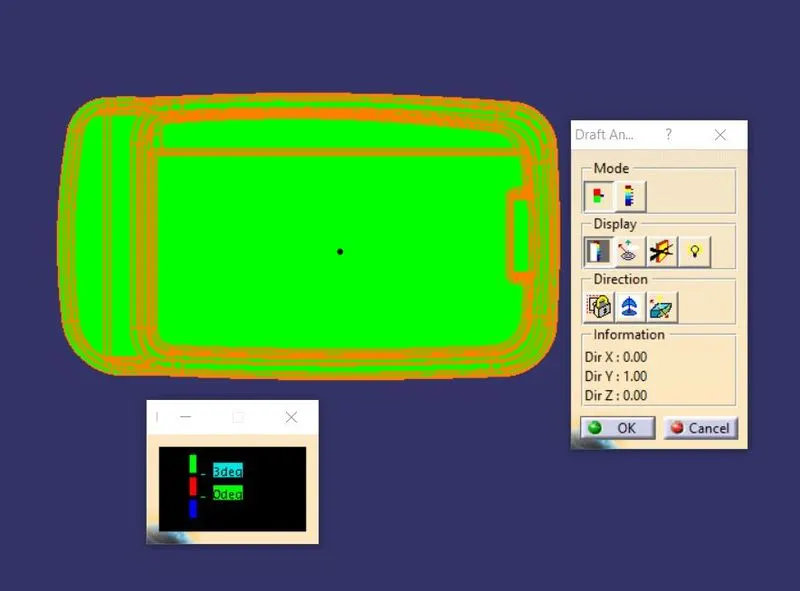
CLASS A SURFACE DRAFT ANALYSIS
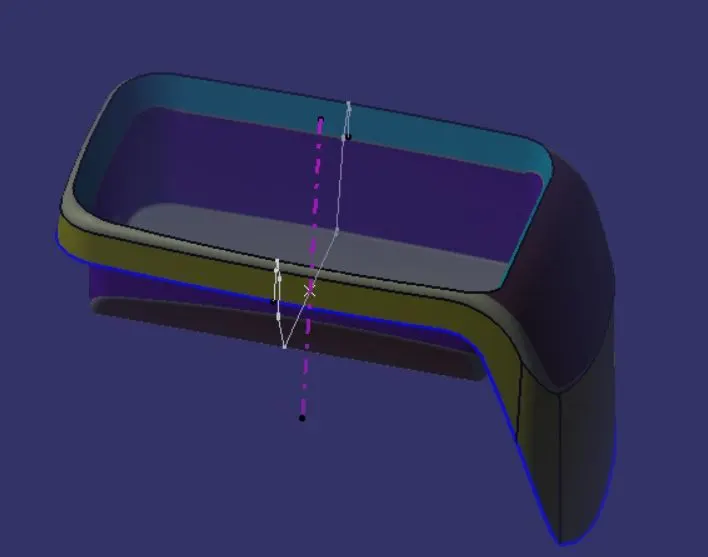
CLASS B SURFACE
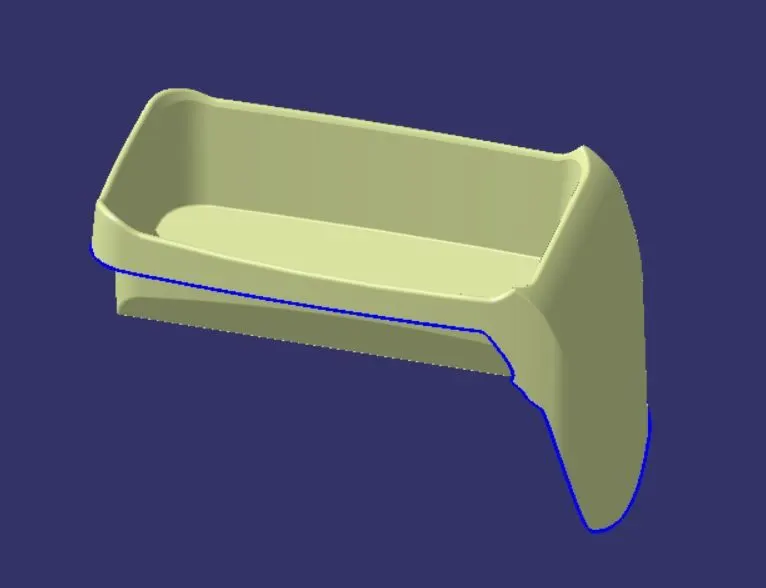
CLASS C SURFACE
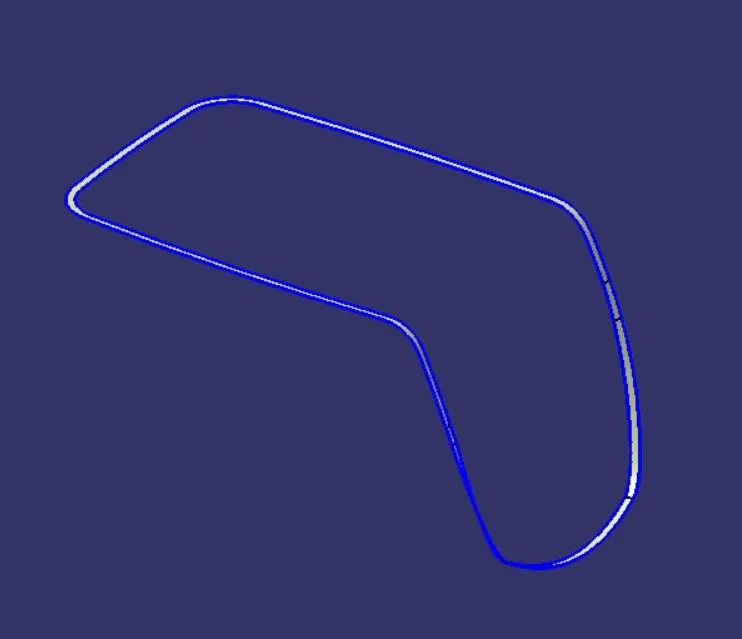
FINAL PART CLOSED BODY
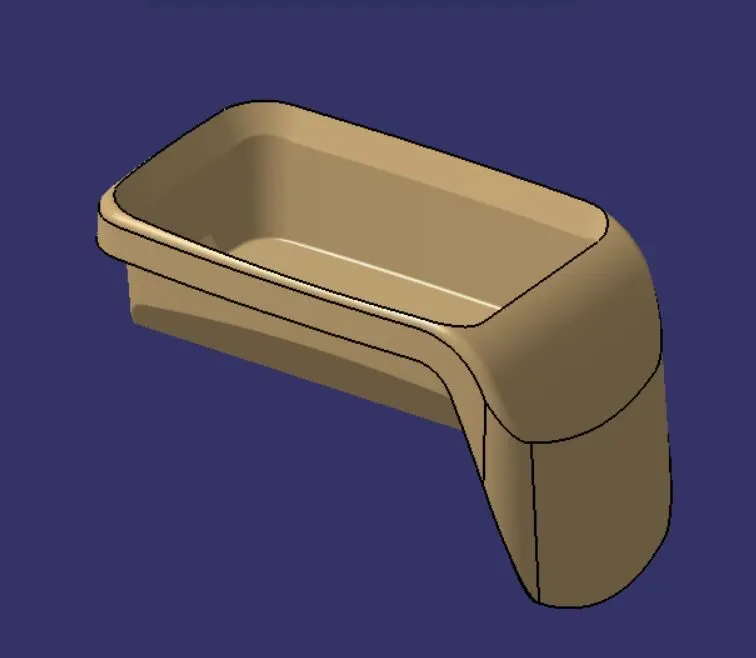
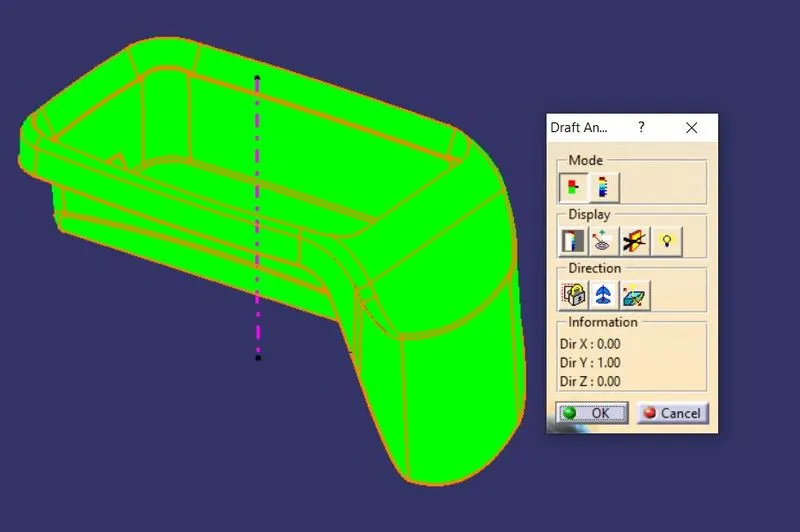
FINAL PART DRAFT ANALYSIS
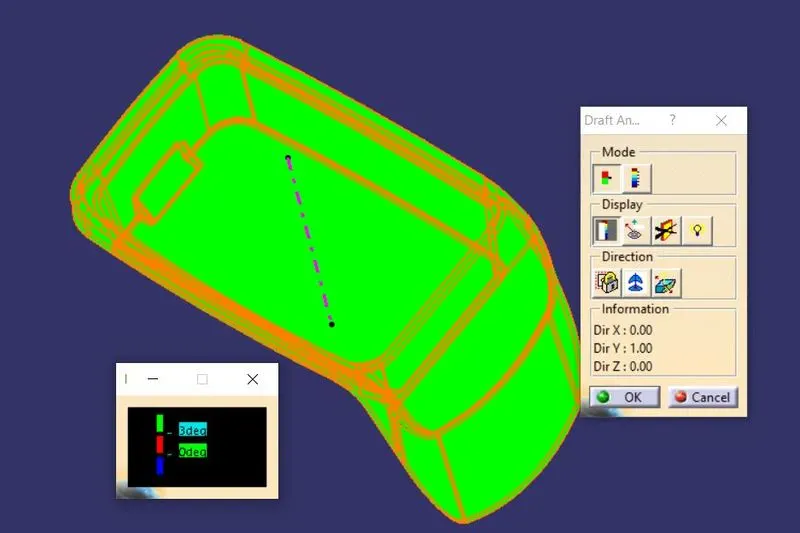
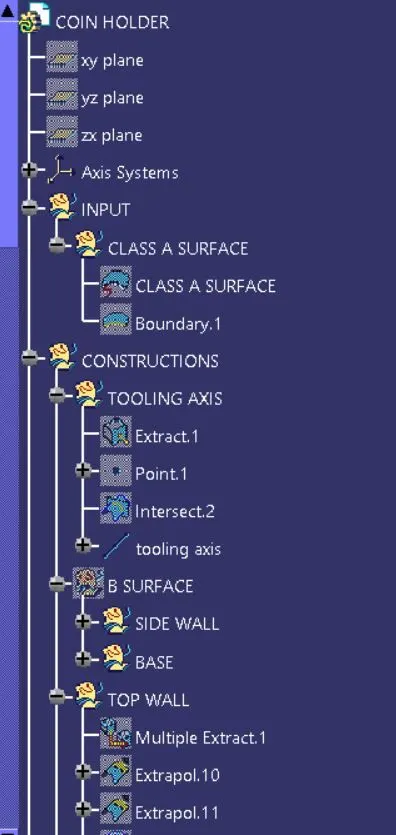
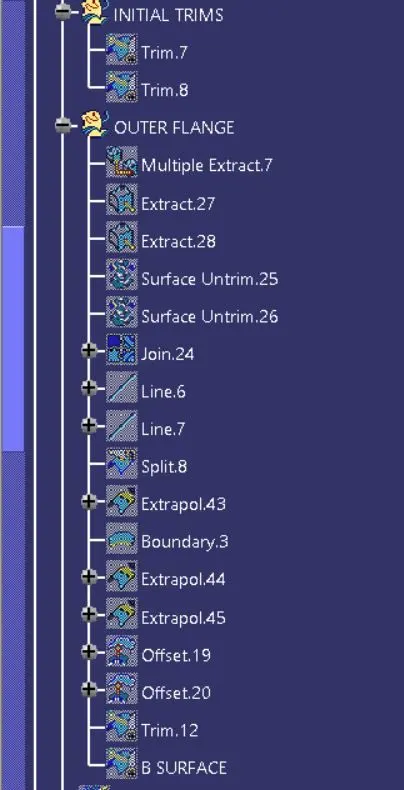
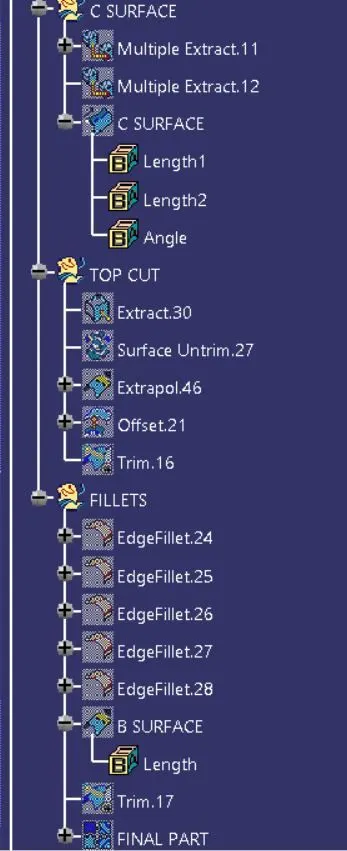
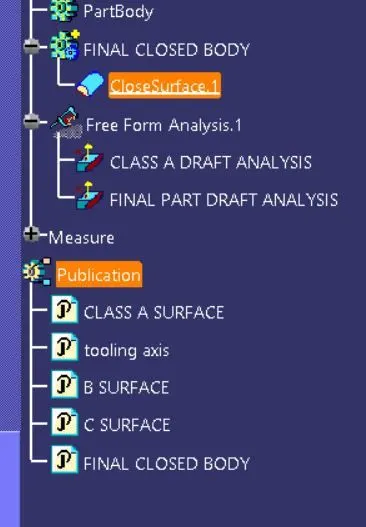
TREE STRUCTURE
DRAFT ANALYSIS
The draft analysis technique is used to analyze whether our part model created in CAD is manufacturable based on the draft condition applied. Here the part should get easily removed from the panel dies (in case of Sheet metal part) or Mold (in case of plastic). No parts can be ejected from the tool if it is having a straight 90-degree profile from its base surface. A small draft angle is provided to each and every area of the component in order to get easy removal of the component from the tool.
Here we are providing a direction in which components should eject in order to get easy removal of components from the tool. In other words, it also lets us know whether the model is having a draft angle and how much is the draft angle from the tool direction.
STEP 1
To Change the view mode of material mode.
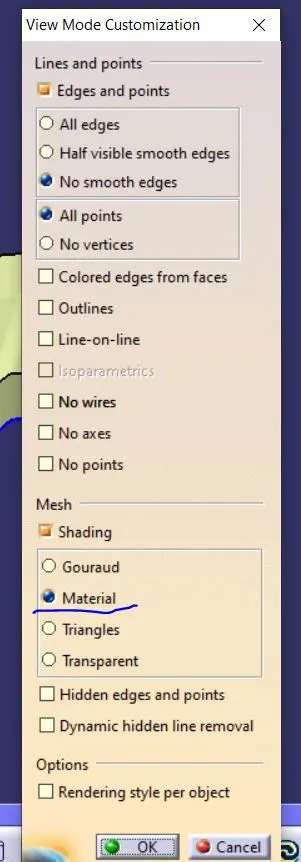
STEP 2
To click the Draft Analysis dialog box it will showing the colour scale box and properties of draft analysis.
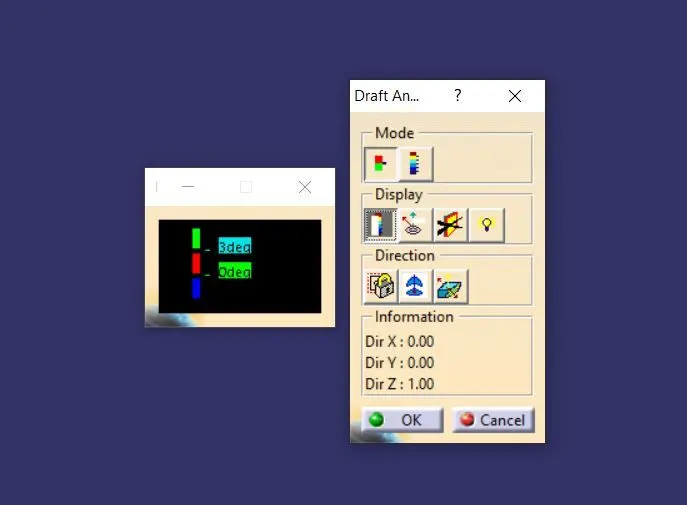
STEP 3
To click the compaas icon drag the compaas to fix on the tooling axis then locked the position.
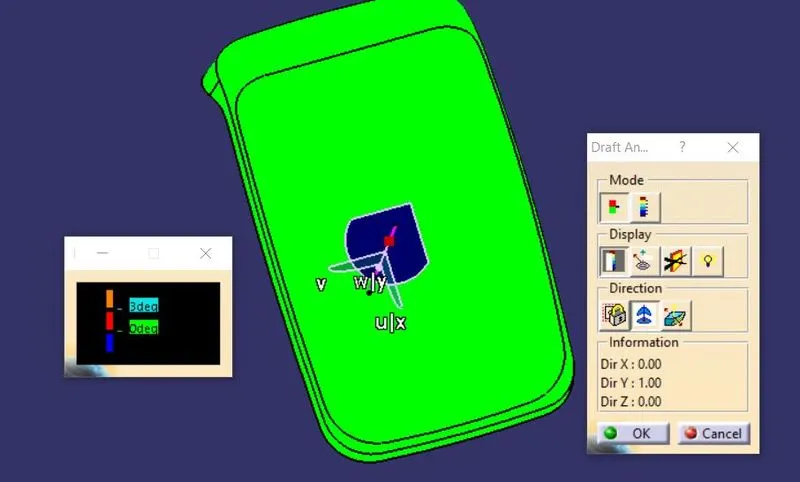
STEP 4
After locking the compaas To click any anywhere of the component it will get the result.
ISOMETRIC VIEW
FRONT VIEW
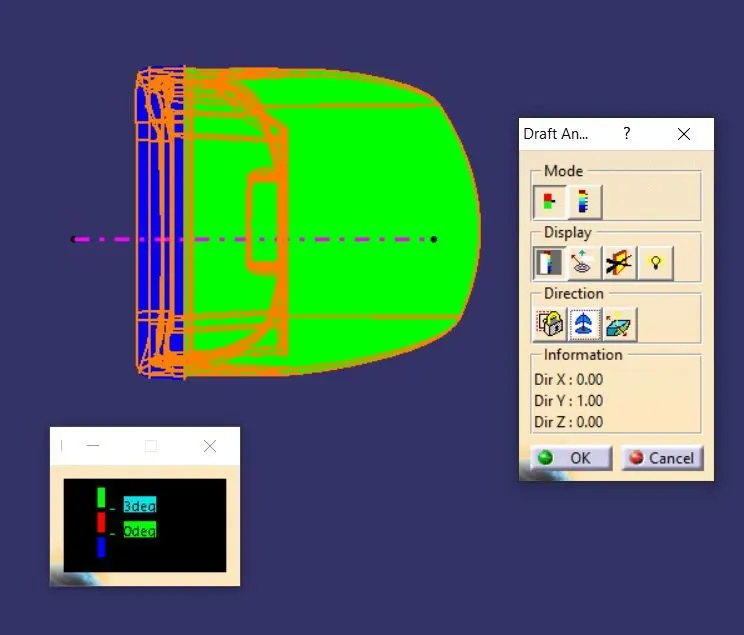
SIDE VIEW
TOP VIEW