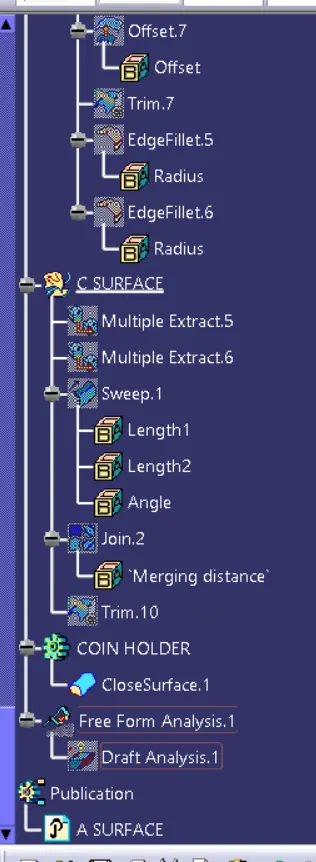
Week 8 - Challenge 3 - Coin Holder Design
DESIGN OF COIN HOLDER
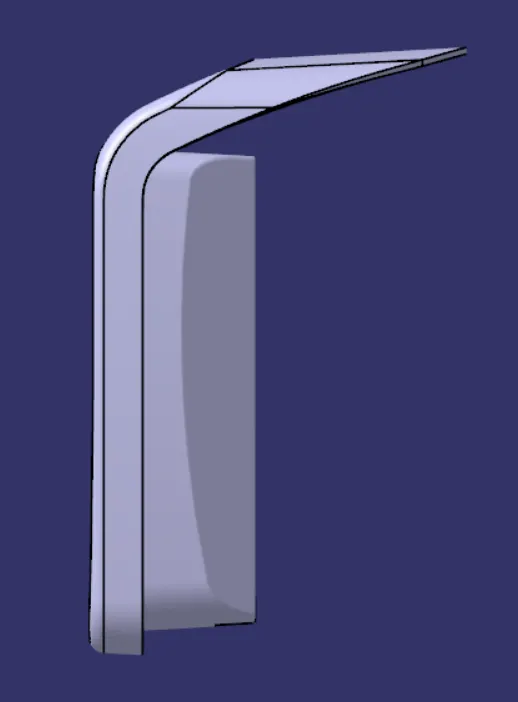
Aim:- To make a model from the provided class A surface
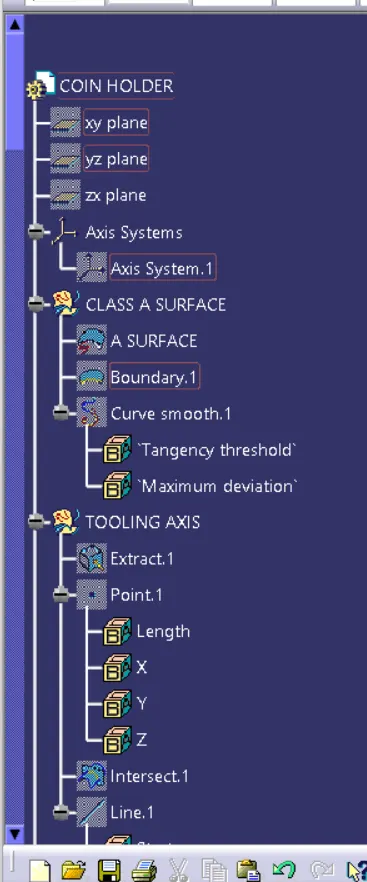
Class A Surface:
A surface made by the designer which is given as an input to the plastic modeler to work on. It is aesthetic surface and the outer most surface.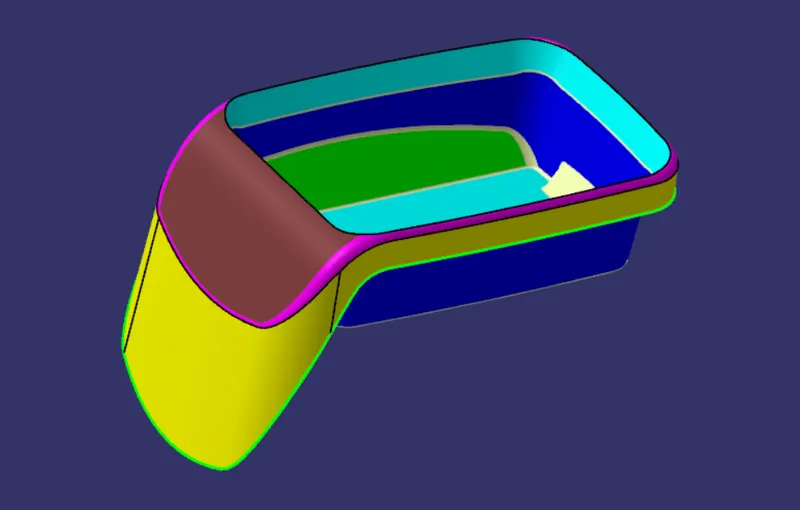
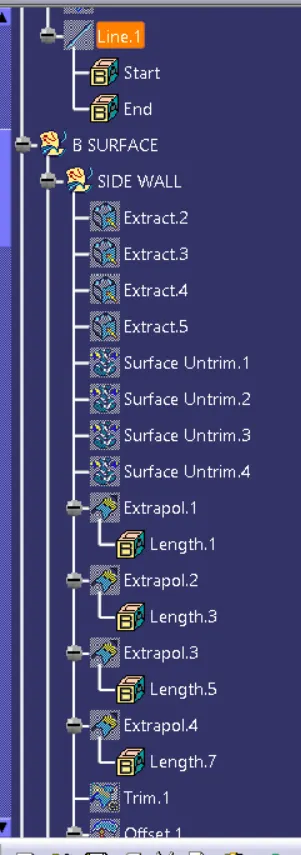
Class B Surface:
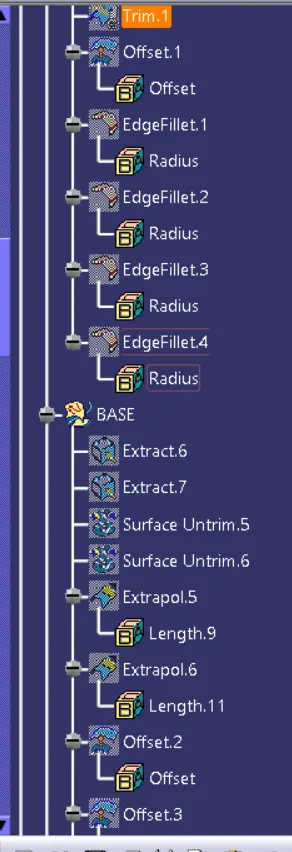
A surface below a certain thickness from the class-A surface is class-B surface. This is the surface that contains engineering aspects of a model.
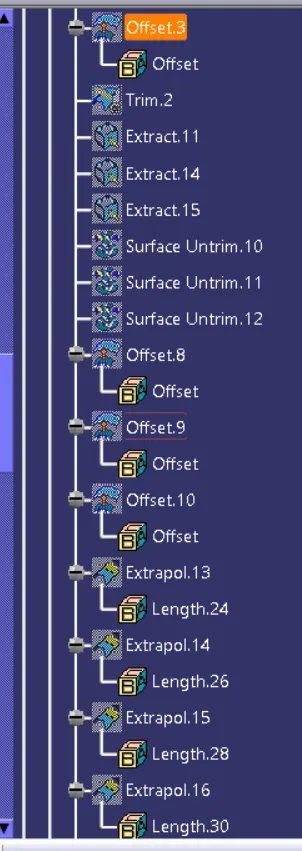
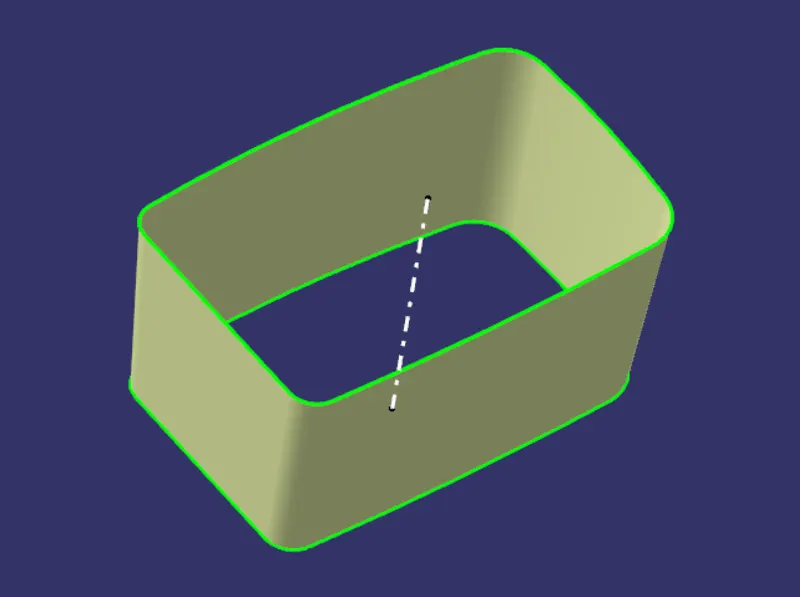
- Side Wall
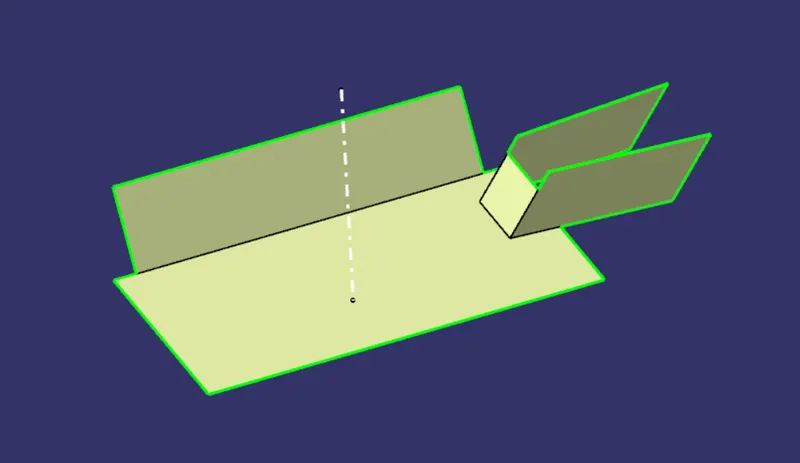
- Base
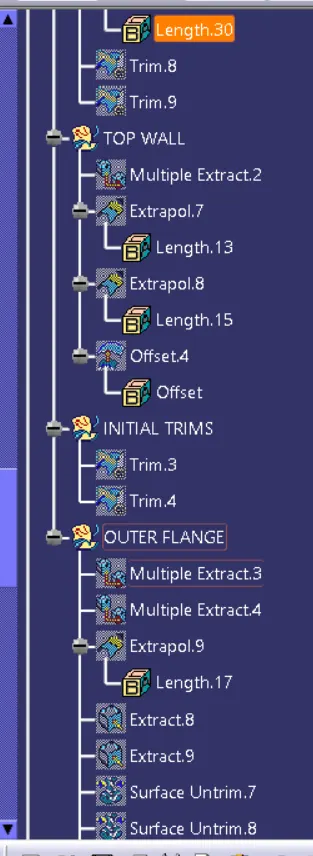
- Top Wall
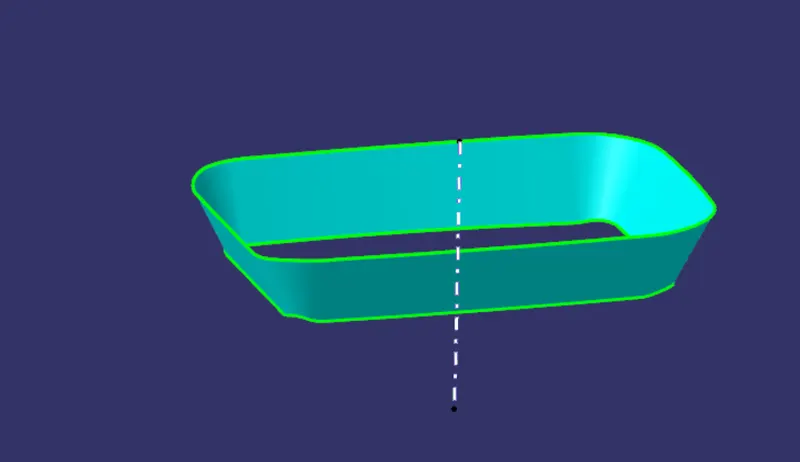
- Outer Flange
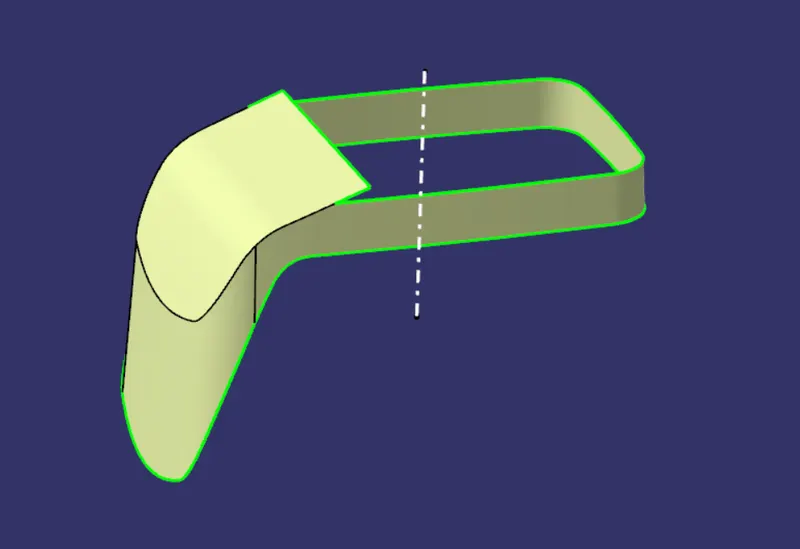
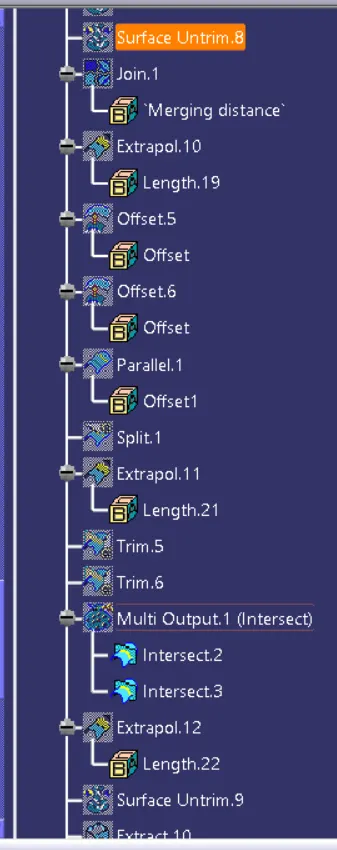
- Final B Surface
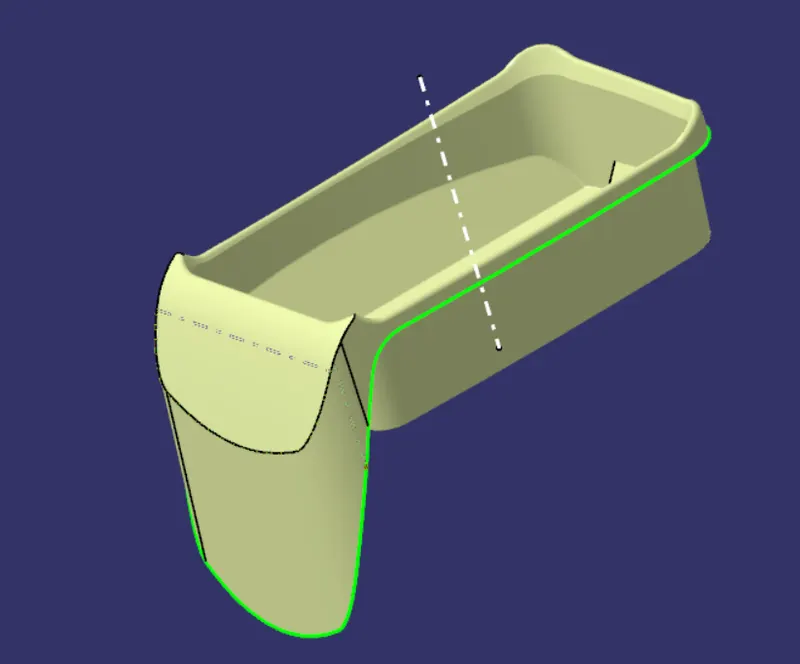
Class C Surface:
A surface that joins class A and class-B surfaces is class-C surface.
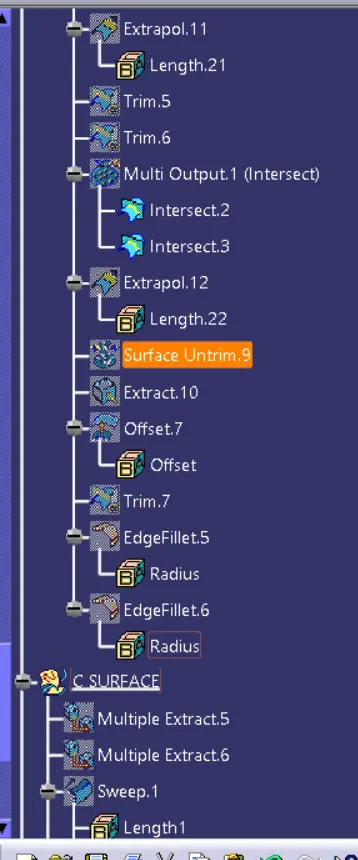
- C Surface Outer Flange
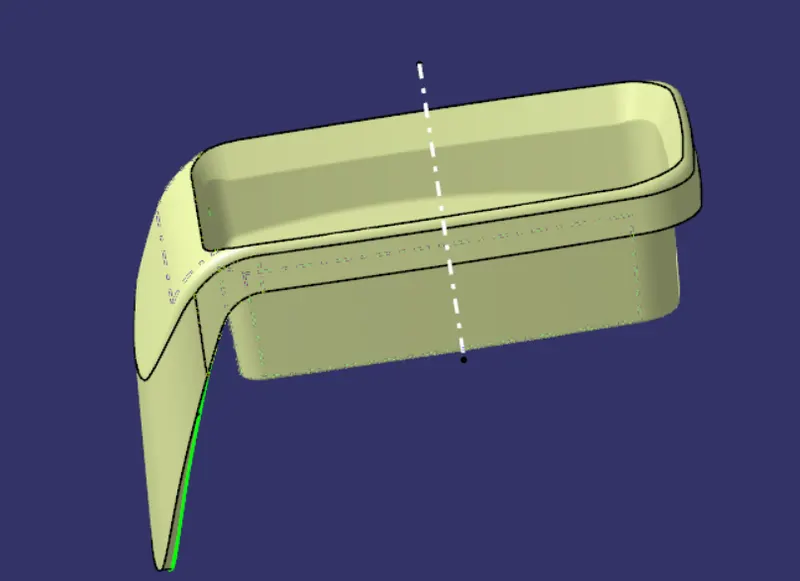
- C SURFACE SWEEP
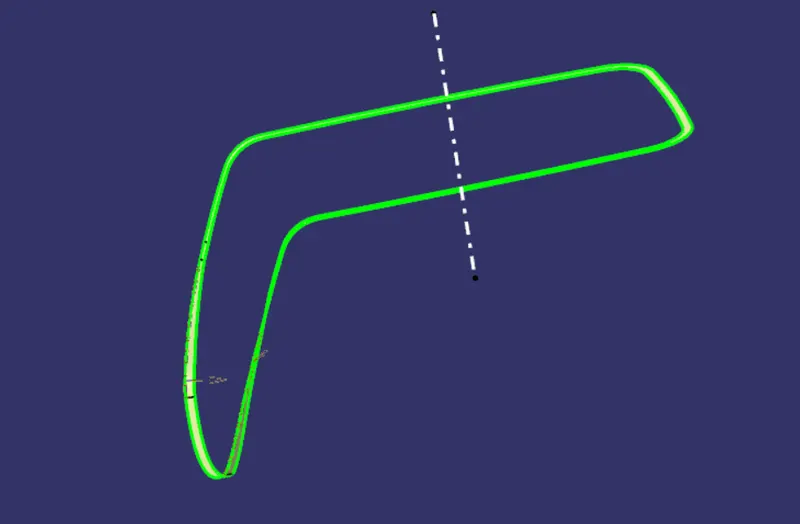
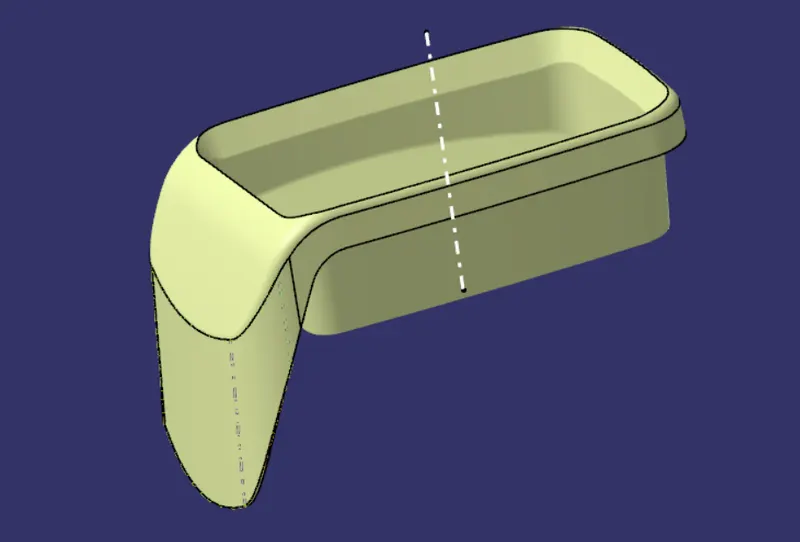
Final Model:
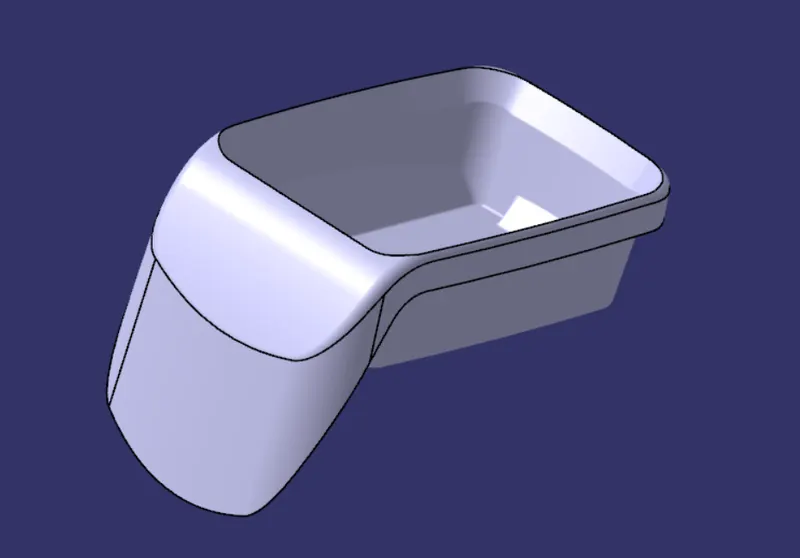
Join class-A and class-C surfaces together. Then join class-B surface to them. Go to the part design and close the feature. Run draft analysis on the model.
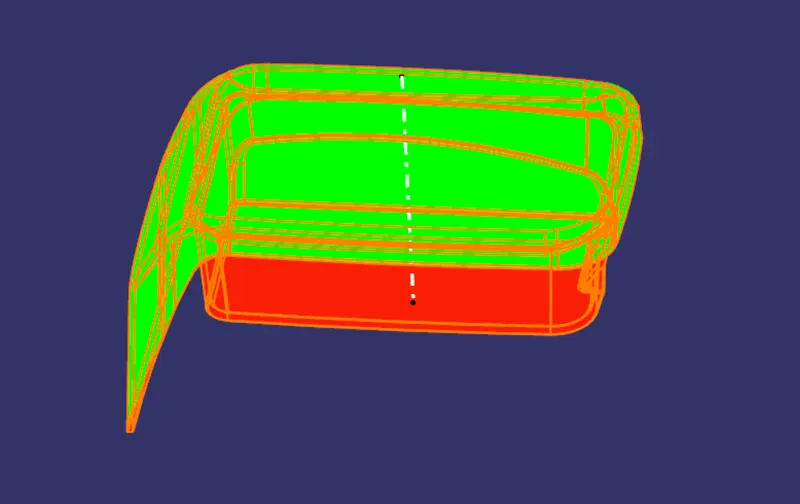
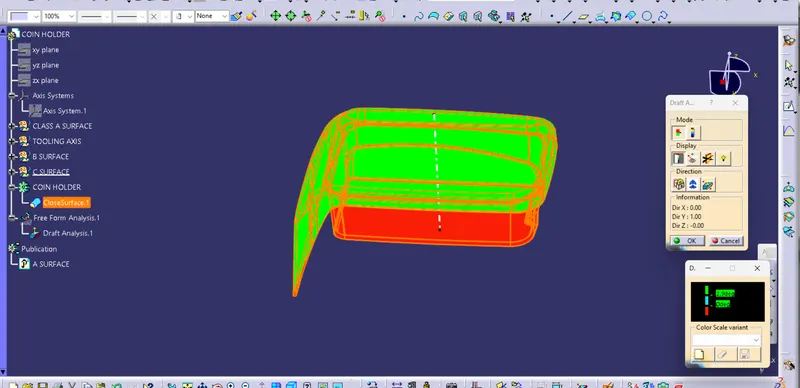
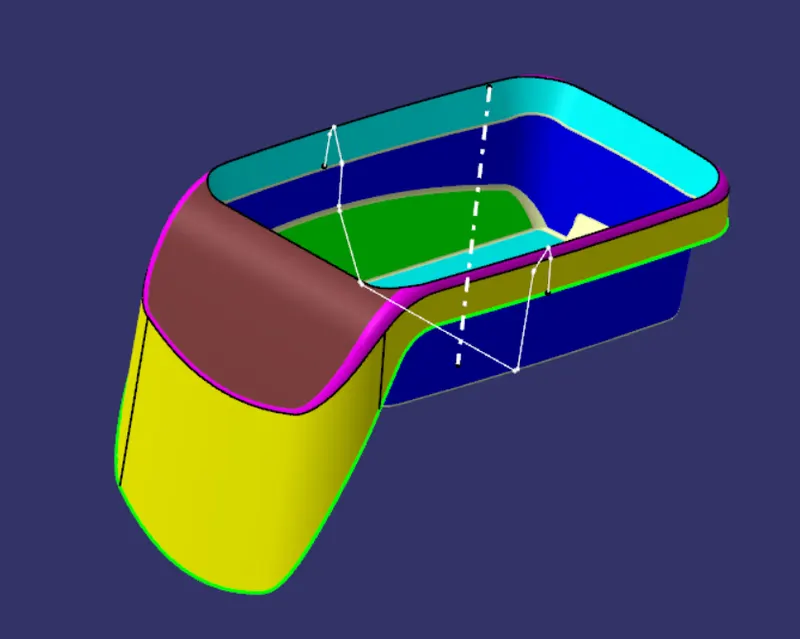
Draft Analysis:
- Go to the Insert menu and select the Analysis option.
- Select Feature Draft Analysis.
- Select the Material option and select the surface.
- Drag the compass and place on tooling axis.
- Make sure that the top surface is in green colour as draft angle should not exceed 3deg.
- Click on Okay after confirm the model.
- 3 degree angle is the best with plastic design
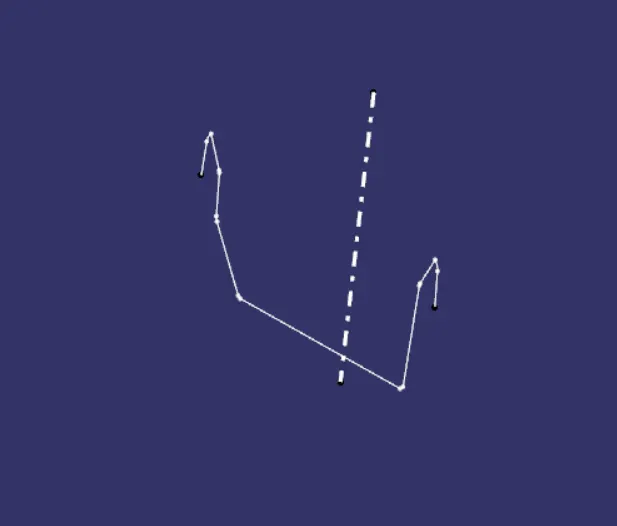
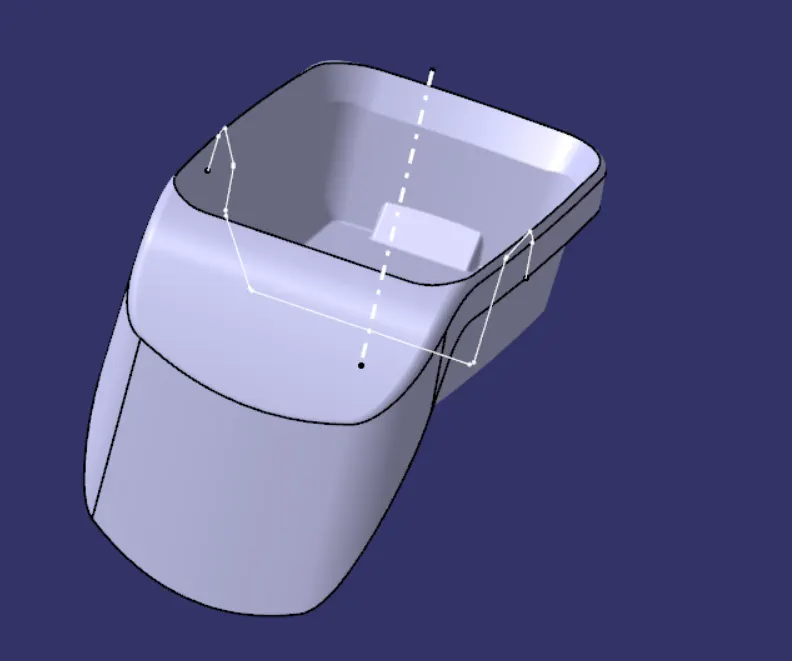
Tooling Axis:
- Intersect the model with the plane perpendicular or to an axis system
- Extend the lines which are perpendicular to the plane
- Again intersect the model with another plane and extend the lines perpendicular to create a bisecting line by bisecting option in Line definition.
- Rename it as Tooling Axis.
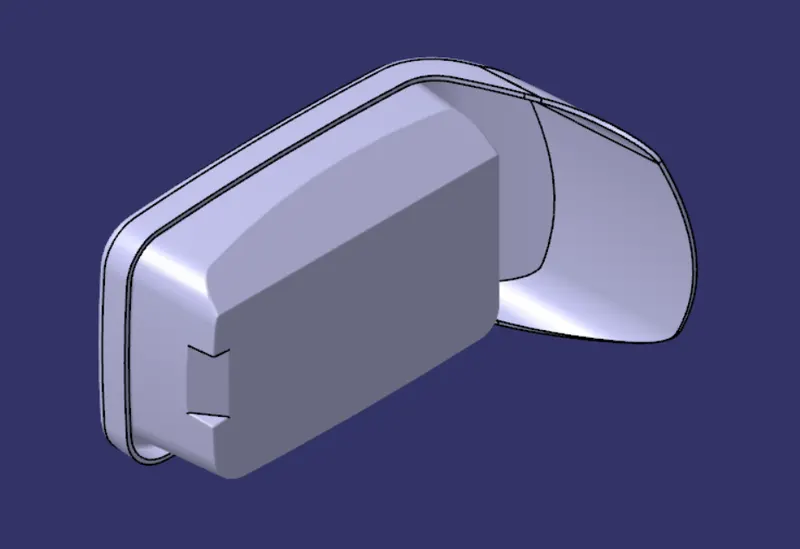
CLOSED SURFACE:
ISOMETRIC VIEW:
FRONT VIEW:
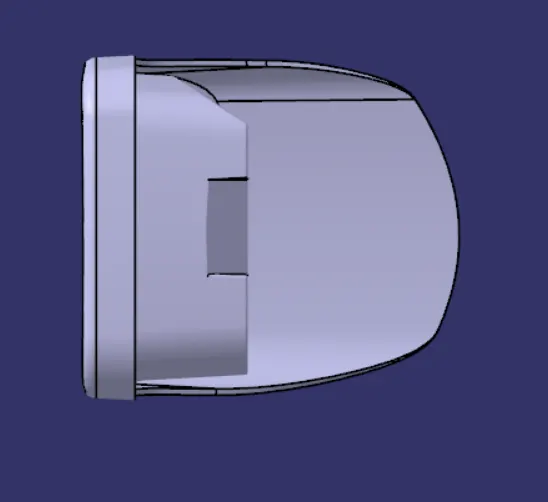
SIDE VIEW:
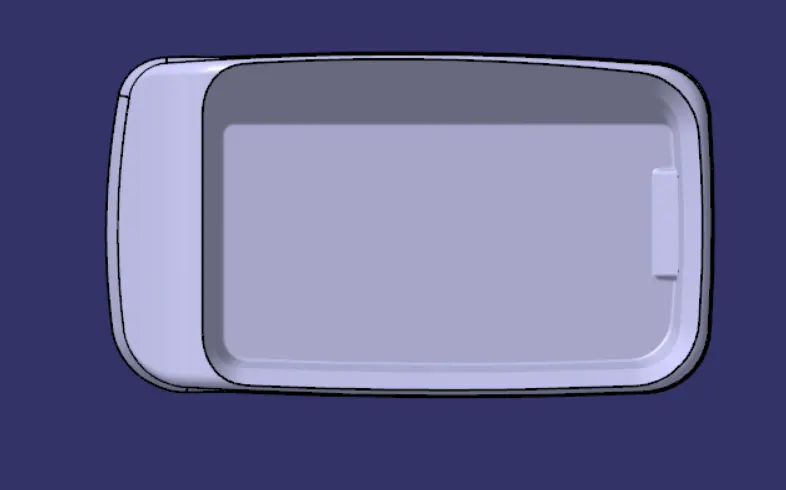
TOP VIEW: