Week 8 - Challenge 2 - Switch Bezel Design
SWITCH BEZEL
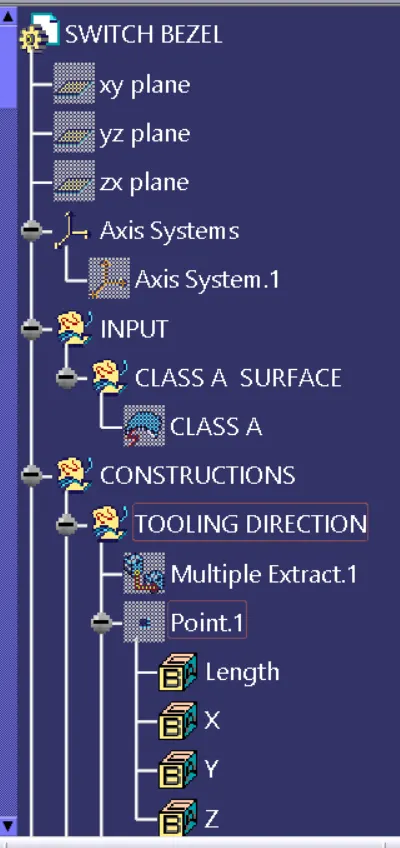
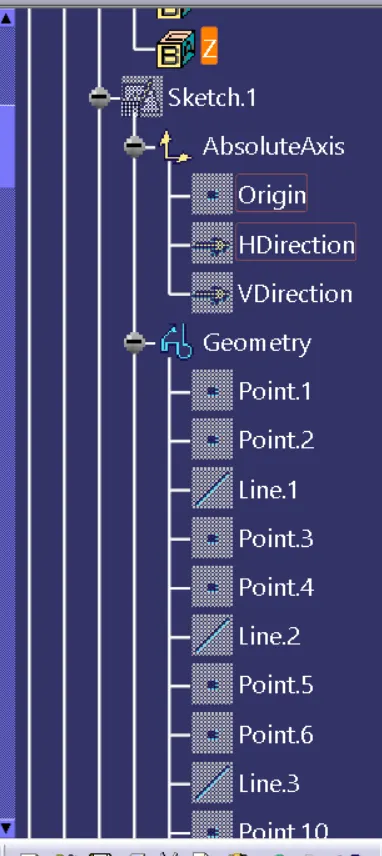
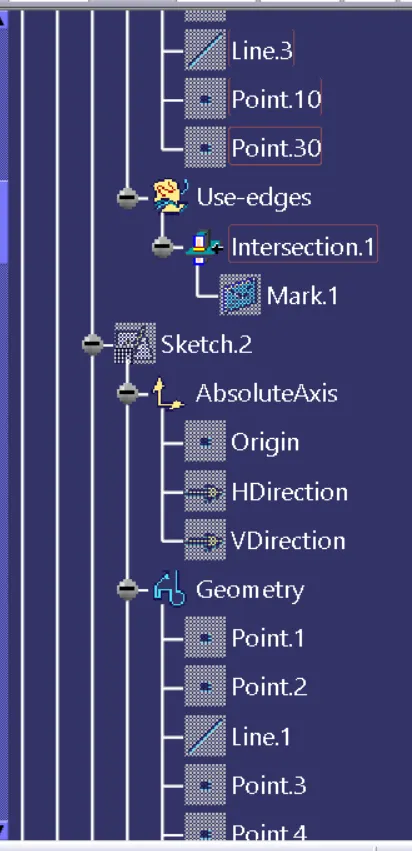
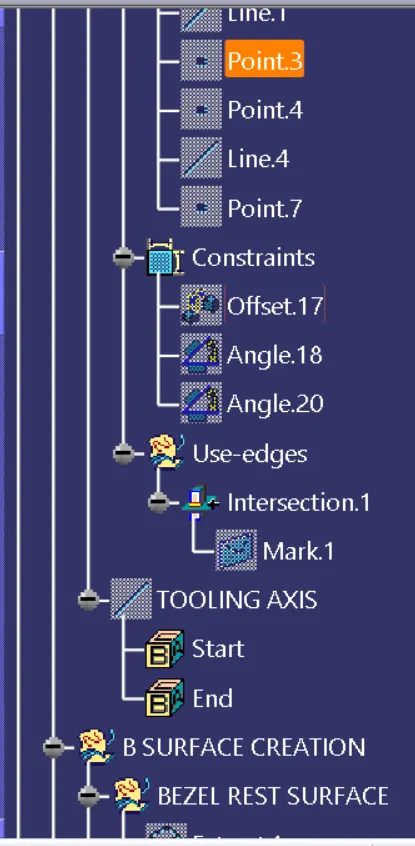
Making tooling clearing for the faces by creating a sketch on yz plane and intersecting the class A surface and then using the bisecting line tool to get the required line.
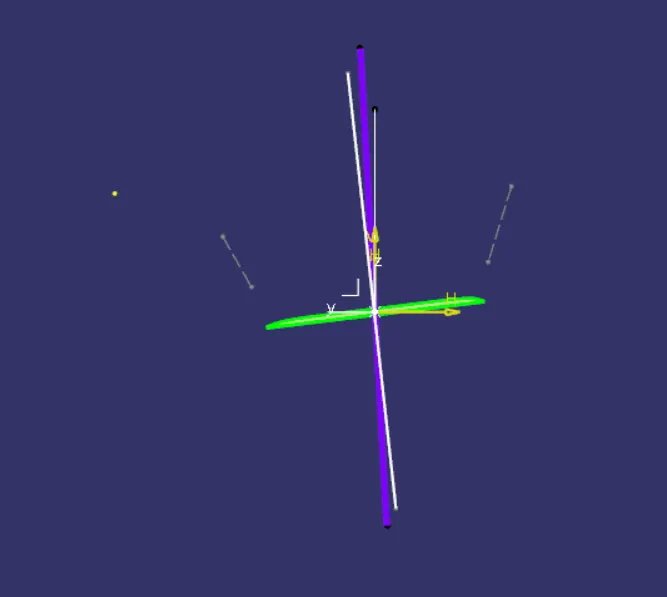
Making the tooling clearing for the faces by creating sketch on zx plane and then intersecting the surface A with this plane then creating a line from centre and giving it a certain angle value .
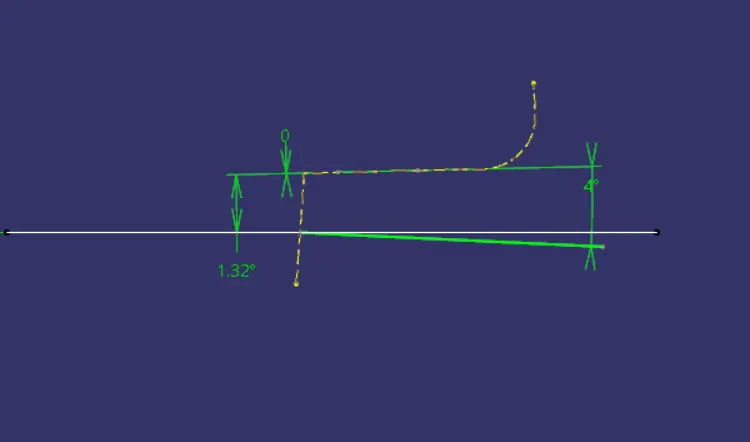
Now , we can bisect the two lines so that we get the Tooling axis for the part.
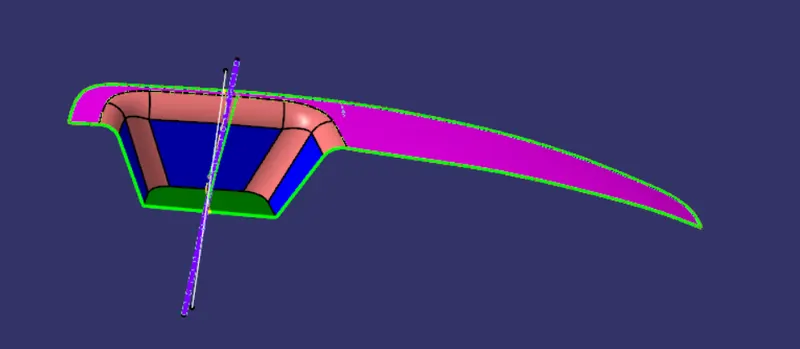
Doing draft analysis on the Class A surface.
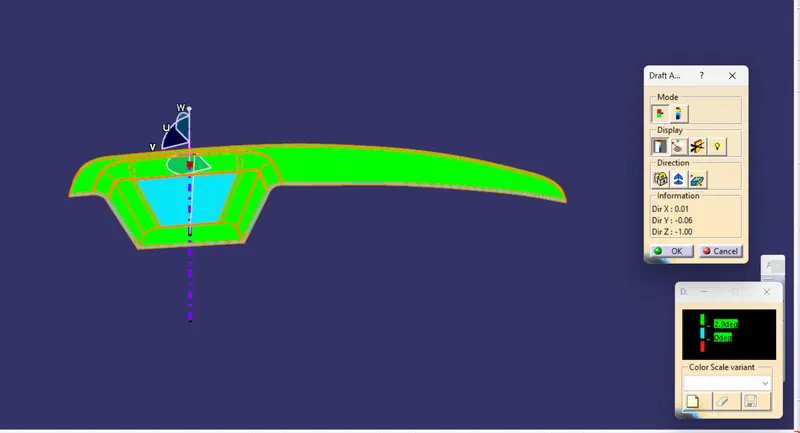
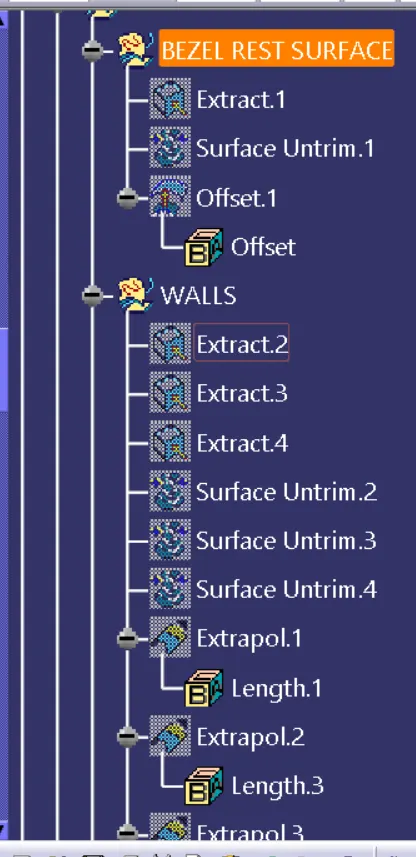
By using the untrim and extrapolating we get the below surface.
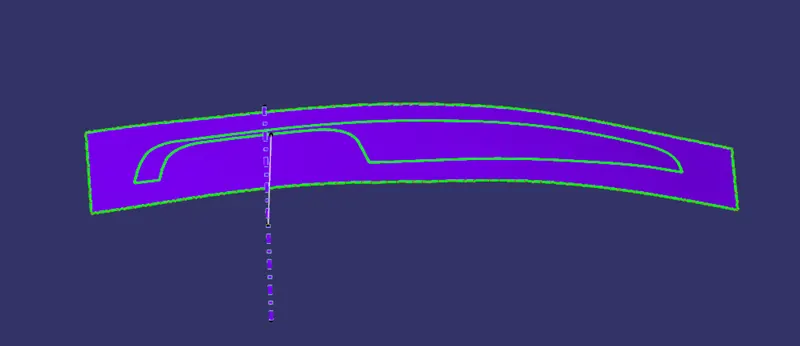
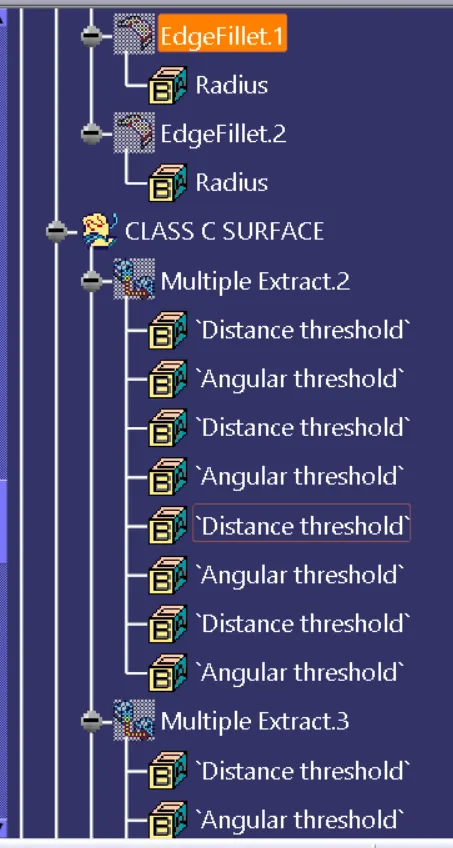
Now we will give the fillet value by the fillet rule.
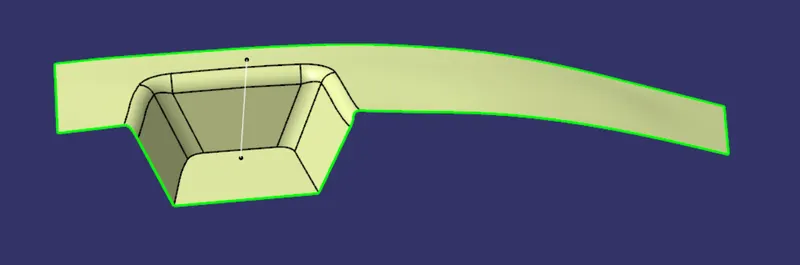
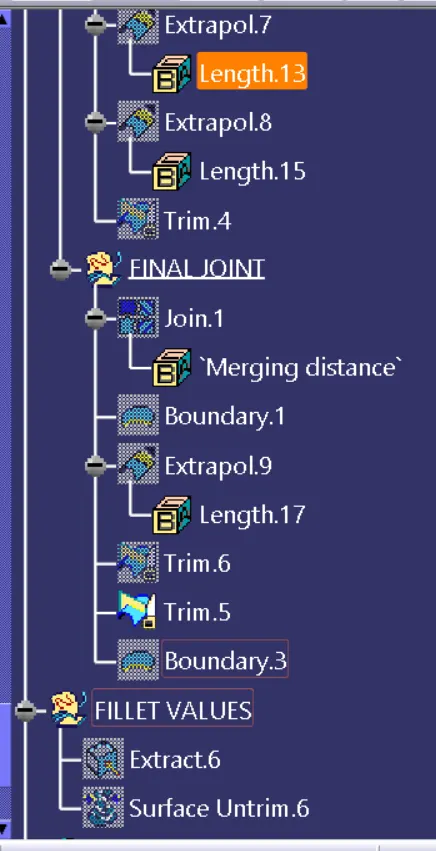
Using the boundary tool on class A surface .
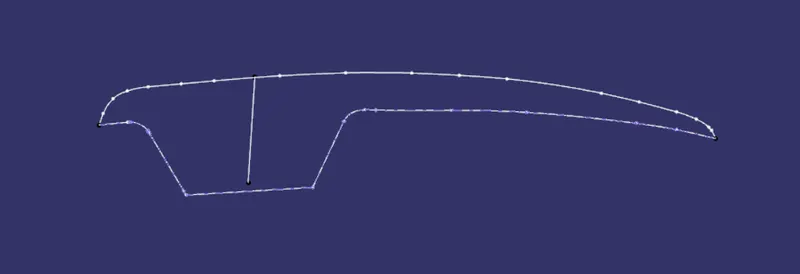
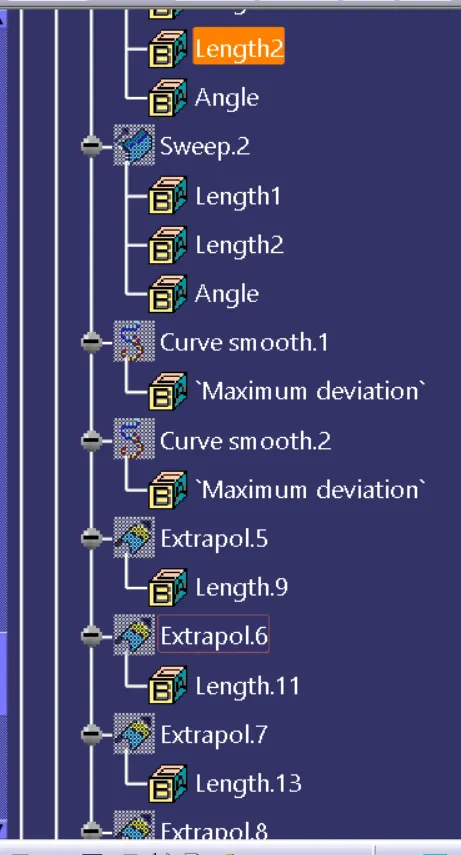
Now we will use the smooth curve option on the boundary surface to get a smooth curve .
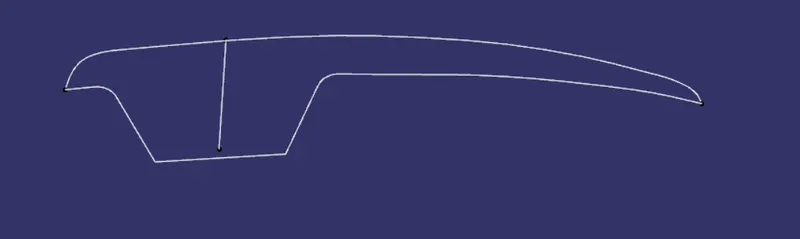
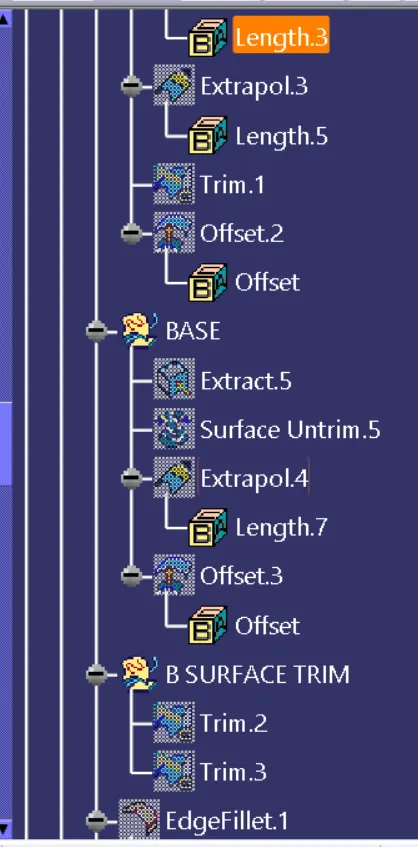
Extrapolating the surface so taht they can be easily trimmed .
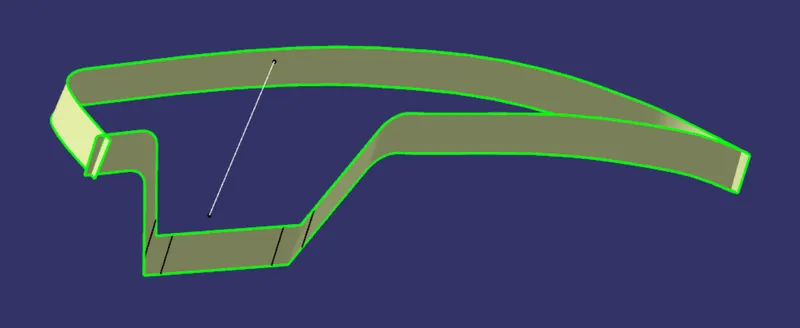
joining this surface with the class A surface , we will get the surface as shown below .
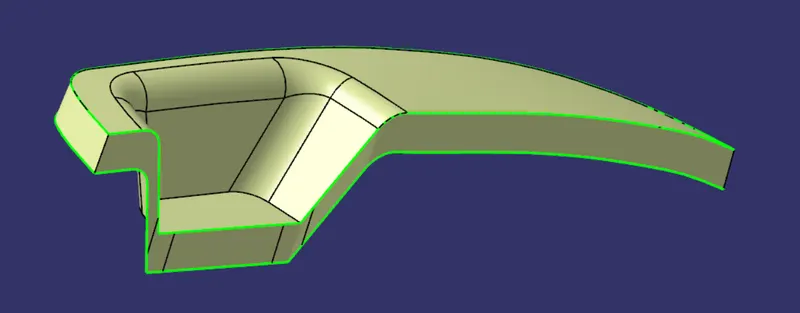
Trimming this surface with the class B surface .
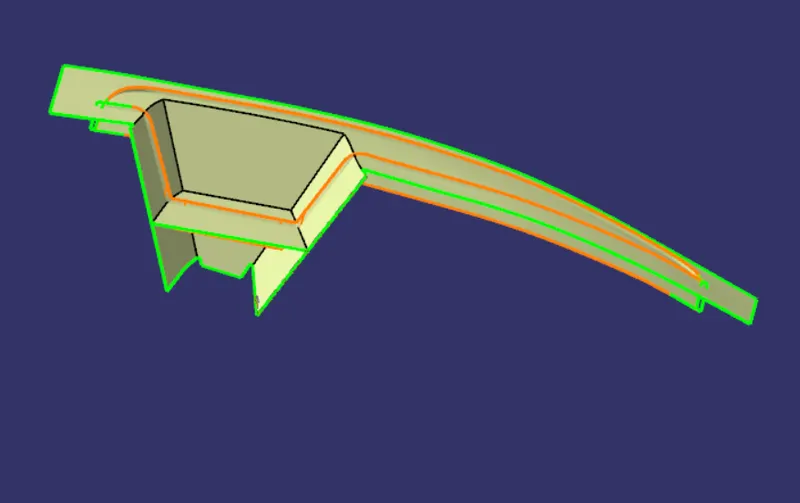
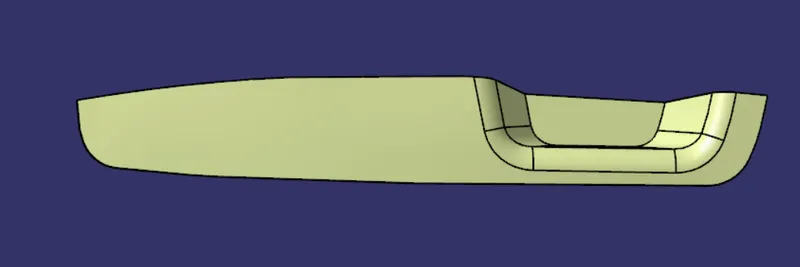
Full closed surface is obtained .
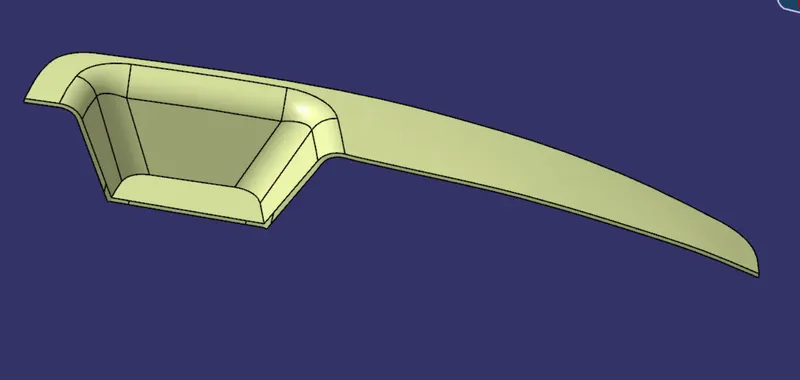
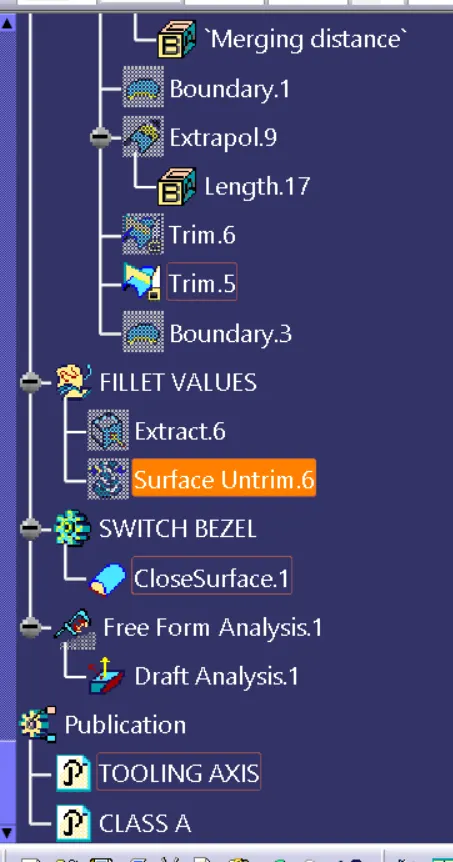
We will then use the closed body toll from part body to generate the required body .
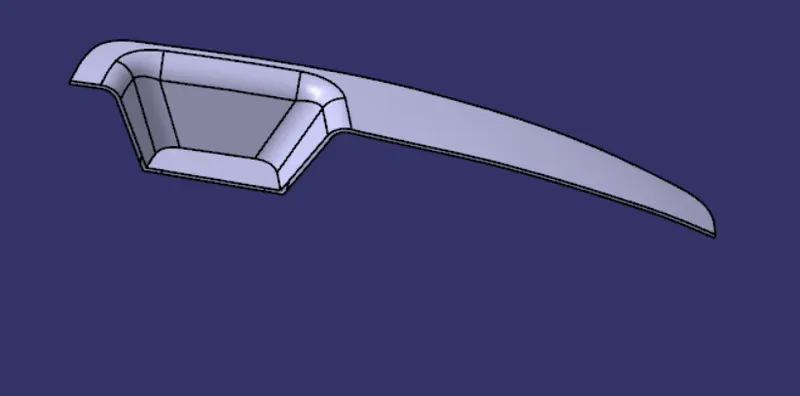
Draft analysis is done on the closed body surface .
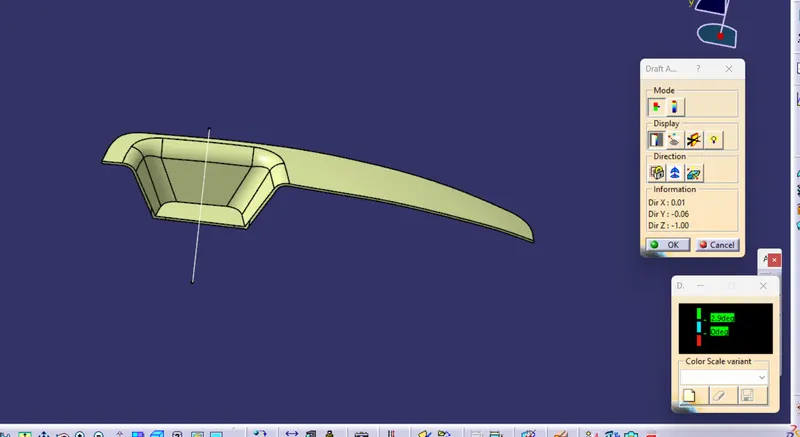
ISOMETRIC VIEW:
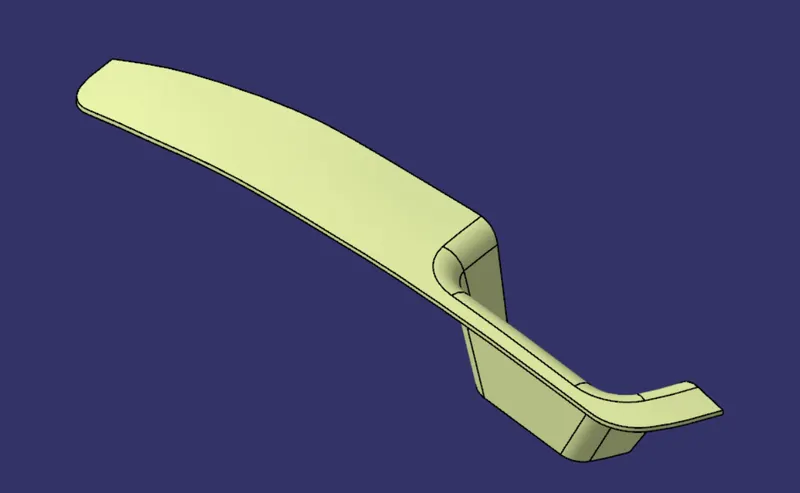
FRONT VIEW:
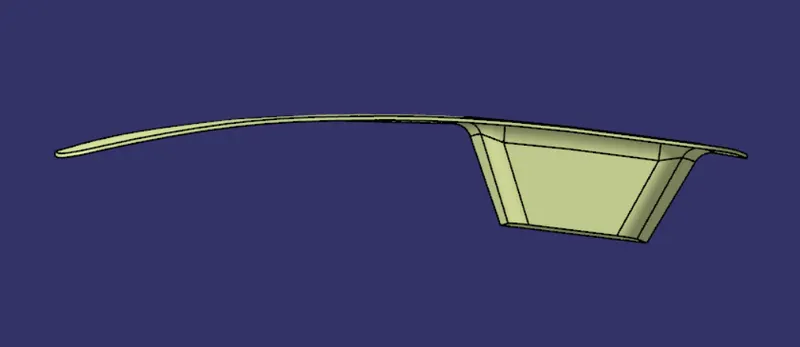
SIDE VIEW:
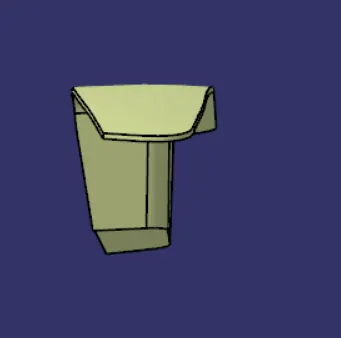
TOP VIEW: