Photo Realistic Rendering
MODELLING & RENDERING OF AMERICAN CHOPPER
Objective:-
To designe a model each components required to make assembly of an american chopper in Solidworksand finally make a Photorealistic Rendering of the complete assembly of american chopper.
Introduction:-
This project explains the designing of American chopper using the SOLIDWORKS Software 2019 from sketching the parts and modelling them to final rendering of the assembly to give a photo realistic view.
Methodology:-
All the parts for the assembly of the chopper were made seperately parts first & then were assembled in solidworks.
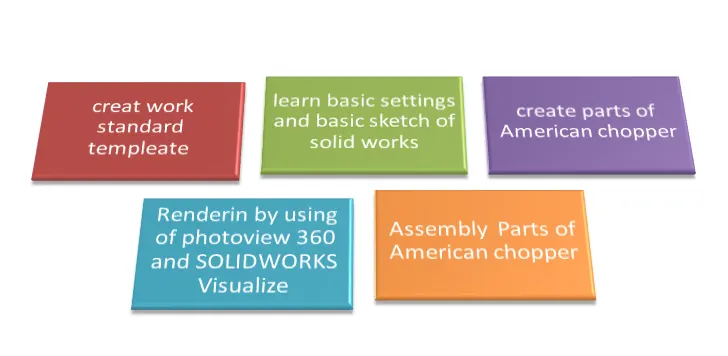
American Chopper Part Modelling.
1. Transmission Belt
2. Chain
3. Front fender
4. Rear Fender
5. Kick Stand / Side Stand
6. Pedal
7. Front Wheel
8. Rear Wheel
9. Oil Tank
10. Gas Tank
11. Front Fork
12. Chassis
13. Engine
Assembly in American Chopper.
Rendering,Photoview 360 & Solidworks Visualize.
Discription of features
Extrude:-
Extrude a sketch or selected sketch contours in one or two directions to create a solid feature.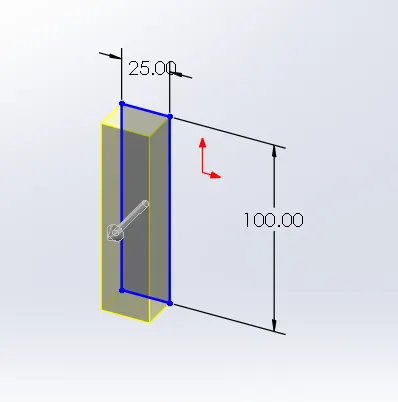
Revolve:-
The revolve feature is used to revolve a 2D sketch along an axis or centerline to make its 3D model.A 2D sketch is drawn and revolved by selecting its reference line for axis of rotation and defining the angle of rotation.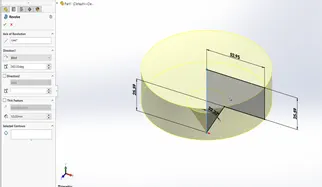
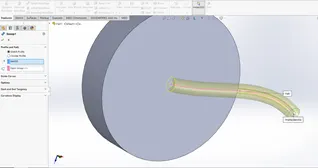
Sweep:-
Sweeps a closed profile along an open or closed path to create a solid feature.
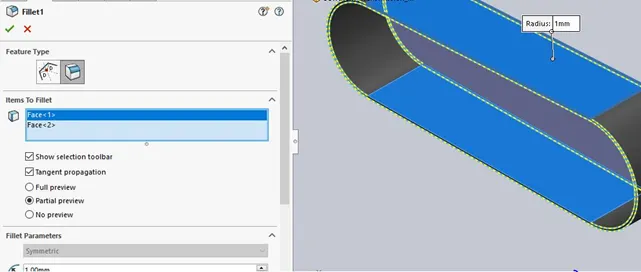
Fillet:-
To Creates a rounded internal or external face along one or more edges in solid or surface features.
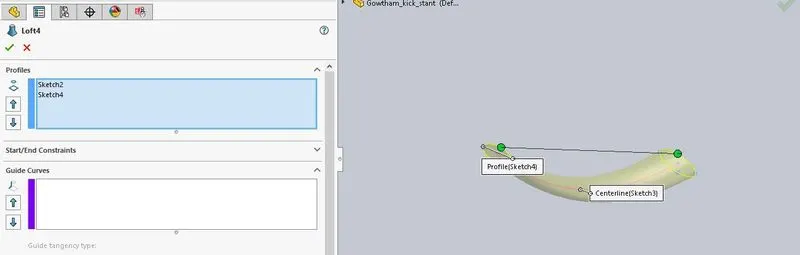
Lofted Boss/base:-
To addes a material two or more profiles to create a solid feature.
Mirror:-
to mirrors selected a entities about a centerline or planar reference.
Shell:-
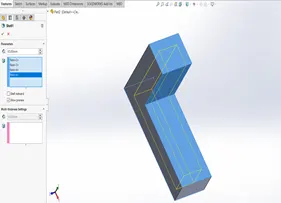
The shell tool hollows out a part, leaves open the faces you select and creates thin walled features on the remaining faces . if you do not select any face on the model, you can shell a solid part, creating a closed , hollow model . you can also a model using multiple thickness.
LINEAR AND CIRCULAR PATTERN:
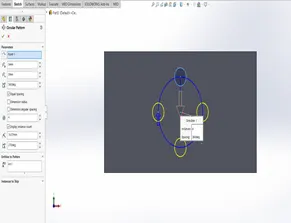
The linear pattern command is used to drive features, faces, or bodies in a linear direction . the circular pattern command is an excellent tool used to replicate features, faces, or bodies in a rotational manner about an axis.
PROJECTED CURVES:
A projected curve is a 3d curve that represents the intersection of two extruded surfaces of two sketches on intersecting planes.
MATES:
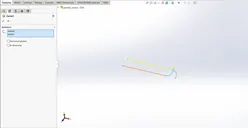
Mate operation is the basic tool for assembling the parts . there are various mate operations such as coincident ,parallel, perpendicular, tangent , concentric, lock , etc . we can mate two faces by defining distance or angle between them.
1.Transmission Belt:
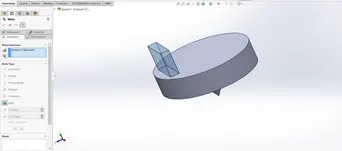
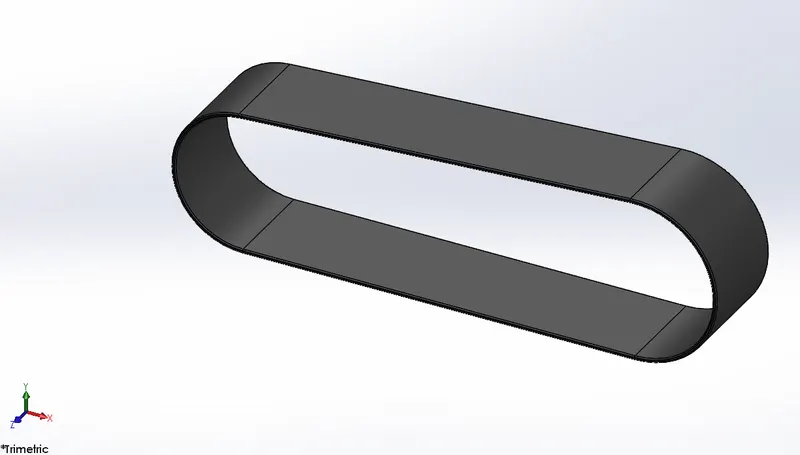
It is made up of flexible material and used to transmit power efficiently from a motor to drive shaft/ pulley or to track relative movement. Sometimes it’s called as drive belts, gear belts or automotive belts.
Sketch tools:- Line,Arc,&Offset Entities.
Feature Tools:-Extruded Boss/Base & Fillet
Appearance:- Matte Rubber
2.Chain:
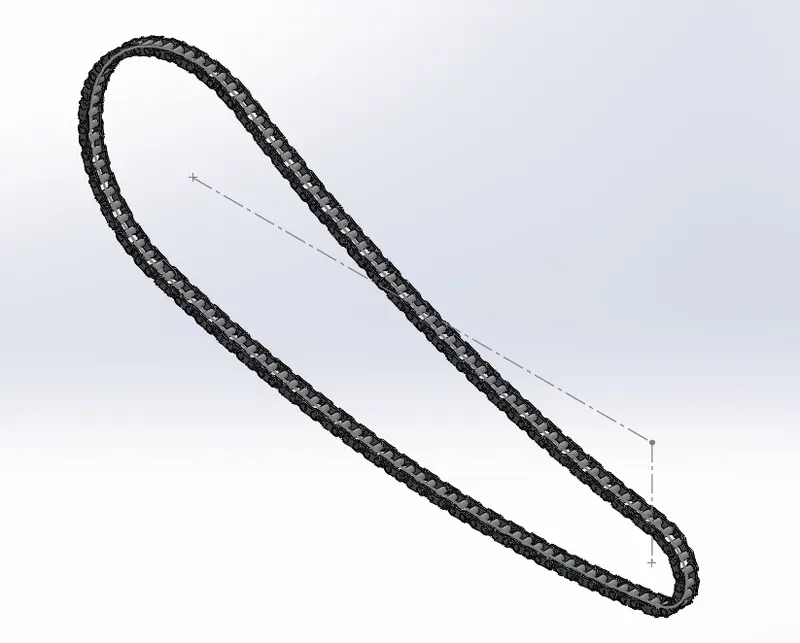
Chain acts as a connecting between Engine & Rear Wheel.
Sketch Tools:-Line,Circle,Three-point Arc & Straight slots.
Feature Tools:-Fillet,Extruded Boss/Base,Mirror,Block & Curve Driven Pattern.
Appearence:- Chrome Steel
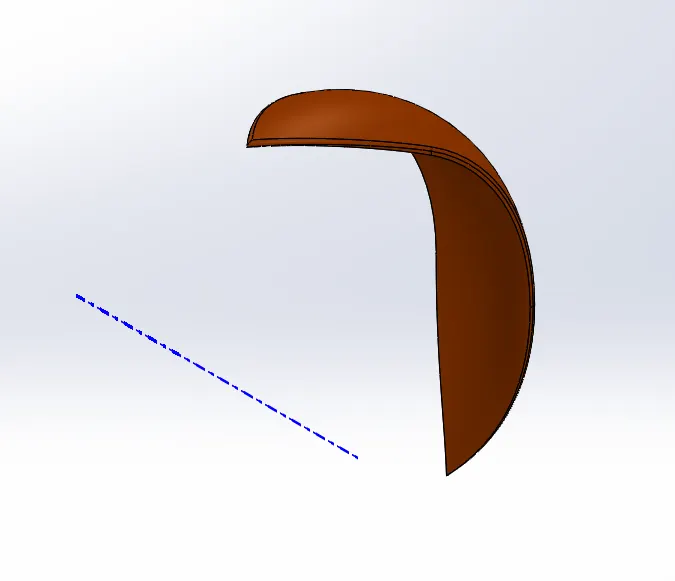
3.Front Fender:-
The Front fender is an automobile part mounted on the fork above the wheel. Its purpose is to protect rider and bicycle from mud, sand, or liquids.
Sketch Tools:-Line,Spline & Three-point Arc.
Feature Tools:-Fillet,Revolved Boss/Base & Split Tool.
Appearence:-Painted to Siena.
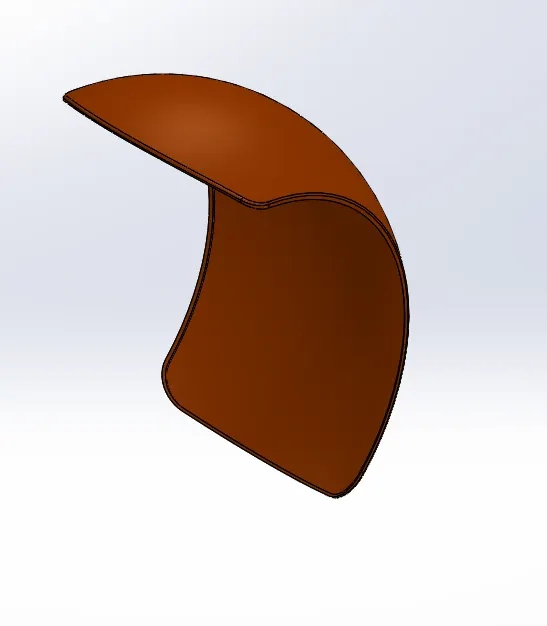
4.Rear Fender:-
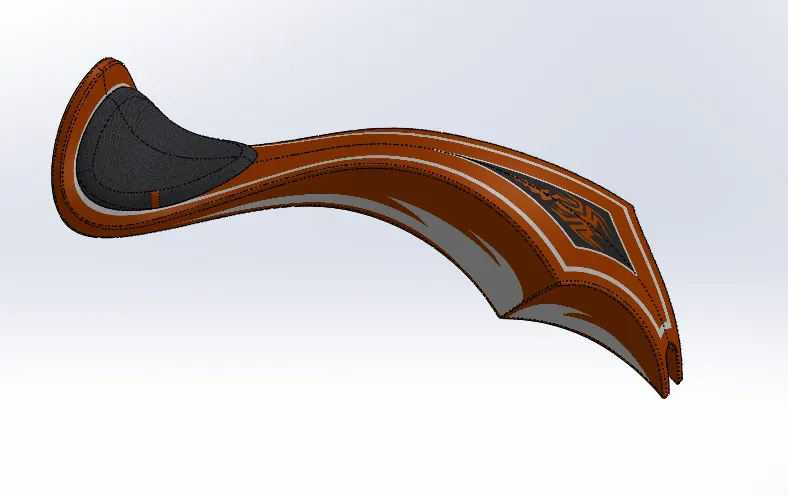
The rear fender is same as front fender. The rear fender is mounted on rear part of chassis and above the rear wheel.
Sketch Tools:-Line,Spline,Offset & Three-point Arc.
Feature Tools:-Fillet,Revolved Bose/Base & Split Tool & Shell.
Appearence:-Painted to Siena.
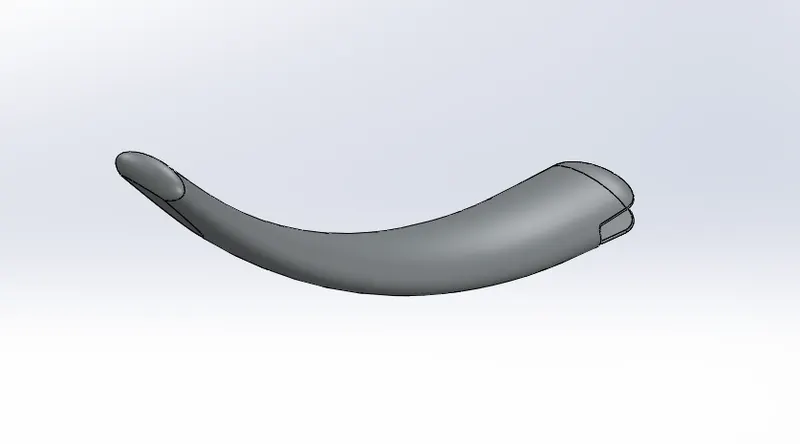
5.Kick Stand:-
A kickstand is a supporting structure provide to a bike which flips down from the frame and makes contact with ground when stationary. It is also known as side stand.
Sketch Tool:-Circle,Spline,Rectangle & Ellipse.
Feature Tool:-Extruded Boss/Base,Loft Boss/Base,Extrude Cut & Pierce.
Appearence:- Chrome Steel
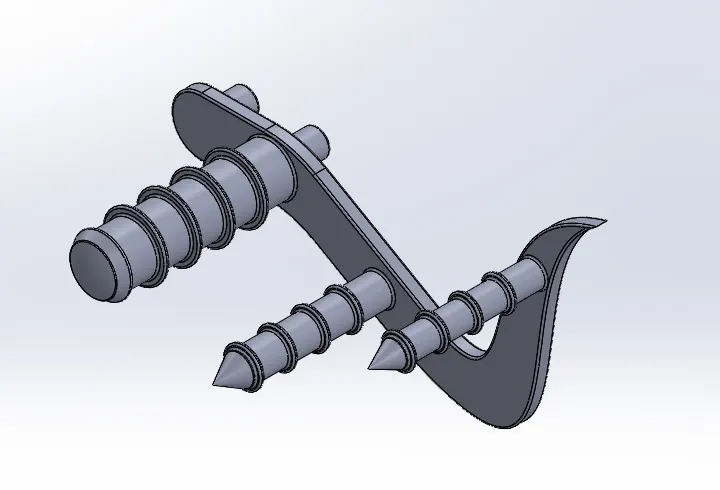
6.Pedal:-
The pedal is the part of a chopper and it is used to rest the leg on top of that.
Sketch Tool:-Line,Circle & Spline.
Feature Tool:-Fillet,Revolved Boss/Base,Extruded Bose/Base,Dome,Linear Pattern & Chamfer.
Appearence:- Chrome Plate.
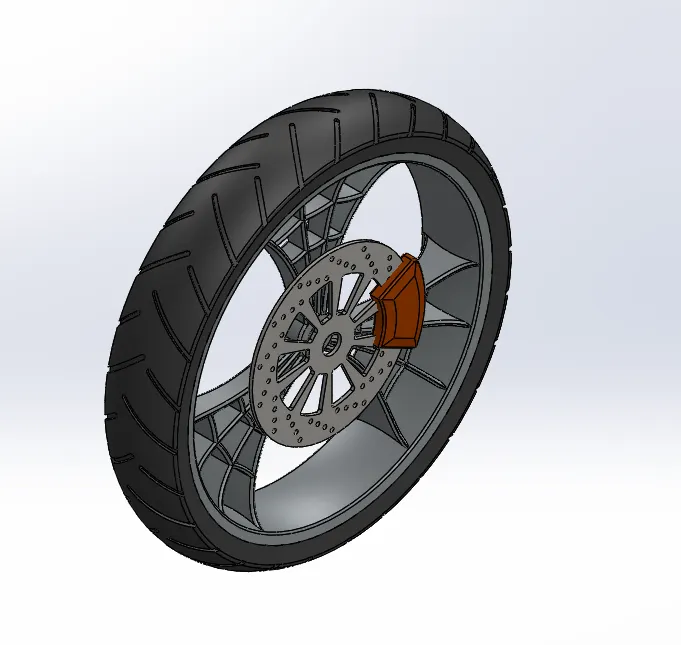
7.Front Wheel:-
The front wheel is a rolling part of chopper situated in front side. The part guide the vehicle as per movement of front fork. Wheel contains – Caliper, Rim, Rotor and tire. At the outer side of wheel, rubber material is attached called as tire.
sketch Tool:-Line,Circle,Rectangle,Spline,Three-Point Arc,Convert Entities,Offset & Trim.
Feature Tool:-Fillet,Revolved Boss/Base,Chamfer,Extruded Bose/Base,Revolved Cut,Circular Pattern,Linear Pattern & Mirror.
Appearence:-Painted Siena for caliper,Chrome steel for Rim & Matte Rubber for Tire.
8.Rear Wheel:-
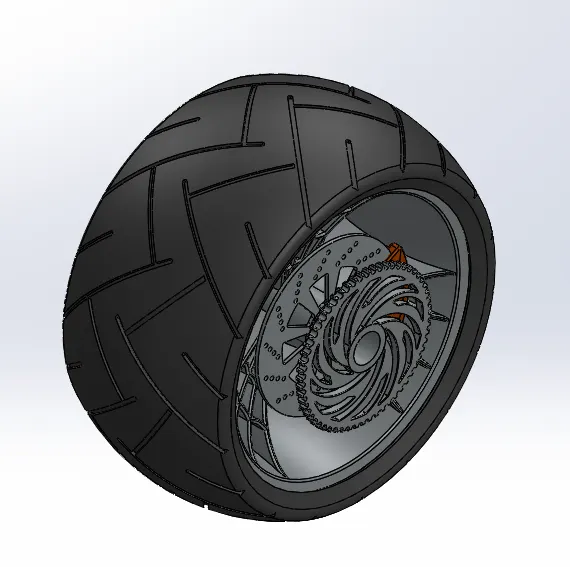
The rear wheel is a rolling part of chopper situated in rear side. The part revolves on an axle. The wheel contains – Caliper, Rim, Rotor, Disc, Sprocket and tire. Chain is connected between engine and sprocket of rear wheel.
Sketch Tool:-Line,Circle,Rectangle,Spline,Three-Point Arc,Convert Entities,Offset & Trim.
Feature Tools:-Fillet,Revolved Boss/Base,Chamfer,Extruded Bose/Base,Revolved Cut,Circular Pattern,Linear Pattern & Mirror.
Appearence:-Painted Siena for caliper,Chrome steel for Rim & Matte Rubber for Tire.
9.Oil Tank:-
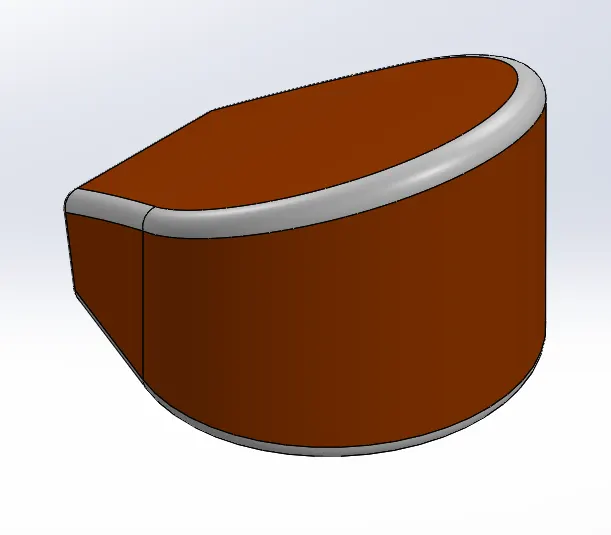
The oil tank is used to store the lubricating oil which is required to run the engine. Oil is generally used to avoid wear and tear due to extreme heat. It is hollow from inside.
Sketch Tool:-Line.Circle & Spline.
Feature Tool:-Fillet,Shell,Combine & Extruded Boss/Base.
Appearence:-Painted Siena.
10.Gas Tank:-
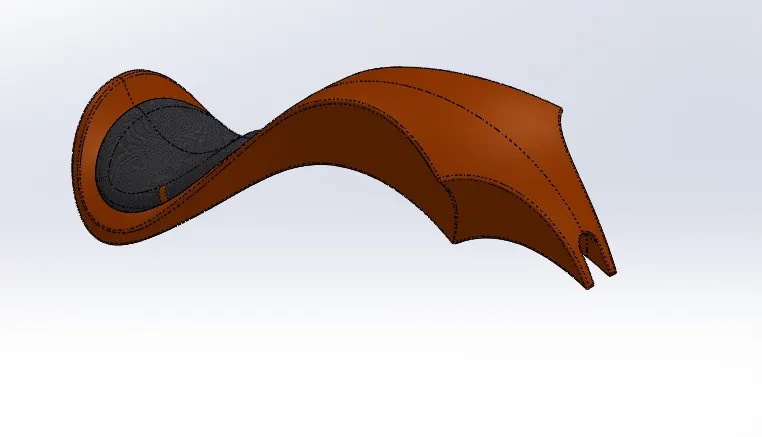
The gas tank or fuel tank is used to store the fuel and it is required to run the engine.
Sketch Tool:-Line,Circle,Convert Entities,Offset & Spline.
Feature Tools:-Fillet,Swept Surface,Combine,Projected Curve,Mirror,Surface Knit,Swept Cut,Shell & Boundry Surface.
Appearence:-Painted Siena for gas tank & fabric for Seat.
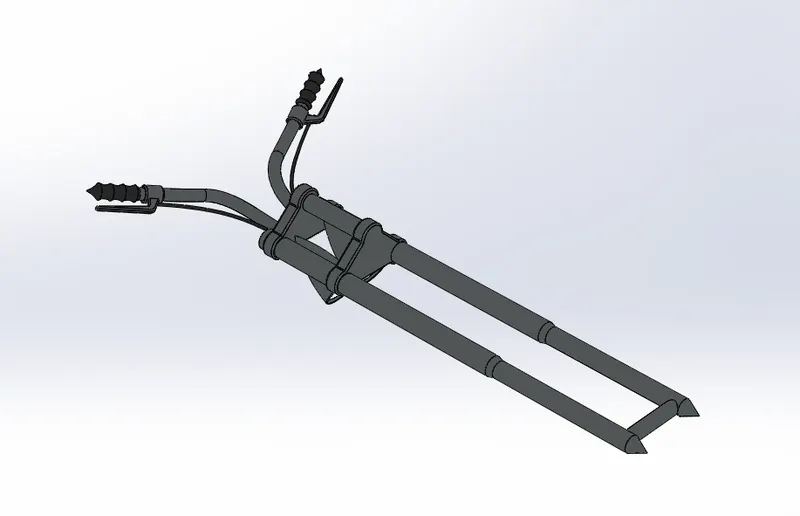
11.Front Fork:-
A chopper fork connects a front wheel and axle to its chassis. It guide the complete vehicle. Fork contains – Handles, brake, axle, lights, etc.
Sketch Tool:-Line,Circle,Spline,Three-point Arc,Convert Entities & Offset.
Feature Tools:-Plane,Fillet,extruded Boss/Base,Extruded Cut,revolved Cut,Composite Curves,Projected Curves,Swept Boss/Base,Revolved Boss/Base,Chamfer,Mirroe & Combine.
Appearence:-Chrome Plate for Fork,Matte Rubber for handle,Brake wire & Arial light for Lamp.
12.Chassis:-
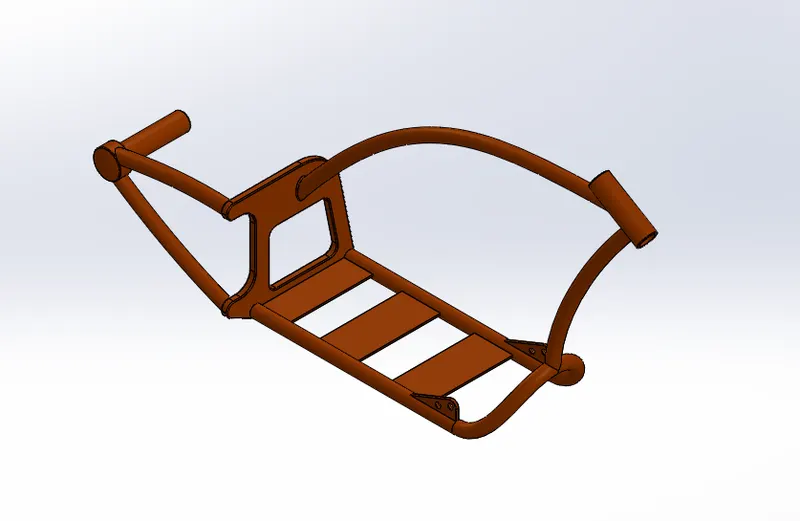
The Chassis is also called as frame. The components like front fork, gear box, engine, gas tank, wheels, etc are attached to it. It mostly consist of hollow tube.
sketch Tool:-Line,Circle,Spline,Three-point Arc,Convert Entities & Offset.
Feature Tool:-Split,Plane,Fillet,Extruded Boss/Base,Dome,Extrude cut,Revolved cut,Composite Curves,Projected Curves,Swept Boss/Base,Chamfer,Mirror & Combine.
Appearence:-Painted Siena.
13.Engine:-
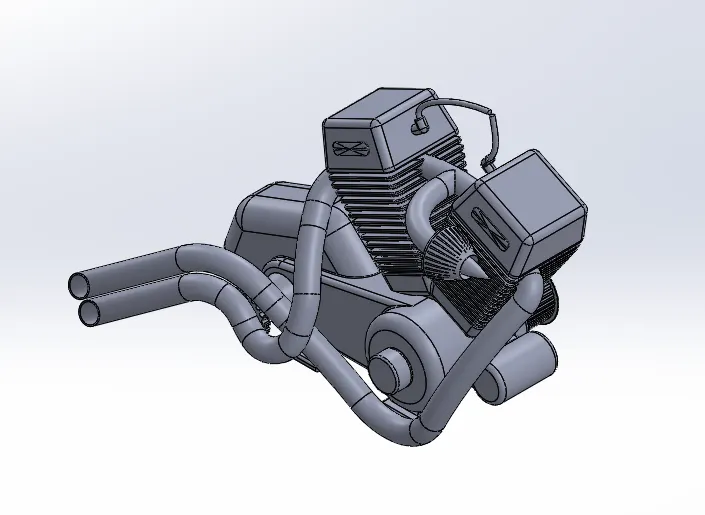
The engine is main part of the vehicle, where power is generated by burning of fuel and later transmit the rotational motion to the wheel through chain and sprocket.
Sketch Tool:-Line,circle,spline,Three-point Arc,Convert Entities & Offset
Feature Tool:-Fliiet,Extruded Boss/Base,Dome,Extruded cut,Revolved cut,Composite Curves,Projected Curves,Swept Boss/Base,Chamfer,Mirror & Combine.
Appearence:-Chrome Plate.
ASSEMBLY OF THE AMERICAN cHOPPER
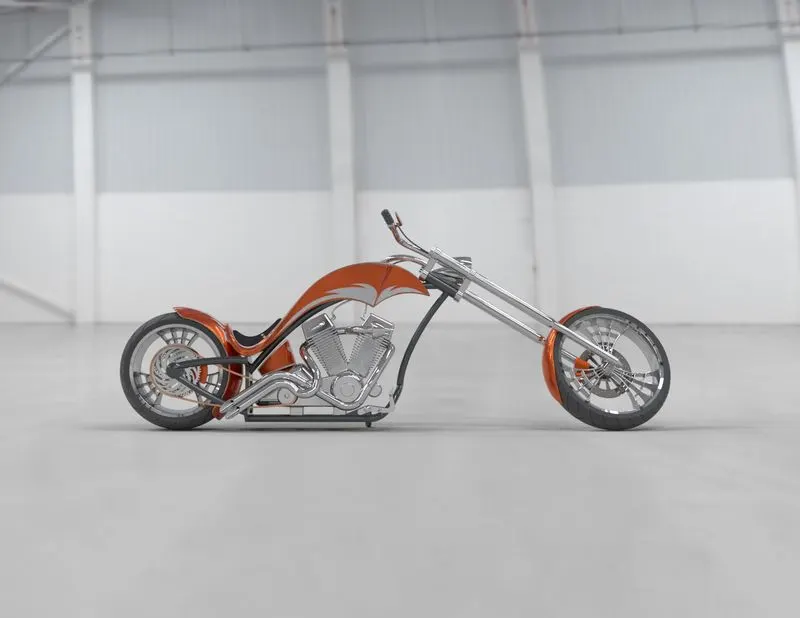
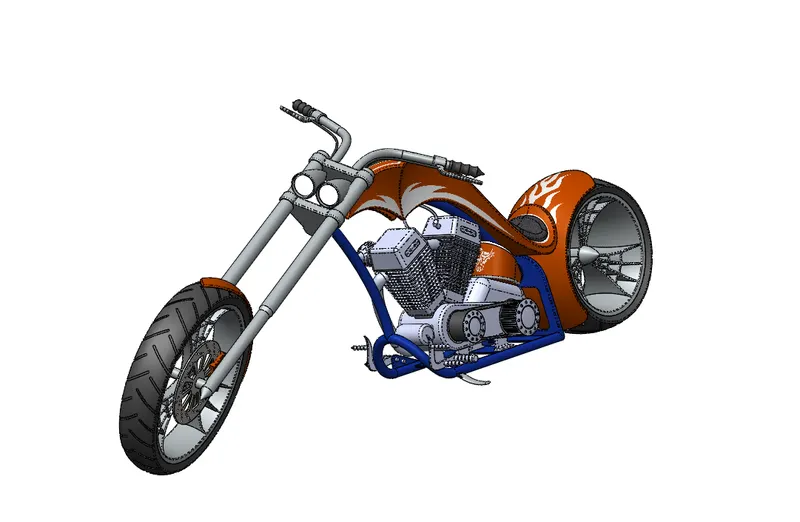
All the parts are designed in the part files are to be inserted the assembly as per requirements and apply the mates to be each individual part with other parts for Propper alignment.
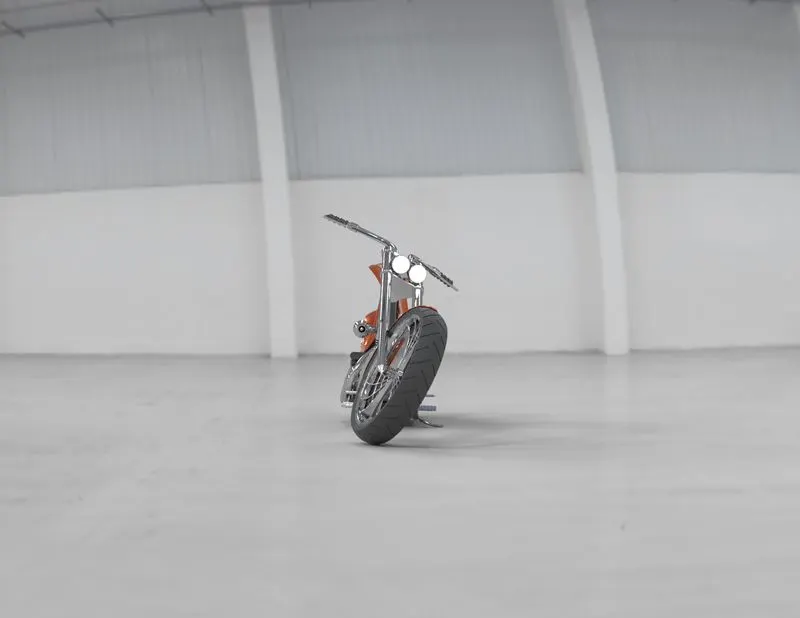
Front View:
Right View:-
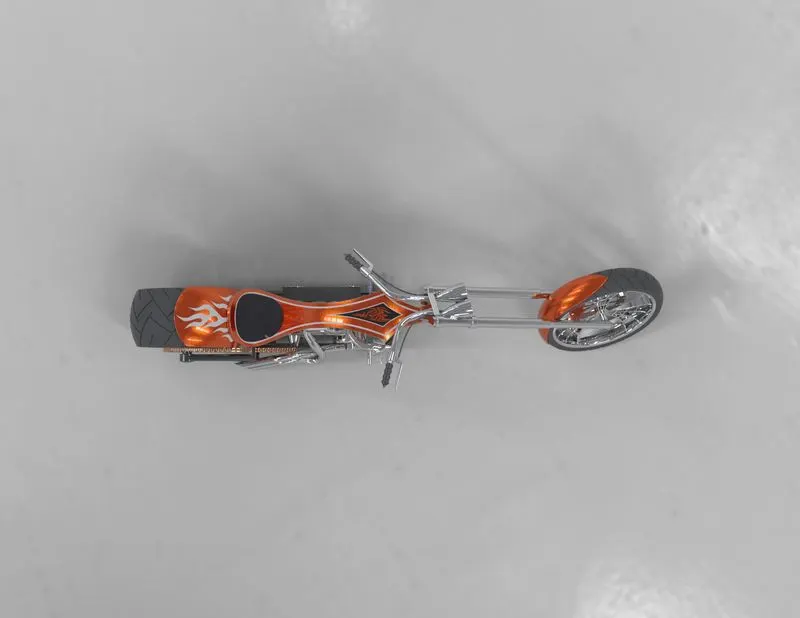
Top view:-
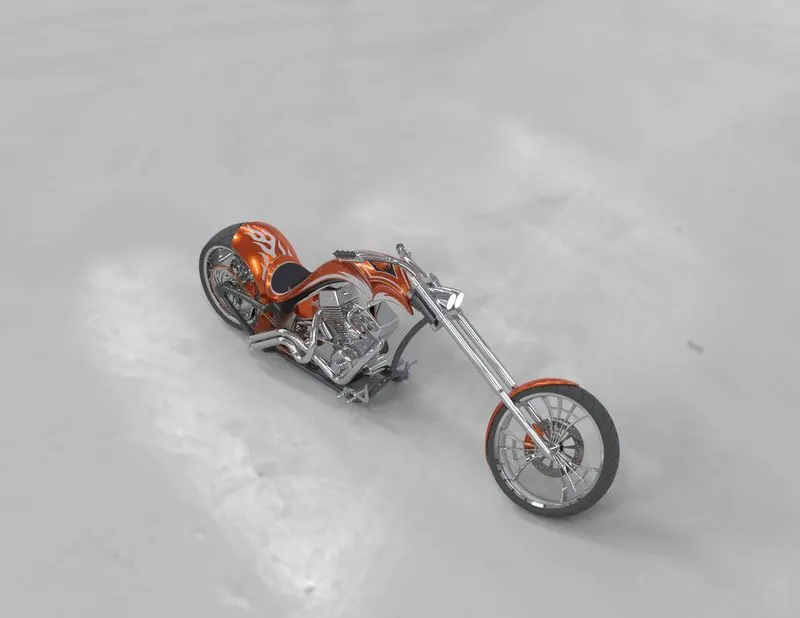
Isometric View:-
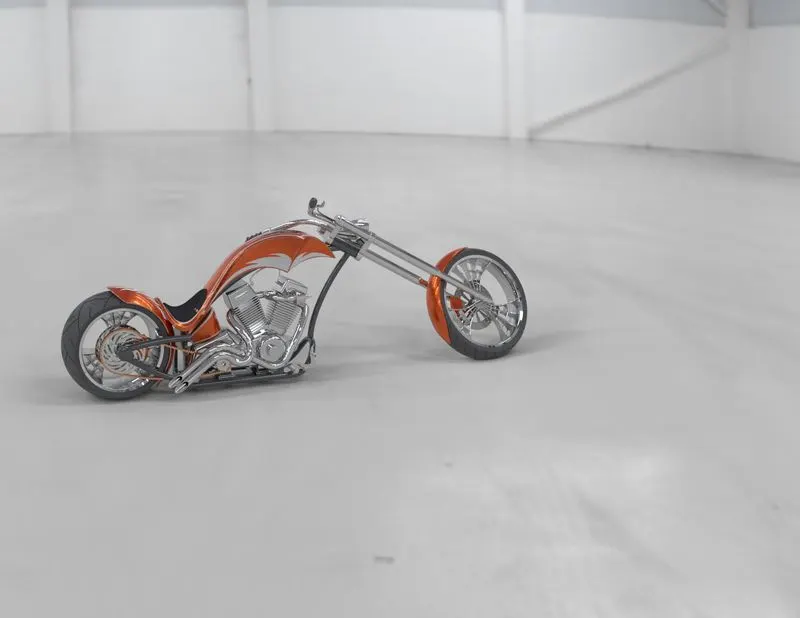
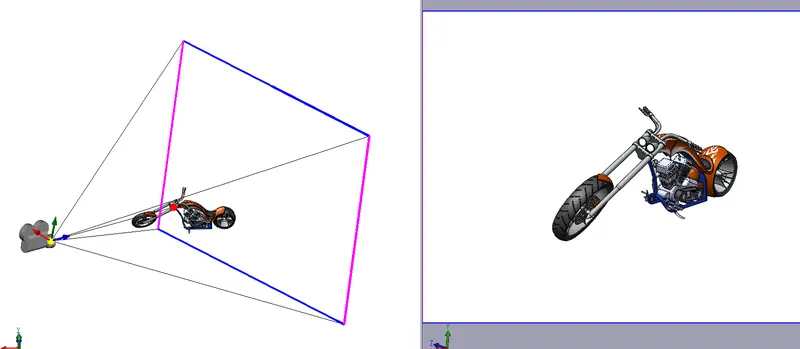
Camera view:-
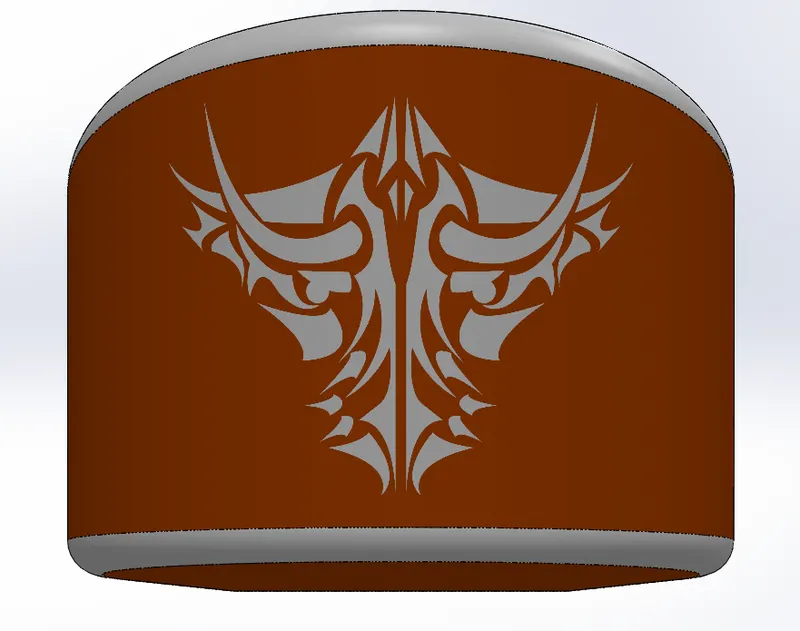
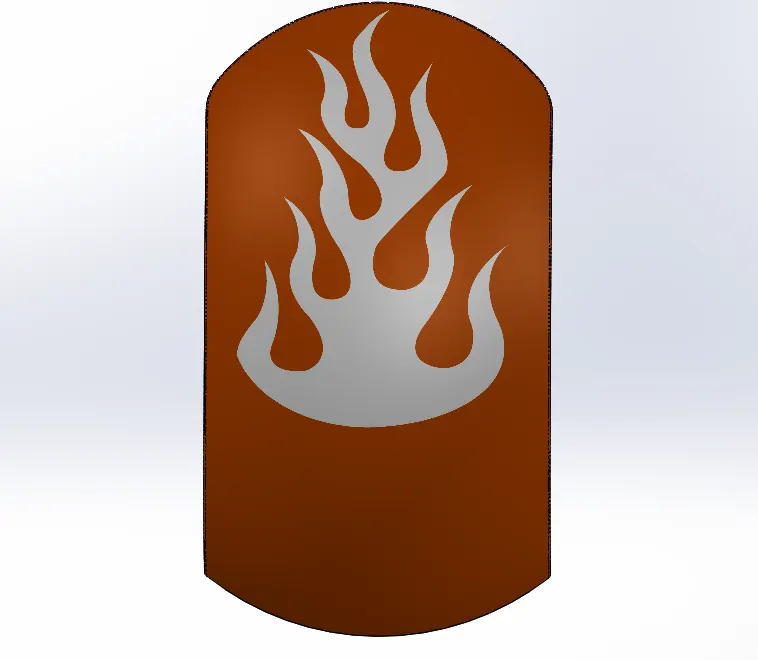
DECALS USED FOR AMERICAN CHOPPER:
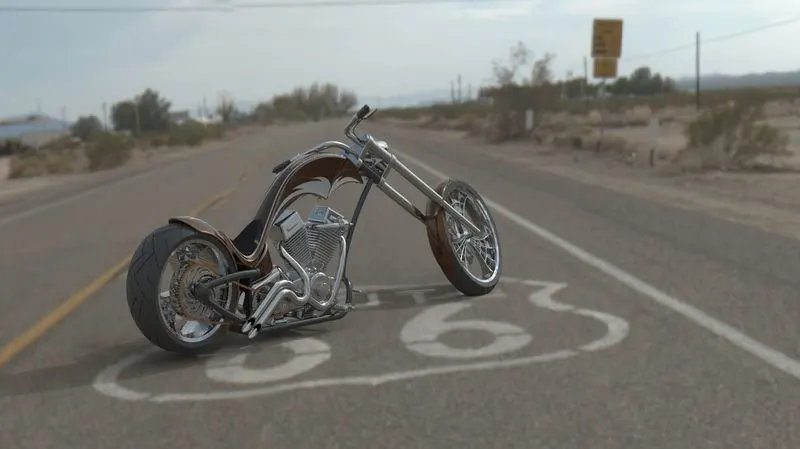
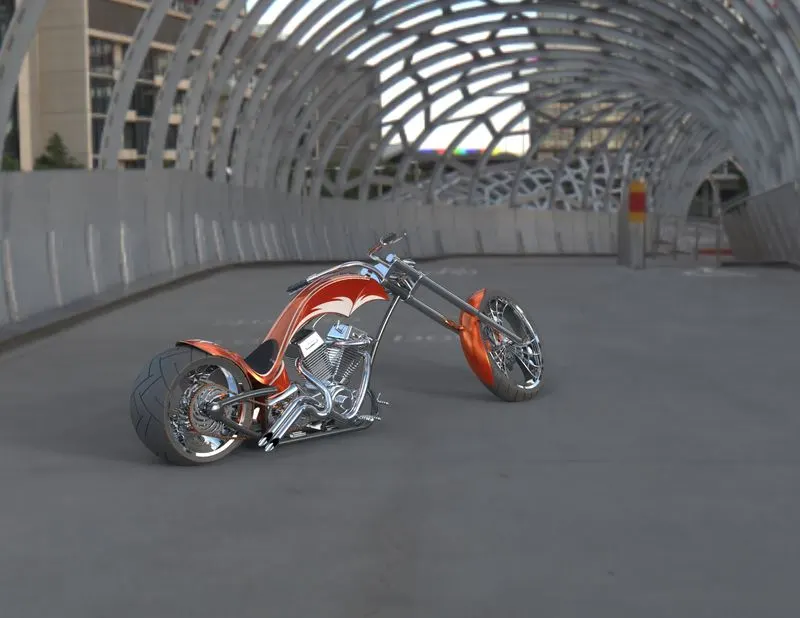
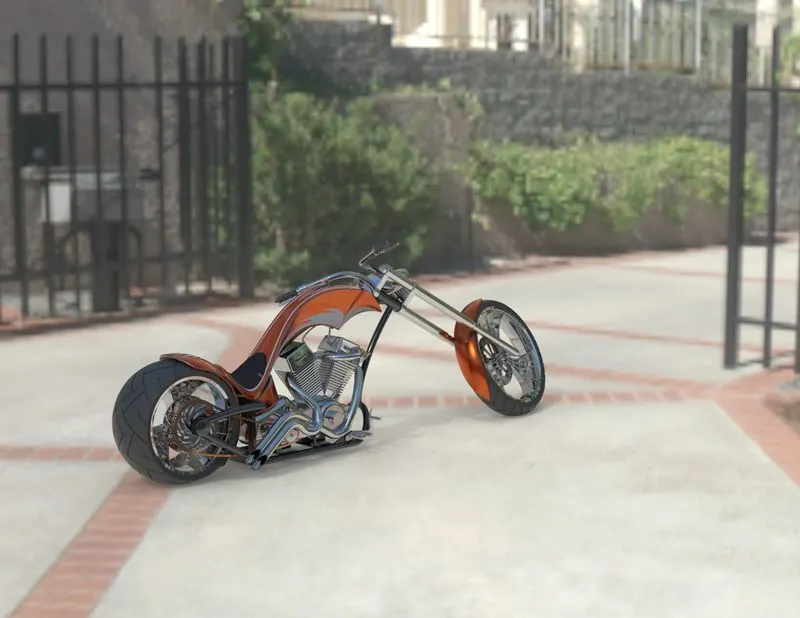
RENDERING FOR AMERICAN CHOPPER
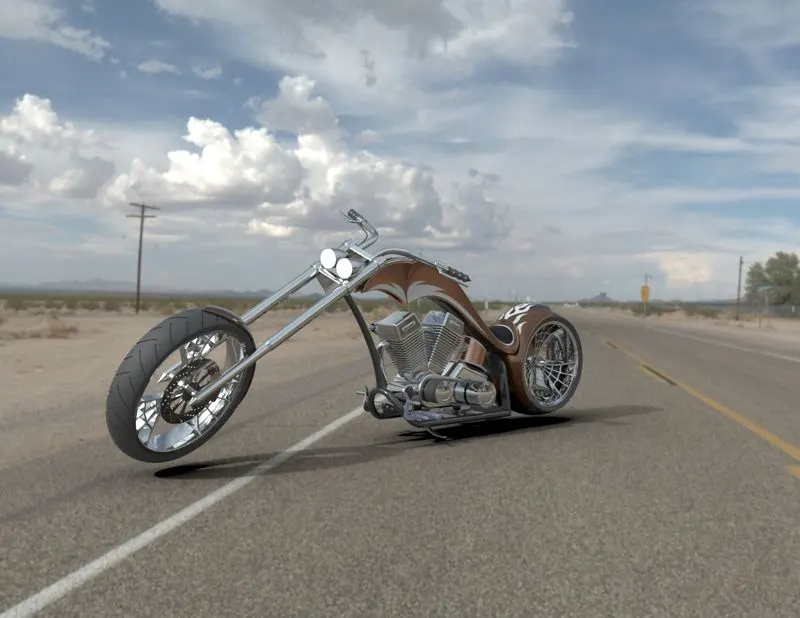
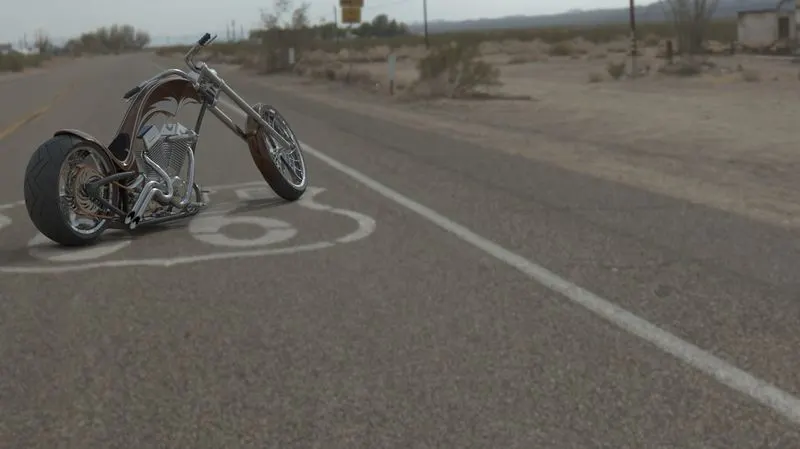
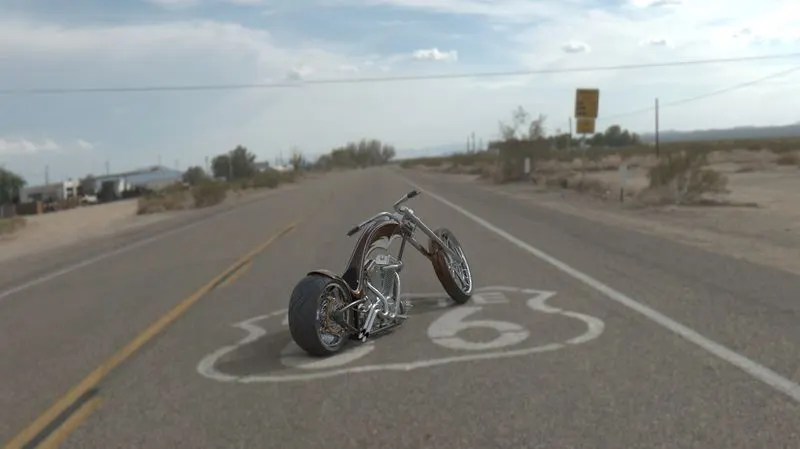
Rendering process of creating Realistic images of the model with environment.Rendering varios aspects such as camera,light,environment,background scene,apperience,etc.
RENDERING IMAGES:-
CONCLUSION:-
In the American Chopper 3d modelling project, I learnt about various 3d modelling tools, assembling modelling as well as techniques of photo rendering.