Week 8 - Challenge 3 - Coin Holder Design
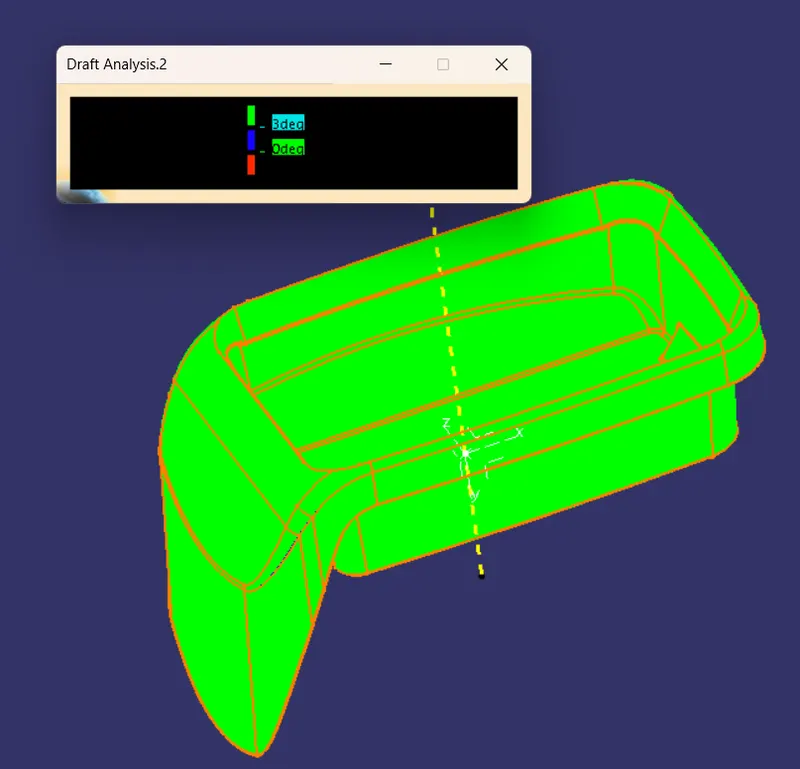
Draft Analysis-Class A: -
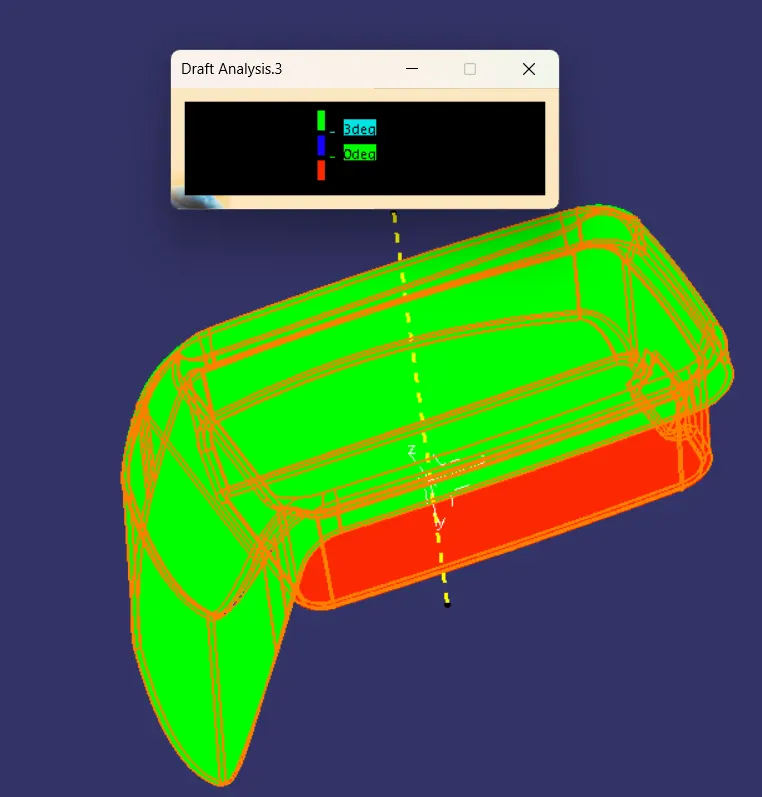
Draft Analysis-Class B: -
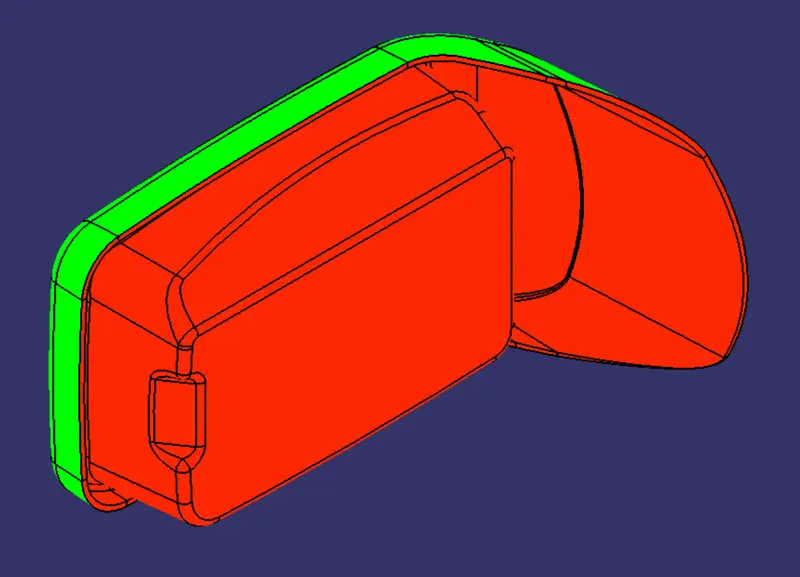
Iso View: -
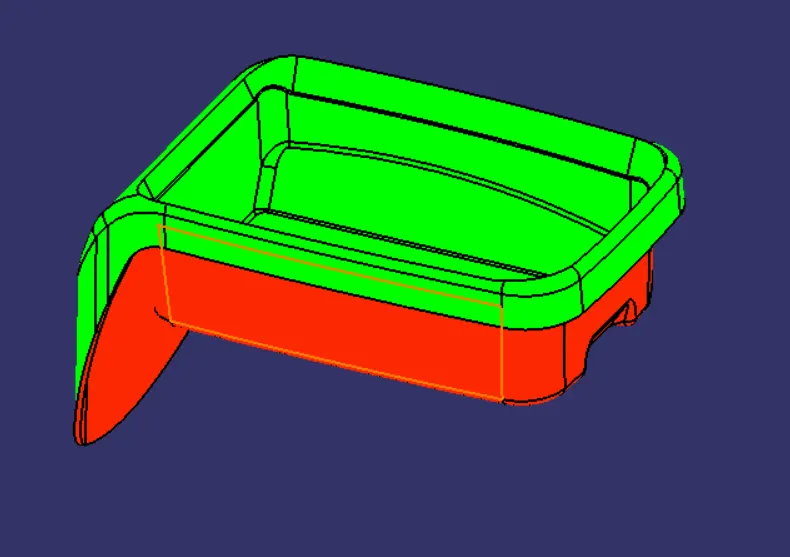
General View: -
Side View: -
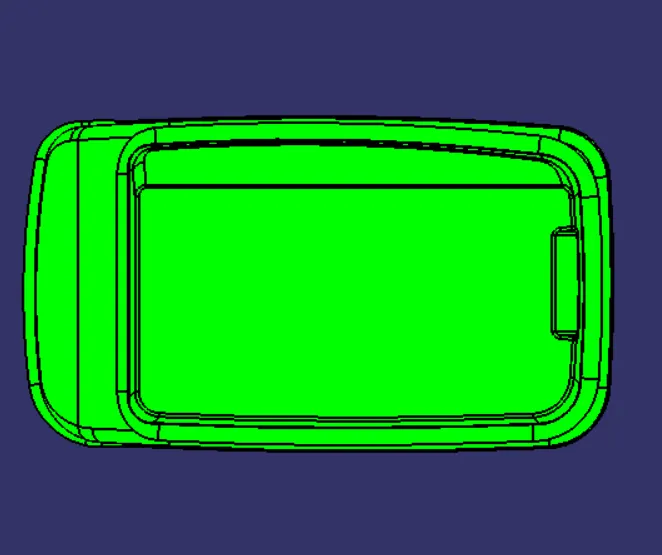
Top View: -
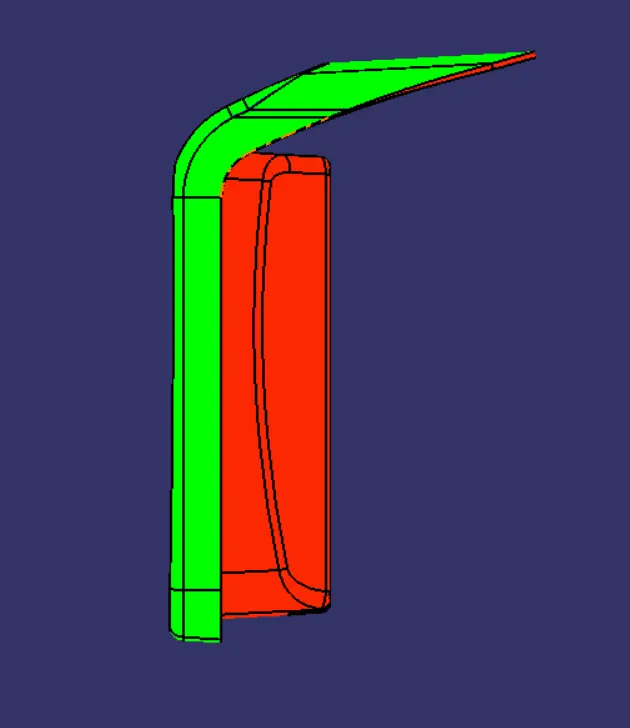
Report: -
Class-A Draft Analysis: -
- Initially I selected the Material mode for the Class-A surface.
- Then I follow the given path for the Draft Analysis "Insert-->Analysis-->Feature Draft Analysis".
- Draft Analysis Command Appear there, then I Clicked on the Compass In the direction section, after that, I pick up that compass and keep it on the Tooling Axis.
- According to the required direction I change the draft direction in the direction section.
- Then, I changed the color scale in the display section according to the required draft angle.
- I kept the green color from 1 to 3 degrees,0(zero) for blue, and red for the negative draft angle.
Class-B Draft Analysis: -
- I have followed the same process, which I followed for the Class-A surface.
- Only here do I have to take care of the Draft angle of Class-C, but this is the perpendicular component so I kept it parallel to the tooling axis.
Tooling Axis: -
- As the Side walls of the component are perpendicular to the base of the component so created the line normal to the base and used it as Tooling Axis.