MODELING OF COIN HOLDER FROM CLASS A SURFACE USING CATIA
REPORT
COIN HOLDER
Aim: To create a plastic coin holder component from the given Class A surface
Methodology: The steps followed are as mentioned below
- Tooling axis is created
- Draft analysis is performed
- Class-B surface is generated
- Class-C surface is generated
- A closed solid model is created from the serfaces.
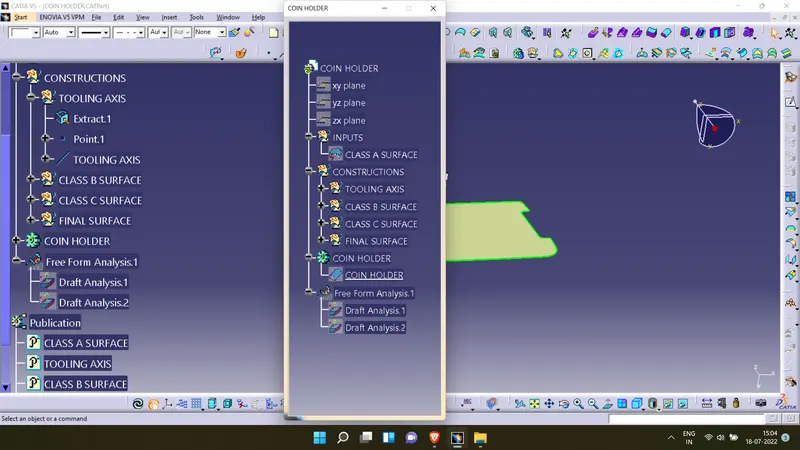
Tooling axis
- The first step is to ensure that the given surface is a closed surface. This can be fixed by using the join option. For verification use the join tool or the boundary tool.
- An axis for the tooling direction is decided through visual inspection.
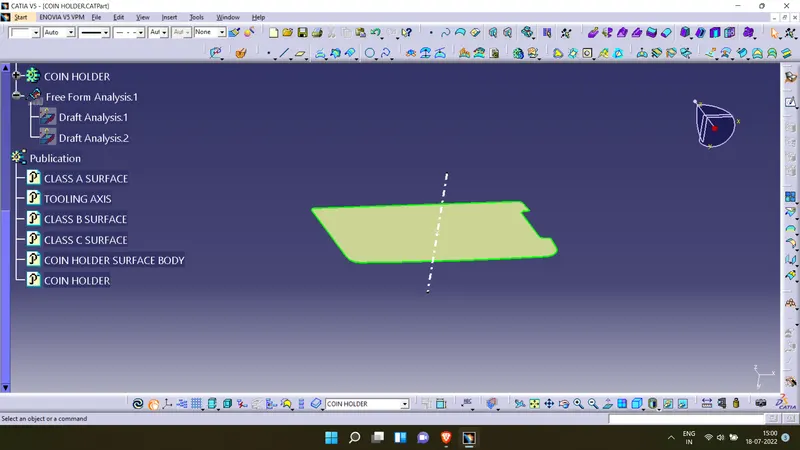
- The tooling direction in this model will be created paralell to the Z direction. For this a point is inserted in the extrated base surface of the component.
- Since there is a normal surface in the component the tooling direction will be normal to the base, so a line is inserted in the point created parallel to the z direction.
Draft analysis
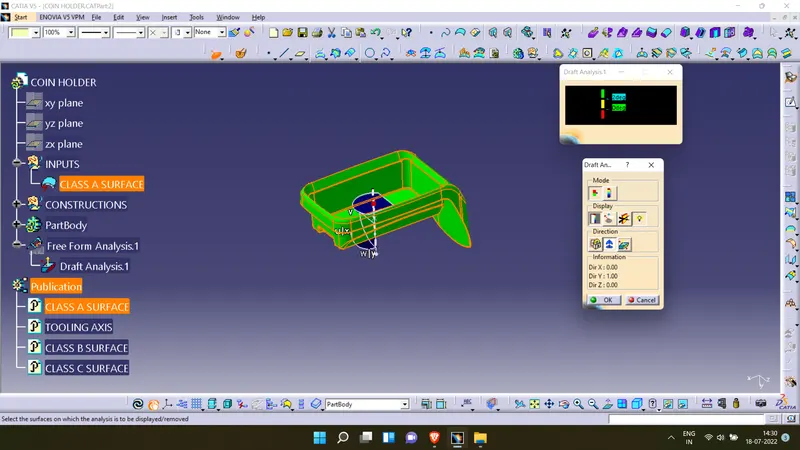
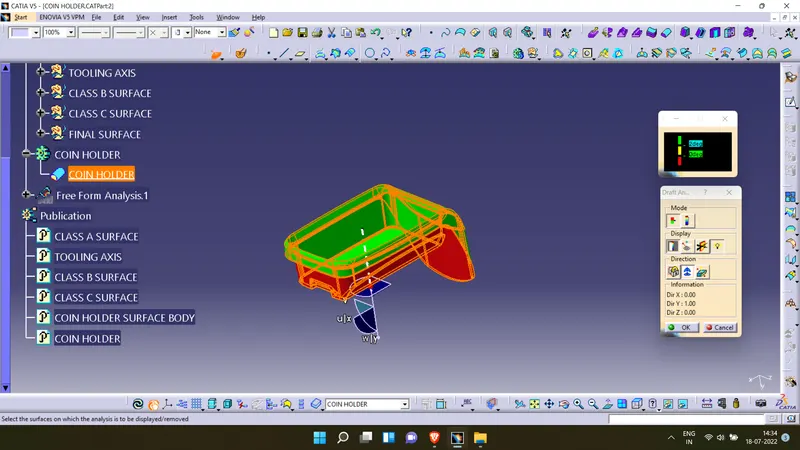
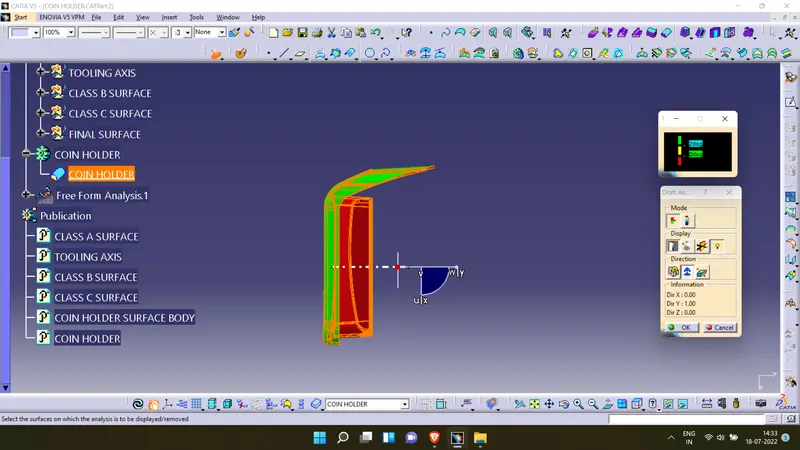
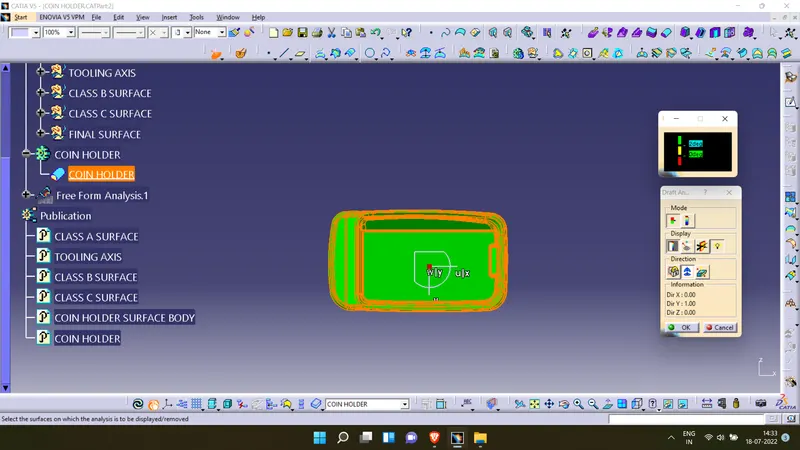
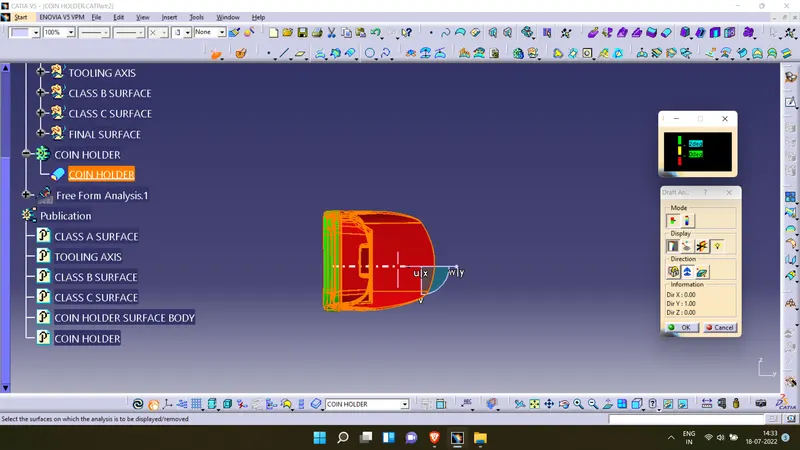
- The surface to the analysed is selected and the material options is turned on in the customize option.
- The feature draft analysis tool is opened.
- The compass is aligned with the tooling direction.
- It is made sure that the pulling direction is correct. Otherwise it is flipped from the open toolbar.
- The surface is selected to make sure that the draft values are in permissible limits on all faces.
Draft analysis of class A surface
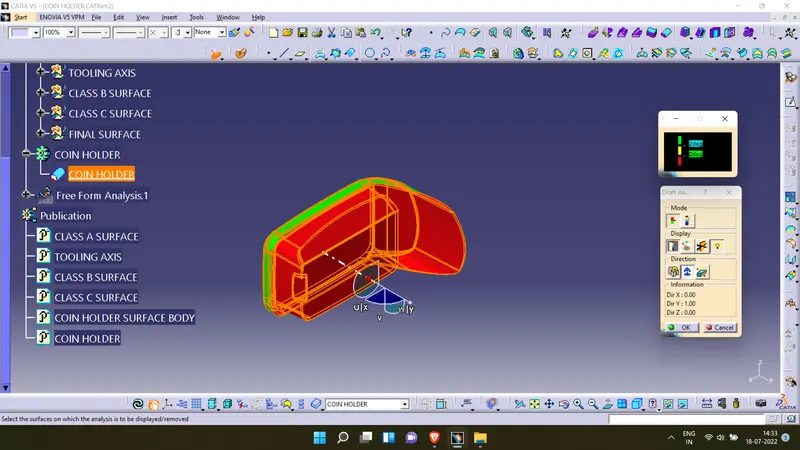
Draft analysis of plastic component
Feature tree