Week 8 - Challenge 3 - Coin Holder Design
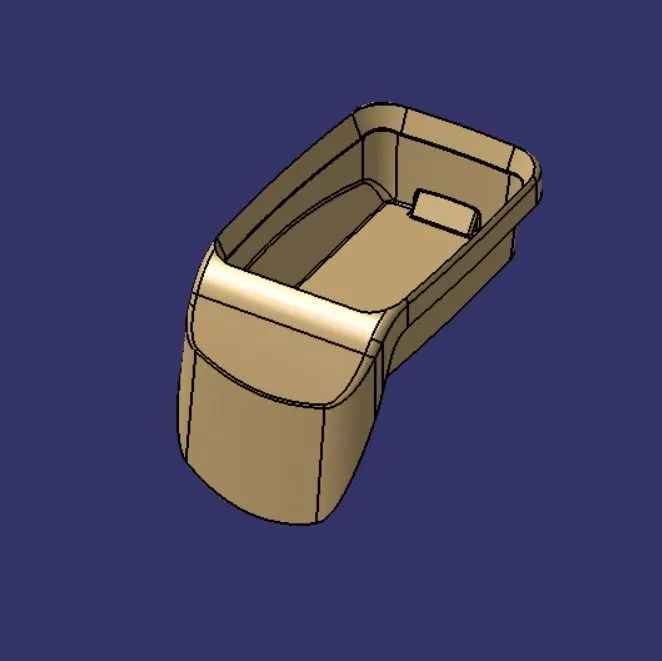
Create the Coin Holder Plastic component through the given Class-A surface. To begin with, the tooling axis for the given Class-A Surface should be created meeting the requirements of the draft angle and at the end perform the Draft analysis on the model.
Take the Thickness of the component to be 2.5 mm
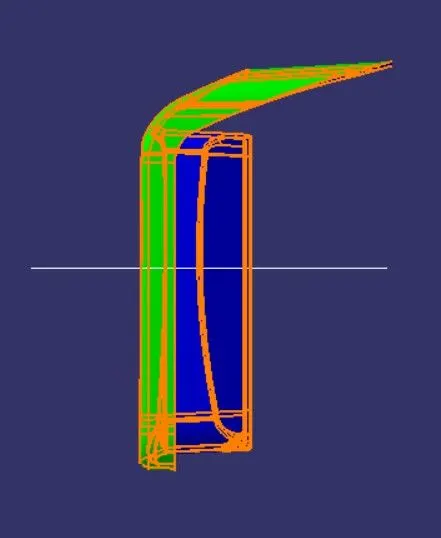
- Screenshots of the Draft analysis report for both the given Class-A surface and the final plastic component
To Do Drafting Axis For both Class A surface and Final component Following steps has follow:
1.Creating tool axis .
- To create the tooling axis, we need the proper orientation or view that gives the correct features and draft available in the component.
- So here the component view from the YZ direction gives the proper view for the tool to see the features present in the geometry.
- Now i Extracted the base surface.
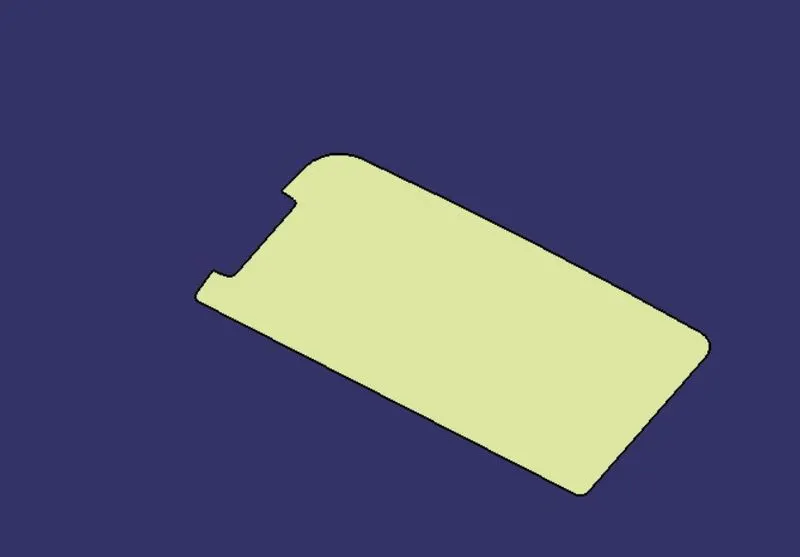
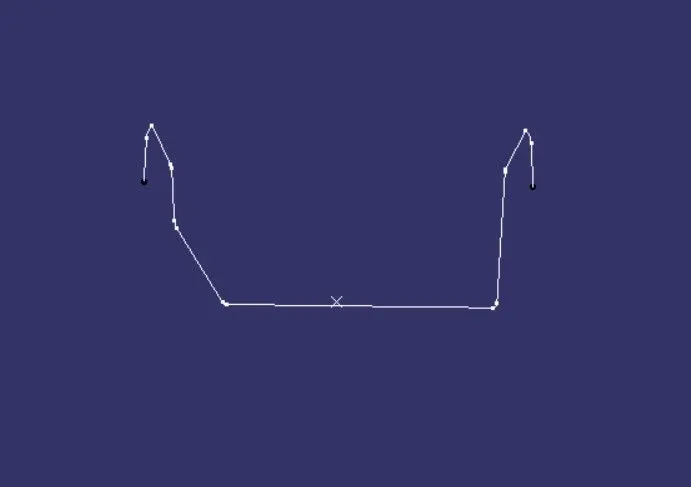
-
In this case, tooling axis is normal to base surface. Consider Y axis as tooling direction.Create point on surface & creating line normal to base surface passing through that point. This is our tooling axis.
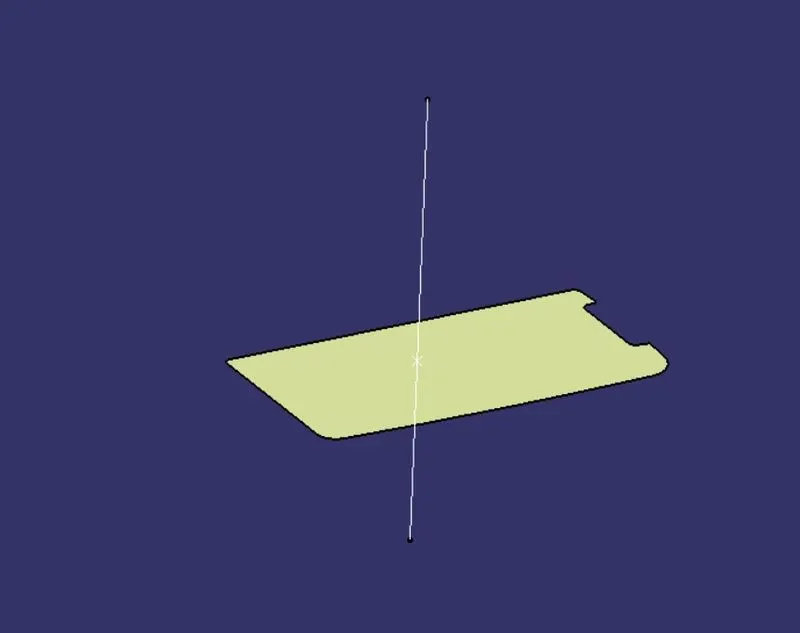
Drafting Class A Surface:
- To perform draft analysis. Go to insert < Analysis< Feature draft analysis.
- Switch customize view parameter mode to
- Click on compass icon & align it with the tooling axis & click on the surface, we will get our results.
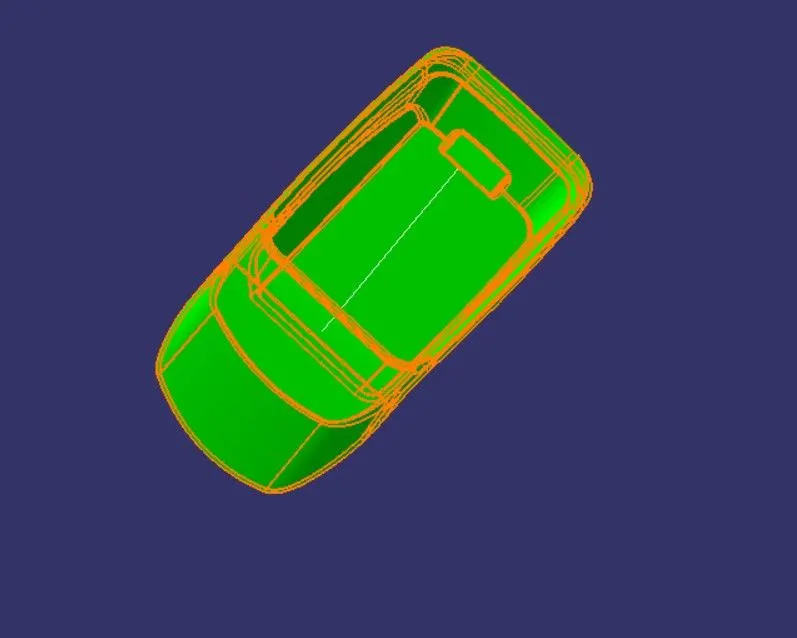
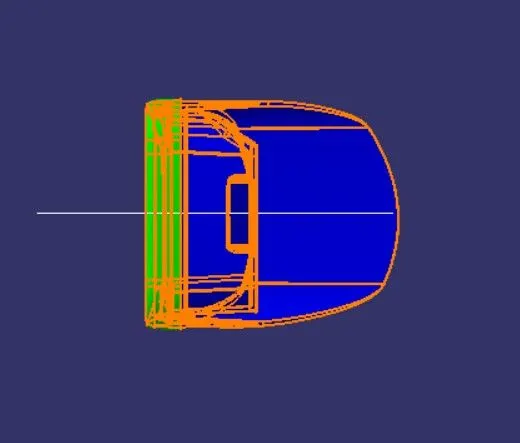
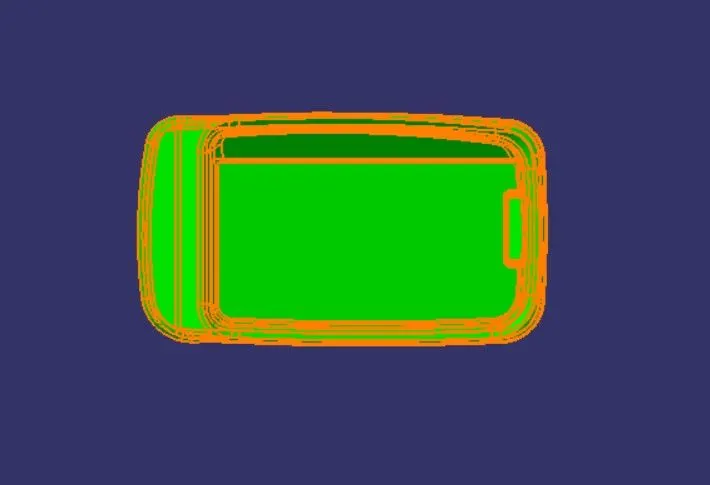
- From the below image it is seen that surface in green color has more than 3° draft which is most required for tooling feasibility. Also see color variant display box
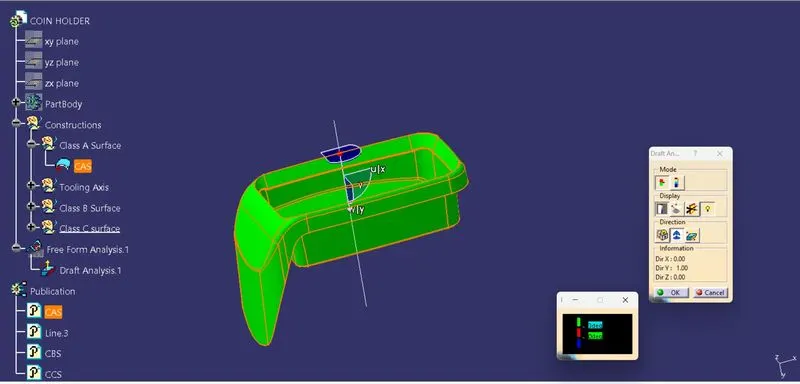
After Completion of Draft Analysis So we will move forward create the B surface.
Cretaing the B Surface.
Base :
- Extract the surface
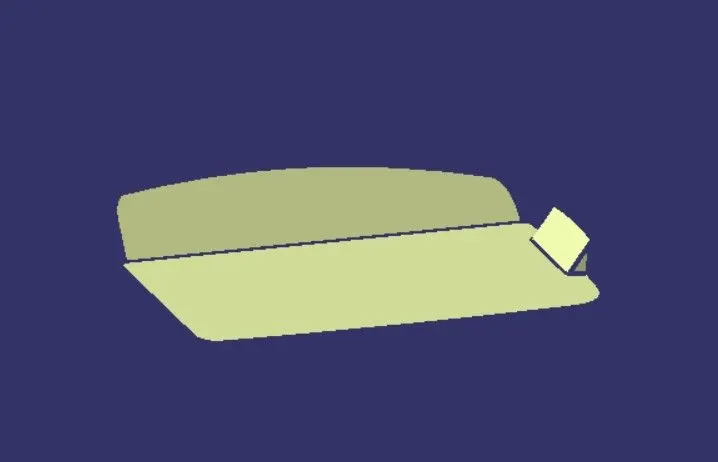
- Untrim the surface
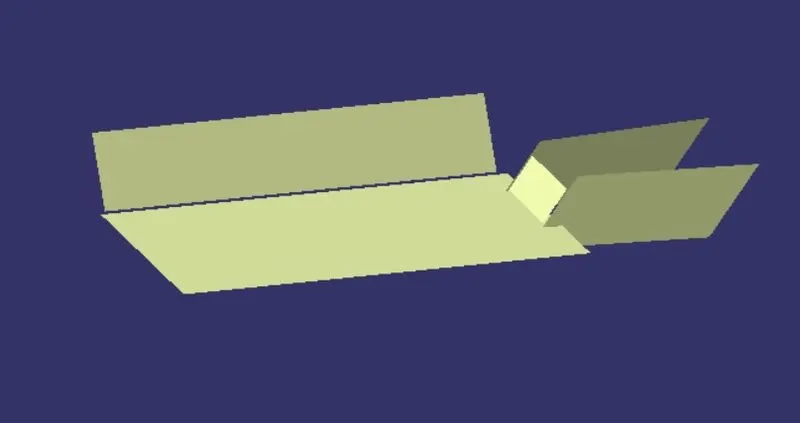
- Extrapolate it
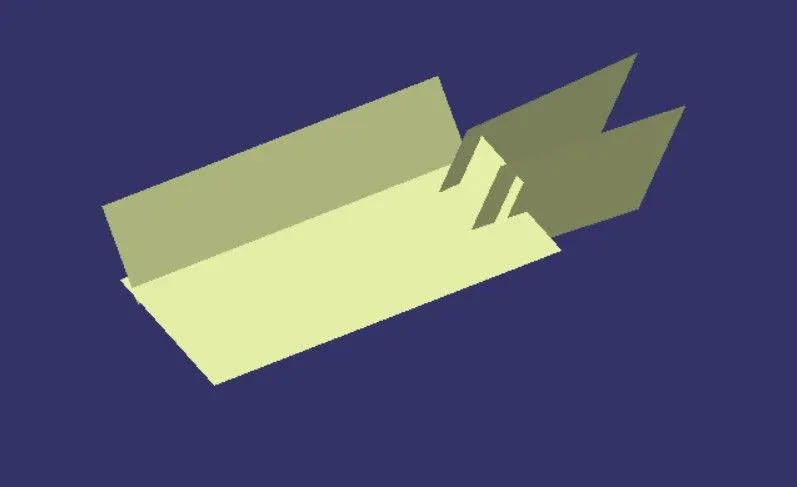
- Offset it by 2.5mm to the downward.
Side Walls
- Extracting foure side walls
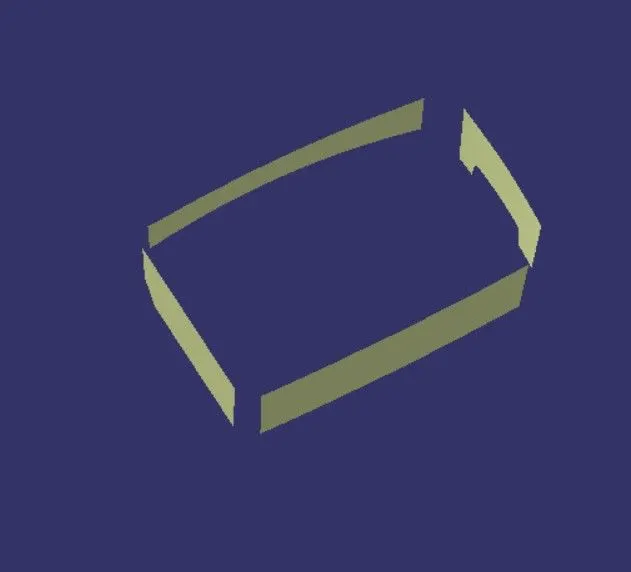
- Untrim the side walls
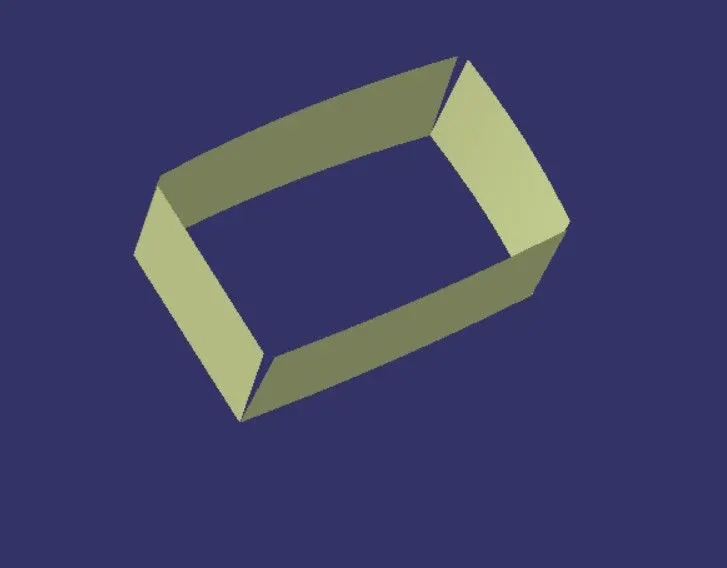
- Extrapolate it
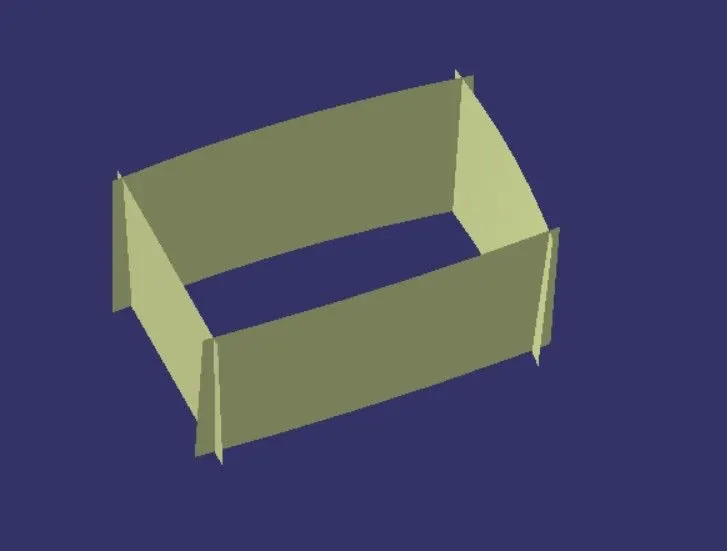
- Trim the surface to remove extra surface which are intracting eaching other.
- giive the fillet rasdius to four corners.
- Offset it by 2.5mm to the downward.
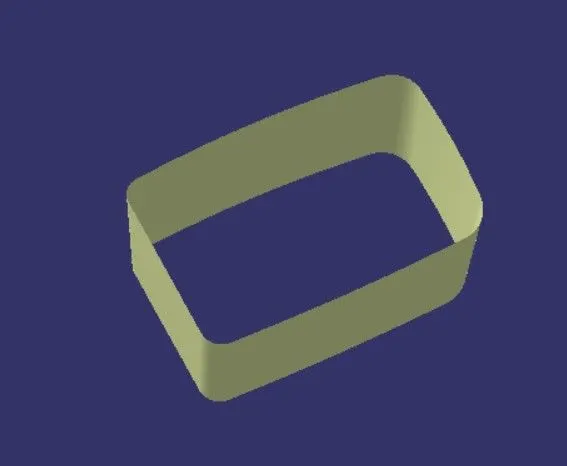
Top cover
- By using multiple ectract we extract the top cover
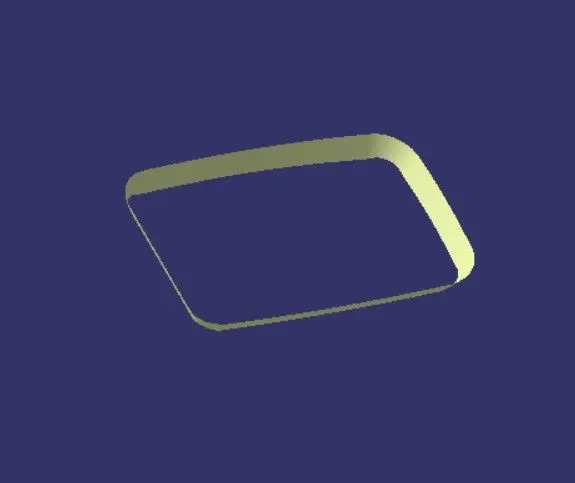
- Extrapolate it
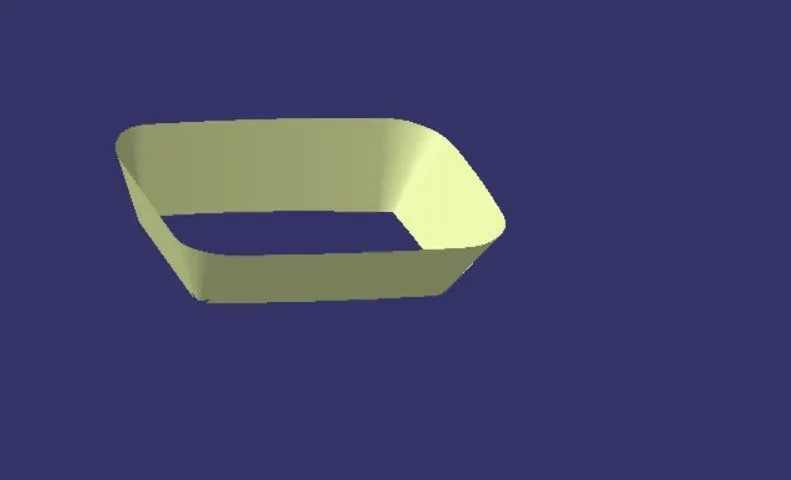
- Offset it 2.5 mm
Front section
- Extract it.
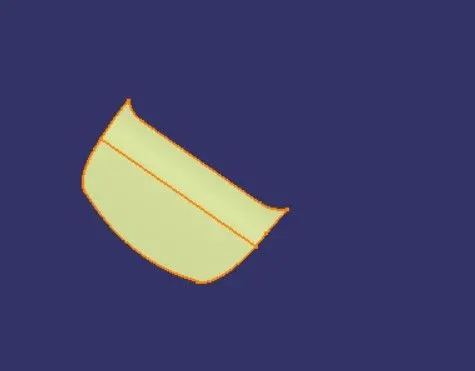
- Untrim it
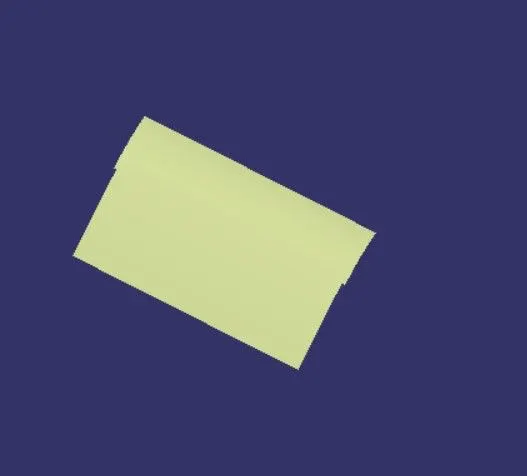
- Join it
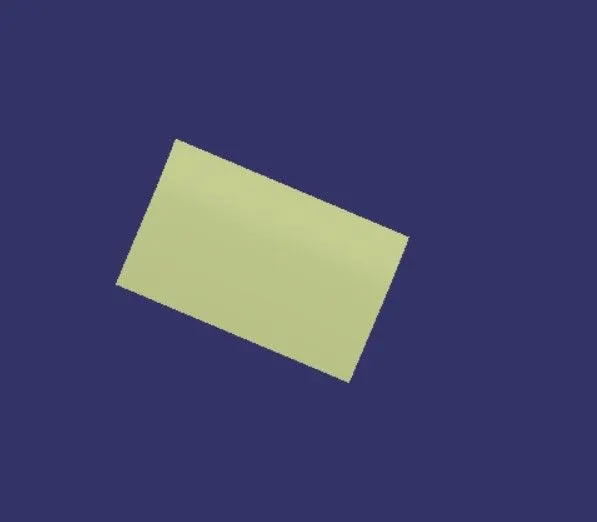
So we all the surface now trim all surface then we get required out of B surface.
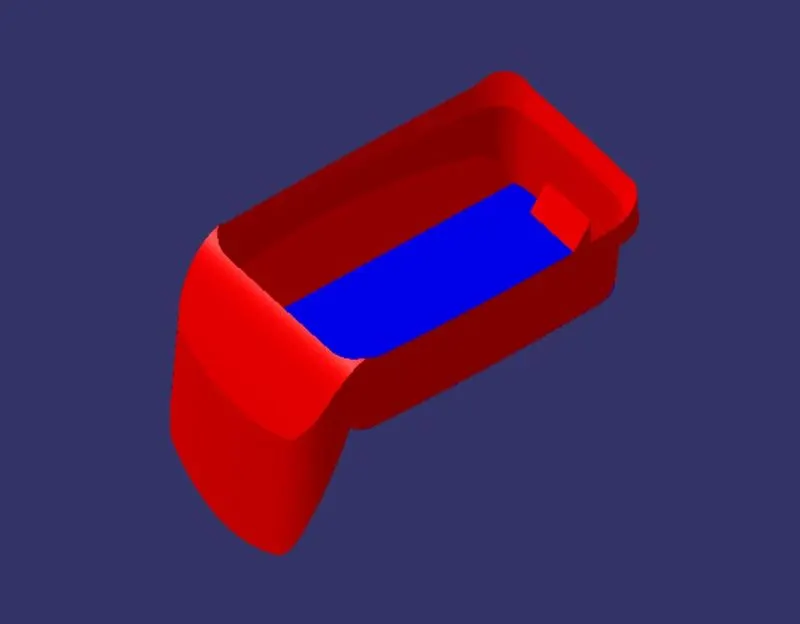
Cretaing the C Surface.
- create boundrady from the class A surface.
- By useing Class A surface do the Sweep.
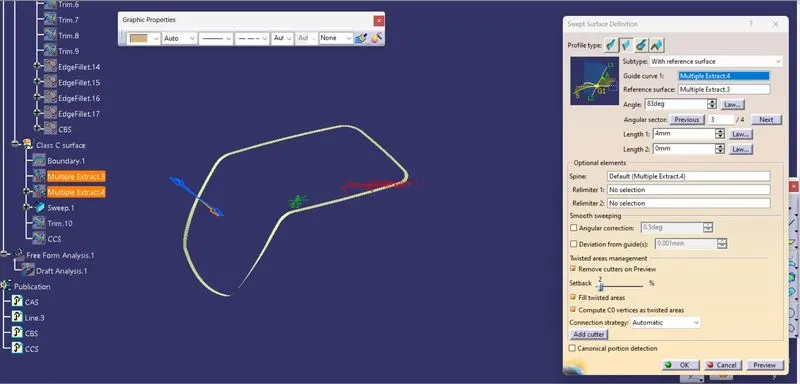
- Now join with the A surface
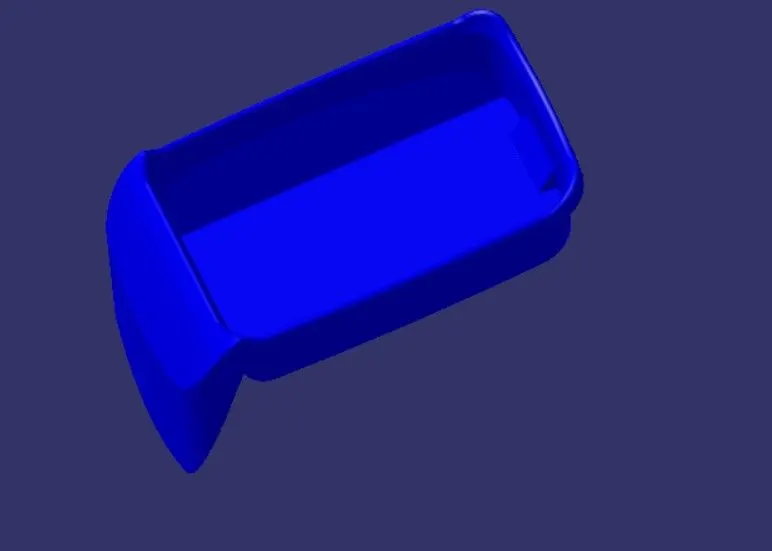
- Now Trim with B surface
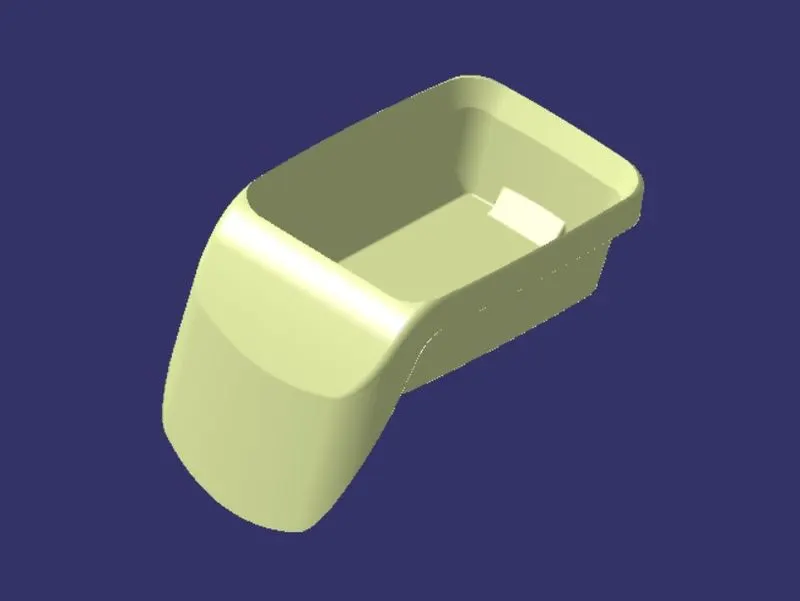
Now we have check the our sCoin holder fully closed or not by using boundray command.
finally our sCoin holder is obatained.
Creating a solid body by using a closed surface :
To create soild body firstly switch to part body work bench and use close surface command to soildify the surfasce body.
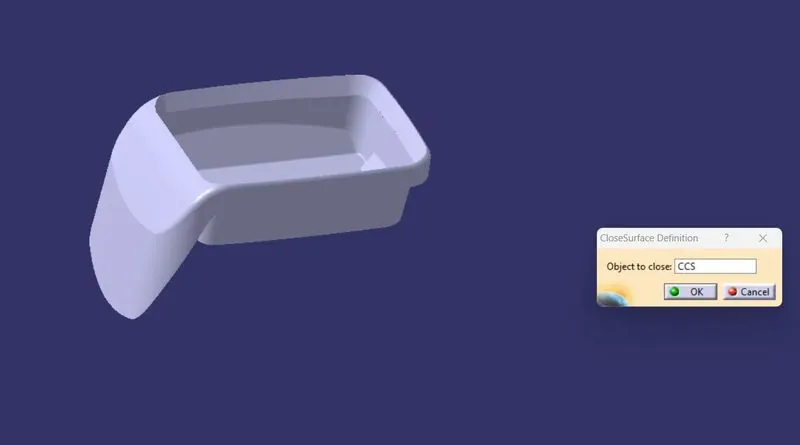
Now we have perform the Drafy analysis on part body
Draft Analysis On Part Body
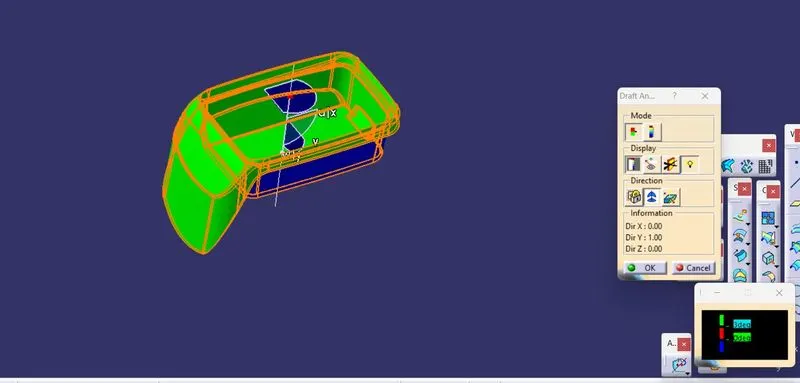
- Screenshots of the solid model with the proper color code of the draft angle in various orientations (Isometric, Front, Side, and Top View)
Isometric View
Front View
Side View
Top View