Week 8 - Challenge 3 - Coin Holder Design
Draft analysis -
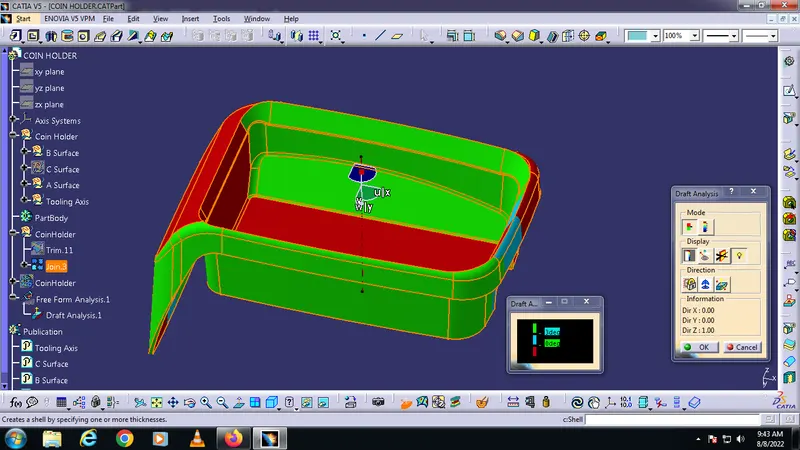
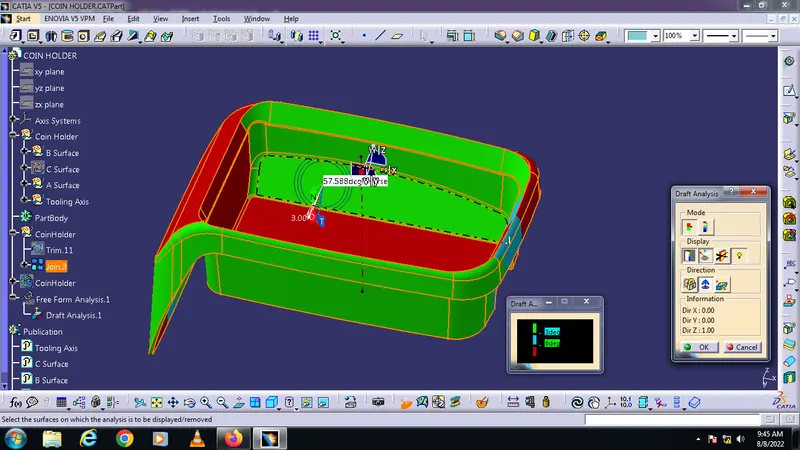
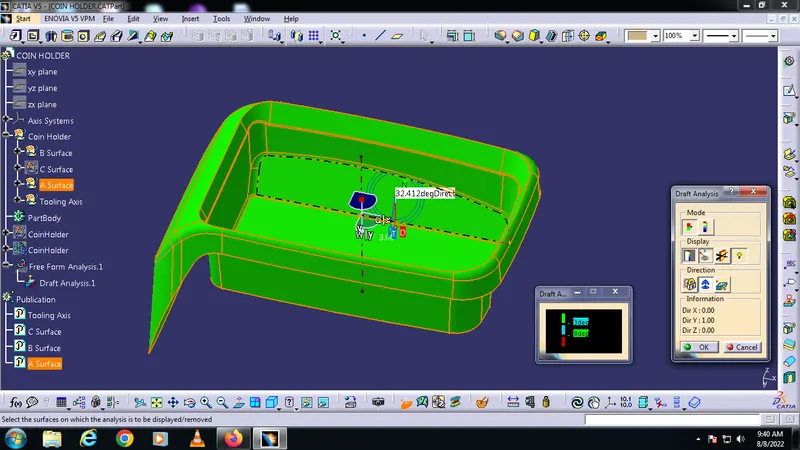
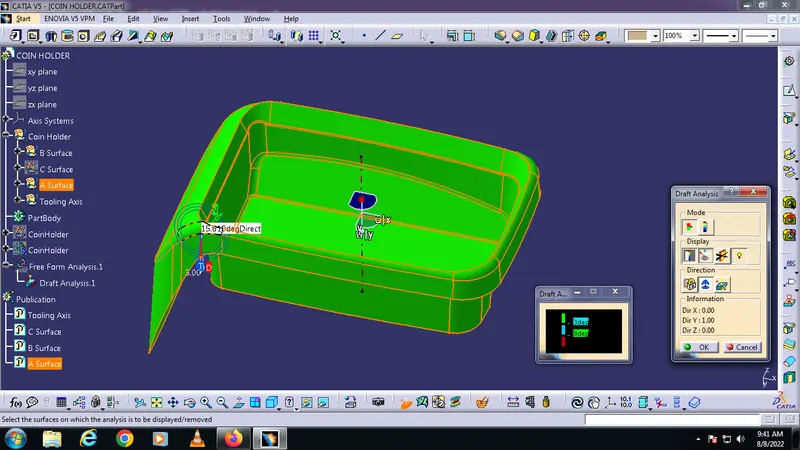
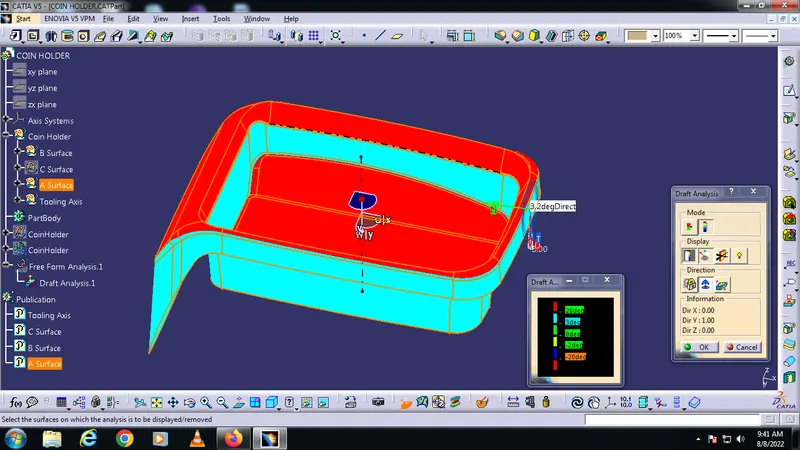
To do Draft Analysis, go to tools > analysis > Feature Draft Analysis. This tool has three groups of options namely; mode, display, and direction. The second icon from the direction group is selected and the red dot in the compass is clicked and dragged to the part to be drafted. The line in the dragged element is matched with the tooling axis and it is locked using the first icon in the direction group. It will define the tooling axis direction and lock it. Then click the base bracket. It will turn green or with green and red based on the draft angles. Draft angle is set to 3. If the portion has enough draft angle, it will show it in green.
Tooling axis creation -
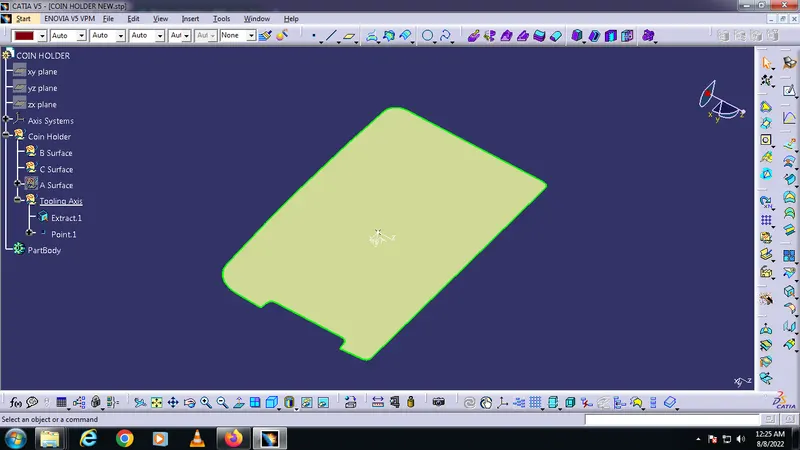
First creating a point at base surface
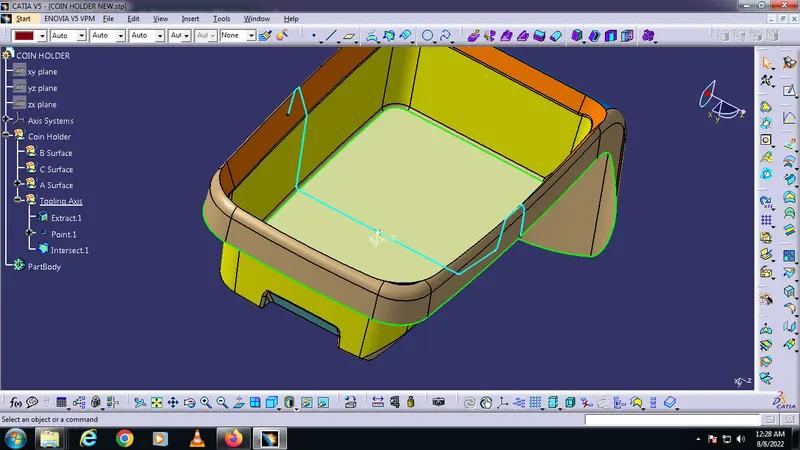
Then Creating an intersection
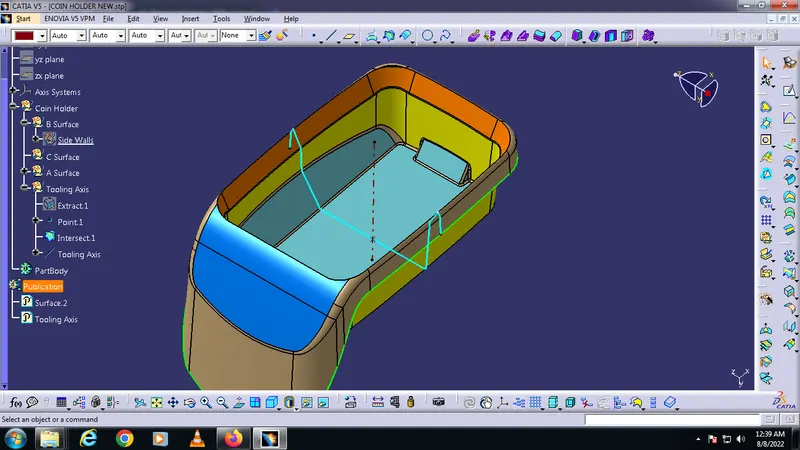
Creating the tooling axis from the point and inter-section
Draft analysis report for Class-A surface -
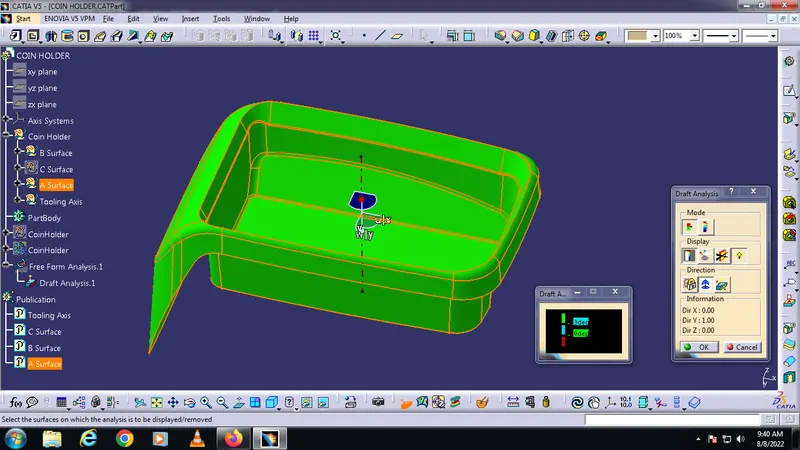
Draft analysis report for final plastic component -
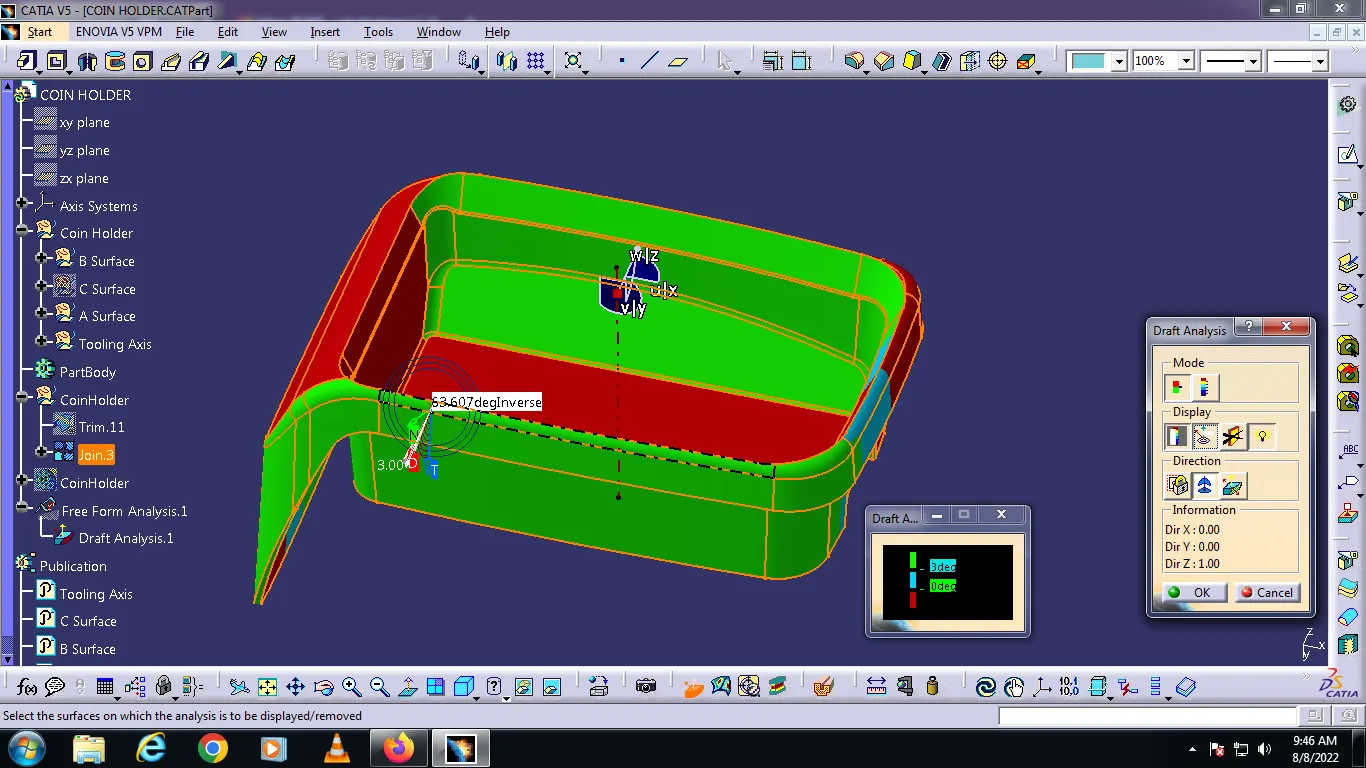
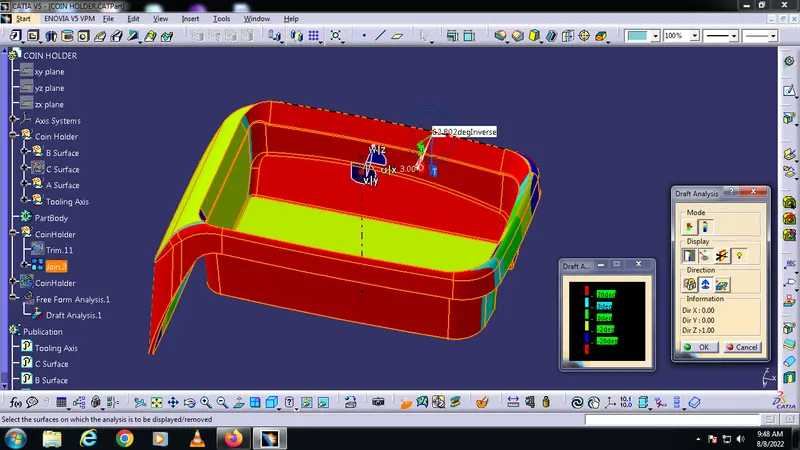
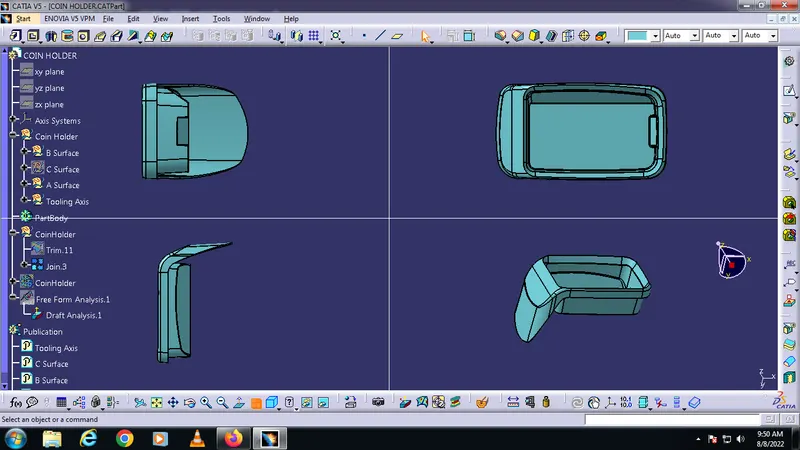
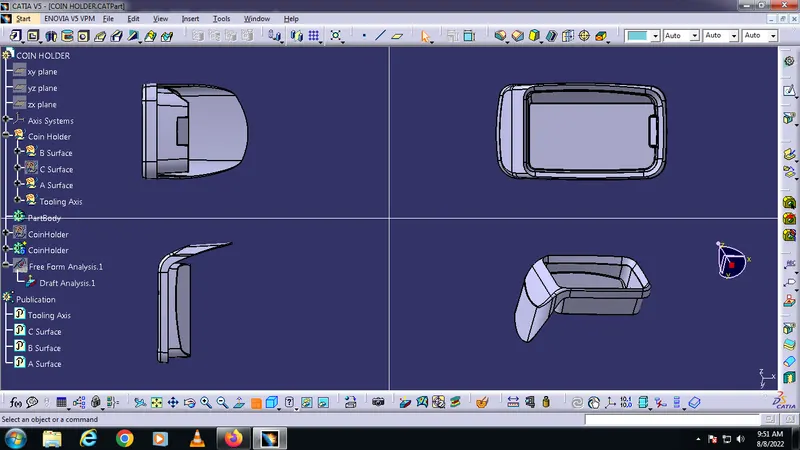
Solid model with the proper color code of the draft angle in various orientations (Isometric, Front, Side, and Top View) -