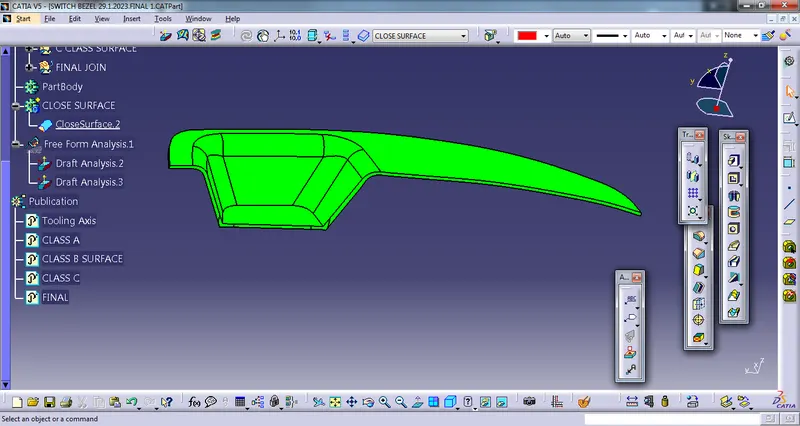
Week 8 - Challenge 2 - Switch Bezel Design
1st create tooling axis
1) extract the base
2)create the point on the extracted surfaces and also axis system at that point
3) then created 3D intersection using x-axis and y- axis
4) create bisesecting lines xand y axis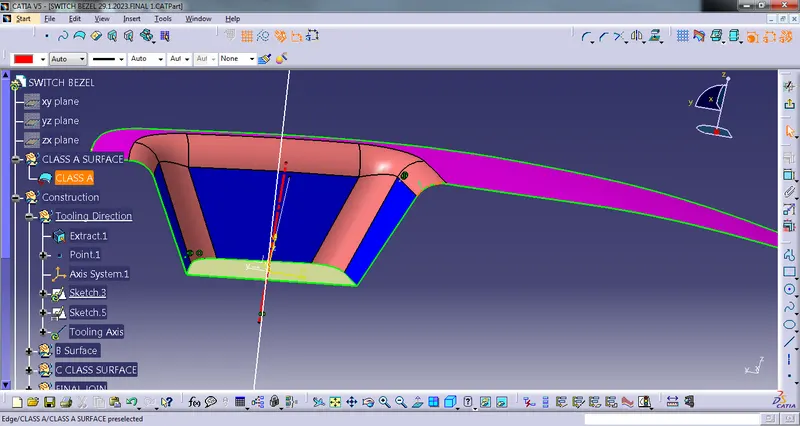
5) created bisecting line by both the x-axis and Y - axis line and this bisecting line called as tooling axis .
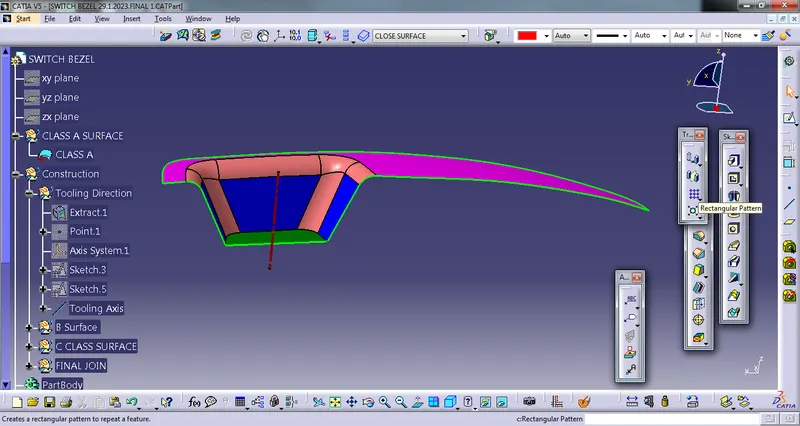
B surface - for the class B surface create different parts like bezel rest ,walls and base
1) create bezel rest surface by using class A surface by using extract surface then untrim and at last extapolate
2) create the walls of switch bezel
3) create base at last
4) trim all surfaces
5) then for correct fillet value ,it measure the fillet value from the class A surface
6) and fillet the class B surface and get the CLASS B surface
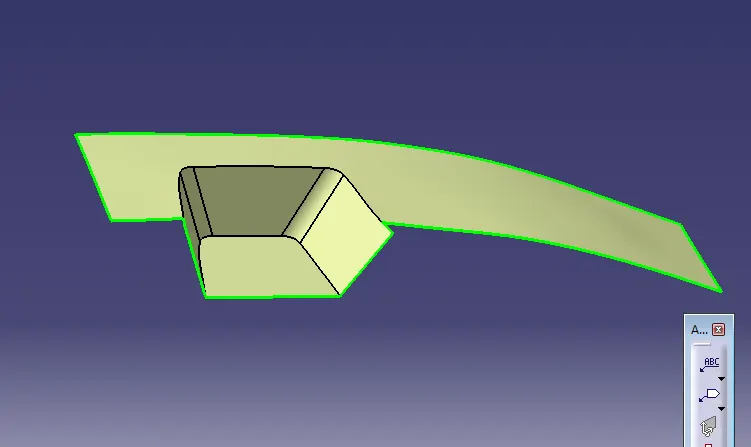
C - CLASS Surface-
The main purpose of the class C surface is to connect CLASS-A and CLASS-B surface .
1) By using boundry command create boundry for CLASS A surface
2) Then the boundry sweep and get the c surface 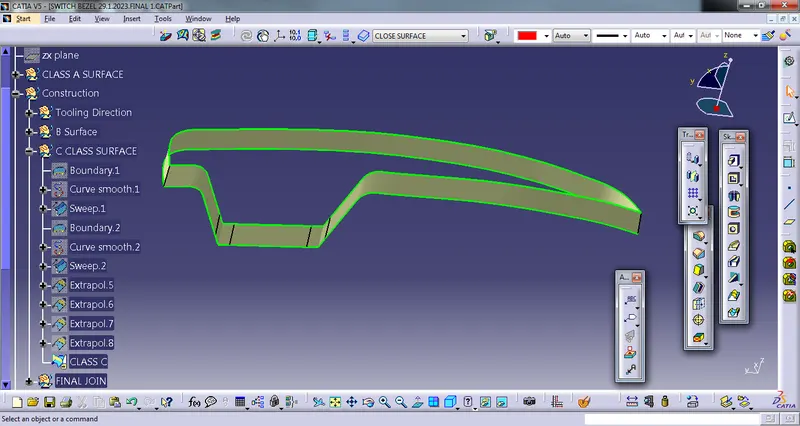
3) but at two corner opened ,so extrapolate by 5mm and then trim it
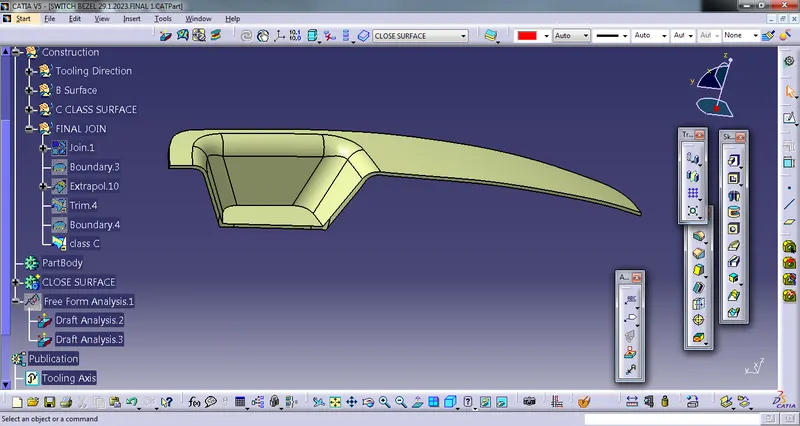
4) then trim CLASS B and above last trim together and get the final Class C surface.
the Class -C surface looks shown in below figure
CLOSE SURFACE-
1) Go to the part modelling and choose close surface command and create complete model surface
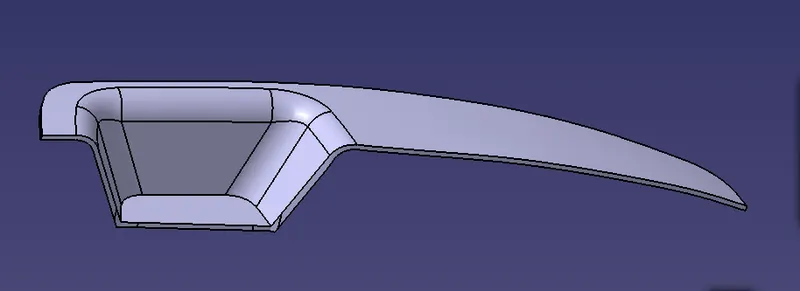
Draft Analysis- at the last draft analysis conducted