Week 8 - Challenge 2 - Switch Bezel Design
first we need to create a tooling axis since the body cant rely on on axis first set axis on base of the body then in zx plane intersect the plane line and draw a dummy axis and draw 2line respective on the surface line and use bisect linr fucntion to create bisect line between them and make other line construction elements.
the second line created in yz place ,firstly cutting plane funcyion used and cut the plane and again draw a line on surface and draw another line from point a and make 3 degree to first line and make it construction line
as we have 2 lines ,select line commad and bisect function and select 2 sketches and point and press ok ,now we get the bisect line
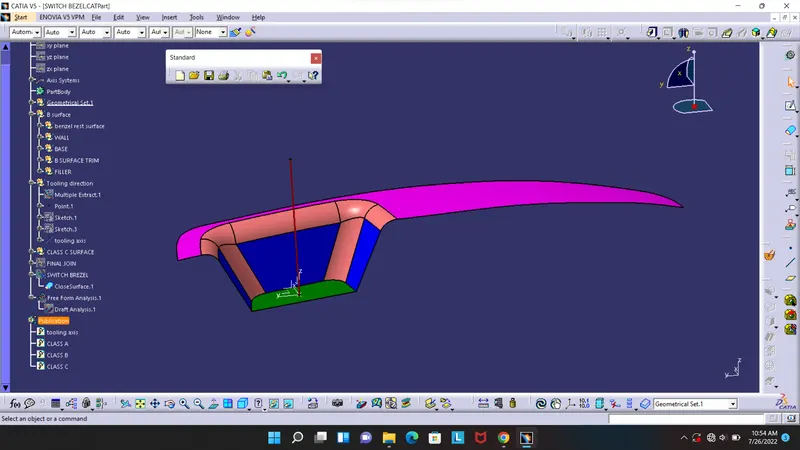
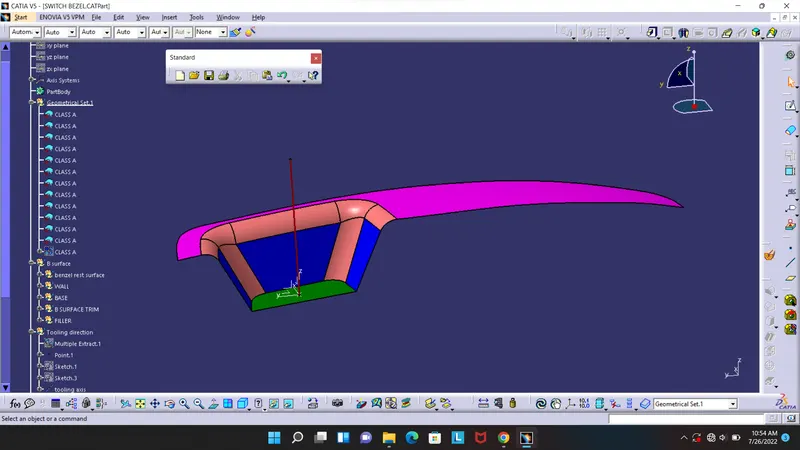
class b surface
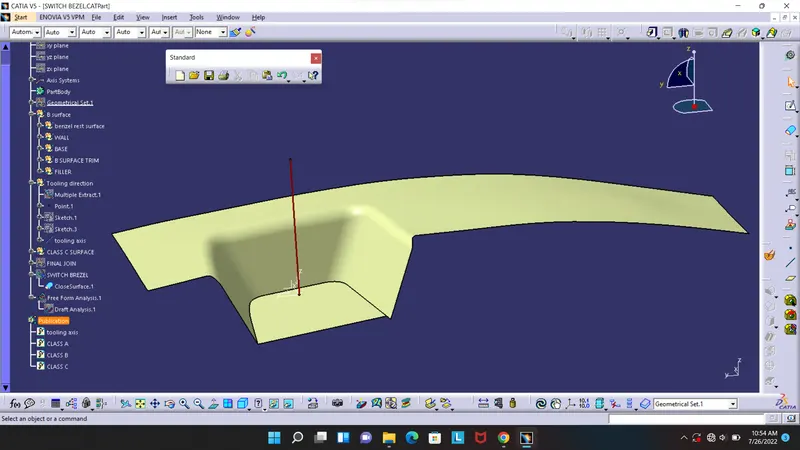
class c
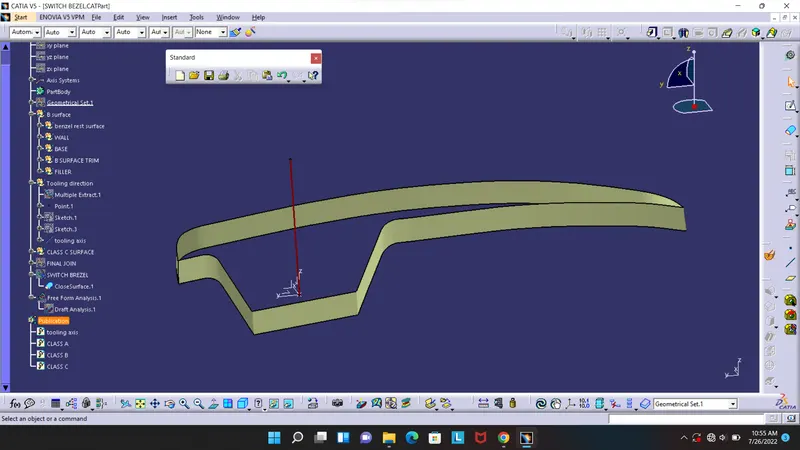
final trim
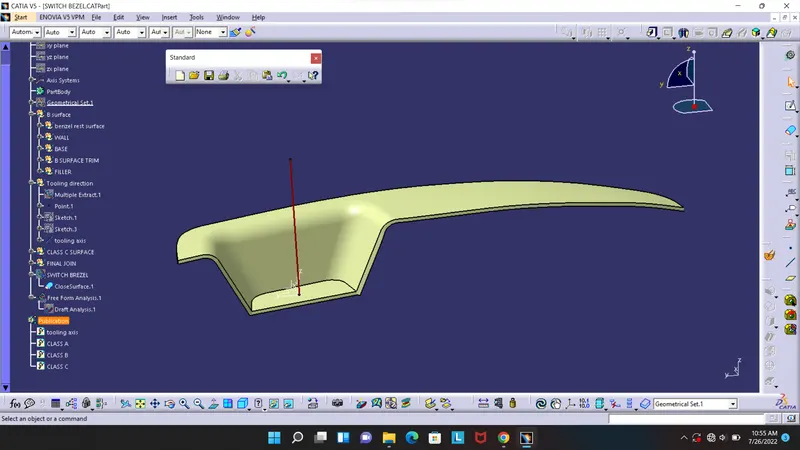
make it closed body usind closebody in part workbench
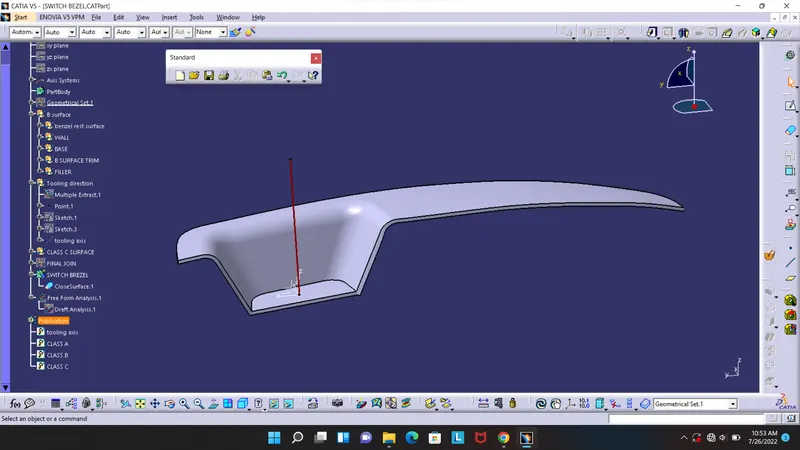
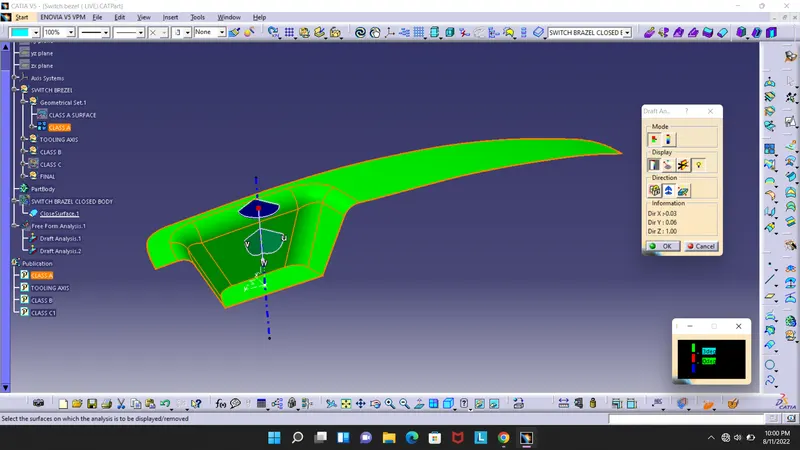
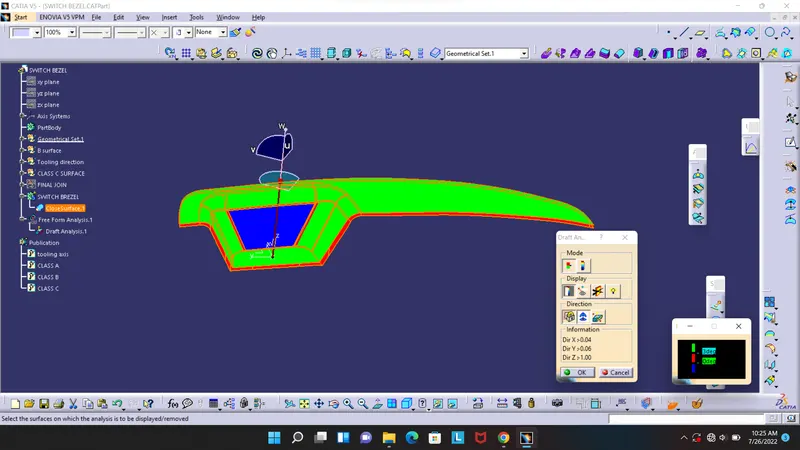
draf analyse started from here
goto tool anlyse and draft analyses and it make view into cutom boy and material,
then press the compass and place it on the tooling axis and lock it and press on the body.
the color show the draft angle green is more than 3 degree(we can change this degree and colour)
red is 0 and bluw is below 3 degree and we can calculate the angle using with the tool also.
(((i dont know why i get this result i set change the first skecth angle and it doesnt show corectly.,please tell any way to correct in on your REMARKS ))