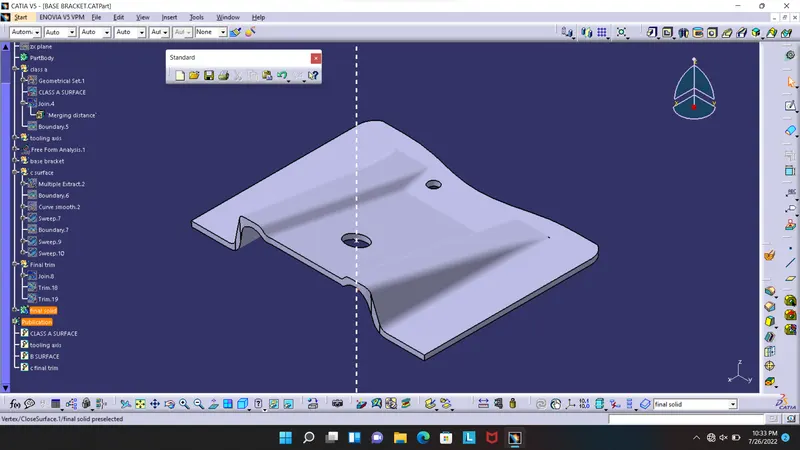
Week 8 - Challenge 1 - Base Bracket Design
creating tooling axis.
to create the tooling axis using reference of the class a surafce and create dummy axis first and draw 2 sketched on 2 sdrafted side and in part workbench and bisect them and use ut as tooling axis
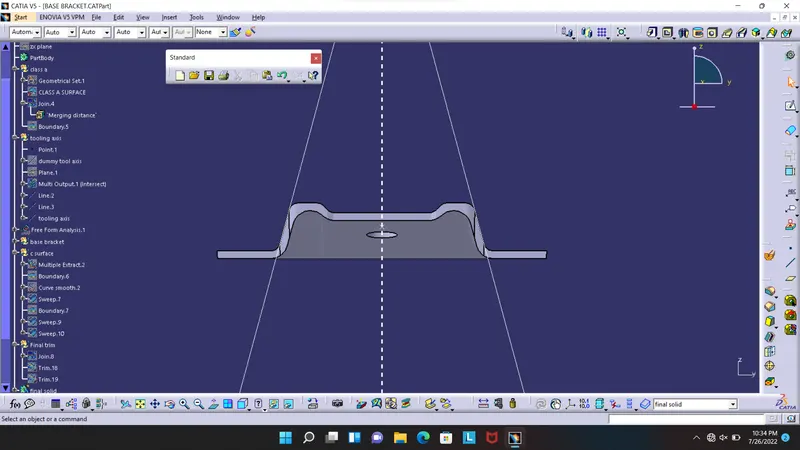
class a surface
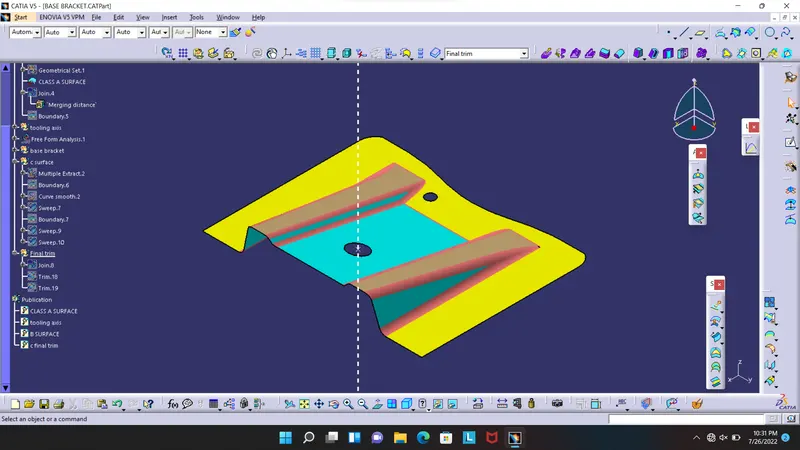
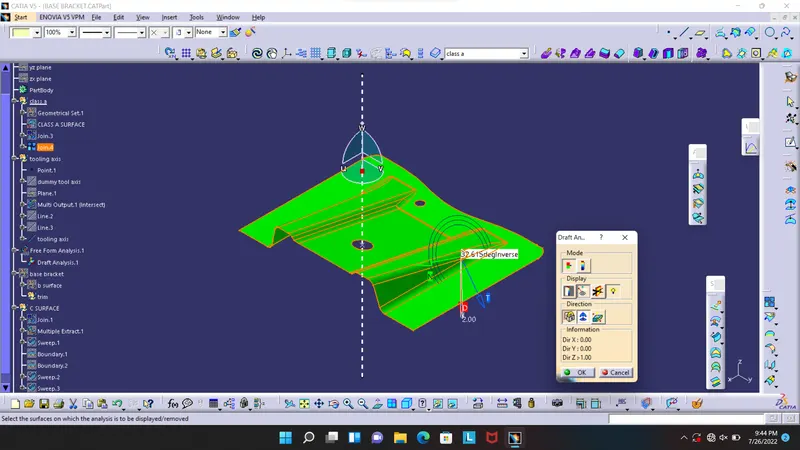
to create draft go to tools>analyse>draft and open draft and click compass and place it on the tooling axis and lock it then click on the surface.
in side bar it show angle
green more than 3degree
red is 0 and blue is less than 3 degree
we analyse angle using the tool also
 4
4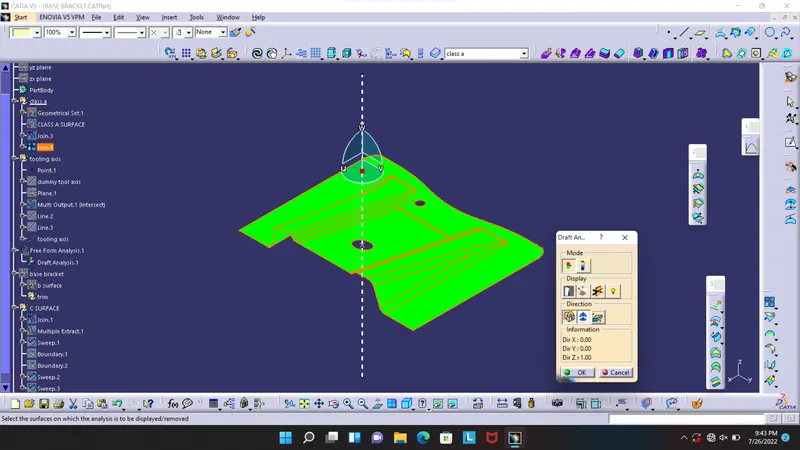
class b surface
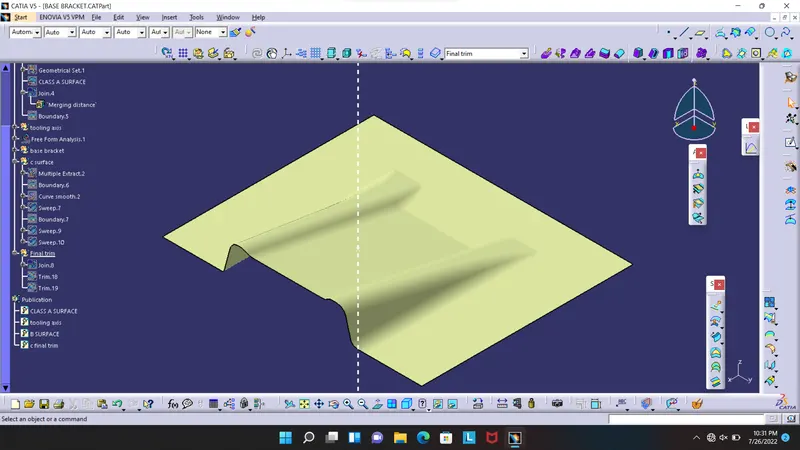
CLASS C SURFACE
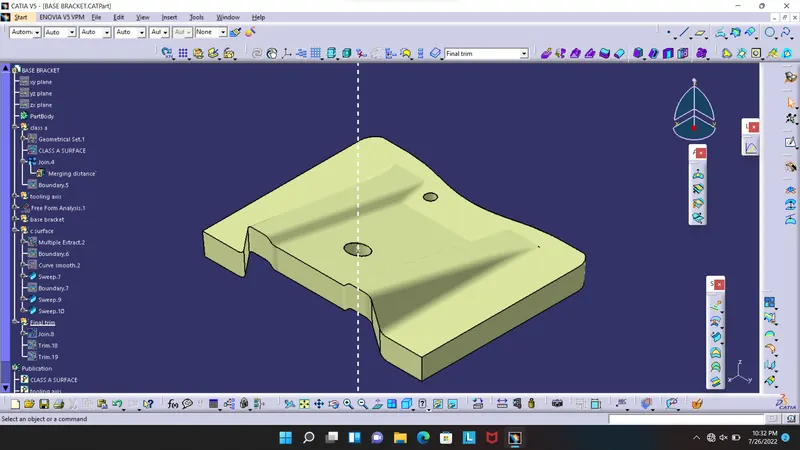
final trim
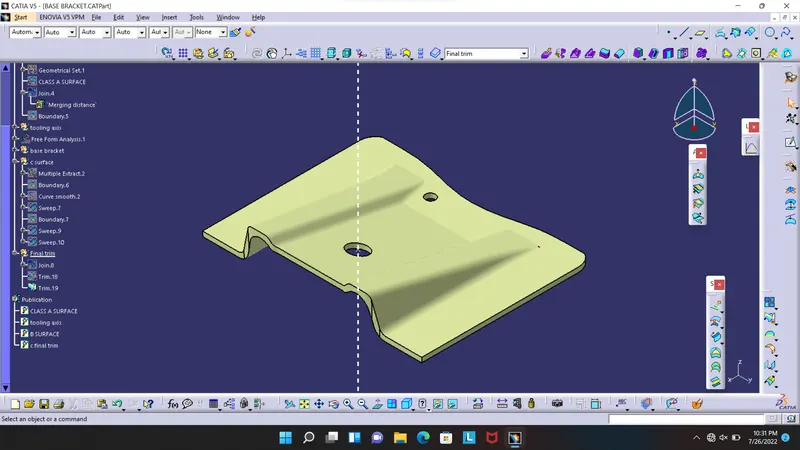
part body