Week 8 - Challenge 2 - Switch Bezel Design
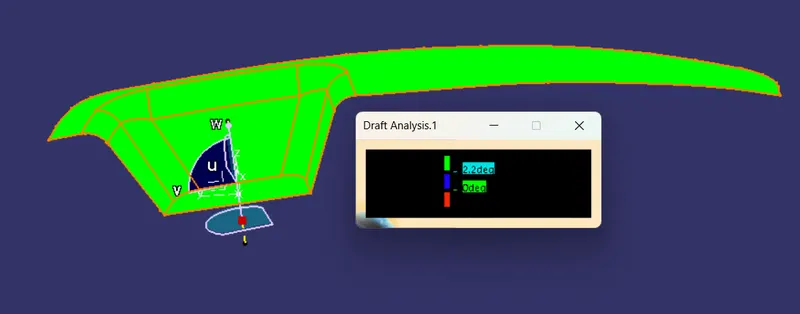
Draft Analysis:
Class-A:
Plastic Body:
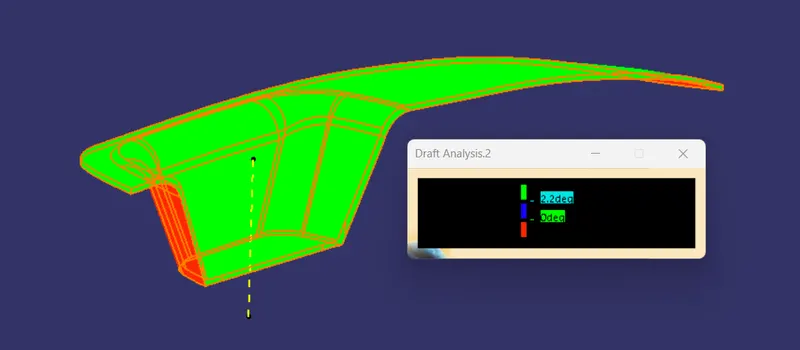
Different Orientation Views:
Iso:
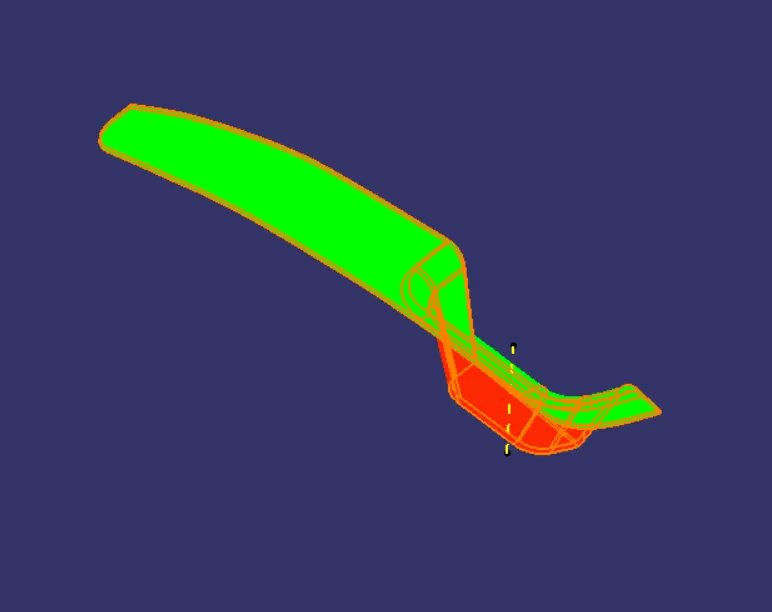
Top:
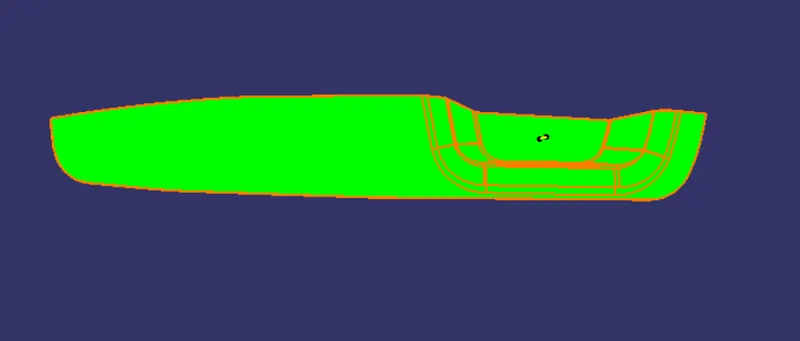
Back:
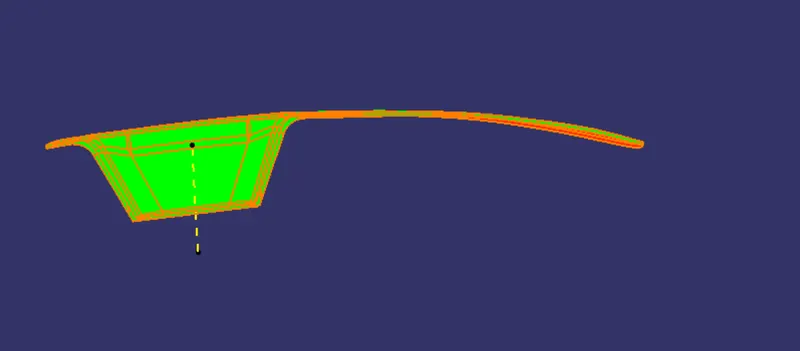
Tooling Axis Creation:
- Initially I created a point on the surface, with the help of the point I inserted the Axis system.
- Then in the sketcher workbench I intersected the class-A surface with the Y-Z plane.
- From the inclined line of intersection, I created a Bisecting line.
- Then again, I created the intersection of the X-Z plane with class-A, there also I created a line Inclined to 3 degrees to the intersected vertical surface of class-A.
- From these 2 lines I Created 1 bisecting line which is considered a Tooling Axis.
Draft Analysis:
Class-A
- Initially I selected the material mode for the class-A surface.
- Then I went to Insert--> Analysis--> Feature Draft Analysis.
- Then I selected the compass and kept it on the tooling axis, and chose the desired direction for the tooling axis.
- Then I found that the color of class-A is green for 2.2 degrees.
Similarly for Plastic Body
I have given a 3-degree draft angle for Class-C for proper removal of the final product from the Cavity.