Week 8 - Challenge 2 - Switch Bezel Design
TOOLING AXIS , DRAFT ANALYSIS & PLASTIC COMPONENT CREATION OF SWITCH BEZEL
Aim:- The main aim of this challenge is to create the plastic component through the given Class- A surface by creating Tooling Direction & Draft anaylysis.
INTRODUCTION:-
The Draft analysis command enables us to detect if the part can be drafted will be easily ejected.
We can perform such analysis based on color ranges provided in Tool itself.The Thickness of componnet should be 2.5 which we are going to offset.
For plastic componnet major surface we use draft of `3degree`.
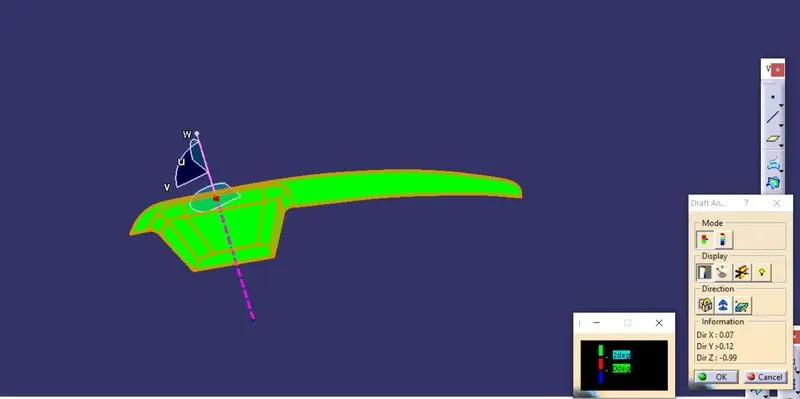
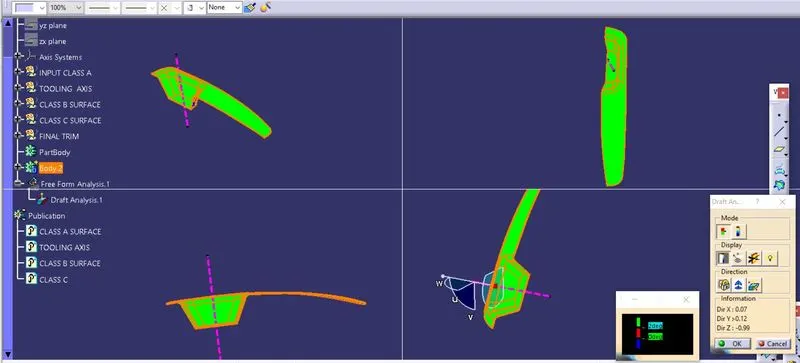
Firstly We check the connectivity of the surface, this can be done by creating Boundries or by simply join option such that any openings can be easily visualized.
Tooling Axis:- We can create axis in all possible direction like X, Y & Z & analyse which is best suitable or we can also go for NORMAL TO SURAFCE ,it's depend on componnet we provided.Here I used Normal to Surface.
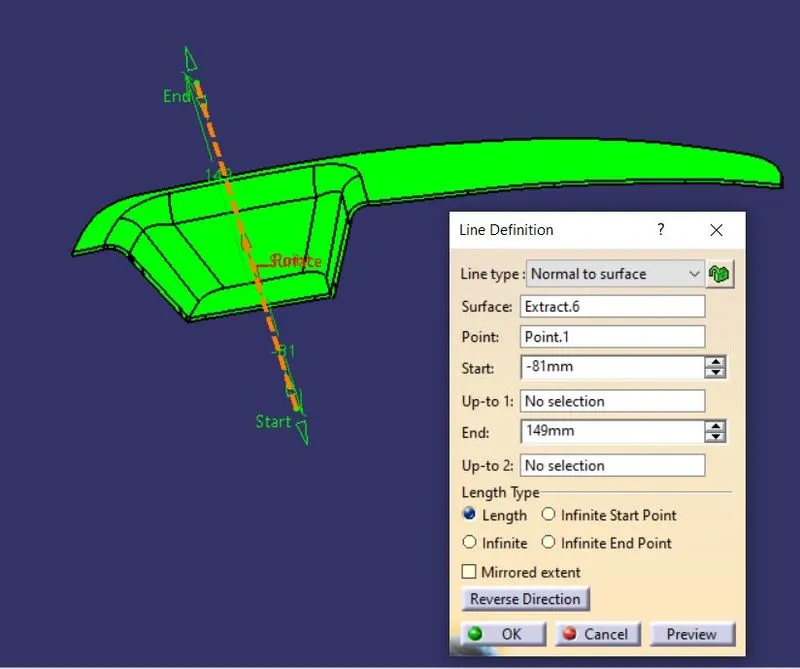
The main purpose of TOOLING AXIS is direction, along which Cavity & Core moves.
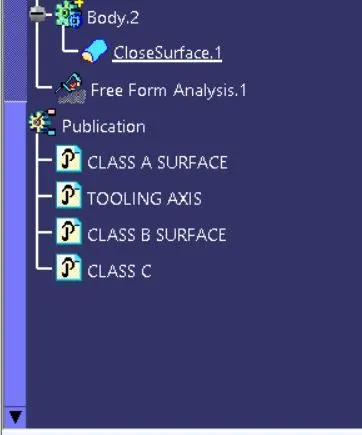
PUBLICATIONS
The tooling axix and class -A ,Class C surfaces were published for further easy references,from TOOLS PUBLICATIONS.
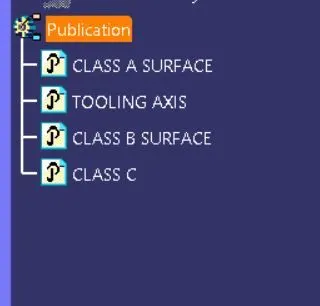
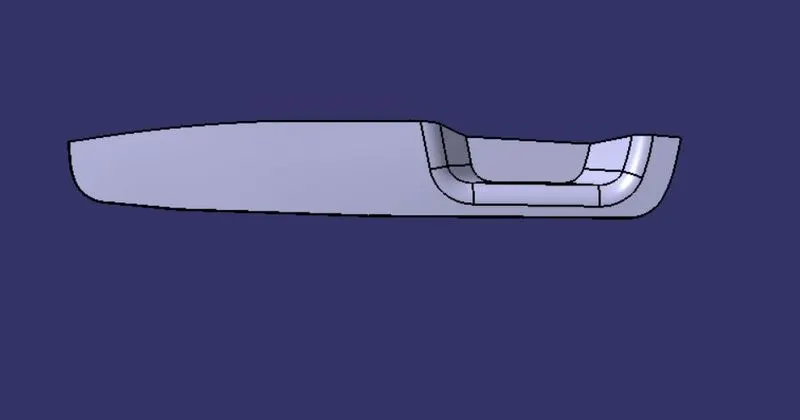
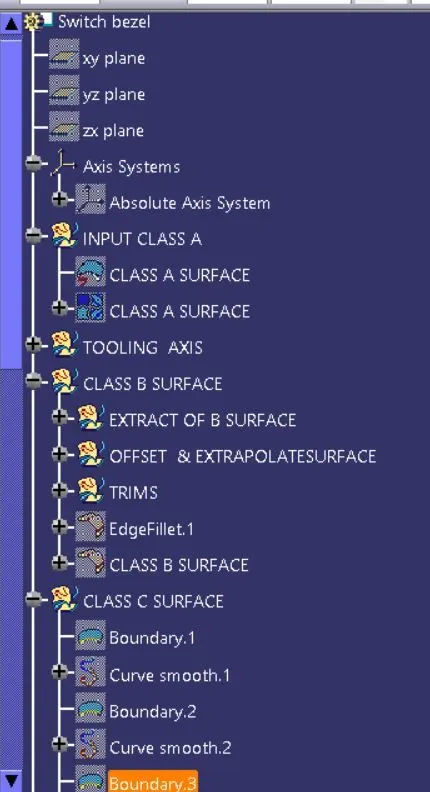
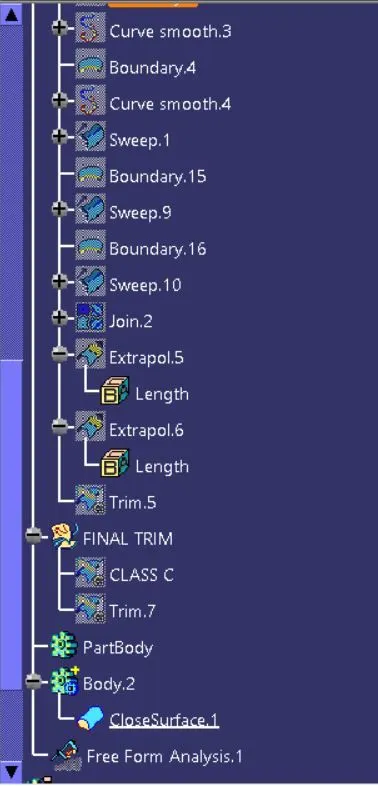
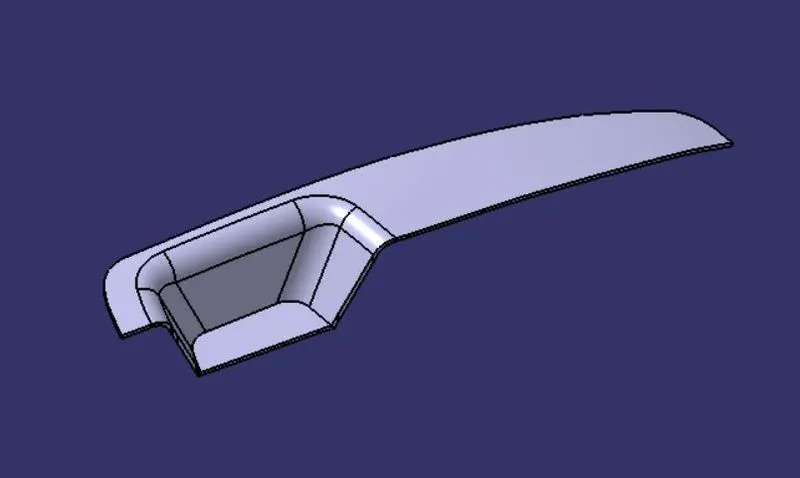
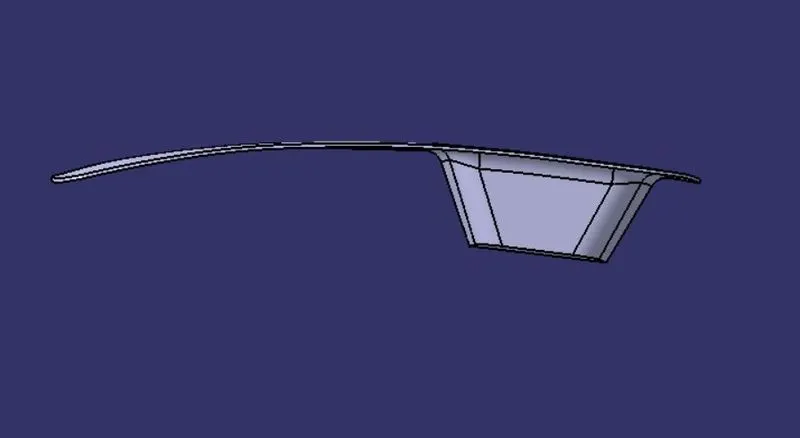
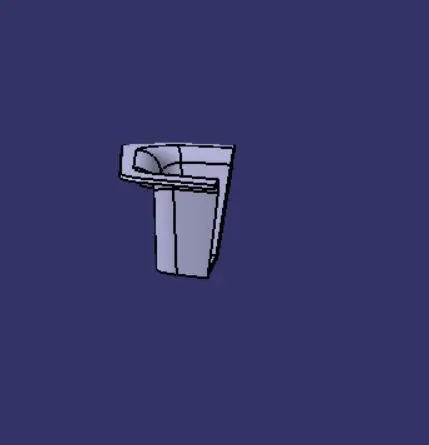
- All views and feature tree are as follow:
- ISO VIEW
- FRONT VIEW
- SIDE VIEW
- TOP VIEW