Week 8 - Challenge 2 - Switch Bezel Design
AIM
To create class B and class C surface given classs A surface.
To craeate tooling axis by using bisecting line method.
To analysis the solid part on switch bezel component.
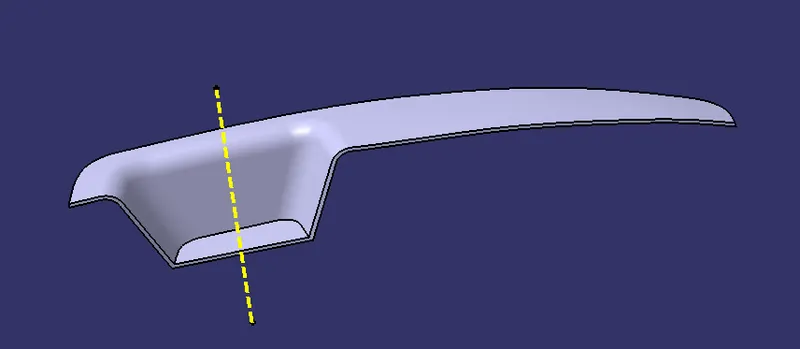
TOOLING AXIS CREATION
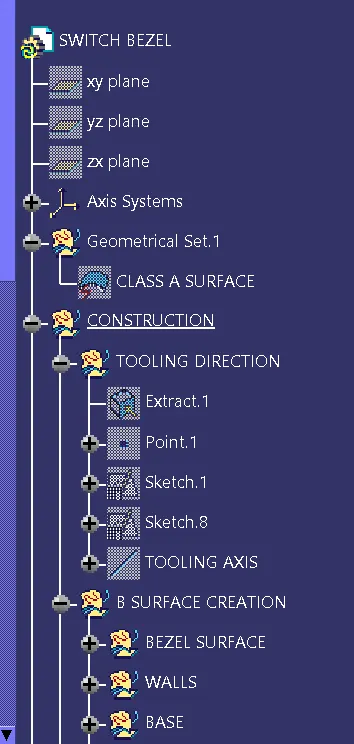
First we have finout the correct direction to see all the views on given class A surface.now we have create new geometrical set nammed as construction first we have extract the base surface on given class A surface.and then to craete point on surface using point on surface command.after creating point we have create axis.using positioned sketch method we have craeating supporting line and then create line on z direction using bisecting line method.we have create another sketch on y direction in the sketch we have draw the horizontal line angle 3 degree.after complete two sketch now we have craete tooling axis using bisecing method.
B SURFACE CREATION
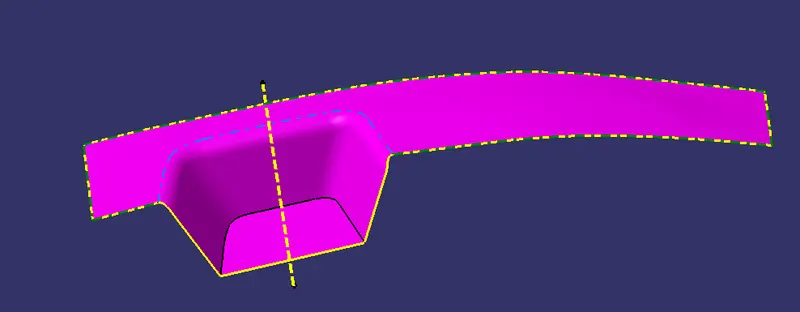
Now we have craeate new geometrical set nammed as B surface creation.we have three walls and two base and top surface on given class A surface.first we have extract the bezel surface and then
untrimmed extracted surface after untrimmed now we have extrapolt the untrimmed surface.after extrapolted we have offset the surface thickness of 2.5mm.do the same procedure for other 3 walls and base surface.now trimmed the unawanted surface and then create fillets we get the class B suraface
C SURFACE CREATION
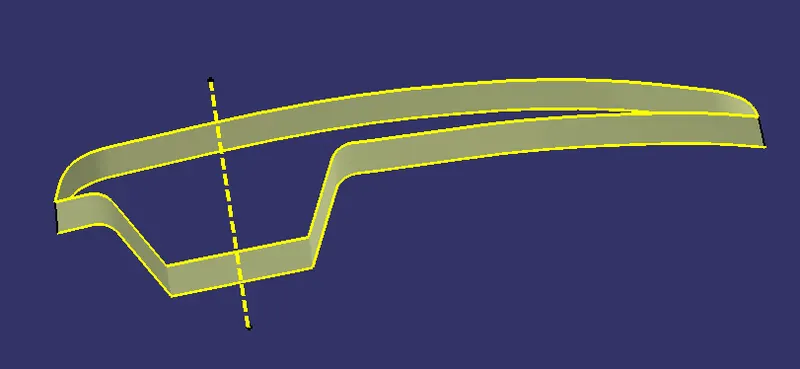
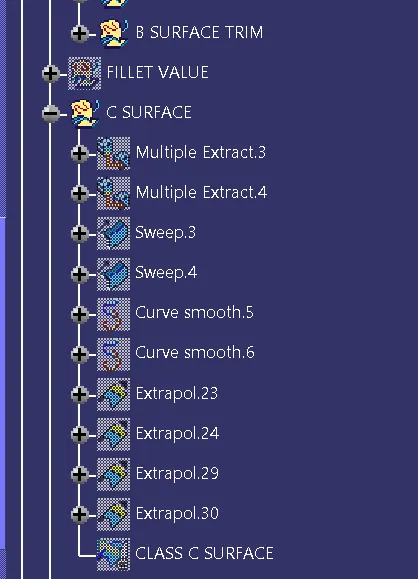
To create new geometrical set nammed on C surface.first we have multiple extract the given class A surface to avoid the patches using curve smooth operation.and then using sweep command to create c surface by using draft direction option
sub type:with draft direction
guide curve 1:curve smooth 1
draft direction:tooling axis
draft angle:3degree
after completing above parameters and the extraplote the open surface and then trimmed we get the c surface.
JOINING OPERATION
Now we have B surface and C surface using joining command join the class A and class C surface.
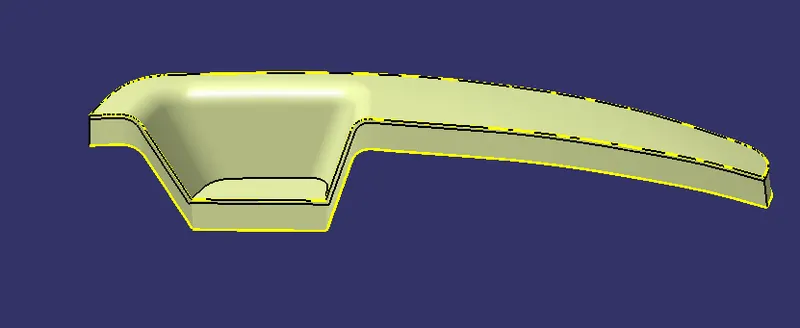
finally trimmed the class c surface and class B surface we get the thickness of class B surface.
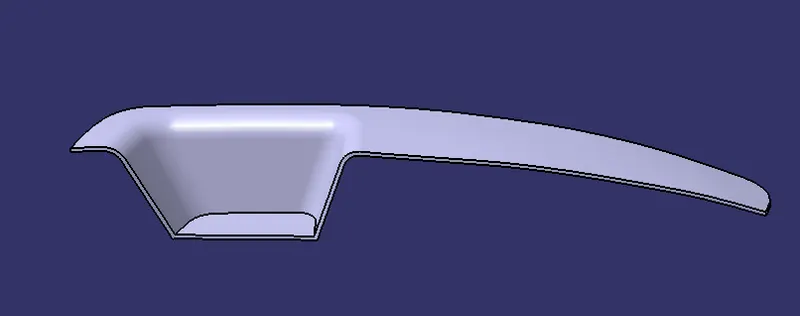
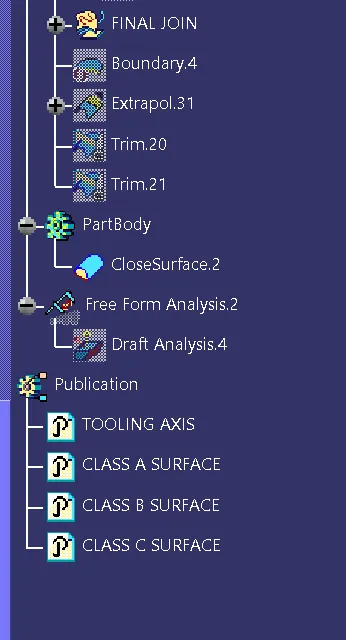
using close surface part body option create part body on switch bezel componet
DRAFT ANALYSIS
feature based analysis command to analysis the part body first we have select the composs option then lock the axis and then analysis running point option to analysis the surface.
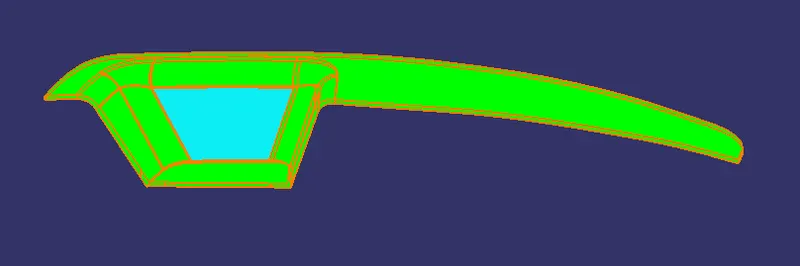
FRONT VIEW
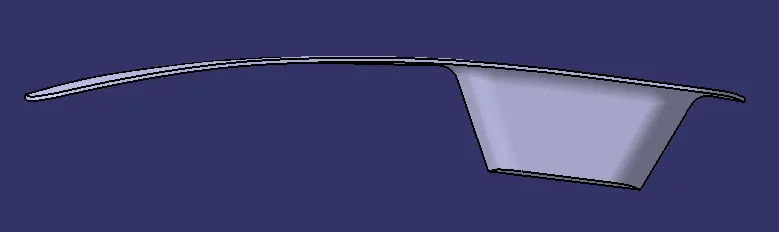
BACK VIEW
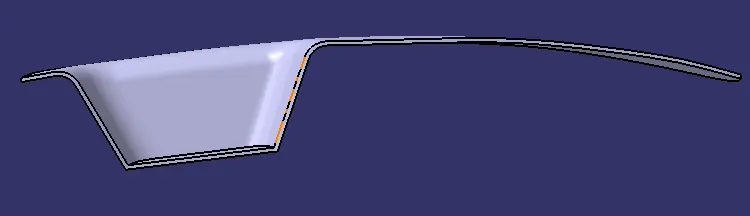
SIDE VIEW
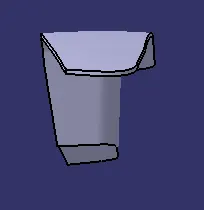
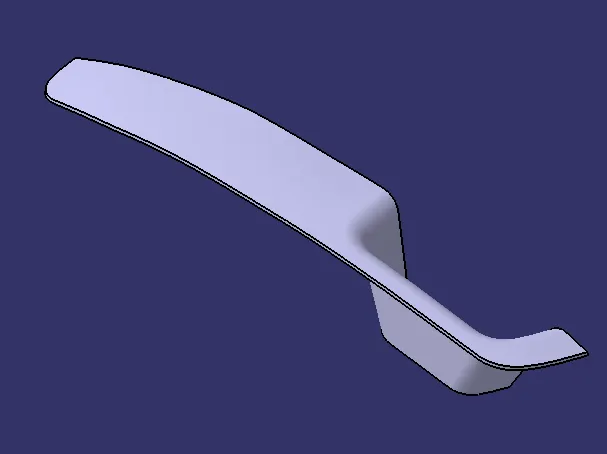
ISOMETRIC VIEW
TREE STRUCTURE
CONCLUSION
successfully completed switch bezel part body for given class A surface.and draft analysis.