Week 8 - Challenge 2 - Base Bracket Design
BASE BRACKET DESIGN
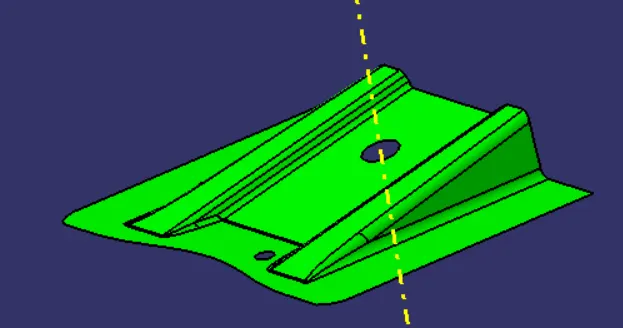
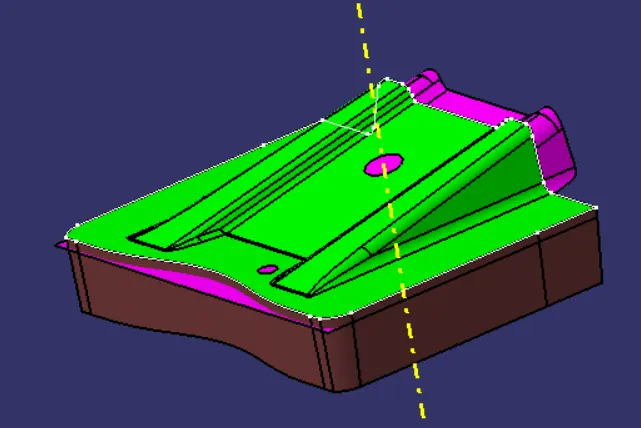
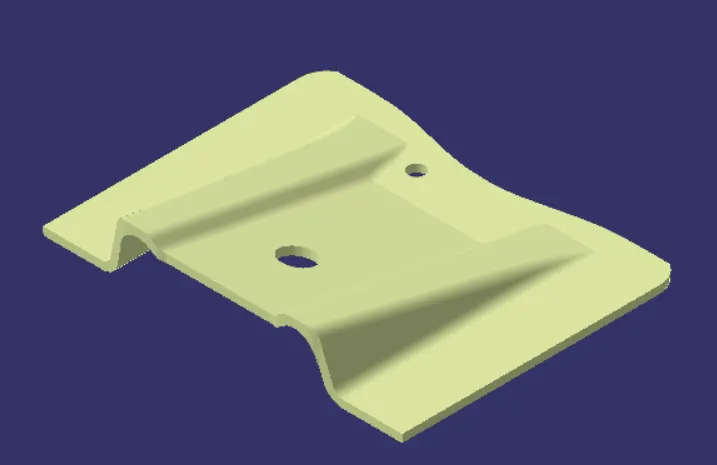
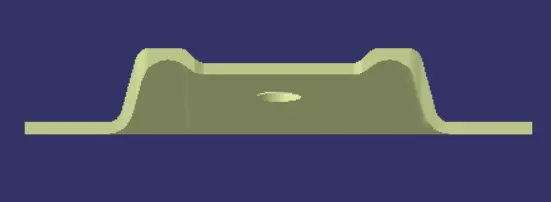
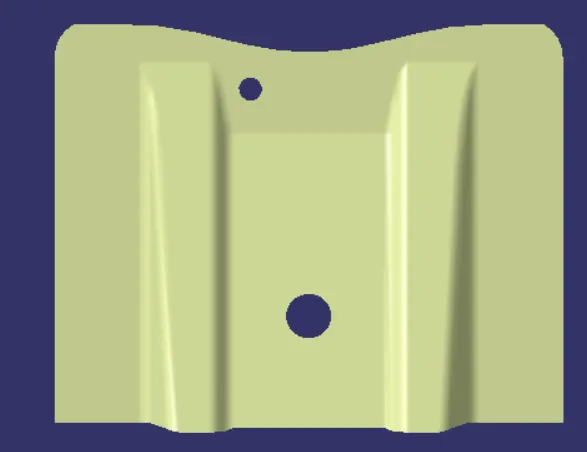
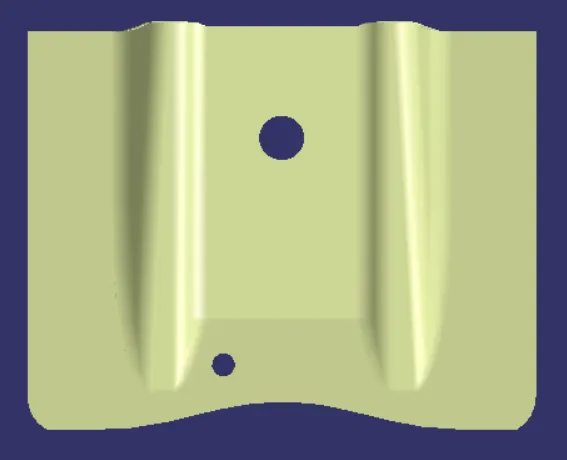
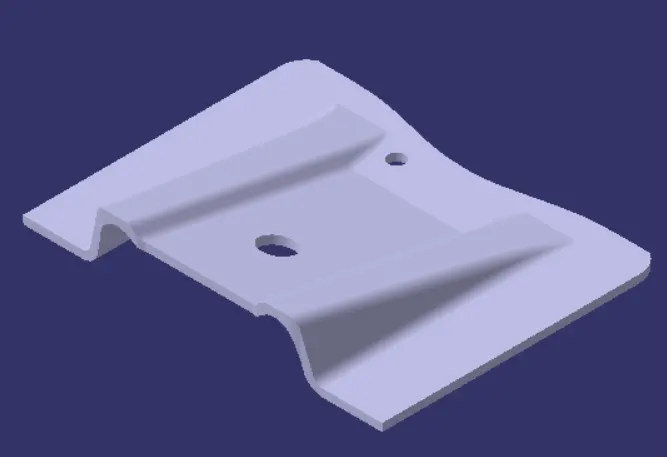
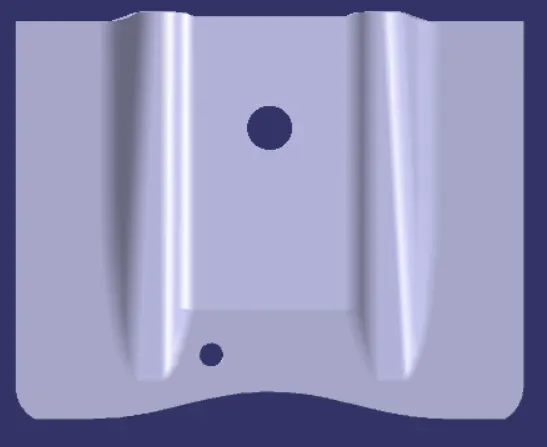
AIM: - To make a model from the provided class A-surface.
Introduction: -
CLASS A SURFACE: - A surface made by the designer which is given as an input to the plastic modeler to work on. It is aesthetic surface and the outer most surface.
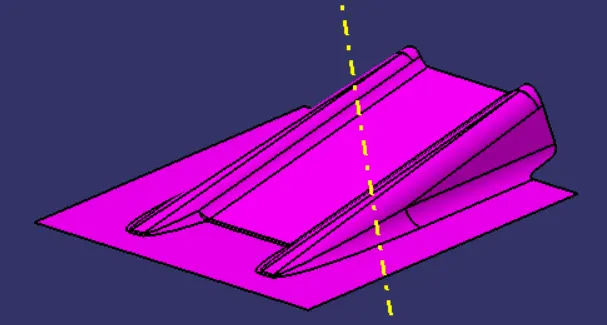
CLASS B SURFACE: - A surface below a certain thickness from the class-A surface is class-B surface. this is the surface that contains engineering aspects of a model.
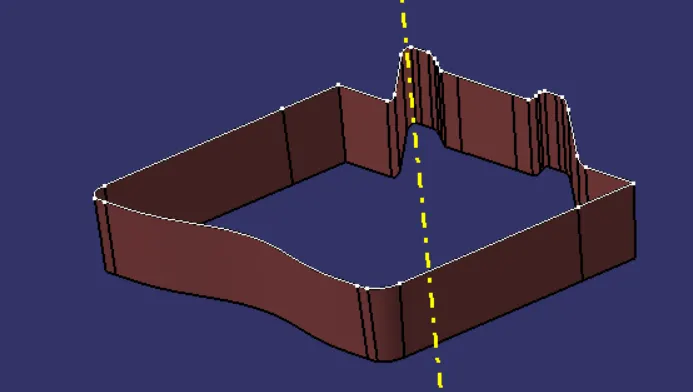
CLASS C SURFACE: - A surface that joins class-A and class B surfaces is class-C surface.
METHODOLOGY: -
In this model we have focused on the following things.
1.Tooling axis
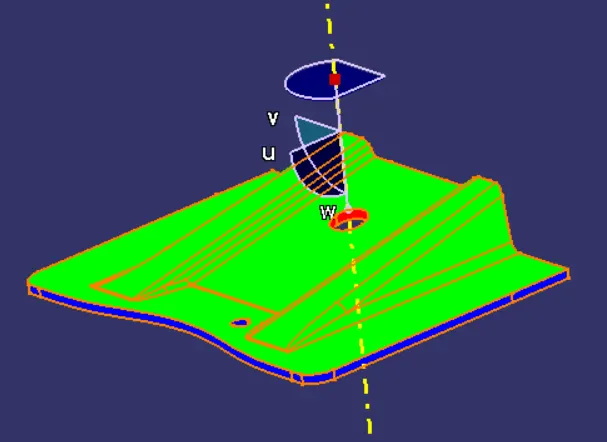
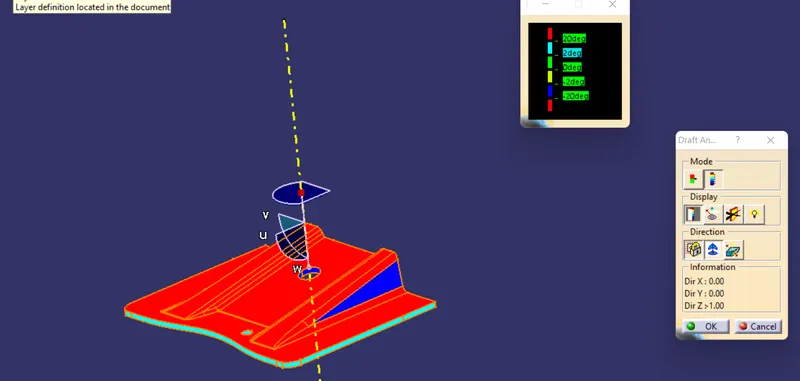
2.Draft analysis
3.Class-B surface
4.Class-C surface
5.Making a solid model from surface.
Following tools were used to reach the final step:
1.Extract
2.Untrim
3.Trim
4.Extrapolate
5.offset
6.Edge fillet
7.Boundary
8.Sweep
9.join
10.Close (part design)
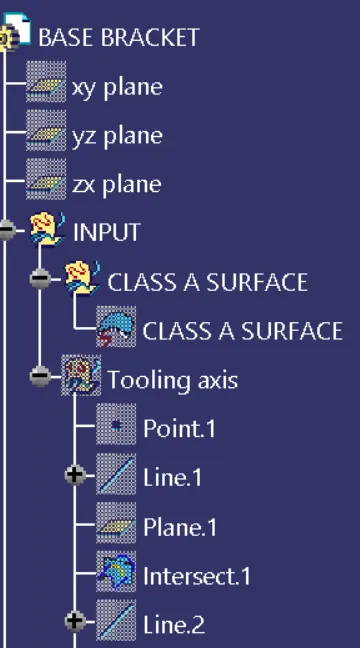
FOR TOOLING AXIS: -
1.first ensure the class-A surface is properly joined and has no discontinuity on it. For this we can use boundary command or join command.
2.Analyze the model manually or visually to see which direction is most suitable for tooling axis.
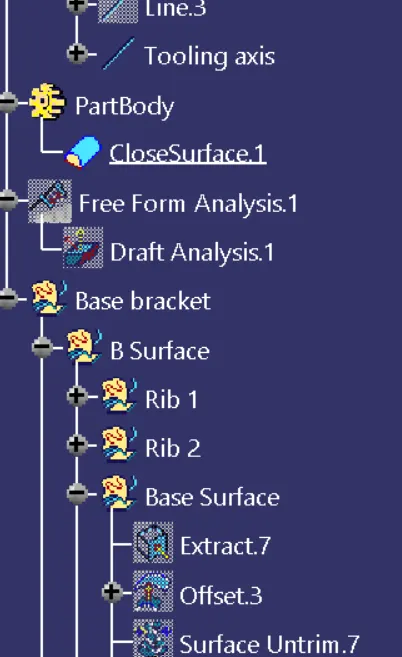
FOR DRAFT ANALYSIS: -
1.go to insert analysis feature draft analysis.
2.Align the tooling axis with the compass.
3.Click on the surface and see that the surface is within the permissible limit of the draft values.
4.The surface should be green and, in the column, proper value (3deg) should be inserted.
FOR CLASS-B SURFACE: -
We can divide the surface as shown below. Then we will work on them one by one.
FLAT SURFACE;
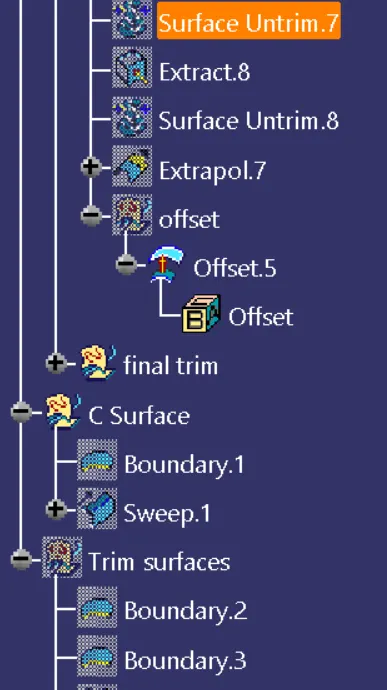
1.Extract the flat surface
2.Untrim the surface
3.extrapolate it
4.offset it by 2.5mm i.e., thickness.
SLANT SURFACE: -
1.Extract the slant surface
2.Untrim the surface
3.extrapolate it
4.offset it by 2.5mm i.e., thickness.
RIB SURFACES: -
1.Extract the rib surfaces
2.Untrim the surface
3.Extrapolate it
4.Offset it by 2.5mm i.e., thickness
5.Trim to get the desired shape
6.Repeat it with the second rib too
Once we have finished doing this, we have to trim the surface to get exact shape of the class-A surface (without fillet) below 2.5mm. after the trimming part is done, fillet the model. Formula for filleting = fillet value + thickness(if the surface is below).
We get our class-B surface.
FOR class-C surface: -
1.Extract the boundary of the class-A surface.
2.Extract the boundary of the holes on the class-A surface.
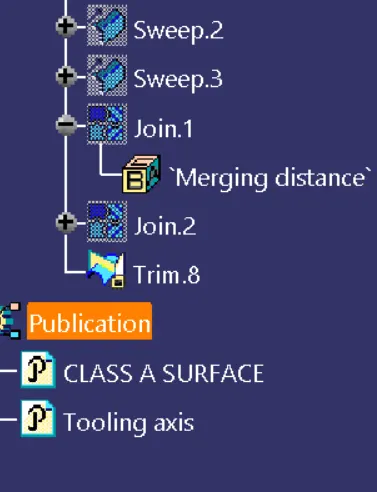
3.Use sweep command on the boundaries one by one to get the class-C surface.