Week 8 - Challenge 2 - Base Bracket Design
BASE BRACKET
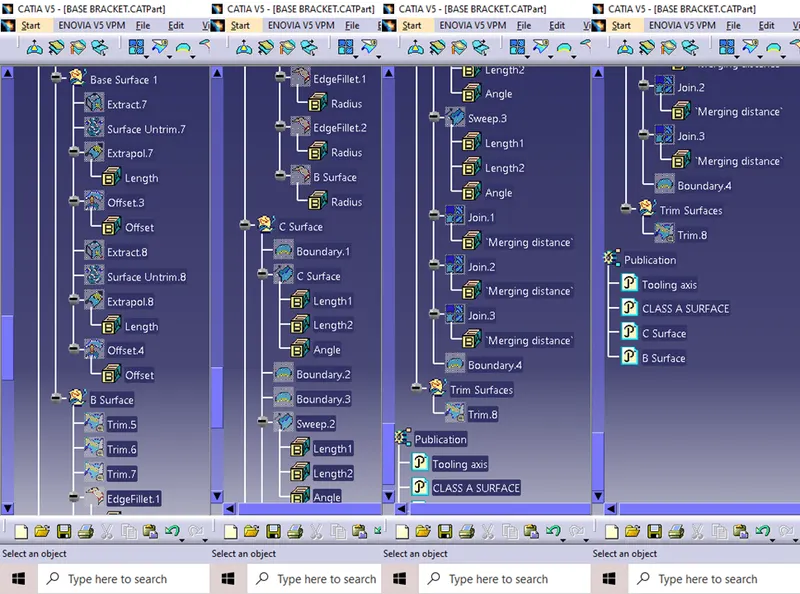
Geometrical set tree structure
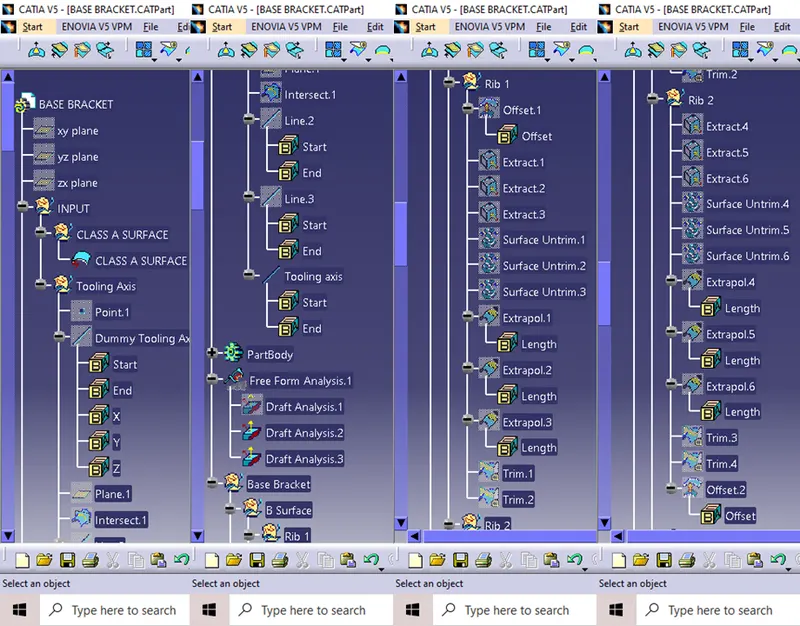
Tooling Axis
Objective:
Out objective is to create a tooling axis for the given model.
A rough visual inspection is carried out for a dummy tooling axis.
Then an appropriate Dummy tooling axis is created with Point and Direction command on line creation command.
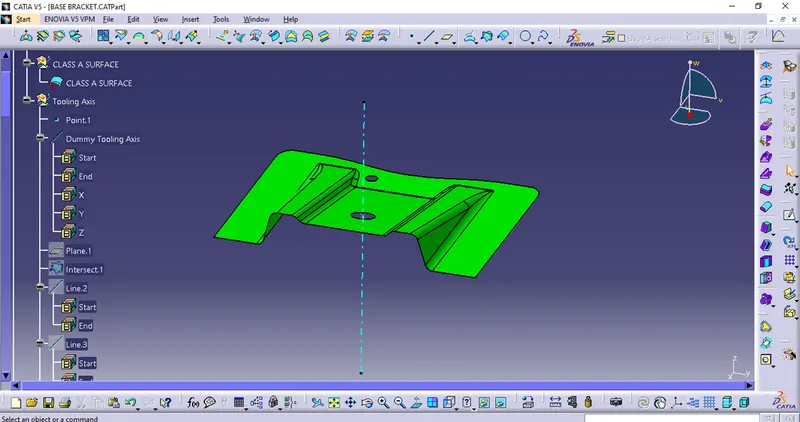
Then among all the visual inspection in all the direction will select an final direction.
Where will create an intesection on the body.
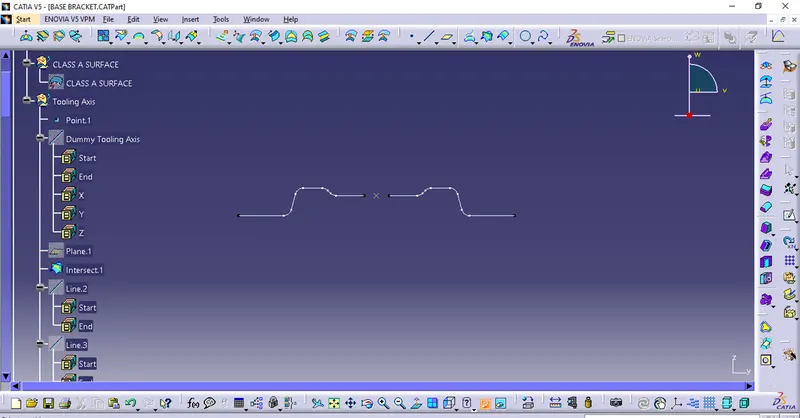
Then with the intersection line will create two lines for the faces are creating more problem.
With the line Bisecting option with the two lines created will create a line
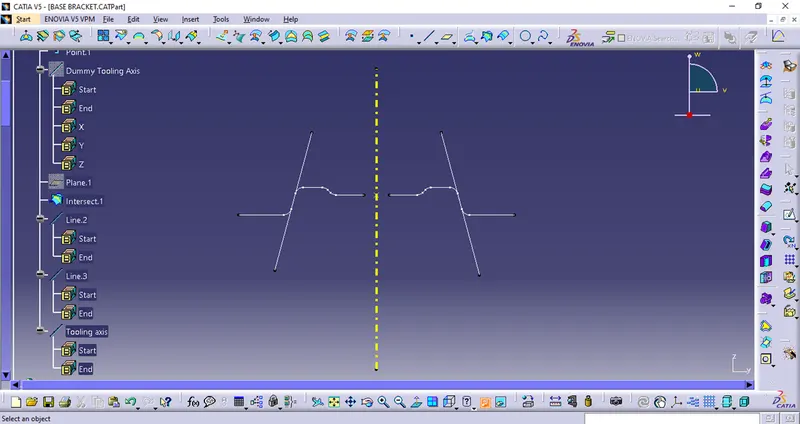
That is out final Tooling axis, that is hilighted for the easy ascessablity.
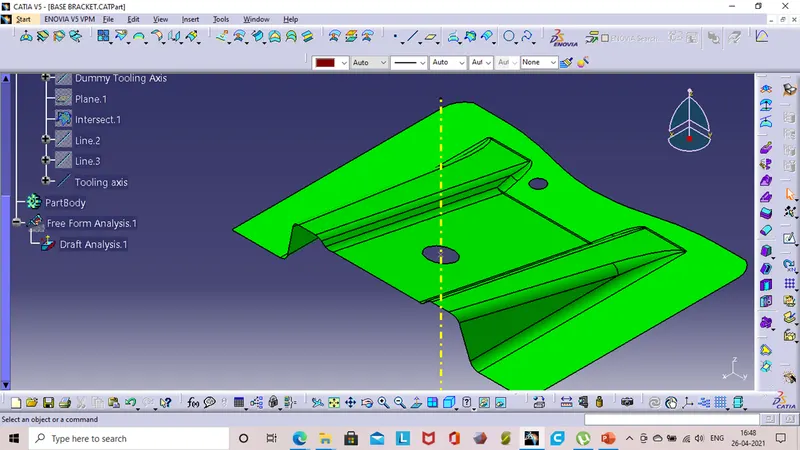
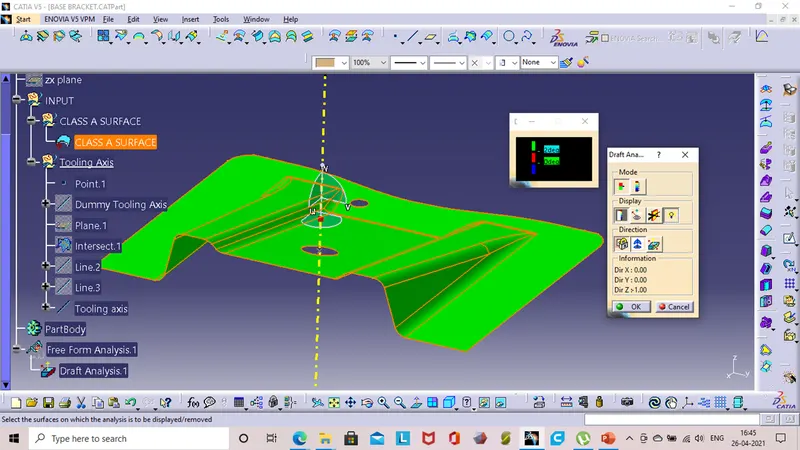
Draft analysis Of Class A surface
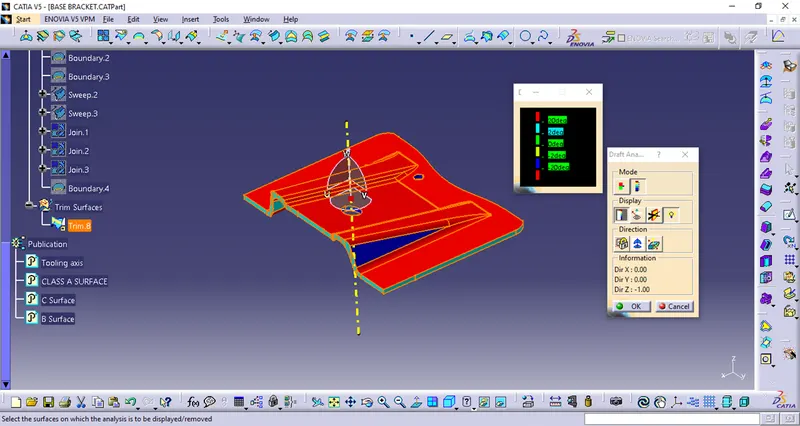
Objective : Our main objective is to perform draft analysis on the given part.
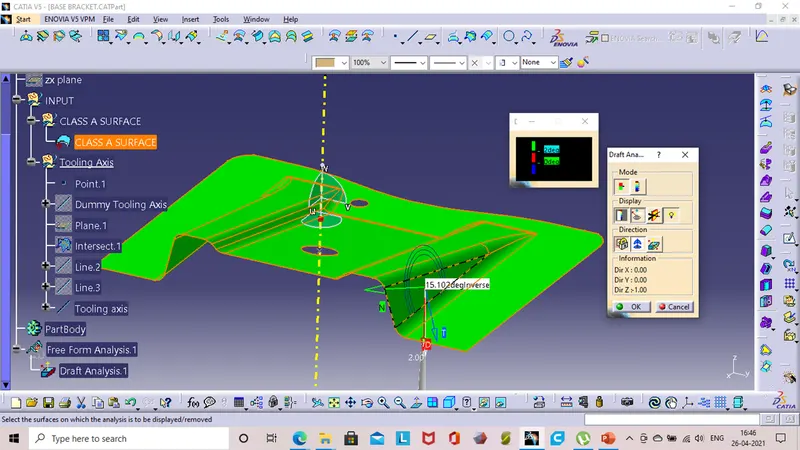
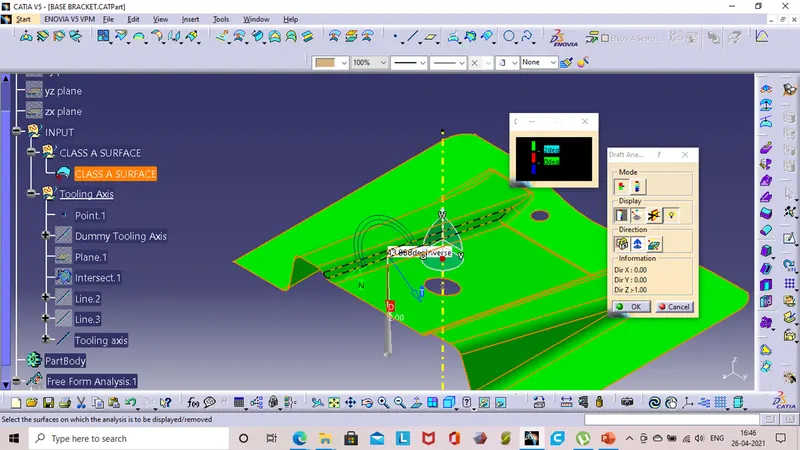
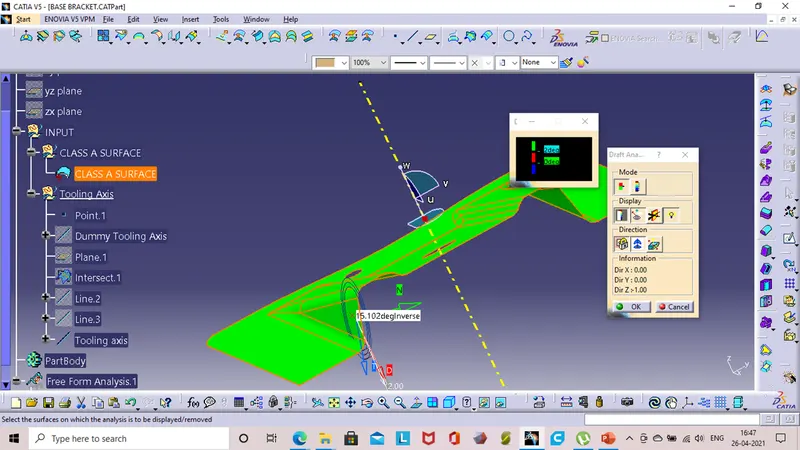
The draft analysis helps us to make weather our tooling axis is satisfing all the sides of the model.Which leads to a smooth core cavity performance.
Step 1:
First the given body is in the material mode
Then By selecting the Insert > Analysis > Feature Draft Analysis
Step 02 :
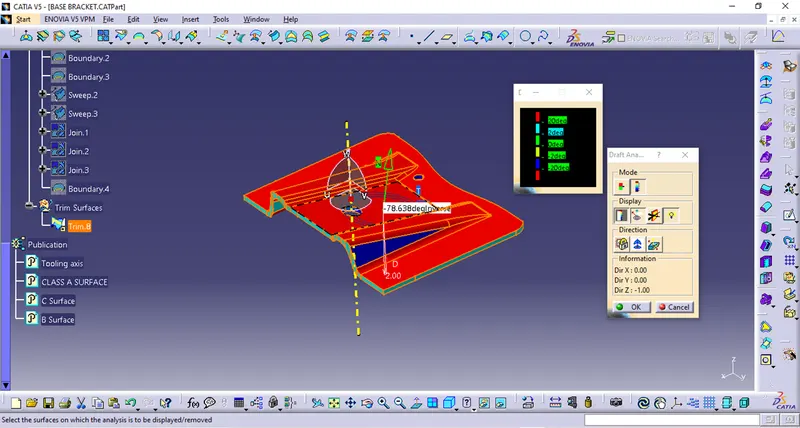
The compass is dragged and oace in the appropriate position on the model then aligned to the tooling axis.
Stpe 03:
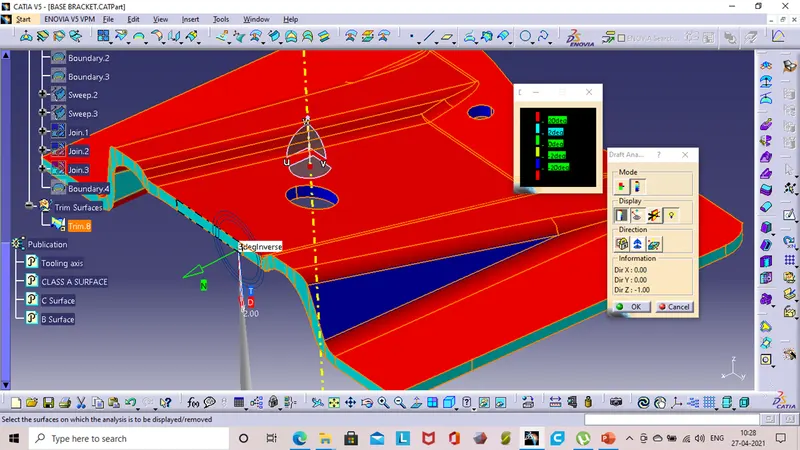
Then in the Colour sketch varient checking the draft angles in different angles the Make ok will give us the proper draft analysis of the model.
Draft analysis Of Final component
After creation of the Class B and C joining them together will give us the final body and the same process is carriedout on it to get the draft analysis.
Publication
Using the publication command wehave published Tooling axix,Class A,B and C surfaces
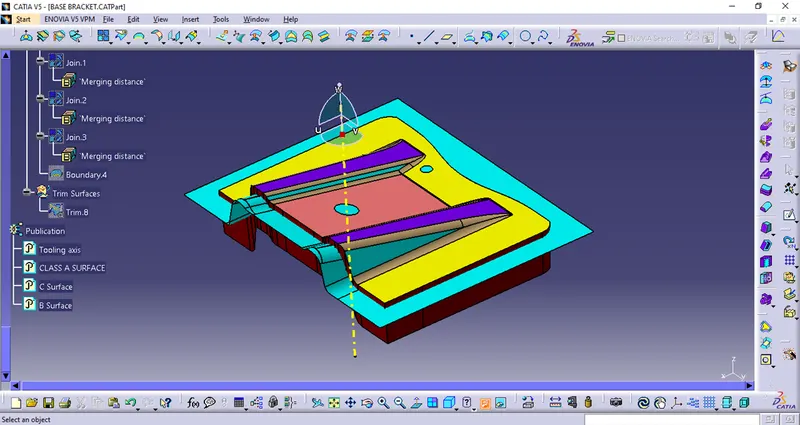
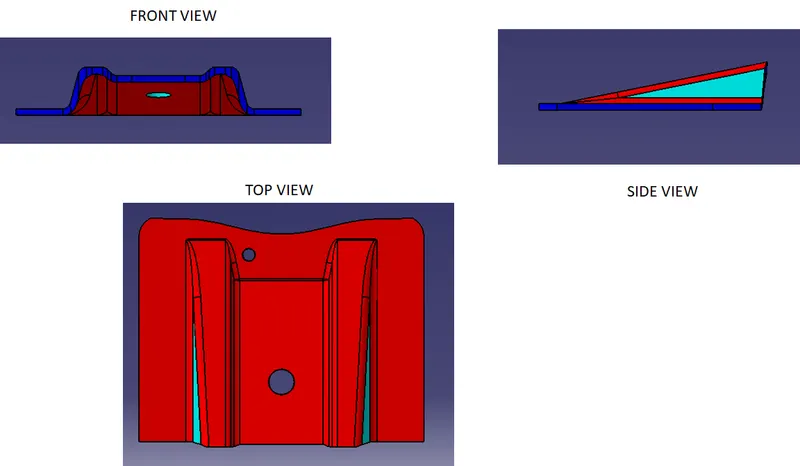
Final model in different orientations
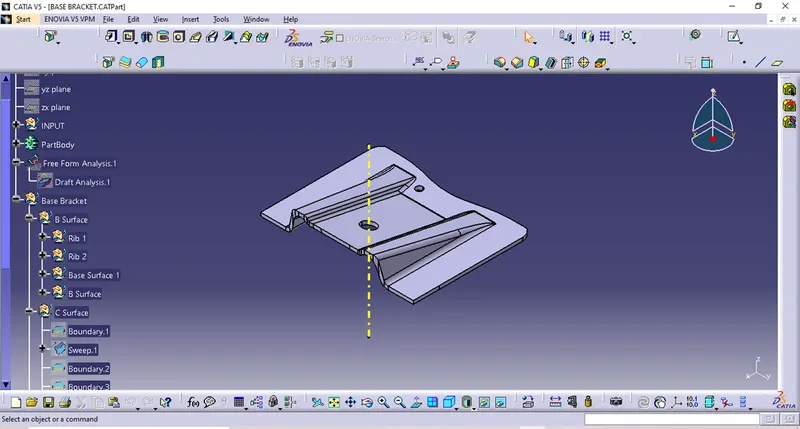
Isometric view