Week 8 - Challenge 1 - Draft Analysis on a Fan Cover
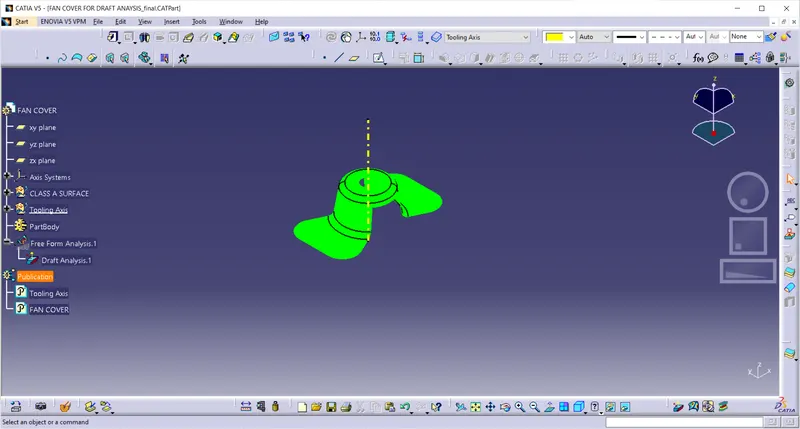
Aim: Create the tooling axis for the given Fan cover model meeting the requirements of the draft angle and perform the Draft analysis on the model.
Few Important terms of a Draft Analysis:
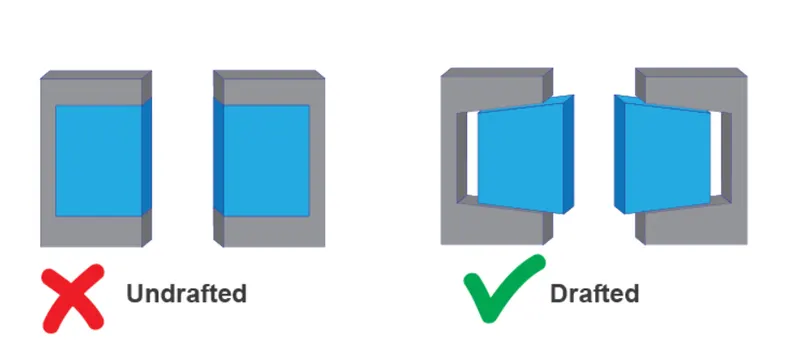
Draft: Draft is an angular tapering given at the design stage to every Plastic Component that has to be manufactured.
It is given in the direction of the Mold Movement.Providing the draft allows the parts to release easily from the mold without creating friction between the surface of component and the core and cavity plates, which can also damage the surface,mold and cavity parts.
When a Plastic component cools down inside the mold, the natural tendency of it is to shrink and attach to the core or cavity half. The movement of mold opening causes friction on the walls of the component as well as the core/cavity blocks. This reduces the life of the mold as well as the component itself. The component may also have rough surface finish as well as weak structure due to this. This problem can be solved by giving draft to the component.
Mostly a minimum draft angles of around 0.5º to 1º is given , however 3º draft angles are widely accepted for cost saving purpose. Minimum possible draft angles are given to screw bosses, ribs and stiffeners due to their critical nature.
Tooling Axis:
Tooling Axis is the direction in which the Mold opens and closes. Part Drafts are given along this axis.
Draft Analysis:
Draft Analysis is a tool in CATIA which identifies the zones which deviates from the specified values of angles along a defined draft direction using colour codes. It highlights the regions of draft using colours. Draft analysis is performed after receiving the Class A of the component compulsorily.
Procedure:
Step1: Check the given Class A surface design file:
Check the given Class-A surface of the fan cover for connectivity of all the surfaces on it. Use boundary operation to check for any discontinuities , if there is then rectify and finally join the surface by using join operation.This check is completed if there is no discontinuity of the surface. Delete the operations after the check.
Step2: Determine Tooling Axis:
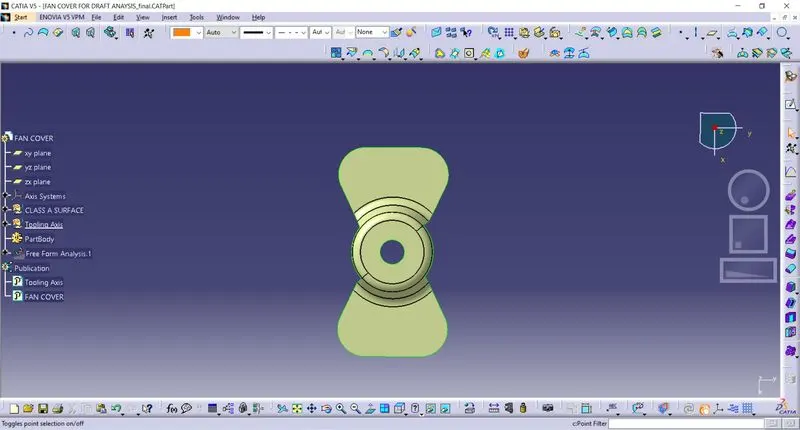
Create a Dummy Tooling axis along the best possible direction as per the Class A as shown in Figure 1. In this case we have chosen Z axis as dummy as it doesn’t interfere with any slots or holes and all the surfaces can be seen in this axis direction.
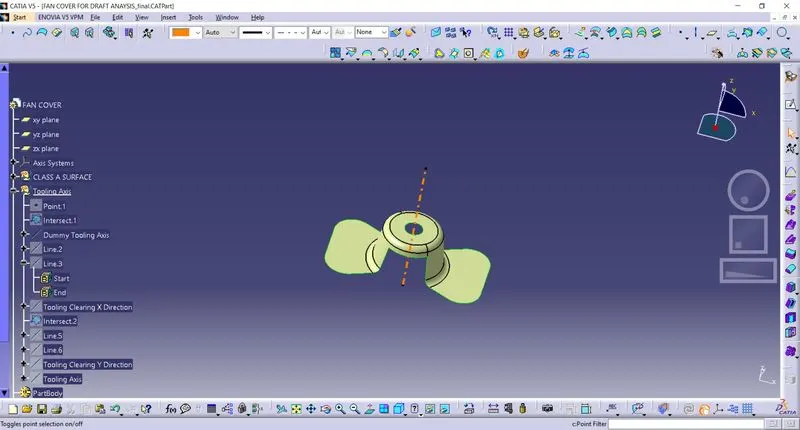
Figure1: Dummy tooling axis on Class A of Fan Cover.
Another method of tooling axis using Bisecting method:
Using intersect option select Zx plane create lines representing the walls of the fan cover using point to point in the line coommand as shown below figure.
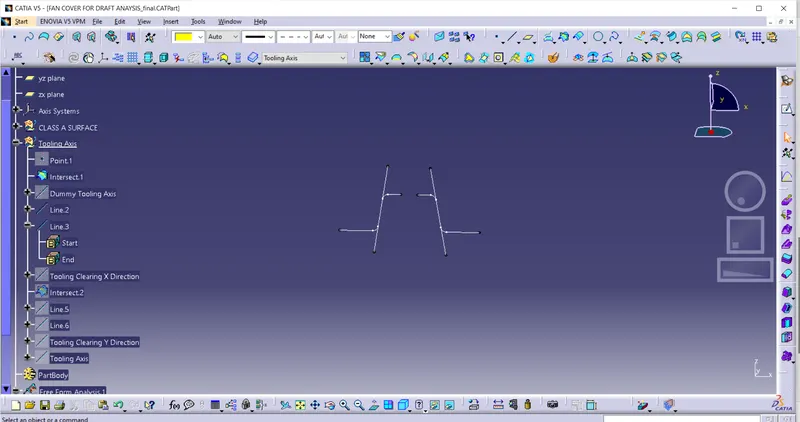
Creating a bisecting line between the two lines created.
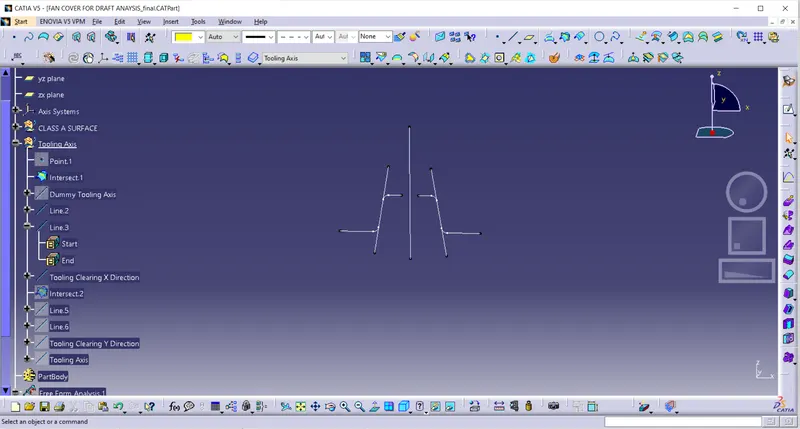
The above bisecting line is the tooling axis clearing in x-direction.
Again using intersect option select YZ plane which will give outer lines of the model in the Y-directtion as shown below.
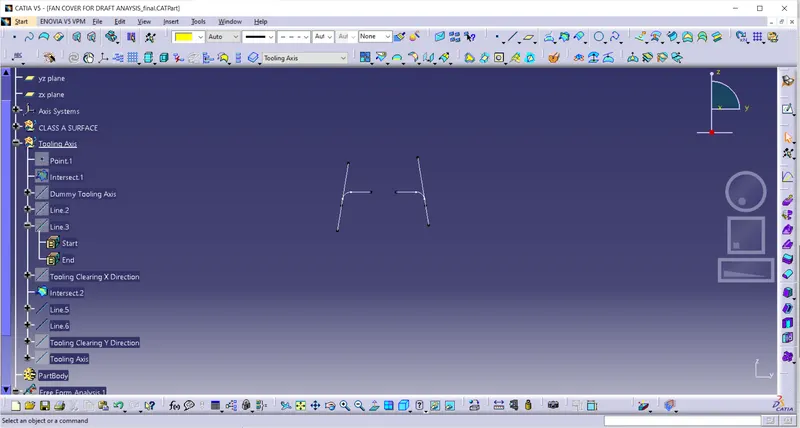
Similarly create a tooling axis clearing Y-direction using same bisecting method as before as shown below.
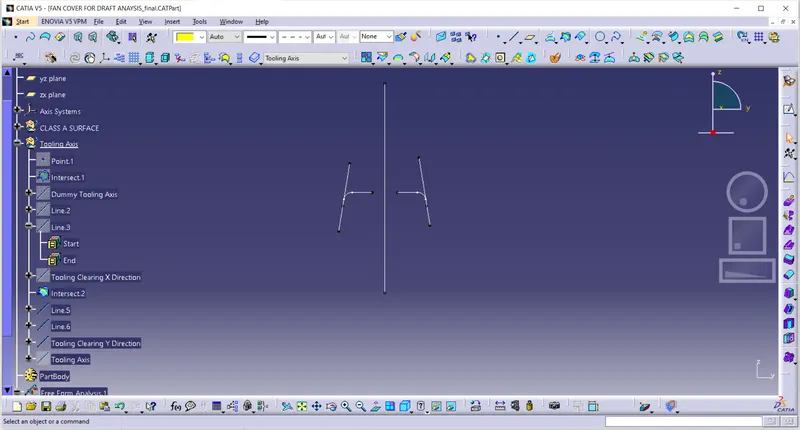
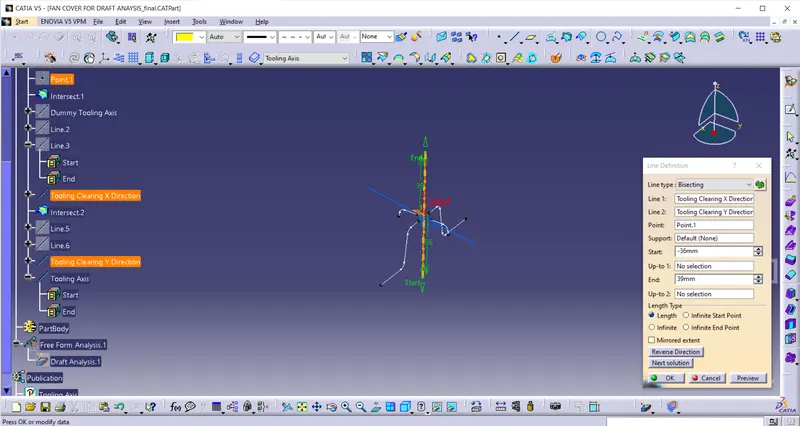
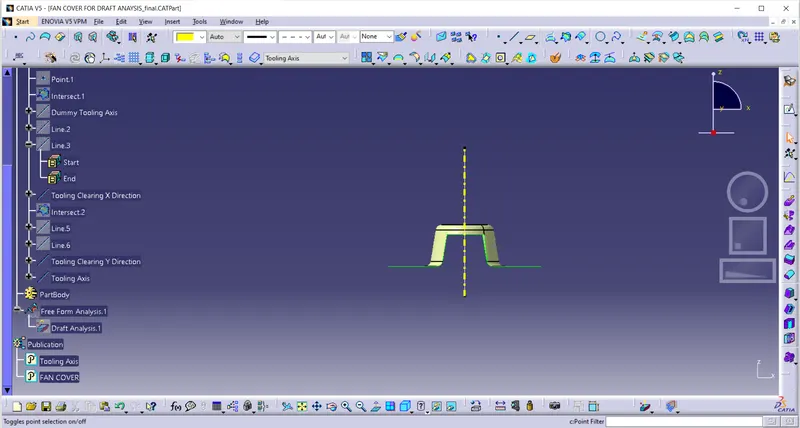
create the final tooling axis in the Z-direction for class-A surface(Fan cover) using bisecting taking both X and Y direction clearing axis as reference in the line command as shown below.
Step3: Performing Draft Analysis:
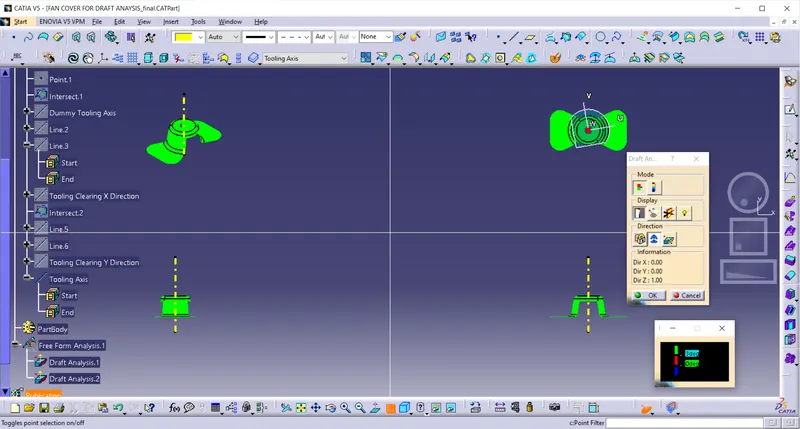
To perform draft analysis on the model:- Go to menu bar > select insert > Analysis > Feature Draft Analysis. To give the draft direction, use the compass and align Z-axis of it with the tooling axis . Once it properly aligned, lock the draft direction. A red point shown ion the screen, select class-A surface(Fan cover) and it will show us the current of the model. Then go to diaplay tab on draft analysis and select the first option under it Colour scale and it will show the draft value. Set the Draft value to 3 deg under the colour scale variant and press ok.
Tree Structure:
To publish the Tooling Axis and the Class-A Surface first select it and the go to menu bar > Tools Publication. This will publish the tooling Axis And Class A surface which can be seen in the tree structure.