Week 8 - Challenge 1 - Draft Analysis on a Fan Cover
Automotive Plastic Design using CATIA V5
AIM: To Create the tooling axis for the given Fan cover model meeting the requirements of the draft angle and perform the Draft analysis on the model.
PROCEDURE:
- First import the model or the CLASS A model to the CATIA V5.
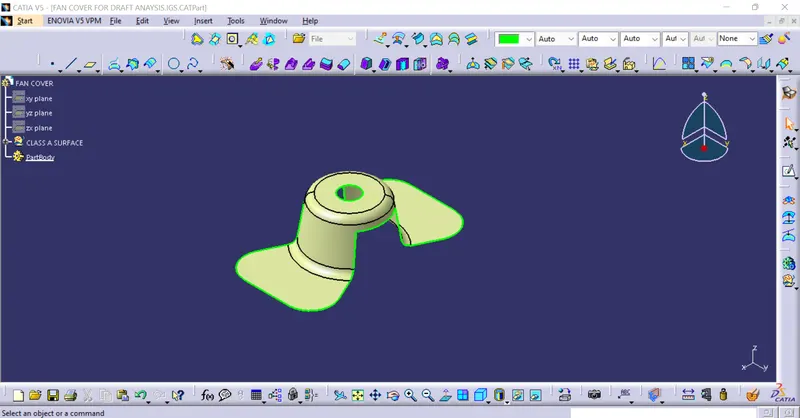
- As the FAN COVER is a surface model we have to open int in the GENERATIVE SHAPE DESIGN which is observed in START << SHAPES.
- We have to check the Connectivity of the Class A surface which we have uploded.
- Ensure that there are no gaps between the surfaces on the class a surface.
- Now Identify the direction to create the tooling axis.
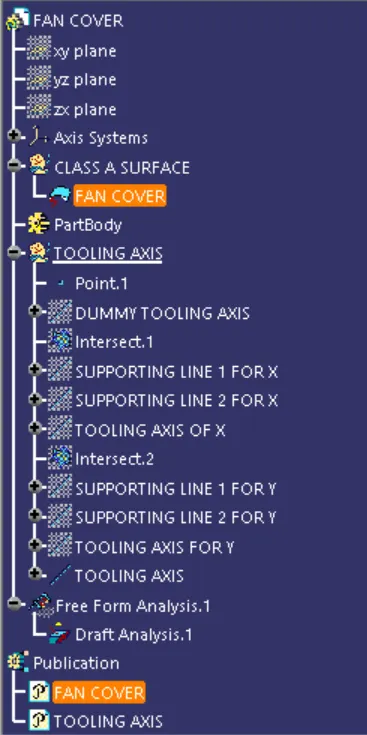
- After identifing the direction we have to create a Dummy tooling axis by creating a line along z diection , point and the AXIS by axis system.
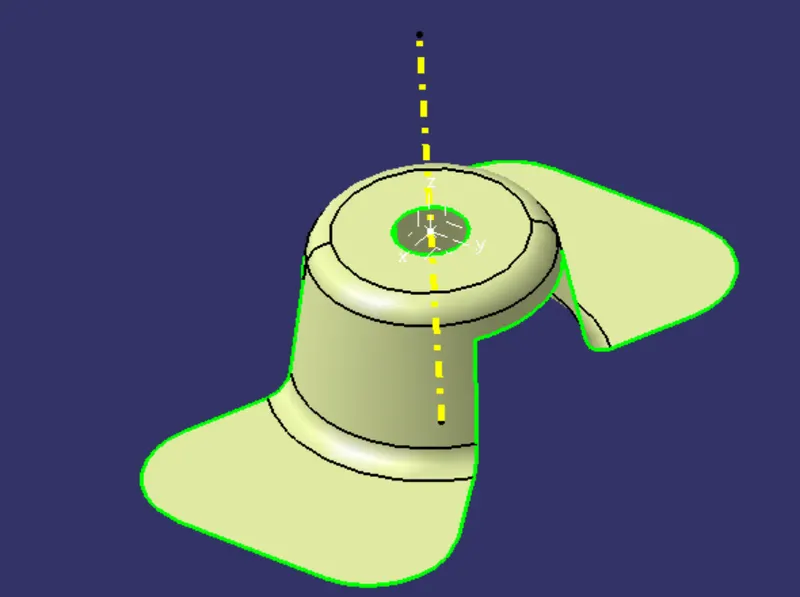
- Using the INTERSECTION command create the intersection along x and y directions.
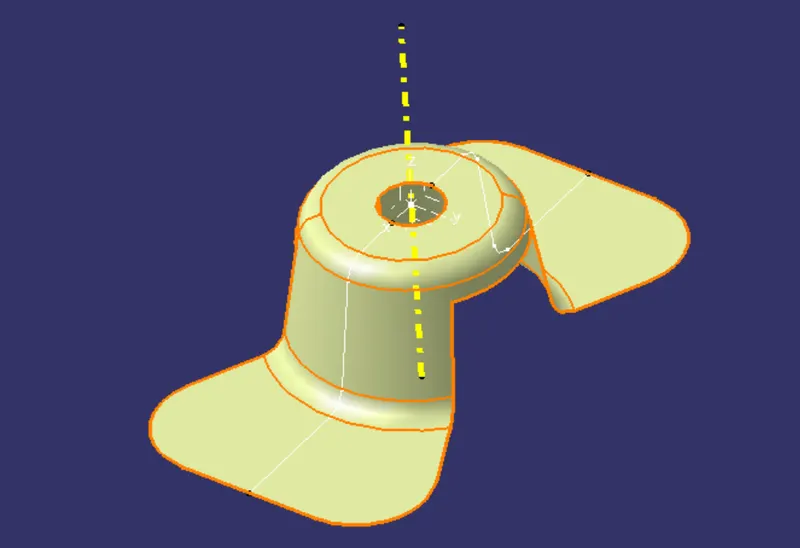
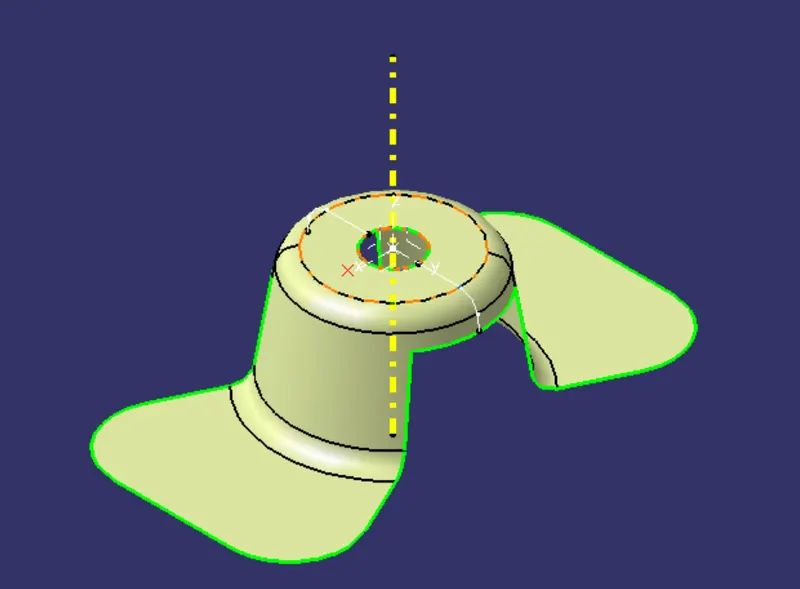
- Now, Observe the model and find out the surfacing which are creating the problems for Draft Analysis.
- Creat the supporting lines along x and y directtions by using the point to point option in line command.
- After creating the supporting lines,Create bisecting lines using the supporting lines along the x and y axis.
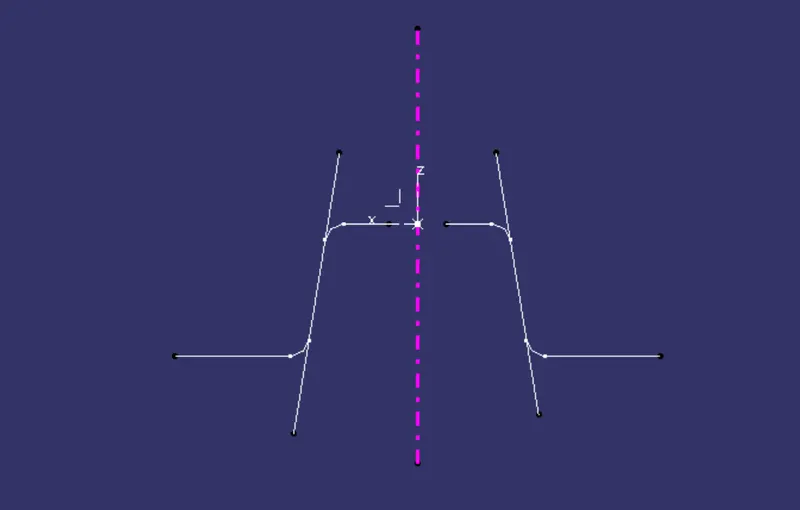
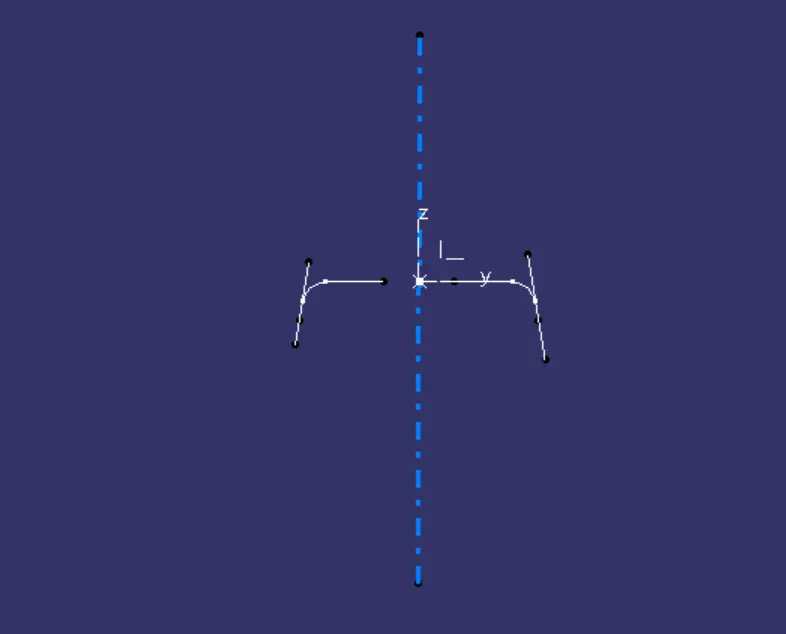
- After this by using the Two Bisecting lines. Using those two lines along x and y creating a TOOLING AXIS.
- Finally the TOOLING axis is created and by using this we have to do the draft analysis on the surface(fan cover).
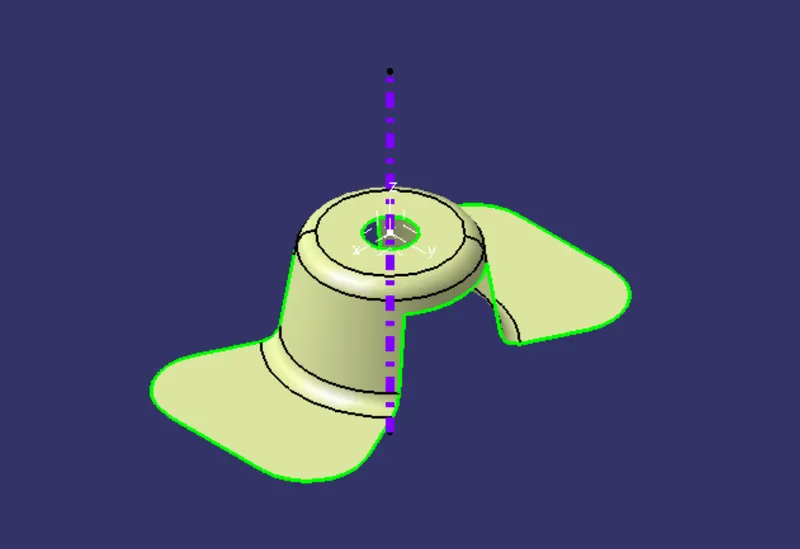
- Before doing the draft analysis we have to set the material mood for the we have to change or customize the view parameters and select material.
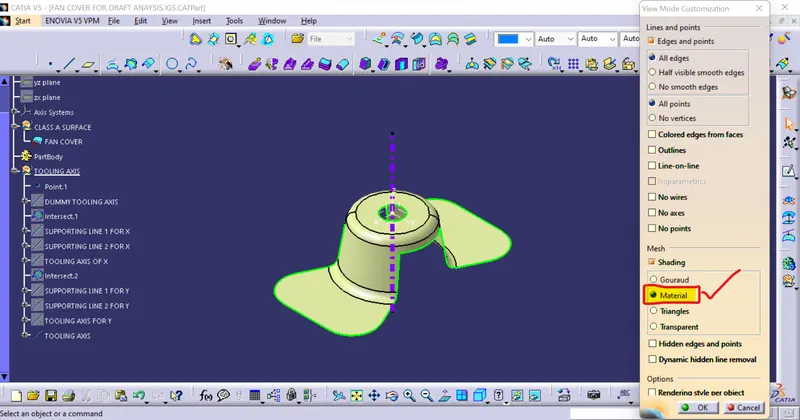
- To do the DRAFT ANALYSIS we need to go to INSERT<ANALYSIS<FEATURE DRAFT ANALYSIS option.
- In Feature Draft analysis we have to first use the COMPASS option and define the new current draft direction.
- Set the DRAFT angle as 3DEG.
- LOCK the direction and analize the Draft under the running point on the surface .
- To ensure the draft is perfect just switch to quick analysis mood.
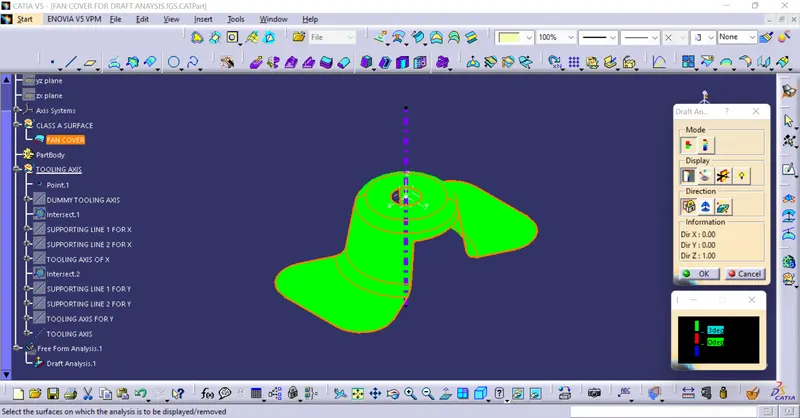
Finally the draft analysis on the FAN COVER is done.
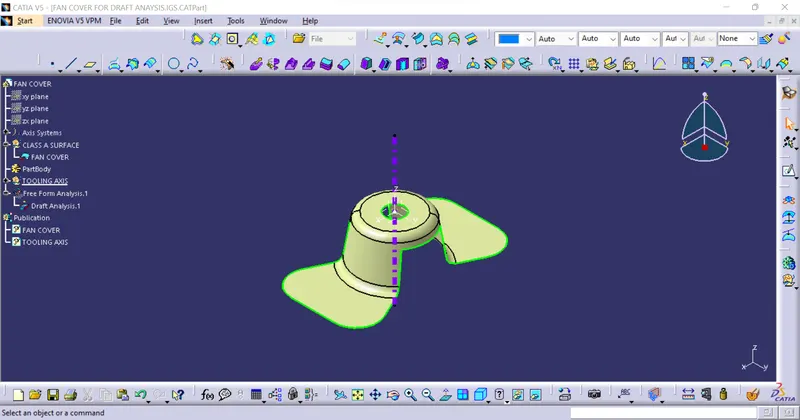
IMAGES:
WHOLE IMAGE:
TREE:
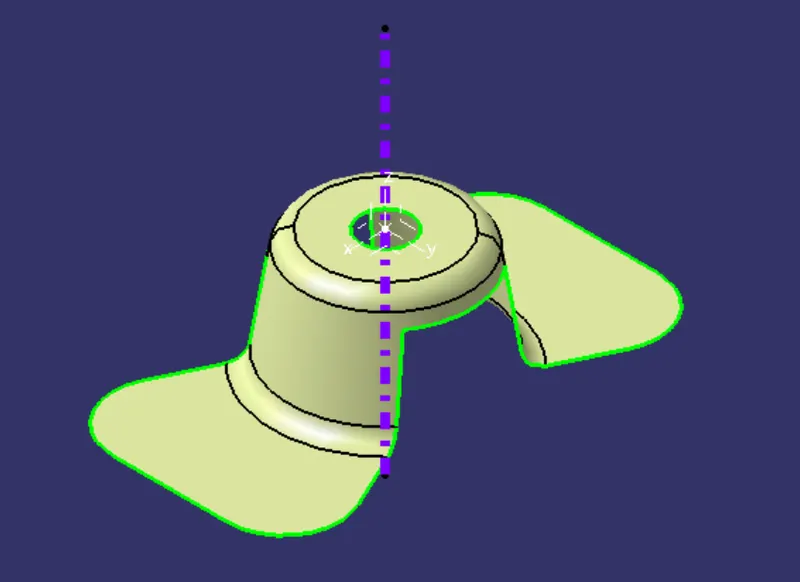
ISOMETRIC VIEW:
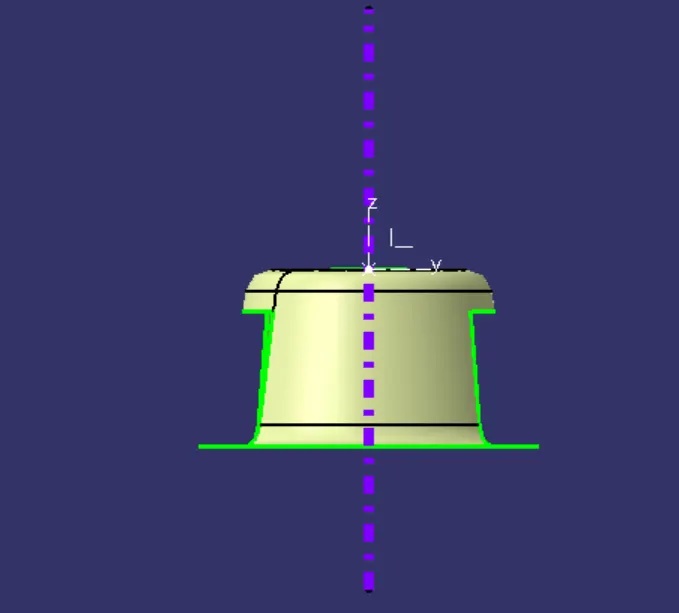
FRONT VIEW:
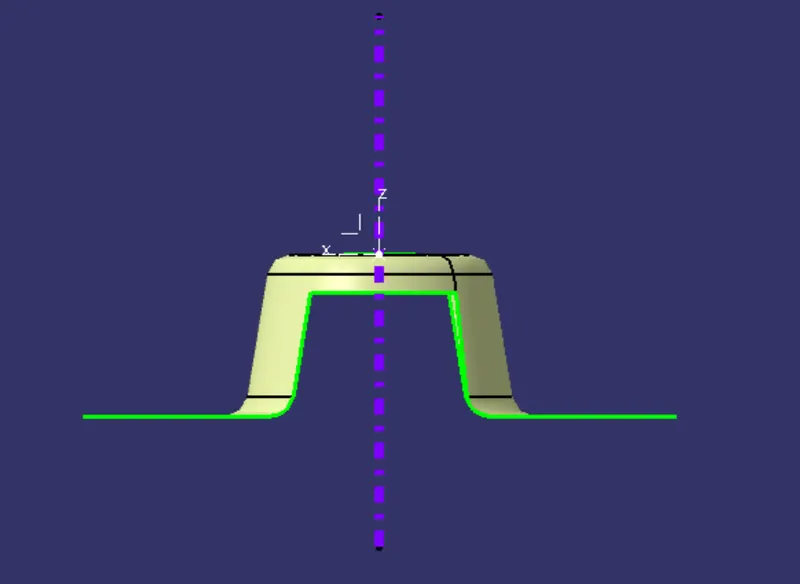
SIDE VIEW:
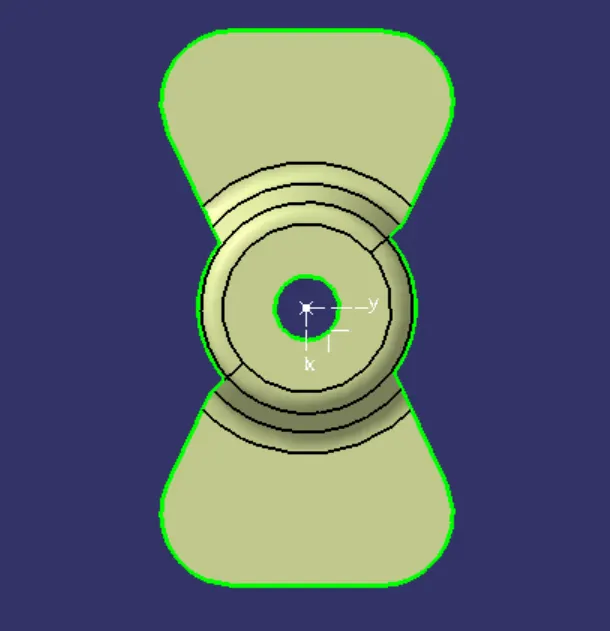
TOP VIEW:
CONCLUSION: The tooling axis for the given Fan cover model is created by meeting the requirements of the draft angle and the Draft analysis is performed on the model.