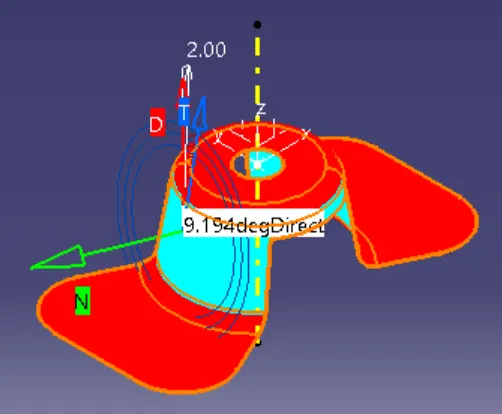
Week 8 - Challenge 1 - Draft Analysis on a Fan Cover
TOOLING AXIS, DRAFT ANALYSIS OF FAN COVER
OBJECTIVE
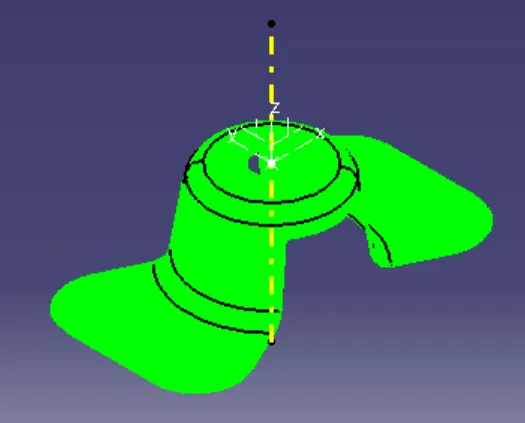
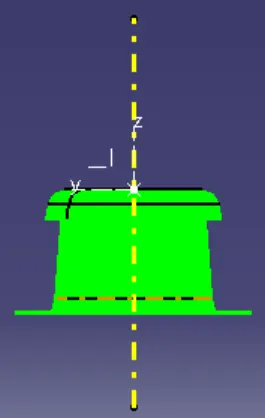
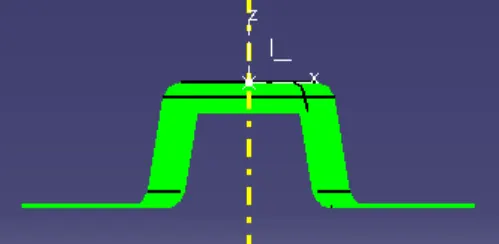
The main objective is to find the Tooling axis and Draft analysis of given Class A surface of the fan cover.
DRAFT
Draft is the amount of taper for molded or cast parts perpendicular to the parting line.
When developing parts for plastic injection moulding, applying draft (or a taper) to the faces of the part is critical to improving the moldability of your part. Without it, parts run the risk of poor cosmetic finishes, and may bend, break, or warp due to molding stresses caused by the plastic cooling.
DRAFT ANGLE
A draft angle is a slant that is applied to each side of most features of an injection molded part. The angle, which is positioned to run toward the direction of a mould's pull and parting line, helps with releasing the part from the mould.
TOOLING AXIS
It is defined as the the direction in which mould opens or core and cavity opens.
Steps
1. Check the gaps between the class A surface by using join and boundary operation.
2. Check the Fan cover in all direction which is suited for tooling direction.
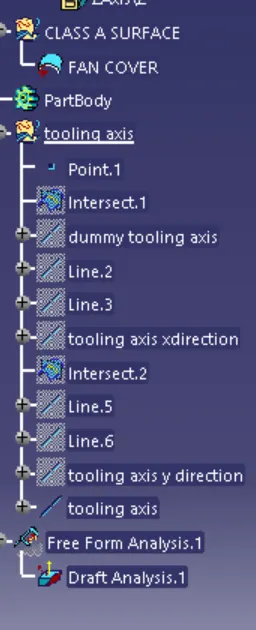
3. Since the Z axis of the Fan cover is best for tooling direction. then make point on the center of the circle.
4. Make Center line using the line command on Z axis and given name as dummy tooling direction.
5. Use intersection command on XZ axis to get intersecting line of the Fan cover
6. Using line command selecting point to point make two lines
7. Using line command selecting bisecting and selected the two extended lines and center point to get the tooling direction line for X axis
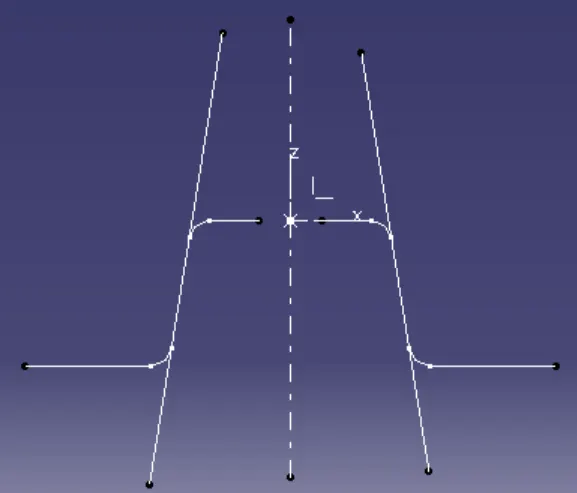
8. Use intersection command on YZ axis to get intersecting line of the Fan cover
9. Using line command selecting point to point make two lines
10. Using line command selecting bisecting and selected the two extended lines and center point to get the tooling direction line for Y axis
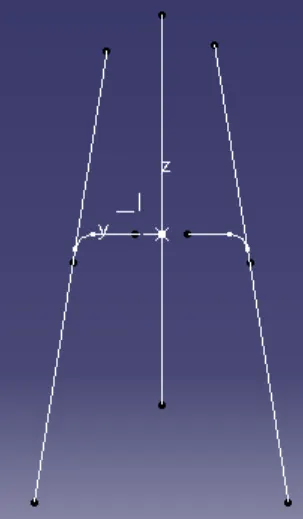
11. Using line command selecting bisecting and selected the X axis tooling axis line and Y axis tooling axis line and center point to get the tooling axis
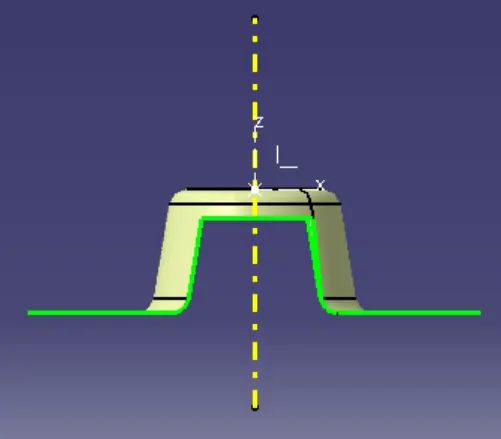
12. Add material as customization in view mode for Draft analysis
13. Use draft analysis command , use compass on the draft analysis dialogue box and drag the axis system to the tool axis line and use lock option.
14. Change the Draft angle to 3 degree then click on the Class A surface of fan cover, then try all option on the Draft analysis dialogue box.
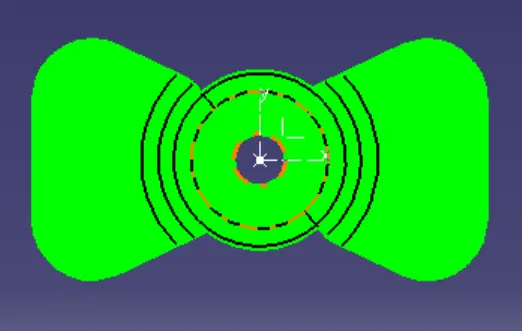
15. When change the mode, the draft analysis done for the angle of -20 to 20 degree