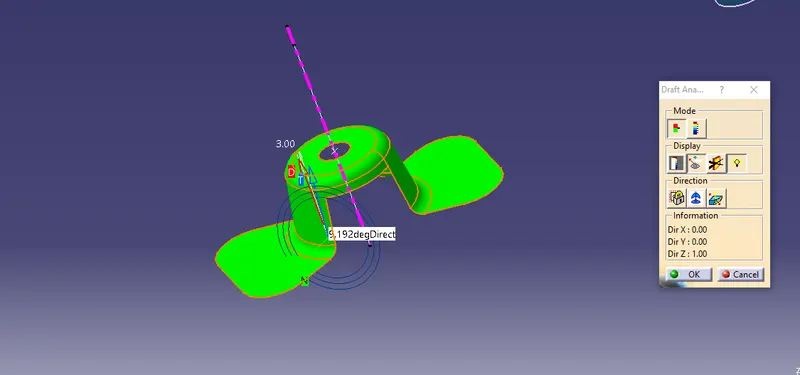
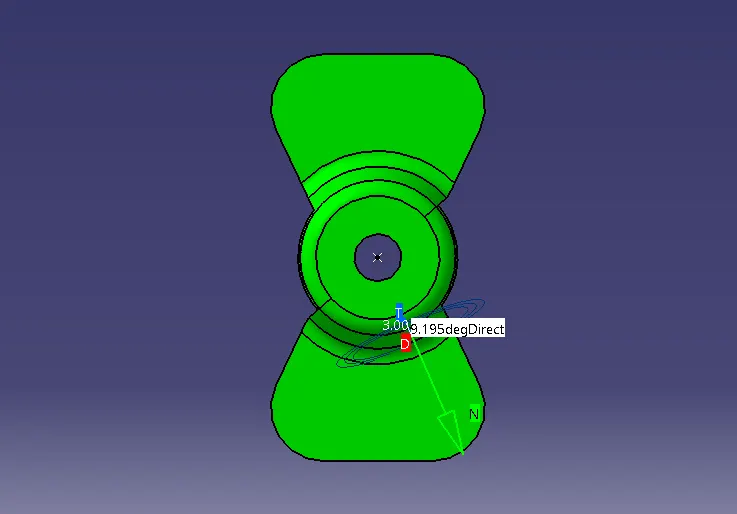
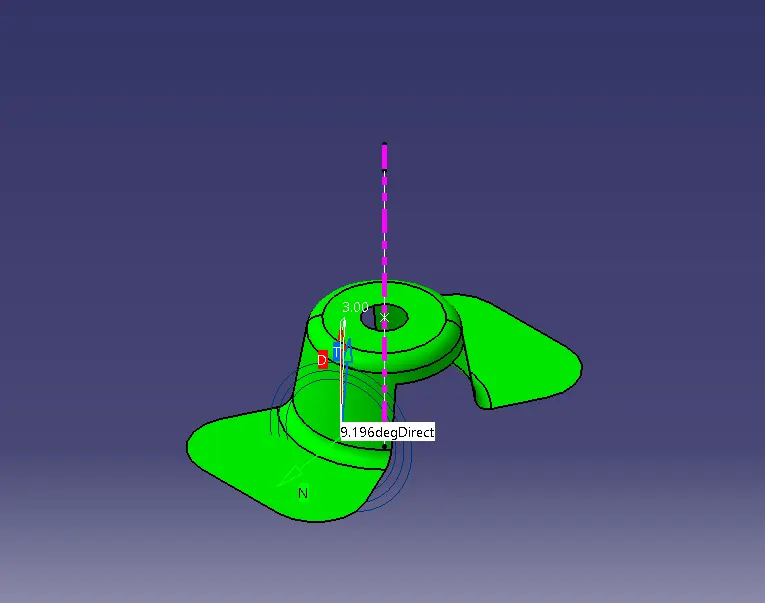
Week 8 - Challenge 1 - Draft Analysis on a Fan Cover
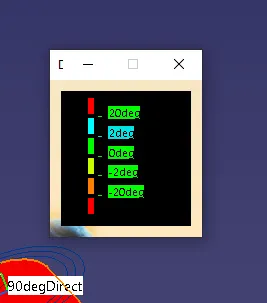
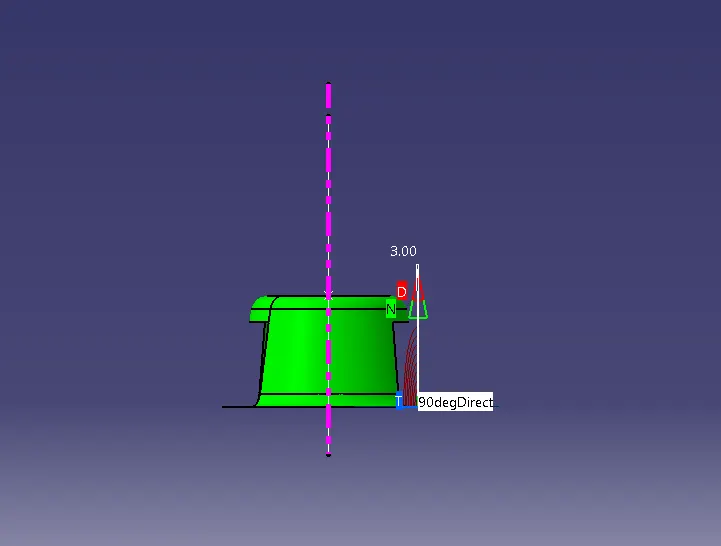
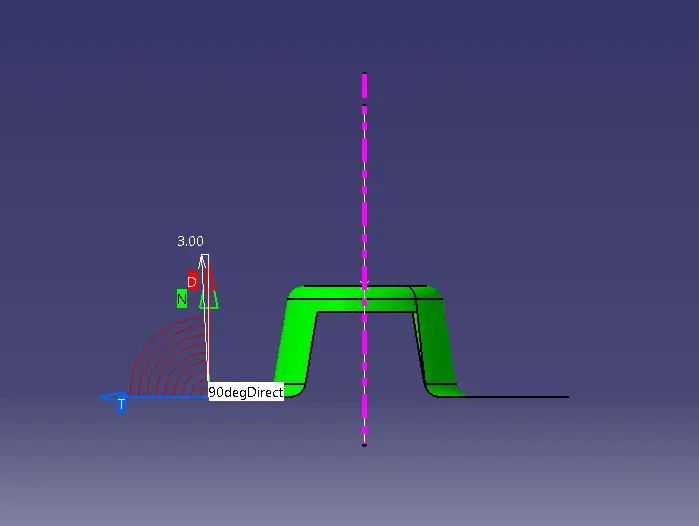
The Draft Analysis command enables you to detect if the part you drafted will be easily removed. This type of analysis is performed based on color ranges identifying zones on the analyzed element where the deviation from the draft direction at any point, corresponds to specified values.
step 1 - To check the continuity of the class A surface by boundary condition tool
step 2 - Ater we can finding the tooling axis by using intersection tool to identify the exact intersect line or point at xy plane
step 3 - Then create a line middle of the fancover circle by using the intersection
step 4 - Then make line by draft of the part as shown below
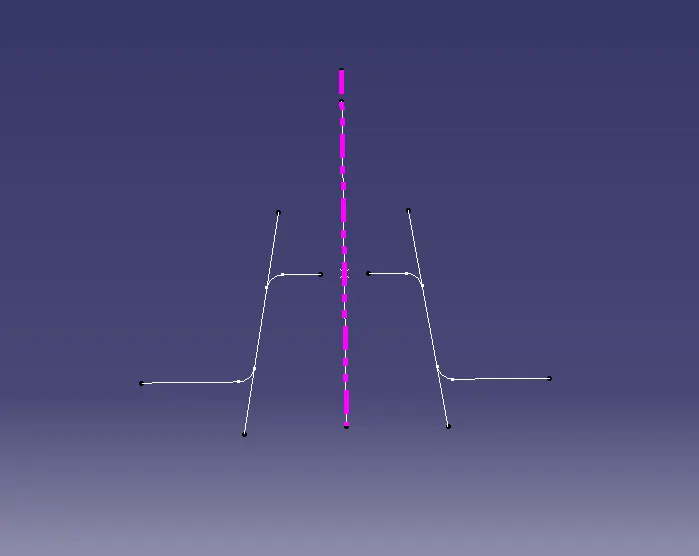
step 5 By using these two line and point, we create a bisecting line , we get our first tooling clearing x direction
step 6 - then we again doing same process on yz plane to get a tool clearing y direction
step 7 - Now we perform the Draft analysis