Draft Analysis on a Fan Cover
Objective:
To do the draft analysis on a class A surface ( Fan cover) in CATIA V5
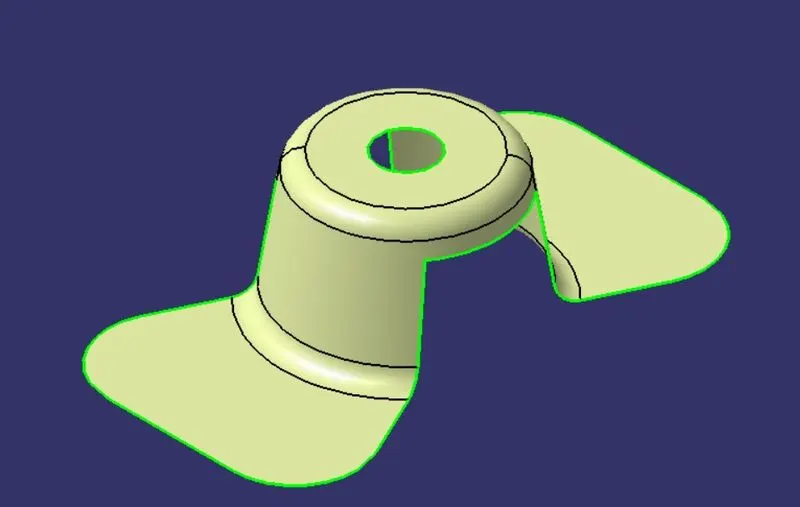
Draft:
The draft is an angle provided for the part which is going to be manufactured by a molding process, It is just a taper with some angle on the faces of the part.
this is done for easy removal of parts from the mold and to get a good surface finish.
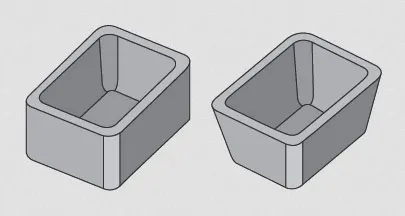
In the figure, part A has a draft for the core and not for the cavity part, here it gets damage to the part when detaching due to the shrinkage of material while detaching.
And in part B the draft provided on both the inner and outer faces of the part, here it will be easy to detach with a good surface finish.
Procedure:
- Import the class A surface and make sure there are no gaps in it by checking it with the join command.
- Add the New axis system to our convenience.
- Create the dummy tooling axis by creating a point at the center of the part.
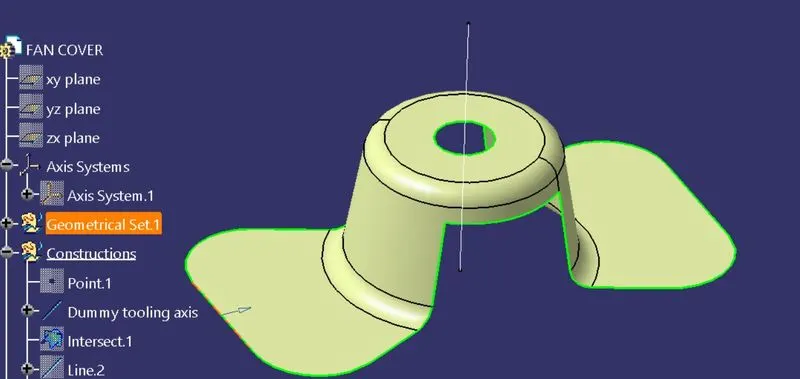
- Then intersect the part with the X-Z plane as shown in the figure,
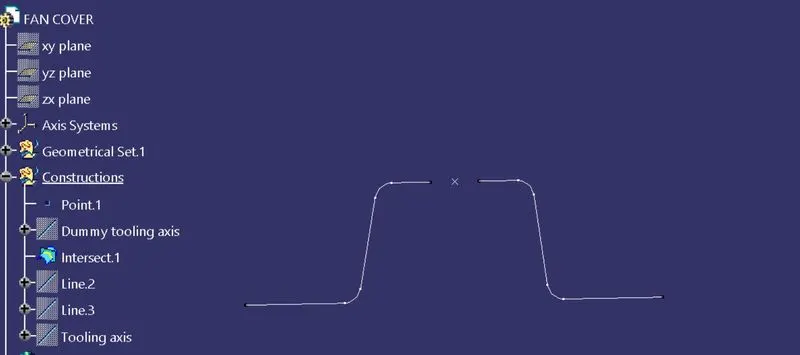
- Now add the Lines along the surface of the part and bisect them for getting the original tooling axis line,
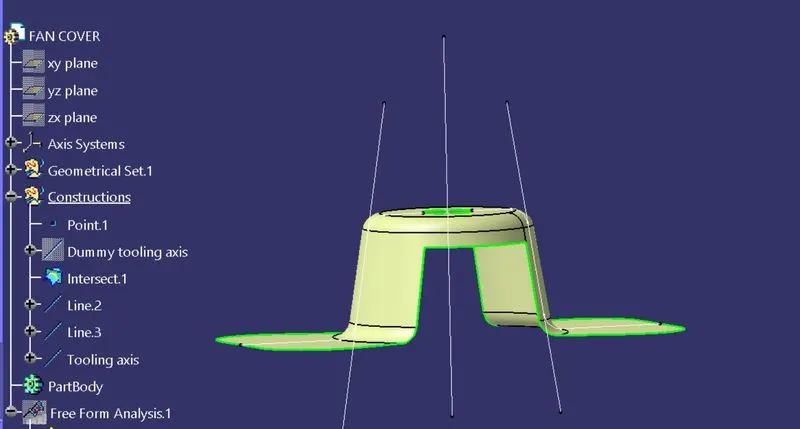
- Select the Material mode under the Toolbar for draft analysis,
- Then go for draft analysis by selecting the feature draft analysis command,
- Add the compass at the center point by selecting the compass mode in draft analysis,
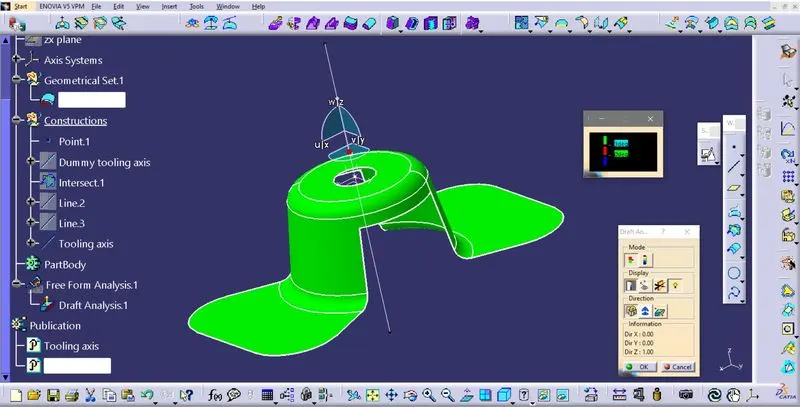
- Then lock the direction of the compass by clicking on the lock view command,
- After that, by clicking on the part we can do the draft analysis.
- Now by using the running point we can find the different angles at different locations,
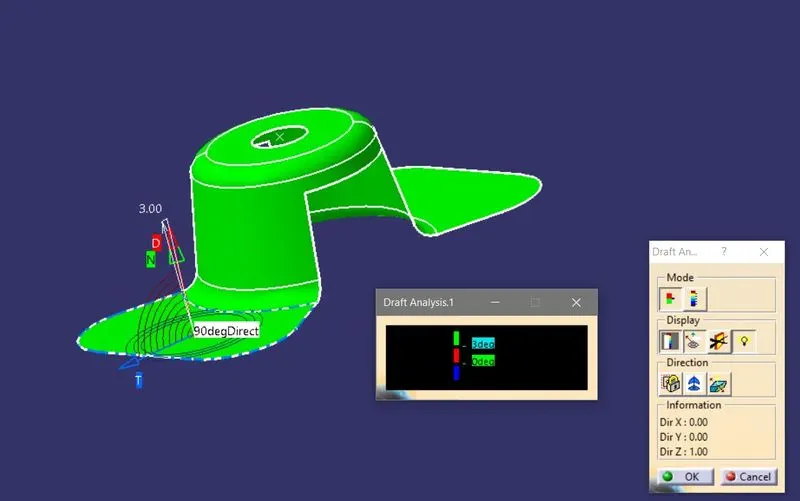
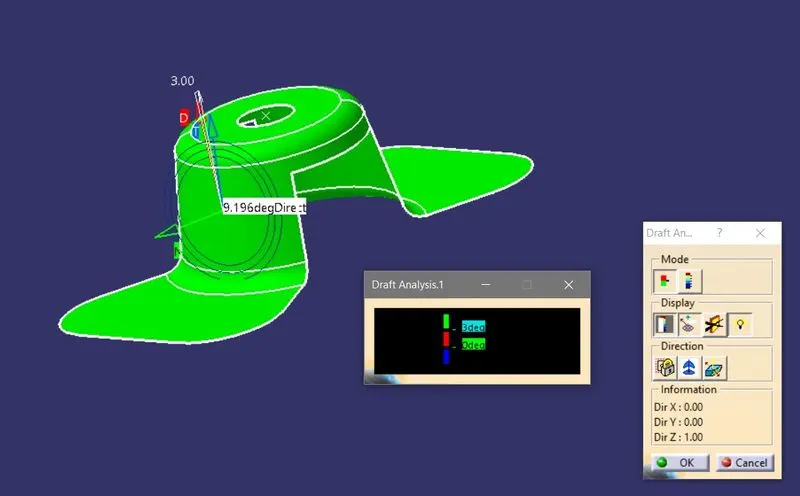
- Change the view to color change mode, which allows us to see the different angles.
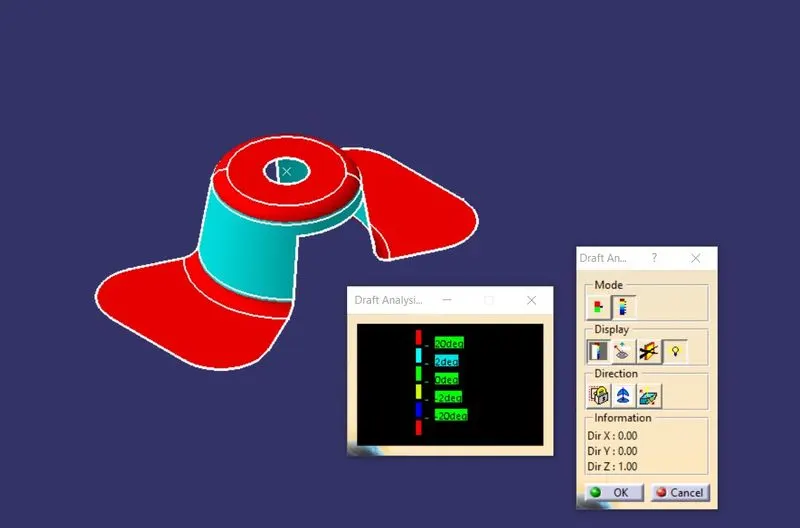
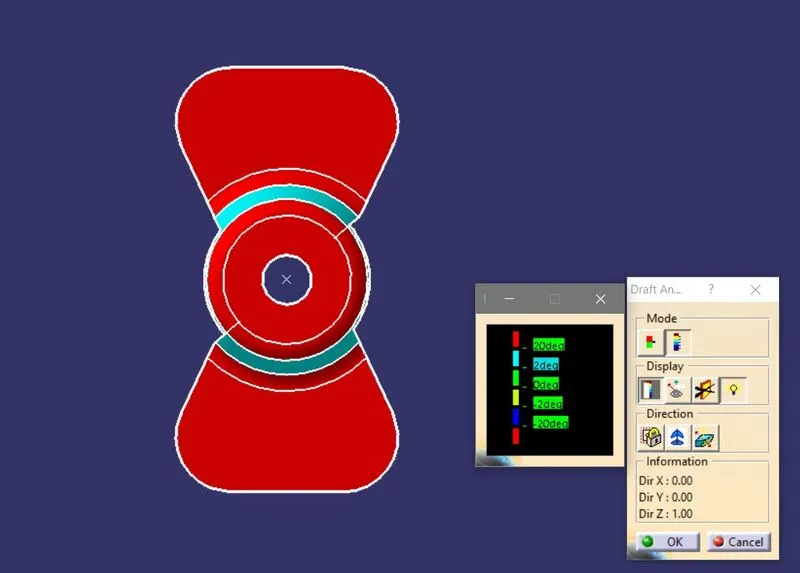
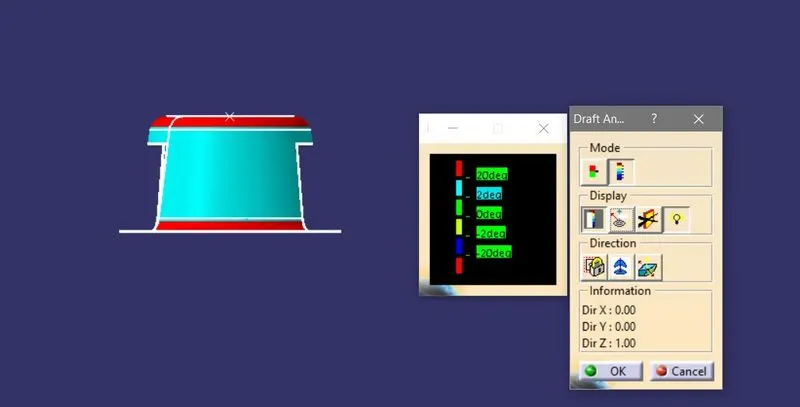
CONCLUSION:
Done draft analysis in CATIA v5 according to the requirements and provided a good draft by applying 3 degrees as a minimum draft.