Week 8 - Challenge 1 - Draft Analysis on a Fan Cover
CAT PART-1
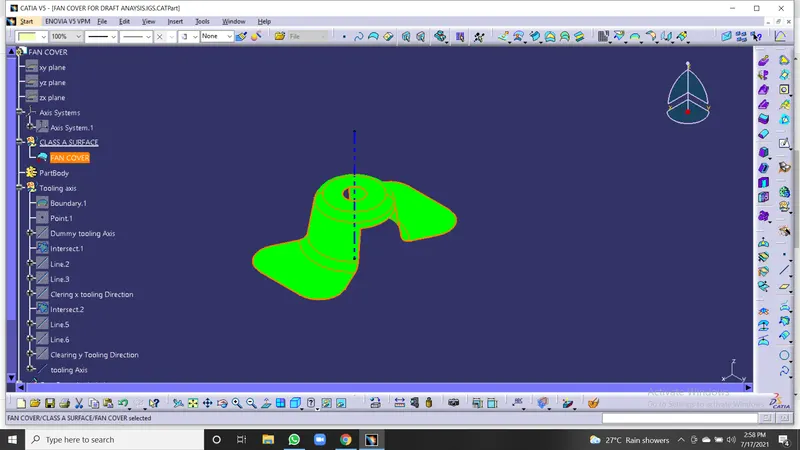
Isometric View-
Front View-
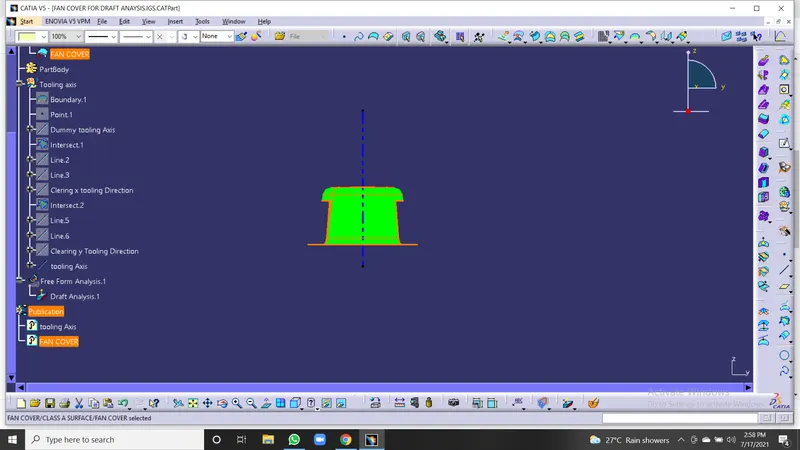
Side View-
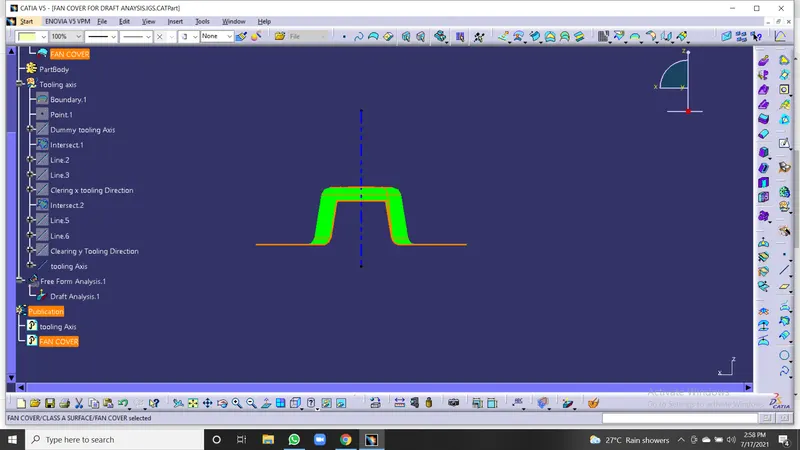
Top View-
Draft Analysis report-
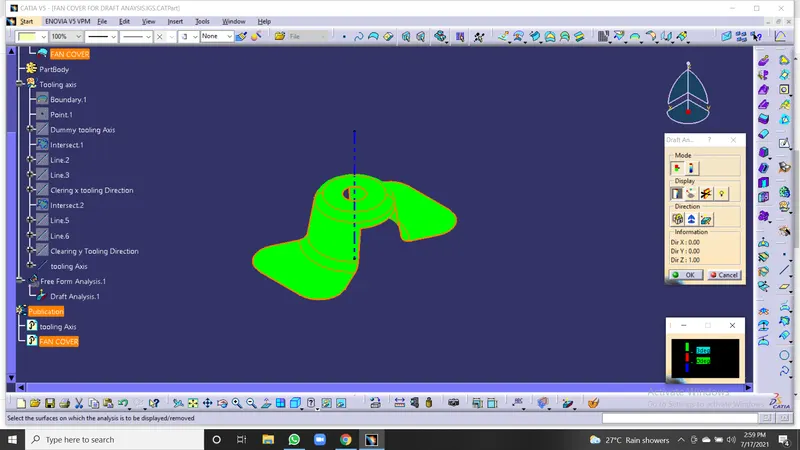
Draft Analysis- The draft analysis tool is to Check the draft.
Using the draft analysis tool identifies the zones (using colour codes) and highlight the areas which deviate from the specified values along a defined draft direction.
We should use the following steps to perform draft analysis-
-Set the customized Render style
-select the draft analysis tool
-adjust the draft direction to the moulding axis using the compass
-observe the colour ranges
*Green: draft value Sbove 3deg
*red: below 0deg
*blue: 0-3deg
Nominal Value:
- 3deg is a nominal draft
- Whereas 0.5deg can also be manufacturing at ribs
- 7 degrees for the textured faces
Every Component should clear the tooling or it should clear the draft to be manufactured.
Tooling Axis- Tooling Axis is the direction in which mould closes and opens or core and cavity opens.
to decide the tooling Axis the component should be completely clearing the tooling axis in the given specific direction.
first, we have to analyse the component, the component has to visually check which is the best tooling direction.