Week 8 - Challenge 1 - Base Bracket Design
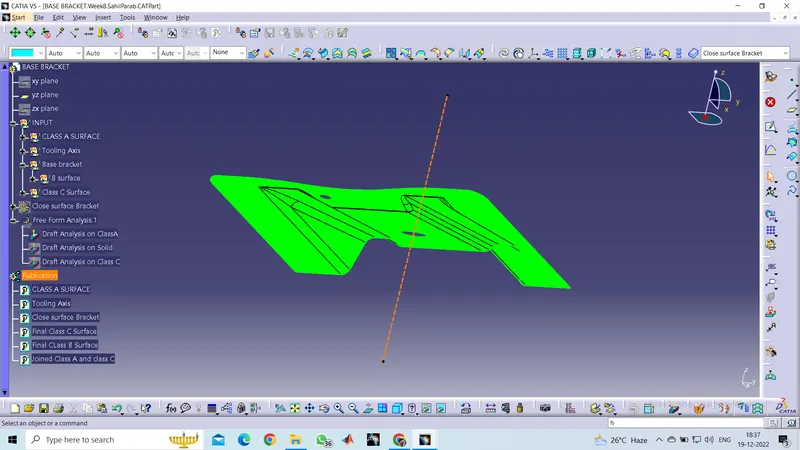
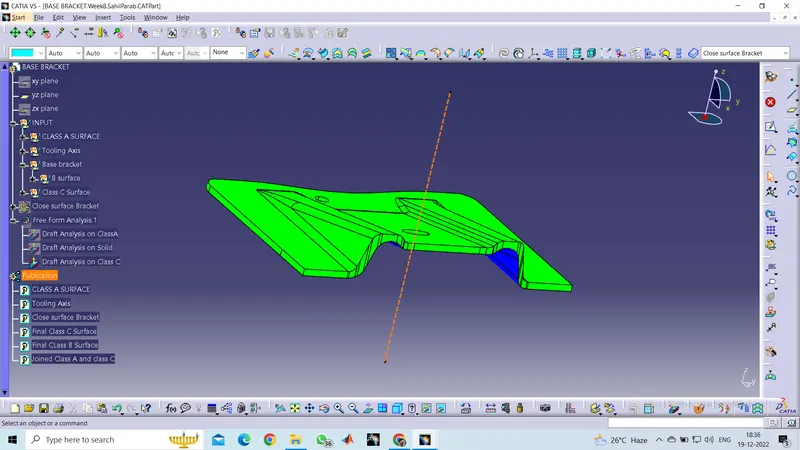
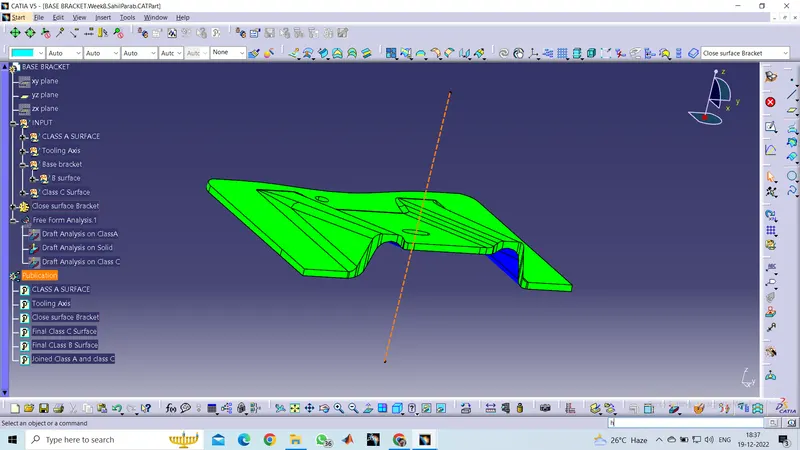
Draft Analysis : Helps us get draft angle and measurements. In some cases we have to untrim extracted sections and get the same
- Insert – Analysis – Feature Draft Analysis
- Draft analysis was carried out by pulling the compass to the tooling axis and an inverse draft axis was carried out if required.
- After setting the compass over the tooling axis the compass must be locked to a specific direction.
- If the surface was in green then the model passes or else further operations need to be carried out.
- By using full analysis mode detailed analysis can be carried out for complicated assemblies.
- It has to green in order to be okay. If not then we need to see the direction and degree value.
- Also activate material view mode to see the colour.
Tooling Axis: Axis which is Perpendicular to the surface in a way that the top view wrt the axis gives us the view of all the sides. Including the inner surfaces.
- The direction in which the mold and the cavity opens.
- We use bisecting method for the same where 2 lines and a point is selected to get the axis.
- By using the boundary option the boundary of the hole was created and the centre point was marked.
- Then a dummy tooling axis was created with the centre point in the z-direction.
- By using the axis system the intersection curves were created over the specified plane and then the sides were extended by using point to point line then by using bisecting lines the tooling axis in X direction was created.
- We create dummy axis for intersecting the surface and then Final Tooling axis for operations.
Let me know if anything else to submit. PLease Dont cut marks directlly.