Week 8 - Challenge 1 - Base Bracket Design
Tooling axis:-
For tooling axis, First aoff all we have to choose choose the view of surface< in which view the surface completly visible
and which views its not visible. If we not confident for the views then we have to select the inclined surface for biseting the curve. Go with the intersection tool and whoose inteseting plane and the surface. Then you get a intersectoin curve on the plane now, from that curve you need to select the inclined curve Not the verticle and horigental. and go with the point point line select thosel points on the inclines curve and repeate this process for an other line. and go with the bisecting line for that select the two lines and the point now you get the blue line and the a orange select the verticle line then that is the Tooling axis.
Drafting analysis:-
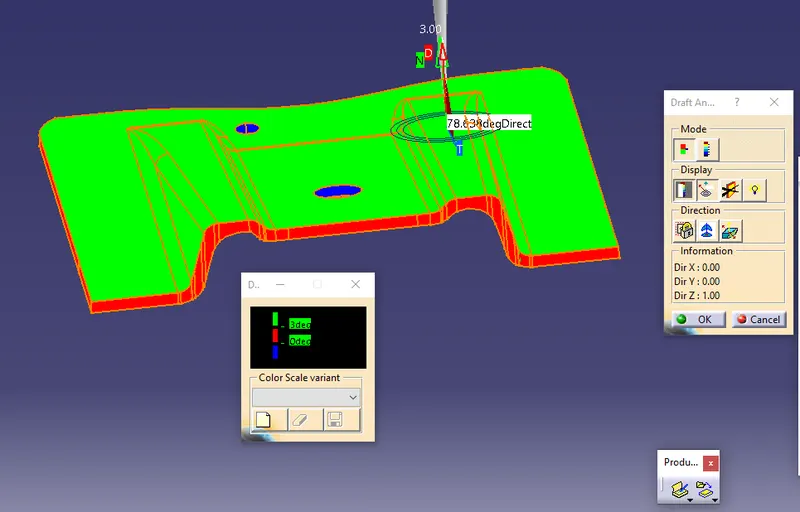
For the Draft anlysis goto the insert - analysis - Feture draft analysis. and select the compats pic and place the that compass on the tooling axis select the direction of tooling axis select the analyis under the running ponint and select the mode of analysis and select the drafting angle after all set then on the lock mode and click ok. this is Drafting analysis.
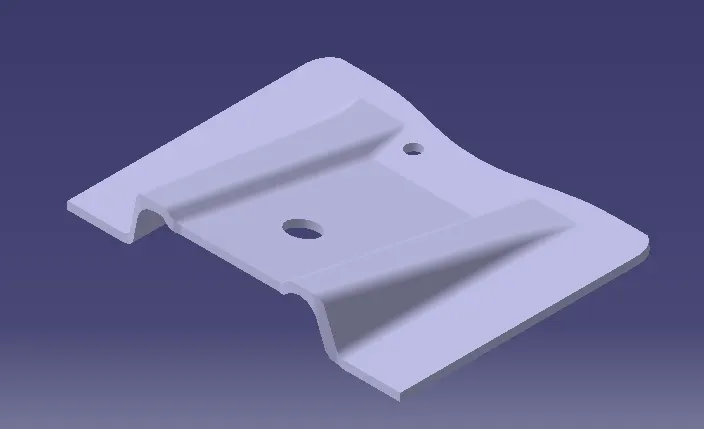
isomatric view
front view
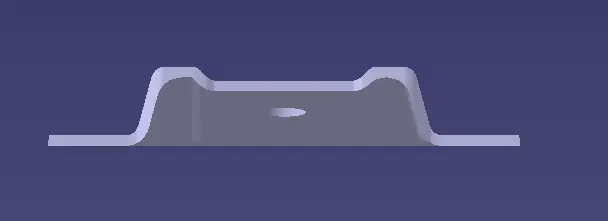
side view
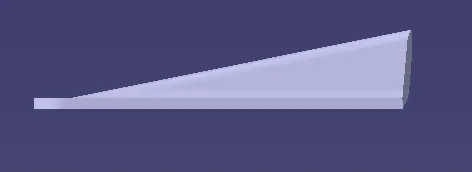
top view
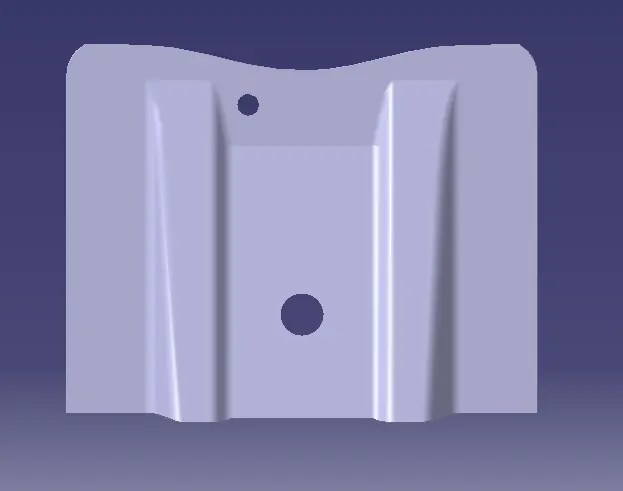
Class A draftanalysis
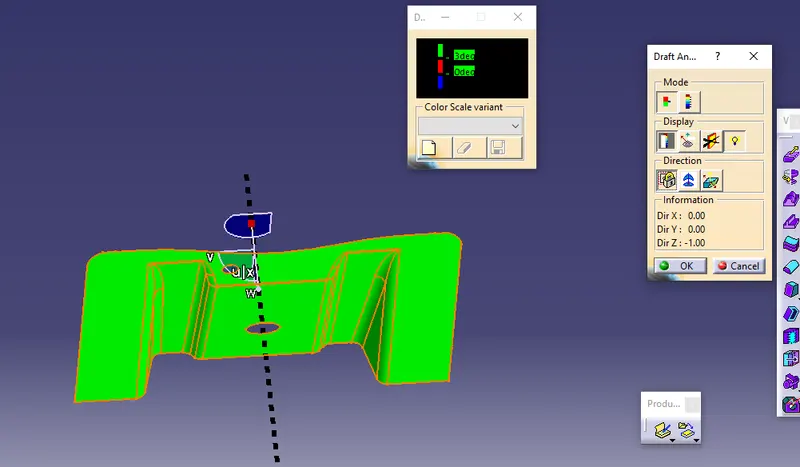
Class c draft analysis
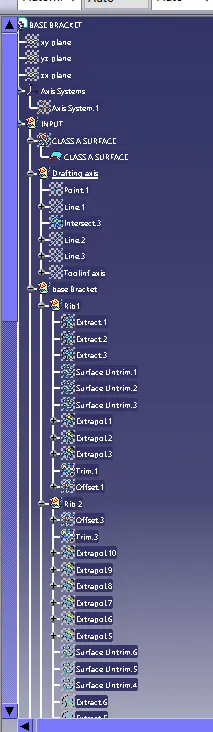
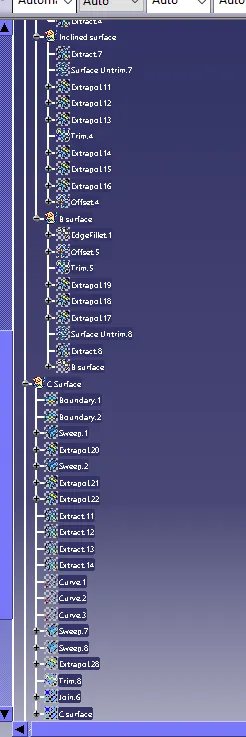
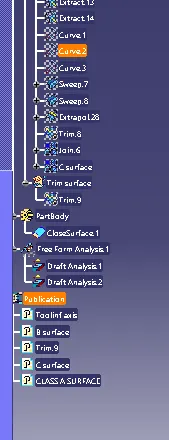
tree structure