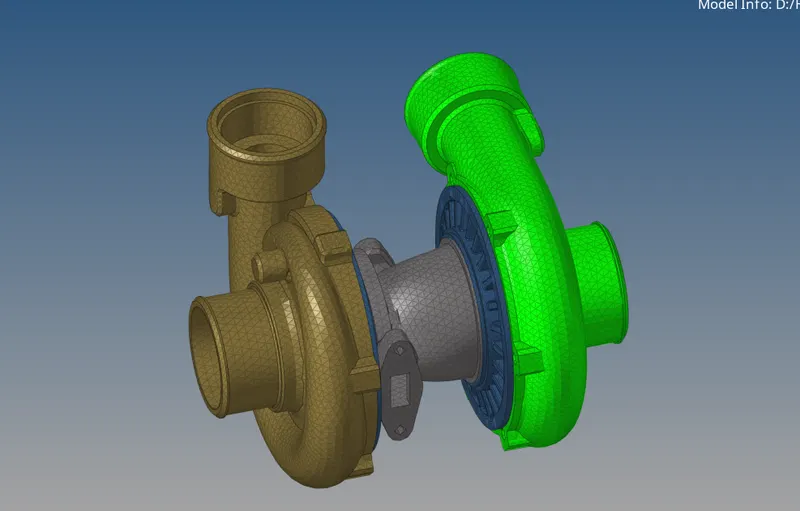
Week 8-3D Tetra Meshing Challenge
Procedure -
Import the given model and check for any geometry errors.
Correct the geometry and clean the geometry by using various tools from geometry - quick edit.
Mesh the surface using 2D Tria element. Goto 2D mesh - automesh and select the tria elements and provide elements size.
After mesh do the quality check from quality index and cleanup tools, smooth etc. other quality checks in tools element check and provide given input like min length and max length. Correct the mesh using remesh and smooth and element optimize tools for getting the desired mesh quality.
Then go to 3Dmesh -Tetra mesh and select the elements to mesh.
check for tet collapse Quality check for tetra mesh in tools - check elements. Update the failed elemnts by provide tetra size to the node in distance command and update the failed elements.
Please check the attached model.
Procedure -
Import the given model and check for any geometry errors.
Correct the geometry and clean the geometry by using various tools from geometry - quick edit.
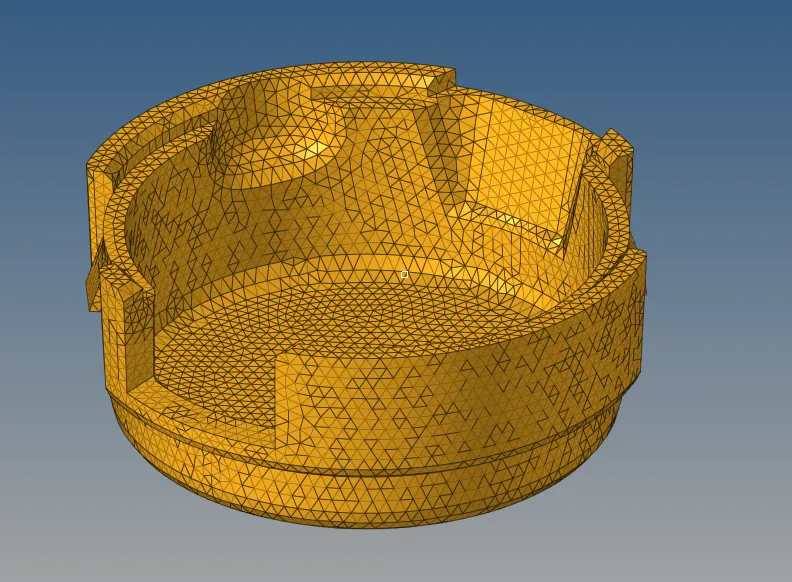
This model doesn't have min max length criteria. this is quick/volume mesh where we need to check for tet collapse which is given as 0.15
To mesh go to 3Dmesh - volume tetra -select the solid and mesh. Before meshing provide tetramesh parameters.
Check the elements quality tet collapse and use remesh or translate tool to get the optimize mesh quality.
Tet collapse quality has been fixed.
Please check the model.
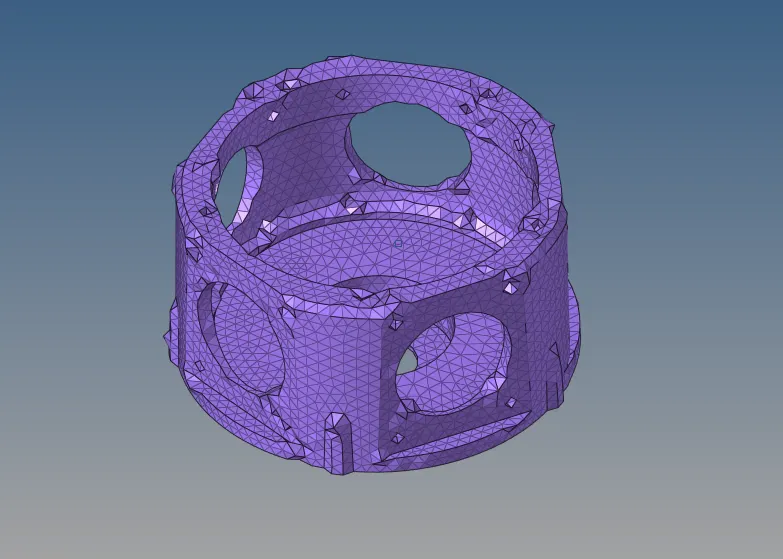
Repeat the same process for this assembly for the ring component reflect command is used to minimise the mesh time.
Please check the attached model.