Week 8-3D Tetra Meshing Challenge
MAIN OBJECTIVE;
To perform the 3D tetra meshing on the given models accordingly to their criteria sizes.
PROCEDURE;
- Import the Model into HyperMesh.
- Delete the solid from the model, by selecting the delete>solids.
- clean the geometry.
-
3D Meshing: criteria
Elements sizes: Min- 2mm, Target- 5mm, Max- 7mm
Tet collapse: 0.15
- Now perform the 2D meshing on the model, by selecting the mesh type as “Trias” with an element size of 5mm.
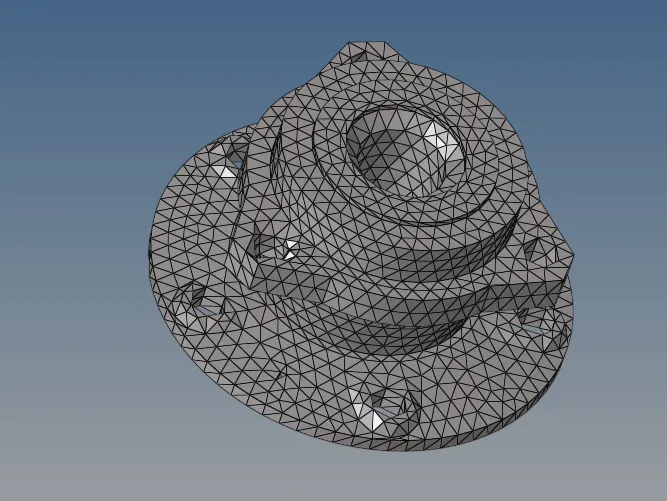
- Go to the 3D panel >Tetramesh>select elements>mesh.
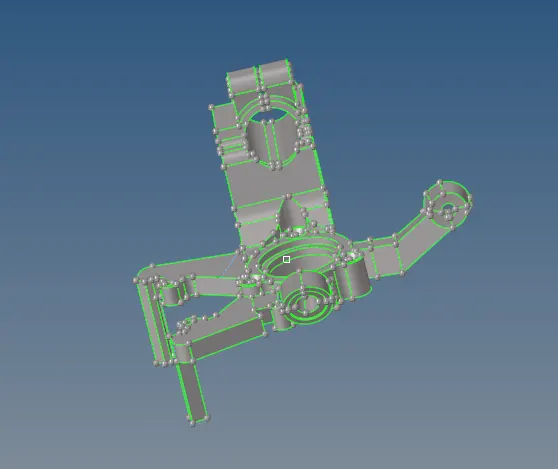
HOUSING MODEL
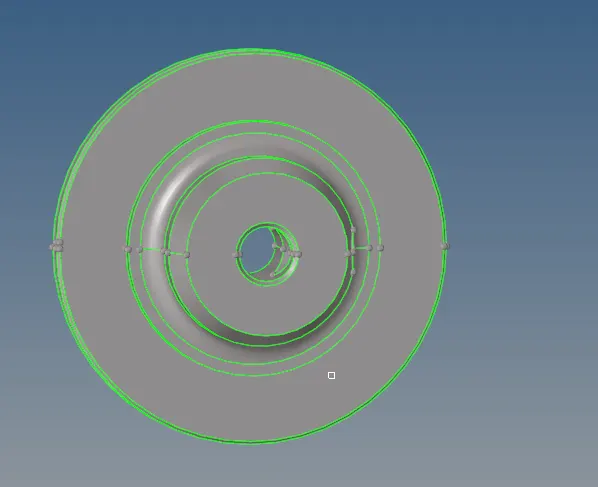
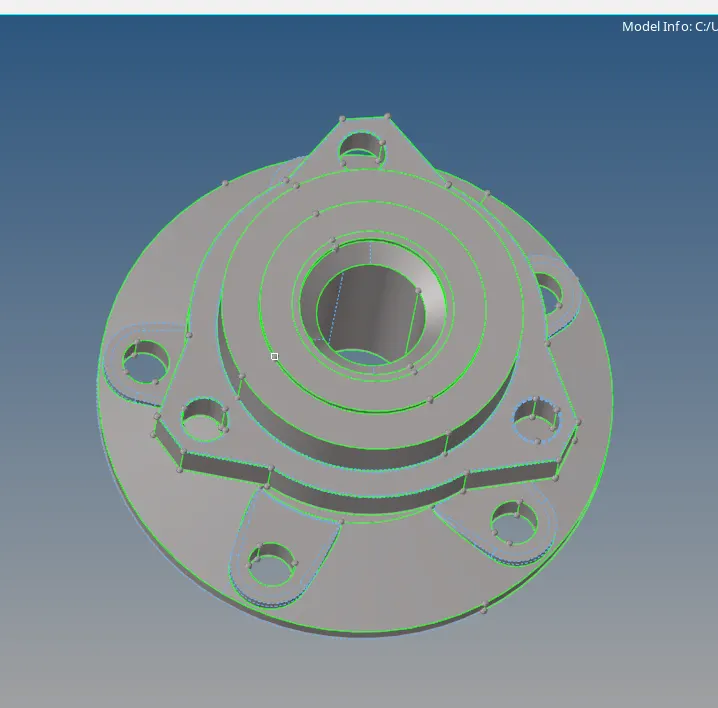
After importing the model we have to clean the model by toggle the unwanted lines which will cause the element failures.
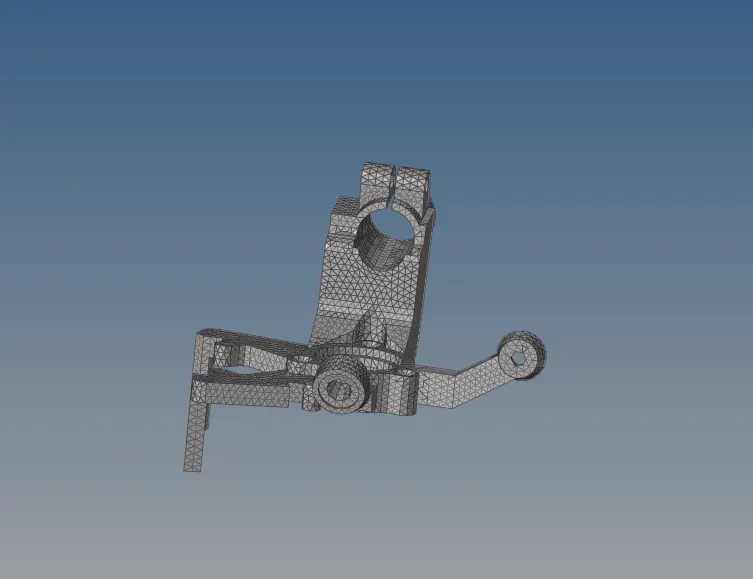
Then generate the mesh on the given componenet by going to the 2d mesh panel and where set the element size and mesh type as trias and mesh the model by selecting the surfaces.

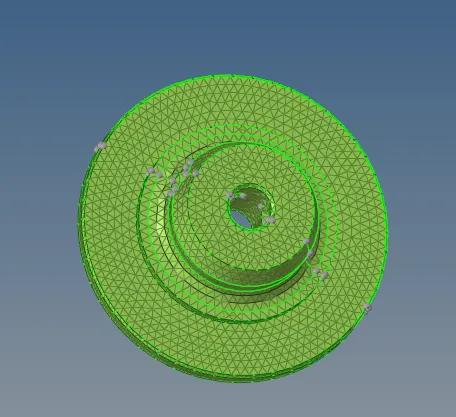
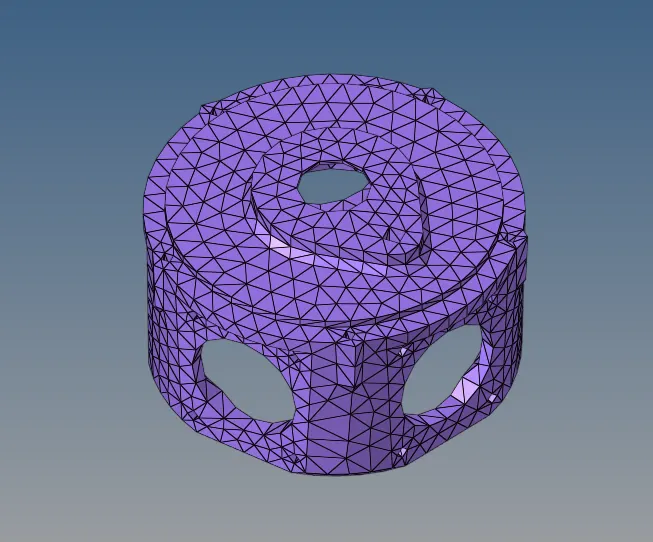
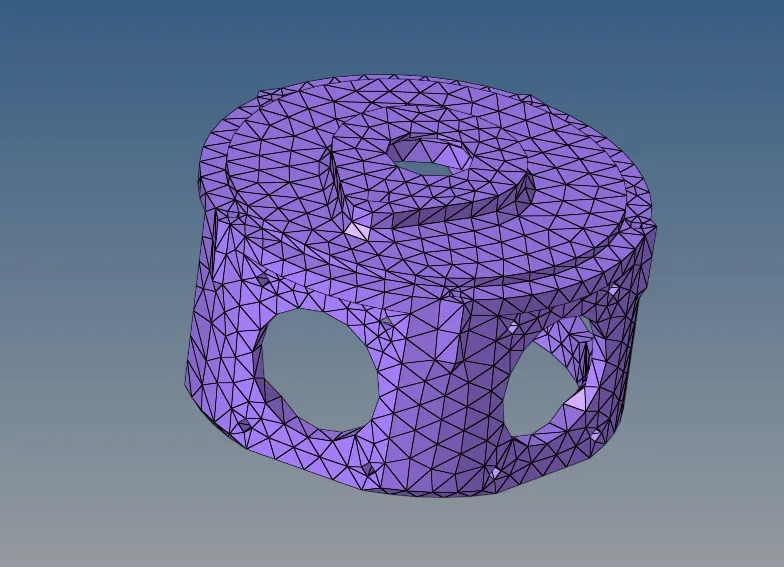
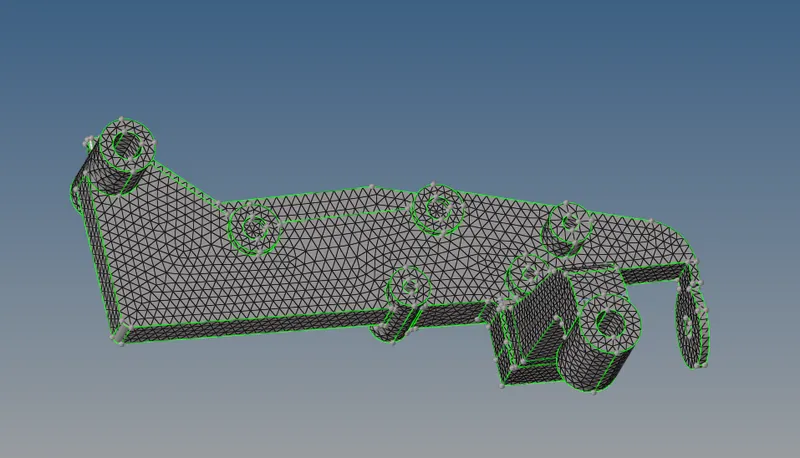
After creating the 2d shell mesh on the model and tnen we go to the 3D >tetramesh>select elements and mesh the component.

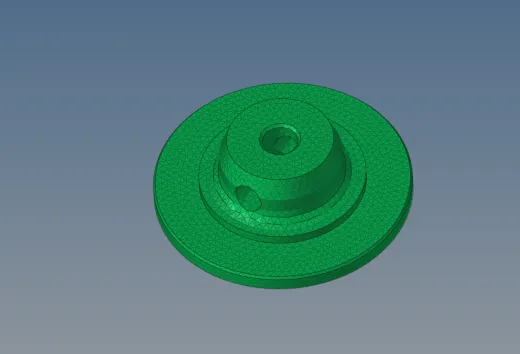
mask the elements and check the 3D mesh where created or not on the model.
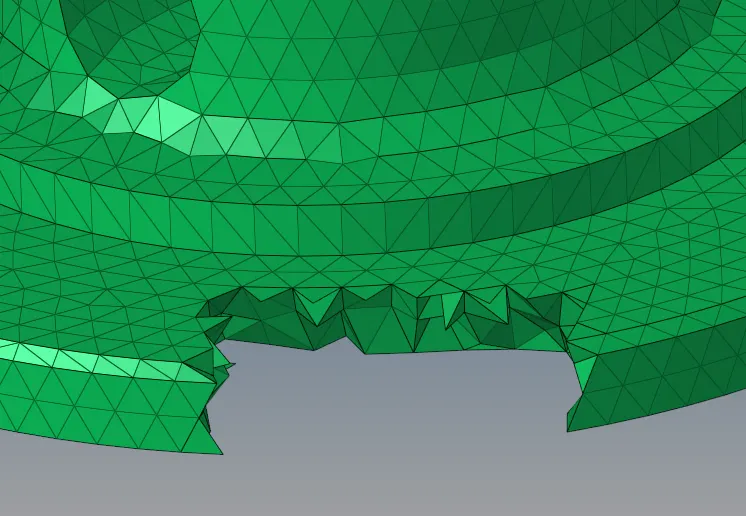
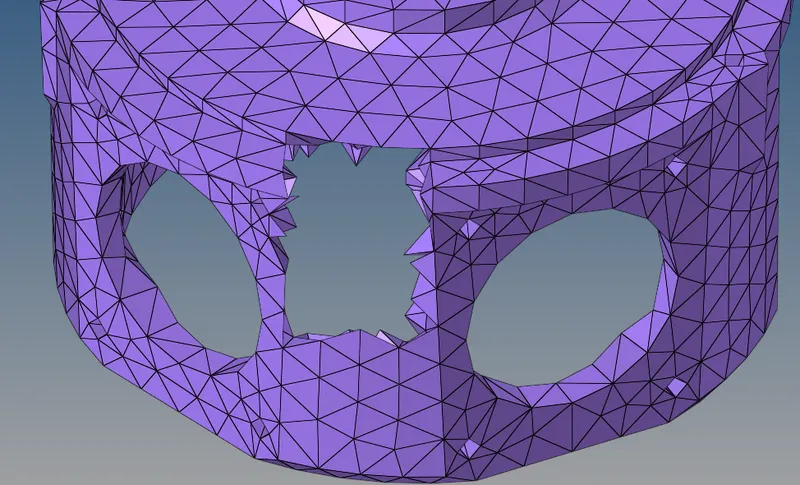
Then check the parameters and clicking the f10 and where we check the minimum length and tetra collapse of the model.
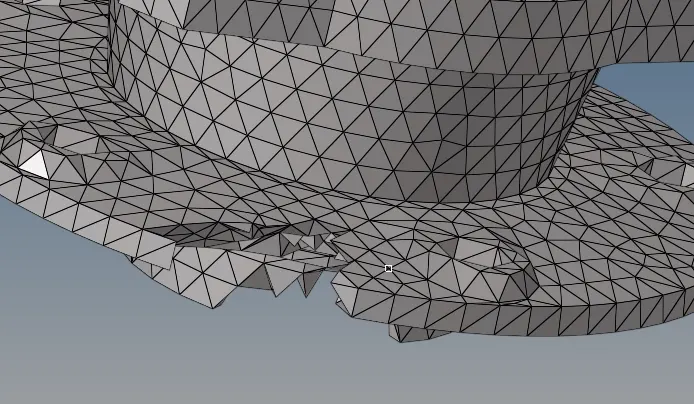
if there is failing the elements then save failed>mask-reterive>mask>reverse the elements and adjust the elements >unmask all.


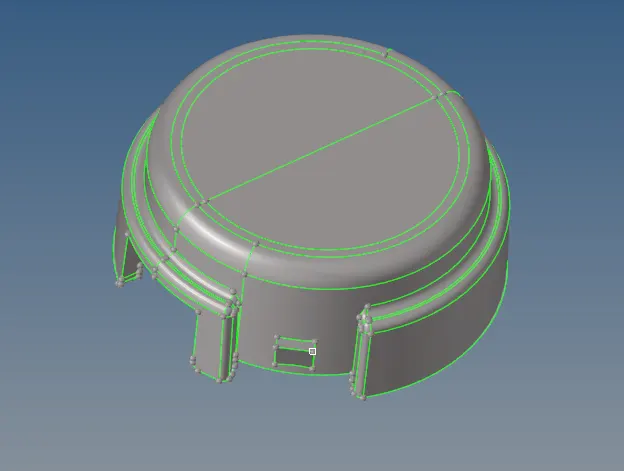
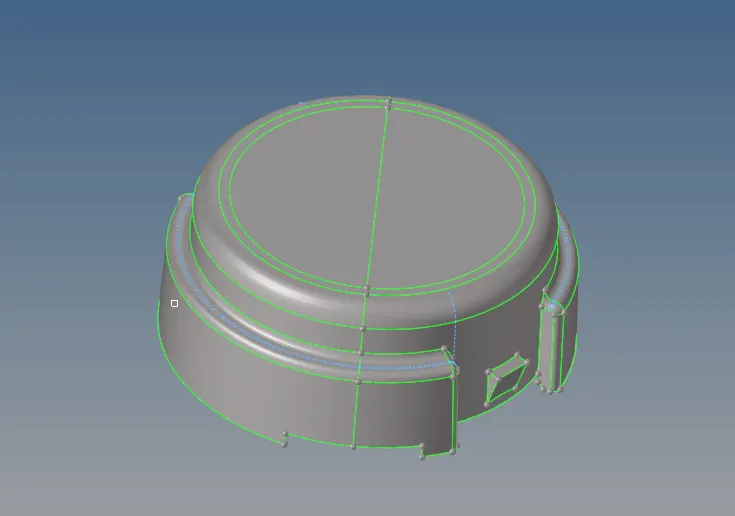
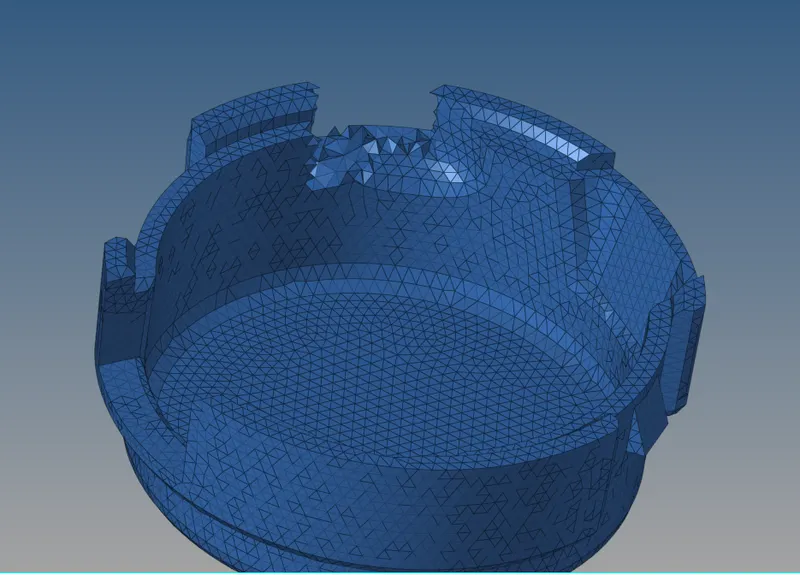
CRANK HOUSING;
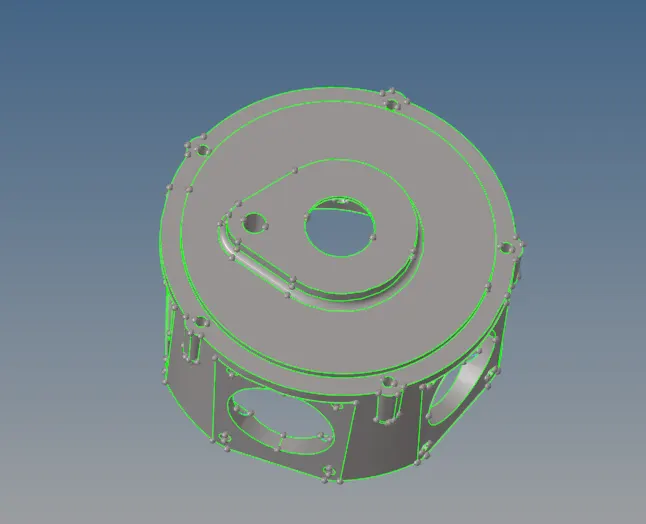
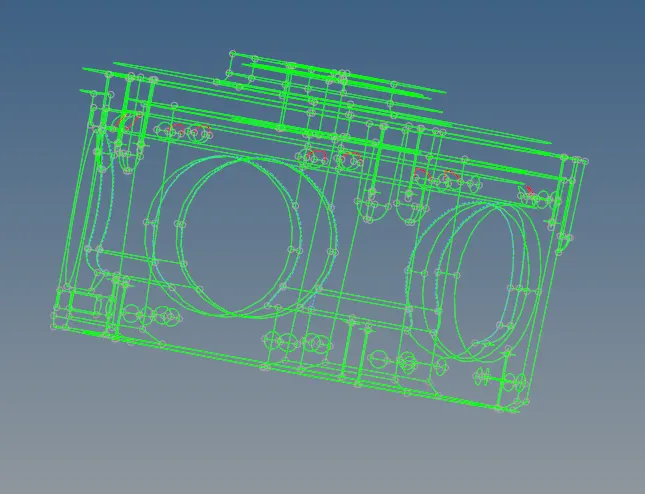
Geometry should be kept in wireframe mode in order to view the errors clearly and toggle the unwanted lines.

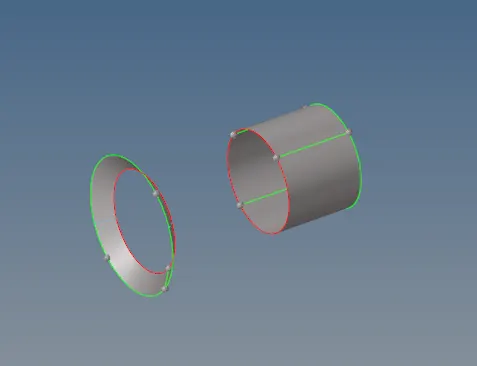
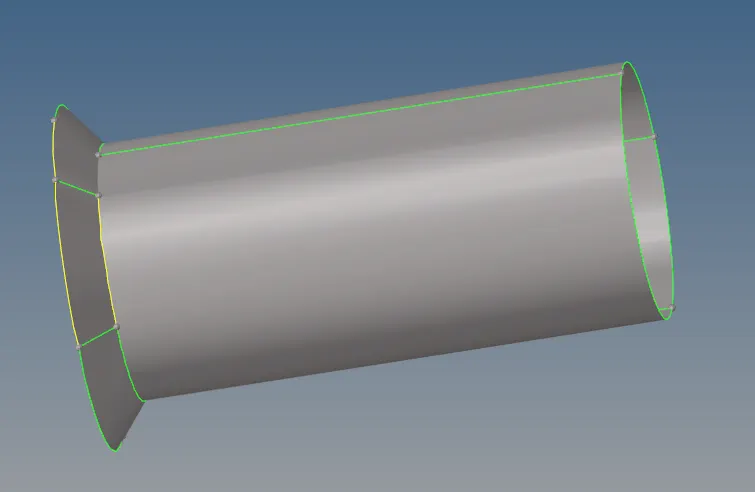
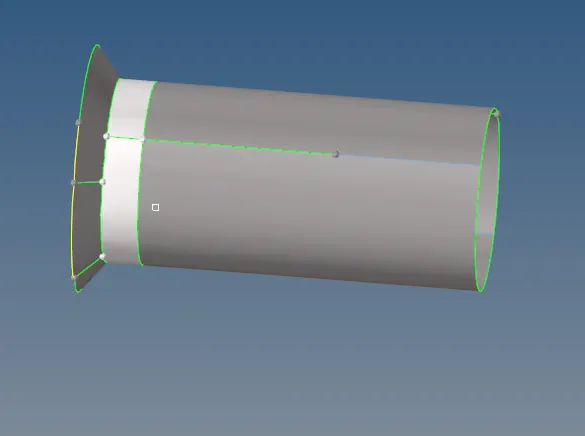
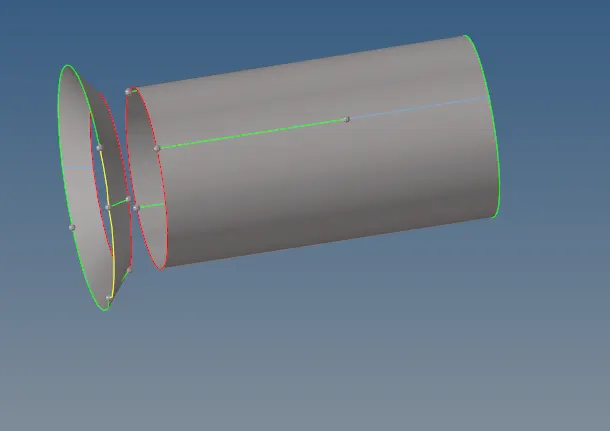
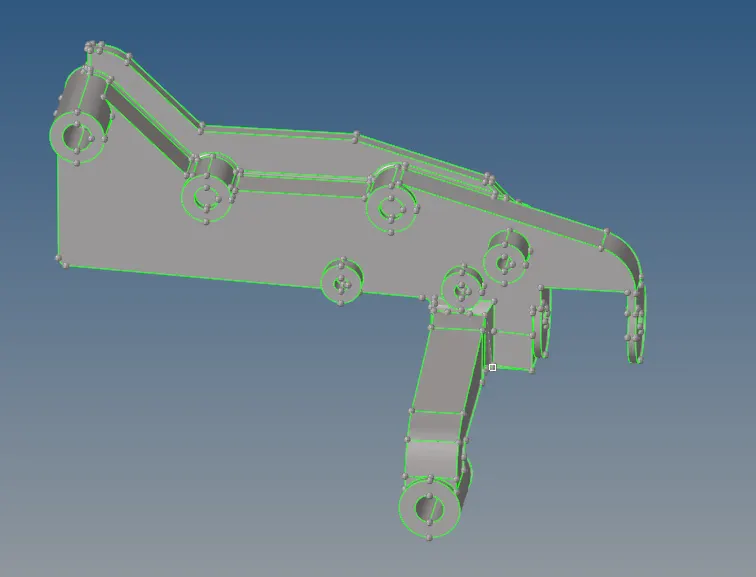
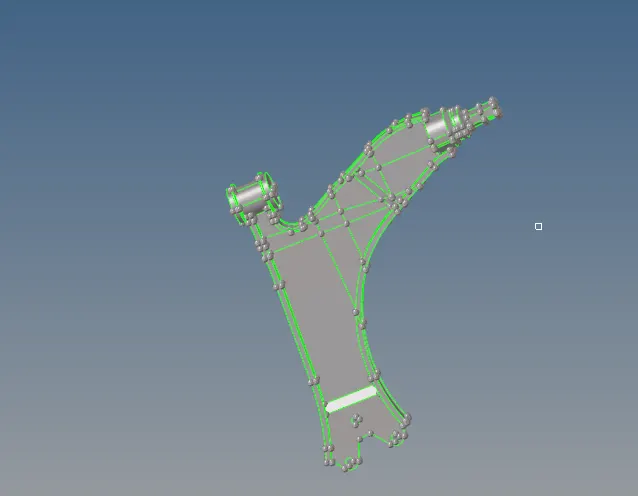
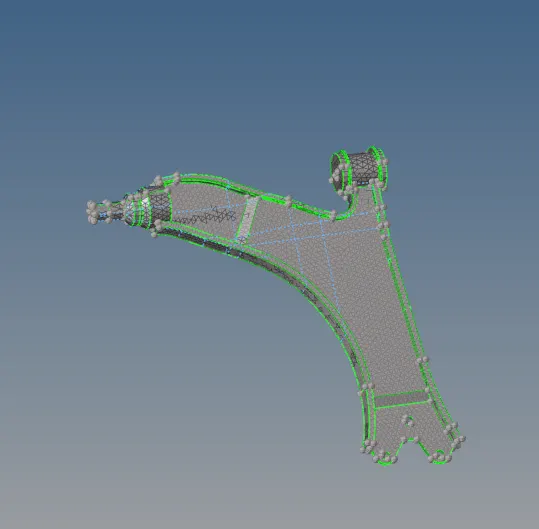
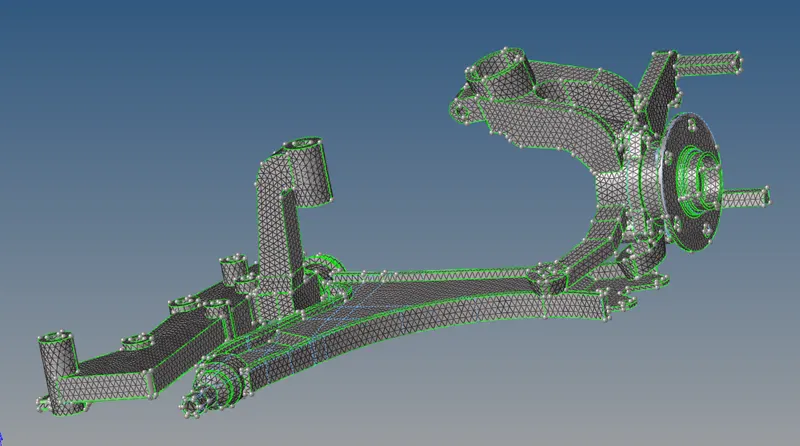
MODEL 3;
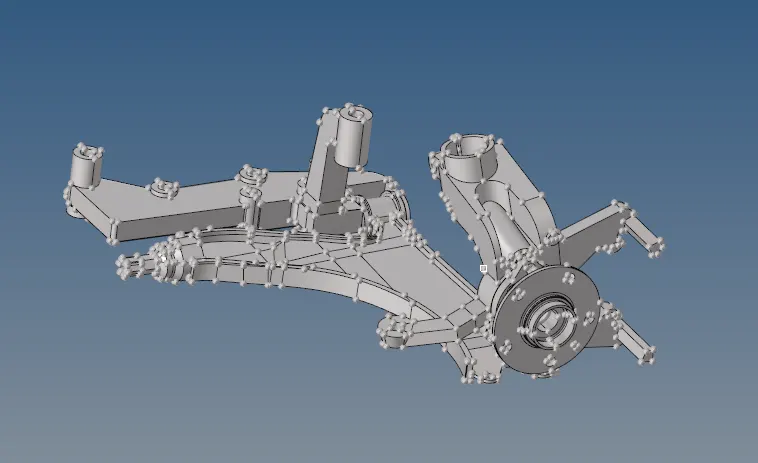
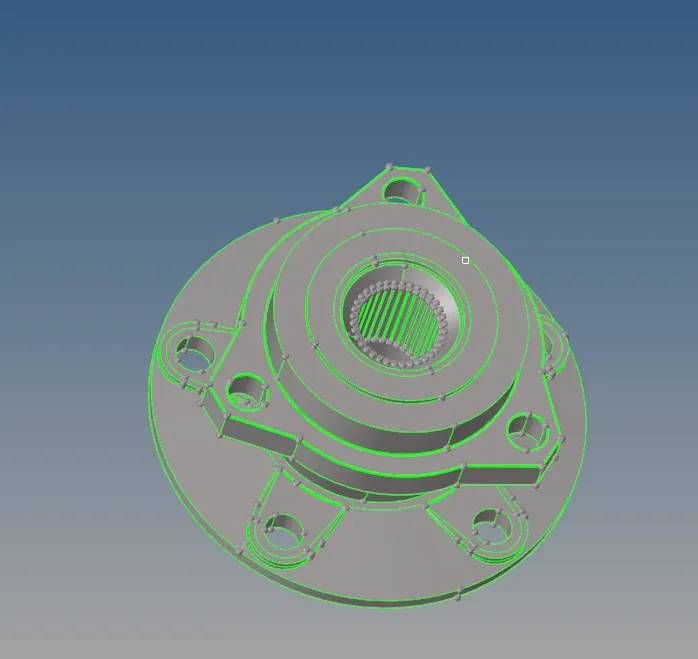
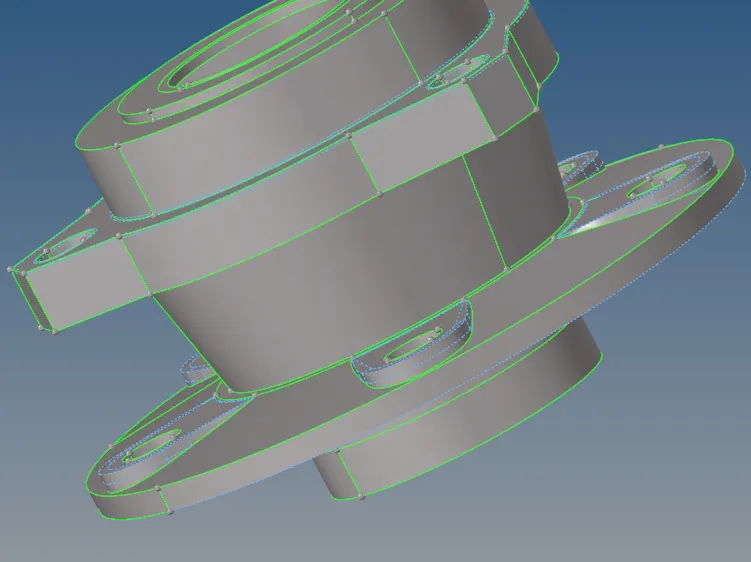
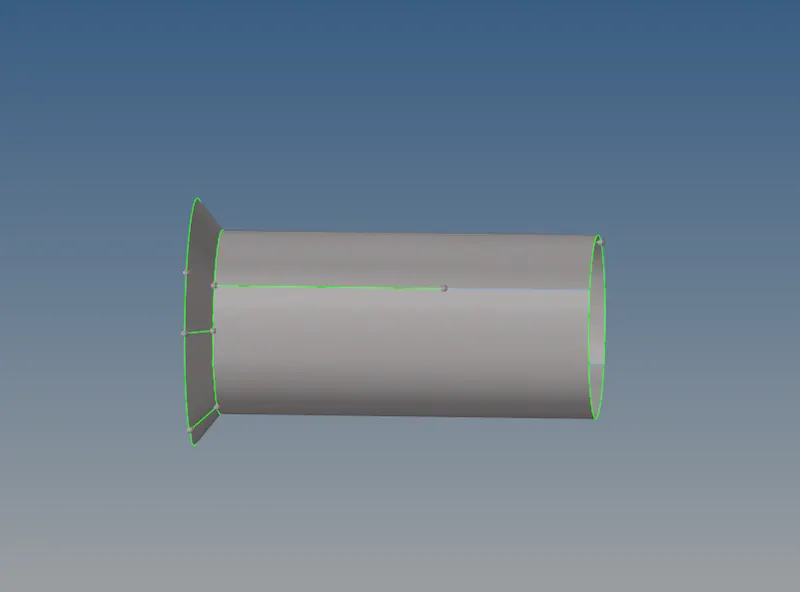
Clear the unwanted lines and surfaces.
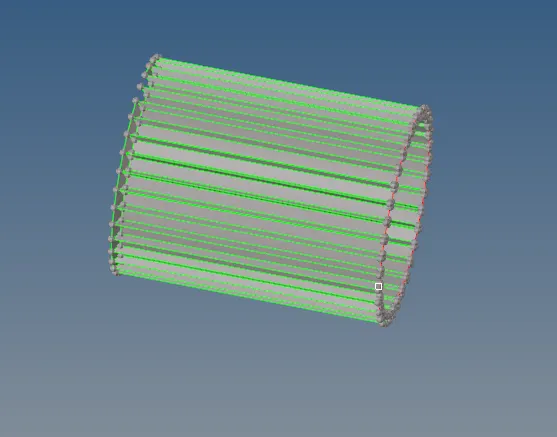
joining the surfaces by using an extended option in the surface edit.


CONCLUSION;
Learned about generating the 3D tetra meshing on the given models.