Week 6-Generating the mesh on Hood model
AIM;
To perform the mesh on the given Hood model by following the selective quality criteria.
PROCEDURE;
First, we import the geometry from the step file(HOOD MODEL).
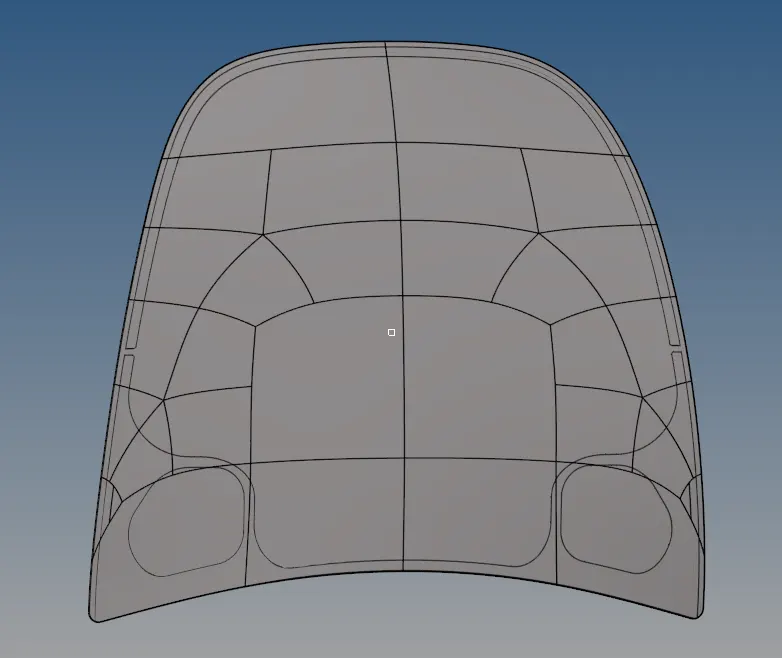
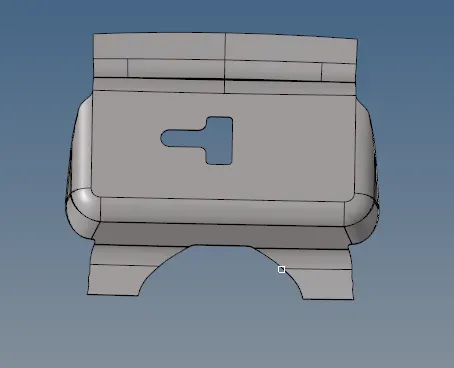
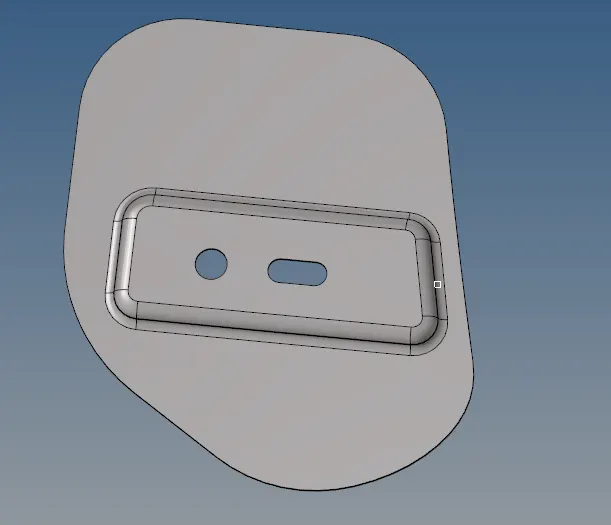
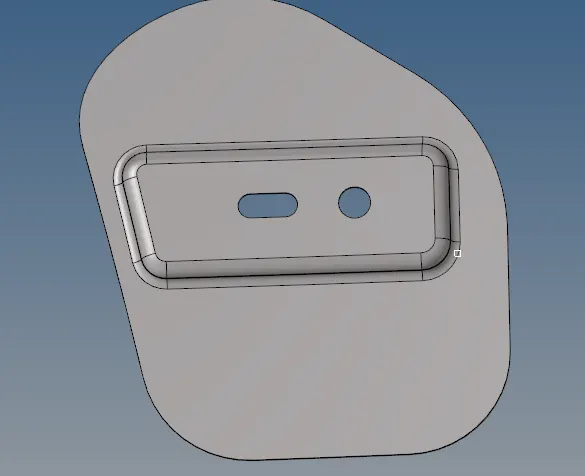
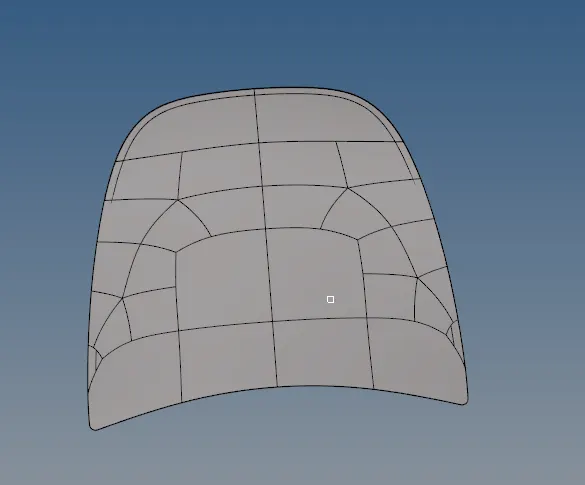
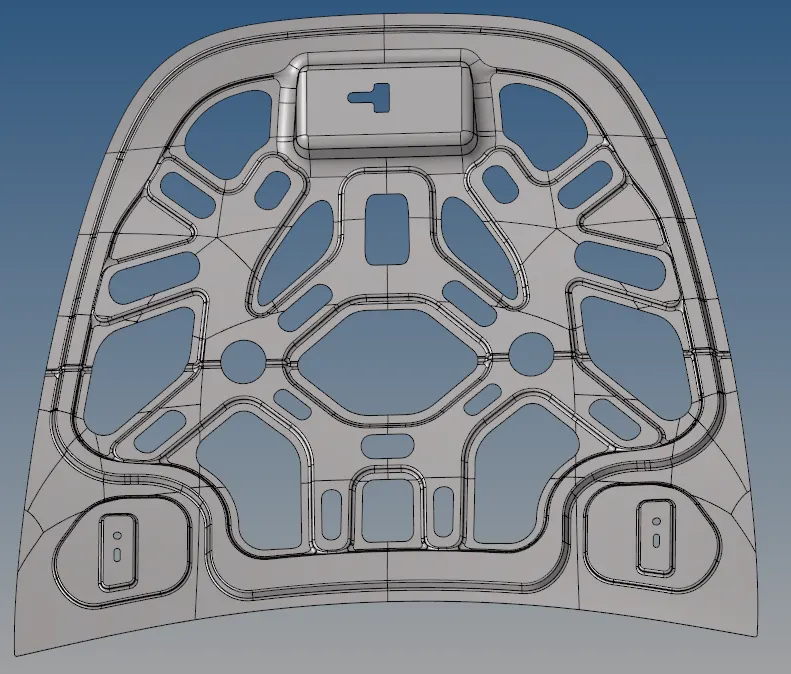
Then first we need to delete the solids of the entire hood model.
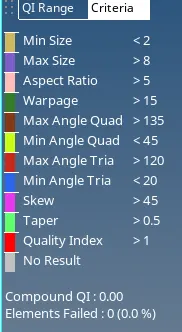
After importing the model we have to set the quality criteria file settings and given the target element length. which was shown in the below table.
Target Element Length = 5mm
| S.N | Quality Criteria | Value |
| 1 | Aspect Ratio | 5 |
| 2 | Skewness | 45 |
| 3 | Warping | 15 |
| 4 | Taper | 0.5 |
| 5 | Min. Length | 2mm |
| 6 | Max. Length | 8mm |
| 7 | Min angle Quad | 45 |
| 8 | Max angle Quad | 135 |
| 9 | Min angle Tria | 20 |
| 10 | Max angle Tria | 120 |
| 10 | Tria % | 10 |
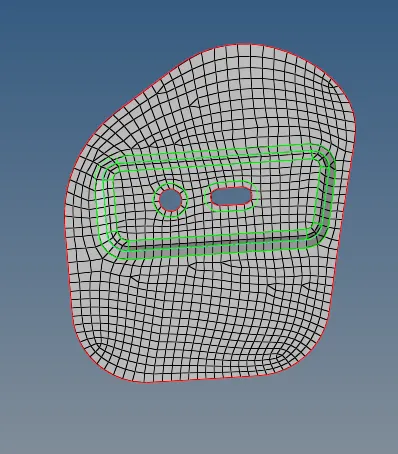
start with the latch component and first, we have to make mid surfaces on the latch component in the below figure.
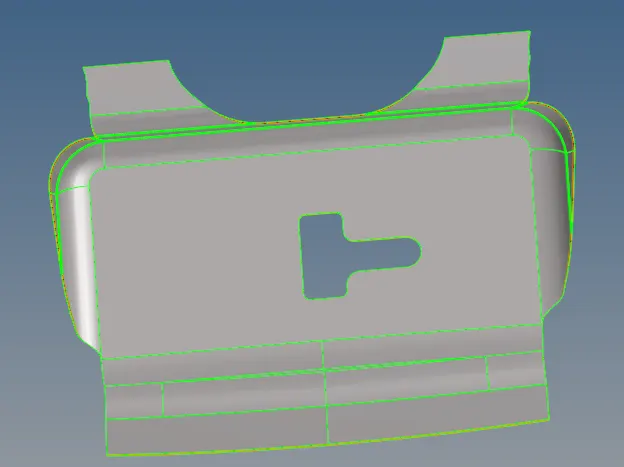
After creating a mid surface to the component we have to make a Geometry cleanup on the component and ready to perform the mesh on the latch component.
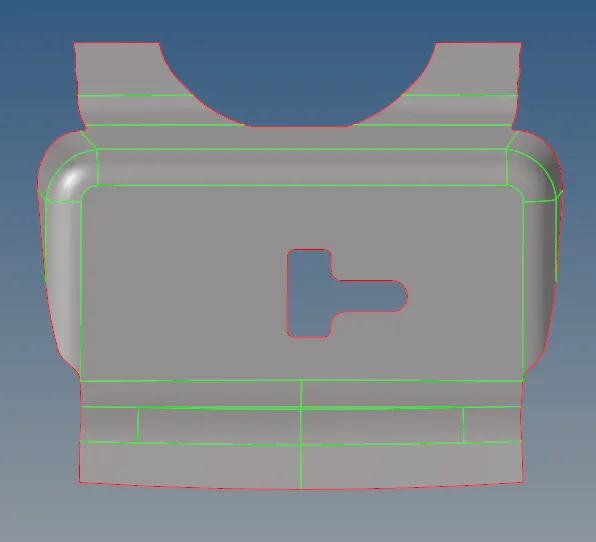
Create the washer spilt and reduce the concertation at the hole part.
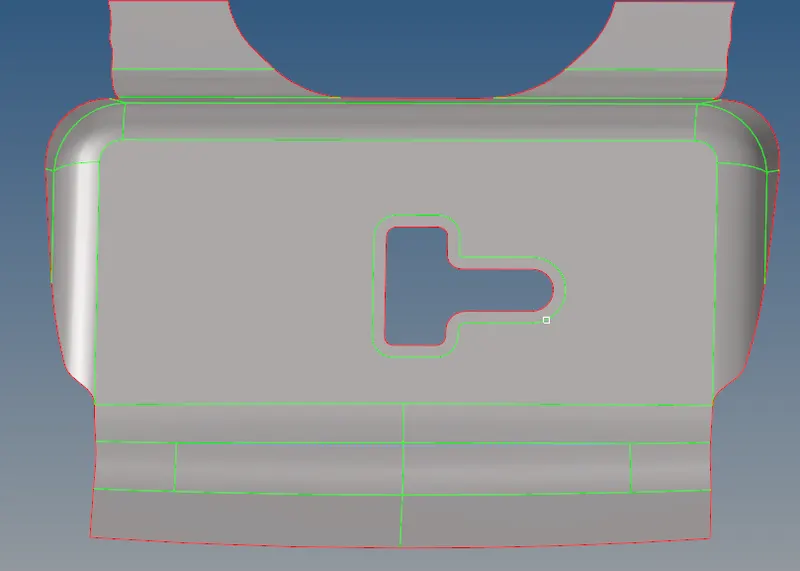
Now go to the 2D and select the auto mesh, and there where we set the element length and select the surface of the component and mesh on them of the selected surfaces.
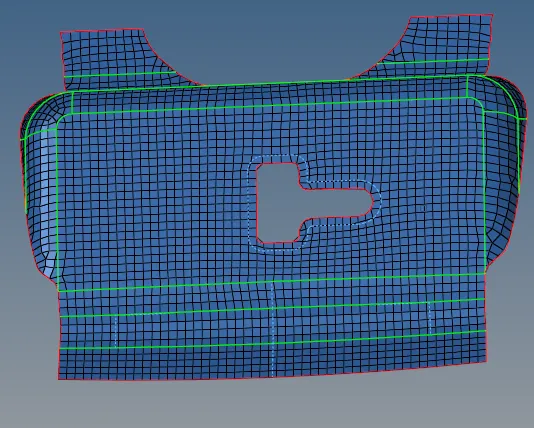
To check the element model perfectly we create an edge to the model and find edges of the whole model.
Hinges;
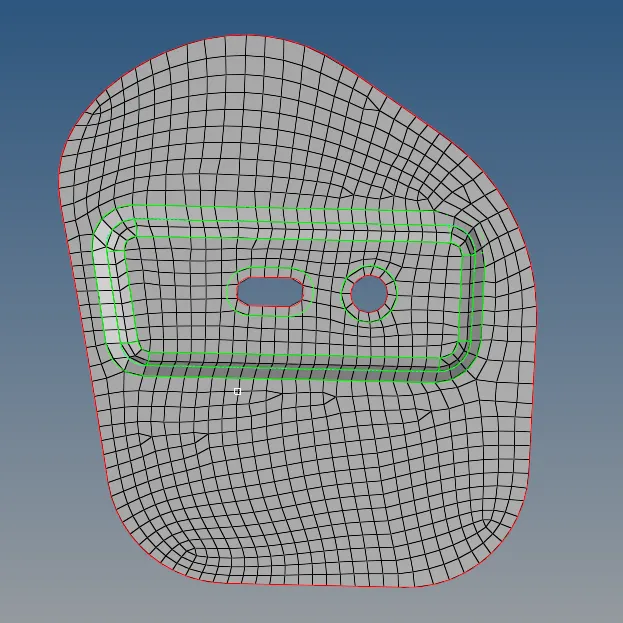
In this outer surface, provide mid surface and >enter f5 and mask the half of the component.
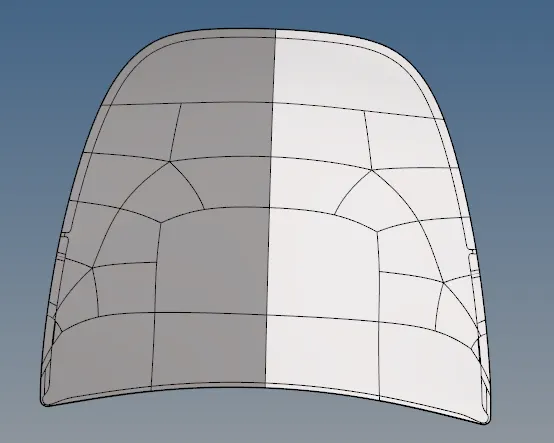
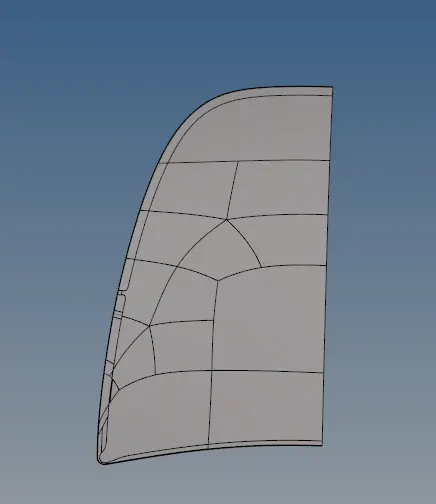
Here we make the geometry cleanup to the entire model and mesh the surfaces.
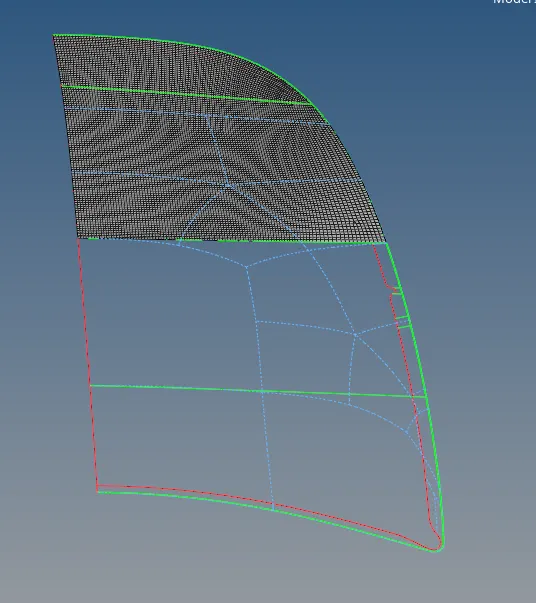
In this outer, we have to make some lines in between the node to node for an forming the mesh properly on the surfaces and reduce the difficulty in the meshing.

While selecting the elements between two other end surfaces we select the elements carefully otherwise it will make the duplicates formations elements on the mesh.

After meshing we have to check the element connectivity to the line edges and by using the aglin method make the corrections.
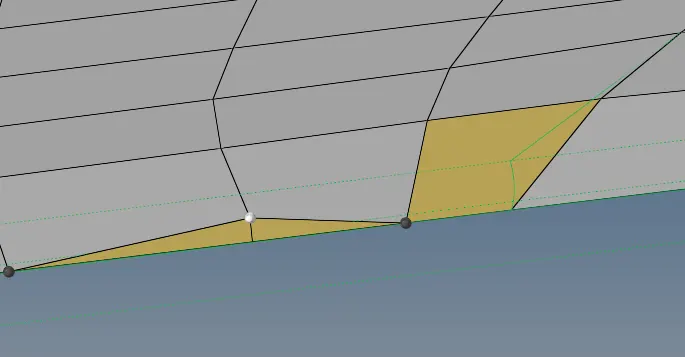
After completing one side of the outer we have to project it a same replica of the all outer body on another side.
Go to the Tool>select elements>duplicates>make current component>Axis settings>select the Base of the surface>maintain element connectivity and finally Reflect the model.

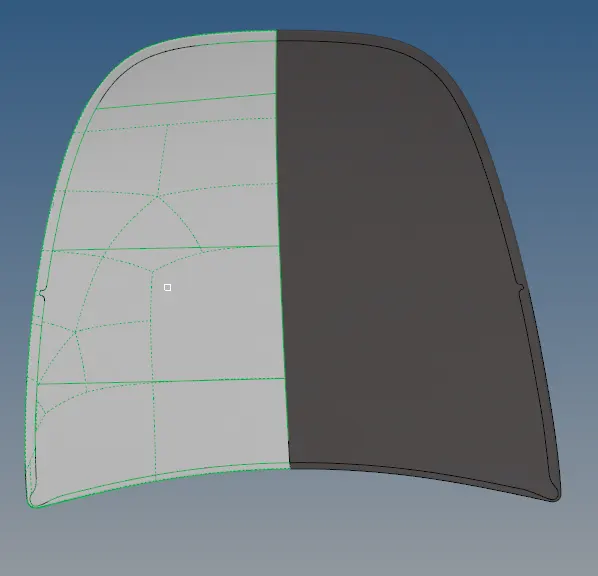
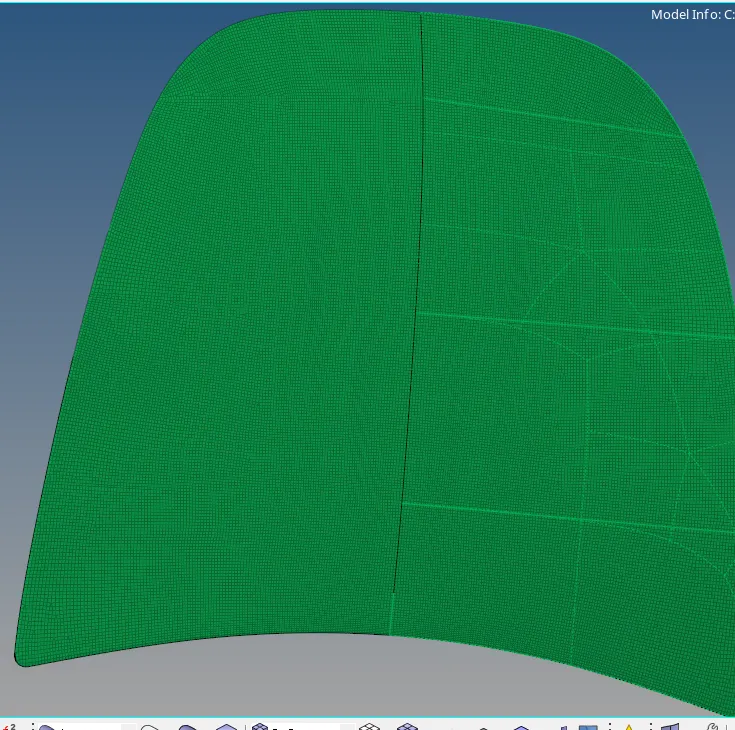
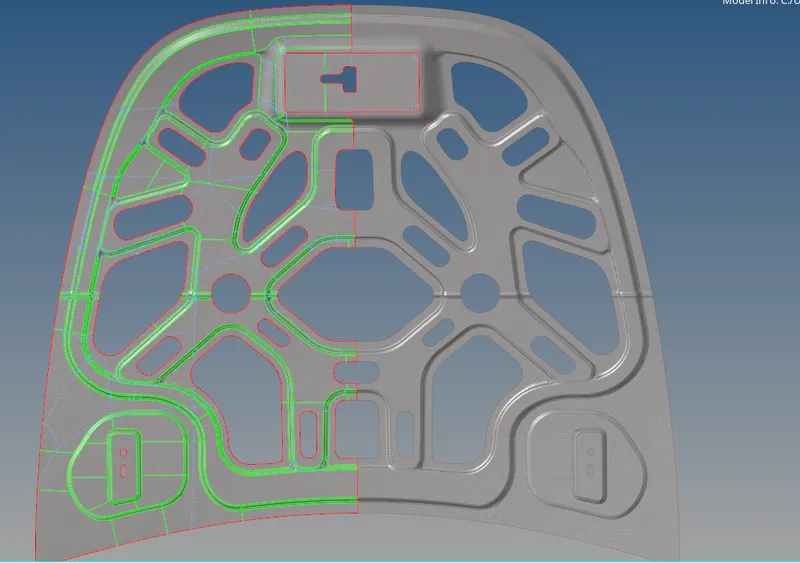
Inner model;
First, make mid surfaces > geometry cleanup >mask>mesh the component>find edges>reflect.
Geometry Tools are used in the whole cleanup of the model are Quick Edit;
- split surf-node: used to split the elements from one node to another node element.
- split surf-line: used to split the node element to the surface line.
- unsplit: remove/delete edges created by splitting a surface between the model.
- filler surf: recreate any, missing surfaces and fill them.
- toggle: toggle the unwanted lines in the model.
- add/remove points: add or remove points for joining the nodes.
- replace point: used to move /retain the point.
Dimensioning; checking the length between the two nodes and which are unwanted lines will be toggled.
Clean up tools;
go to 2D >quality index>cleanup tools.
- place node; used to place a node in the correct manner.
- smooth; used to smooth the plates of the surface elements.
- drag tria element; used to drag the unwanted trias from the element surfaces.
- element optimize; make the elements proper and clear all the irregularities.
- combine trias; we can combine the nearby trias in the mesh.
Edit element;
create the elements and combine the elements in missing surfaces.
split the elements and make proper connectivity between them.
Quality criteria;
Press F10 and check all the elements which are failing the elements in the given criteria.
check elements, if they fail then save the field and return >go to mask(f5), mask the elements and retrieve it and mask the elements and reserve it >unmask adjacent and remesh the elements.
CONCLUSION;
- To perform the mesh on the hood model according to the given quality criteria.
- Formation of mid surfaces to the surfaces and clean up the geometry of the model.
- Mesh the surfaces perfectly by removing unwanted trias and rotating quads of the elements.