Week 8-3D Tetra Meshing Challenge
AIM: To perform 3D tetra mesh on the given models
PROCEDURE:
Model 1(Housing)
Step 1:-
- Import the given model and check for any geometry error
- In this model there are few missing surface like shown in the below image
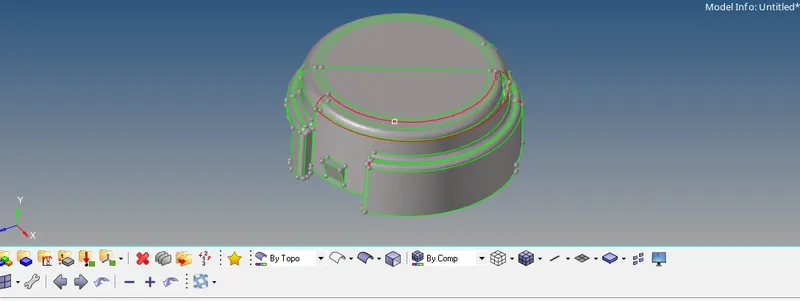
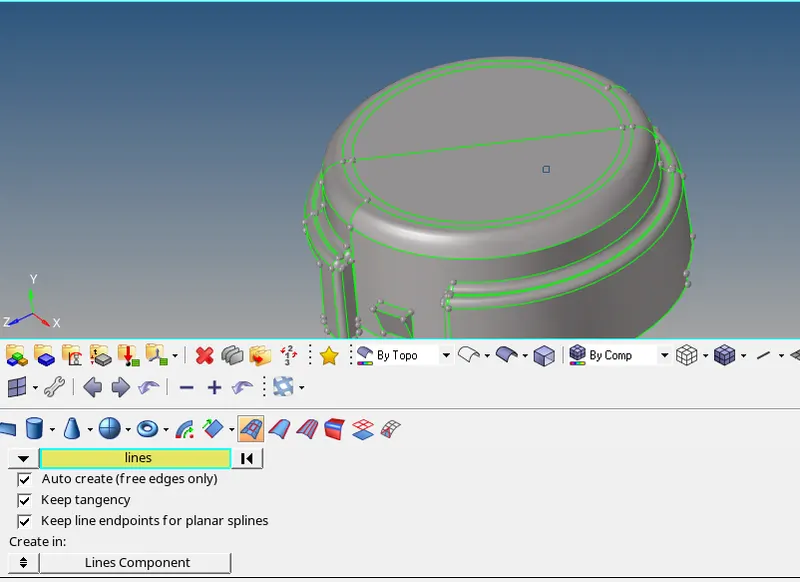
- Fill the surface by Surface option or quick edit> filler surface option, like shown in below image
Step 2:-
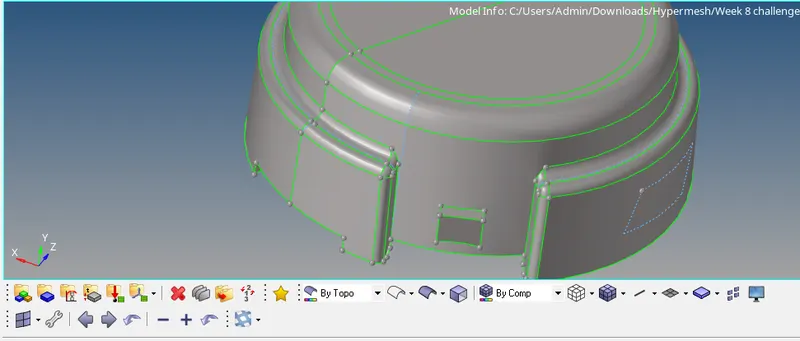
- Next step is to defeature some edges which might fail for minimum length quality criteria, like shown below|
- Initially Mesh the surface using 2D tria elements
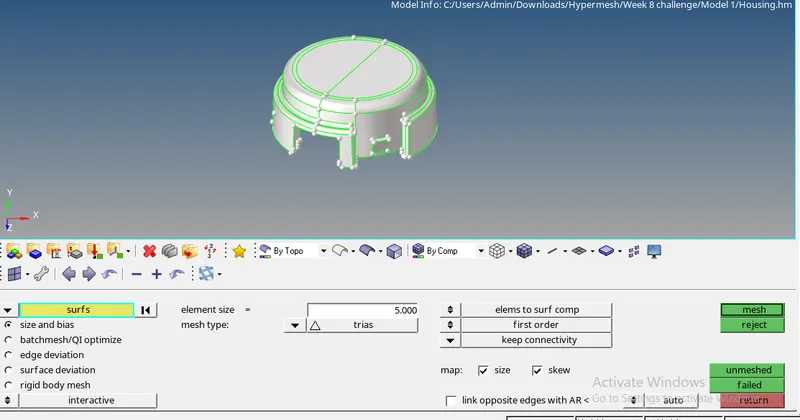
- Check for minimum and maximum element size error from and clear the same
- Below the image shows there no min and max element size error
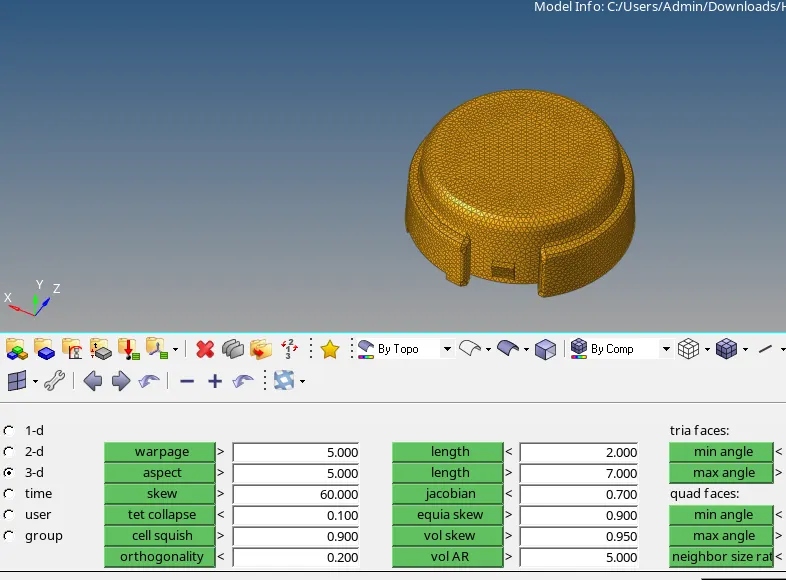
Step 3:-
- Perform 3D tetramesh using the 2D tria elements, 3D>Tetramesh>select all the elements
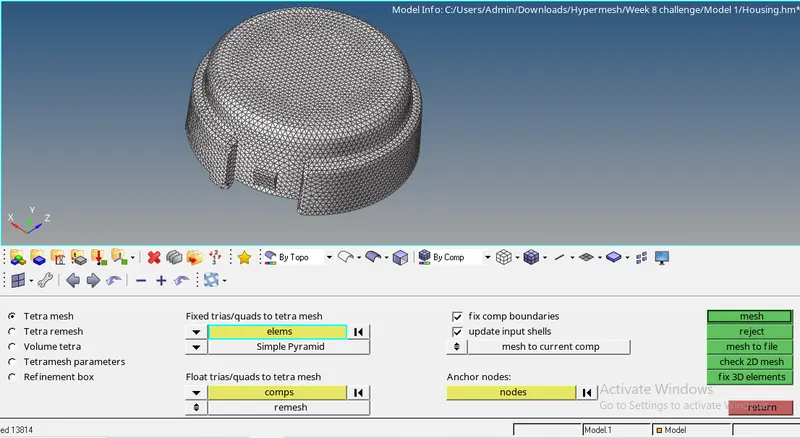
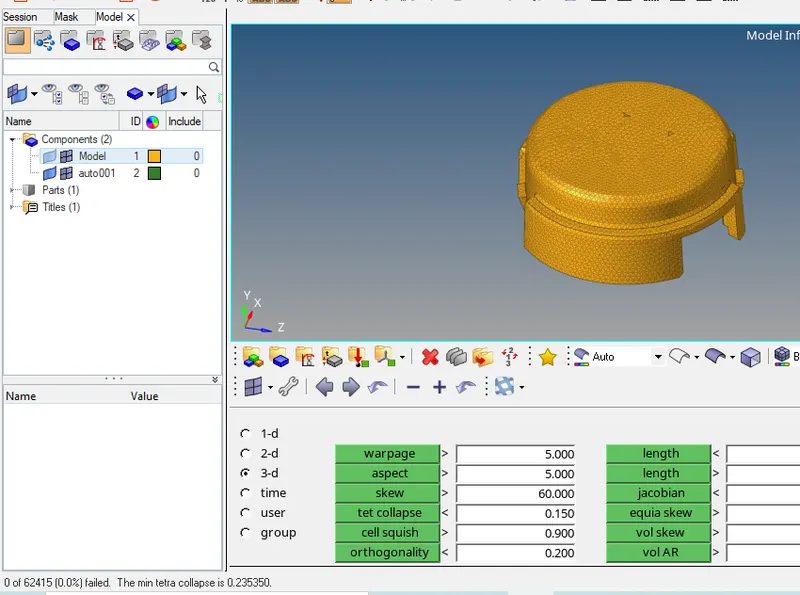
- Check tet collapse for 0.15, in tools>check elements>3d>tet collapse, fix the errors by tetra remesh or manually by moving the nodes
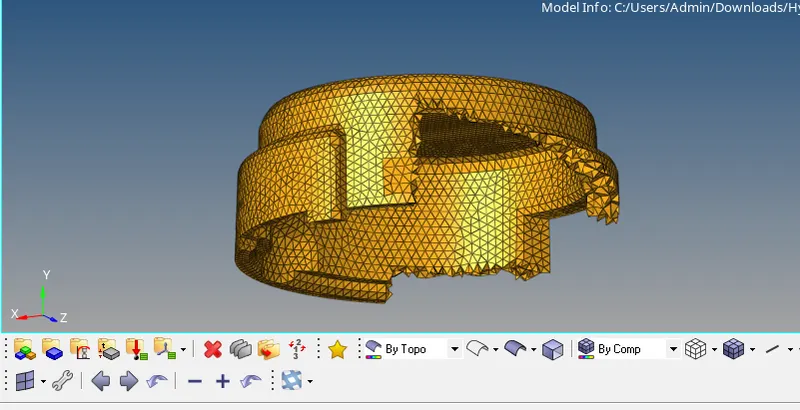
- Below image shows there is no tet collapse error
Model 2:
Step 1:-
- Import the geometry to the software
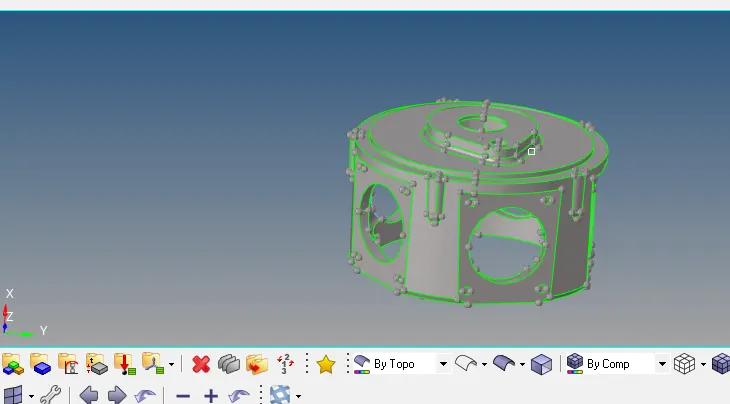
- Look for any geometry error in the cad, this model contains few unstitched edges like shown below
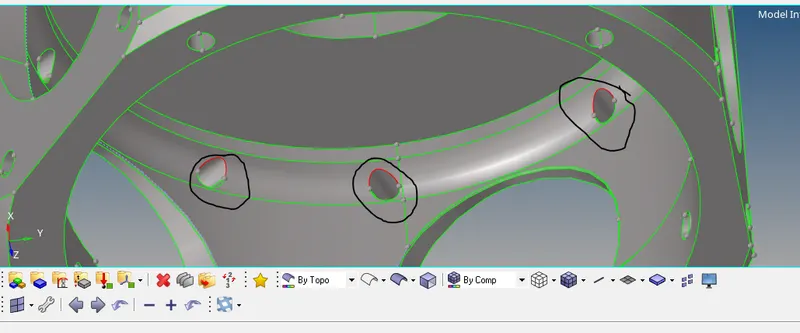
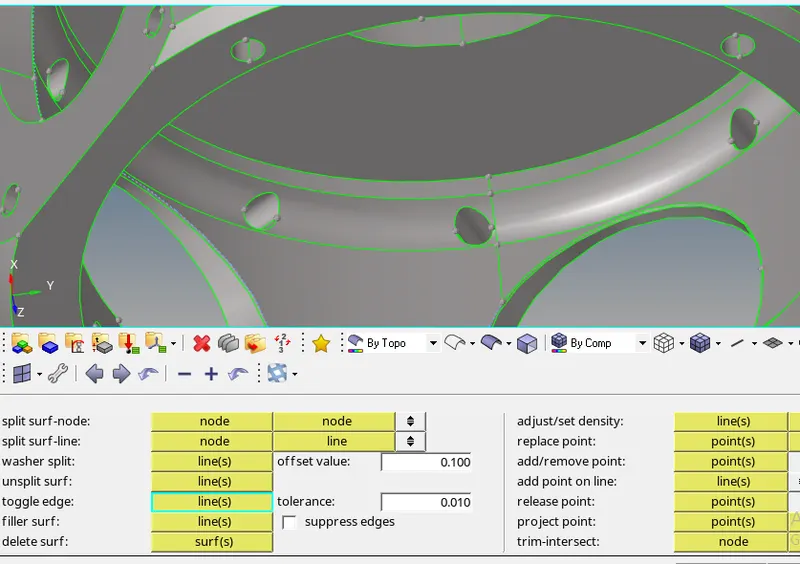
- The above errors will be fixed by toggle edge option, like shown in the image below
Step 2:-
- In this model there is no minimum and maximum element size criteria
- So used the volume tetramesh method to mesh the model
- The given model is surface, so used 3d>tetramesh>volume tetramesh> surface, gave the desired element size and gave tet collapse value in tetramesh parameter
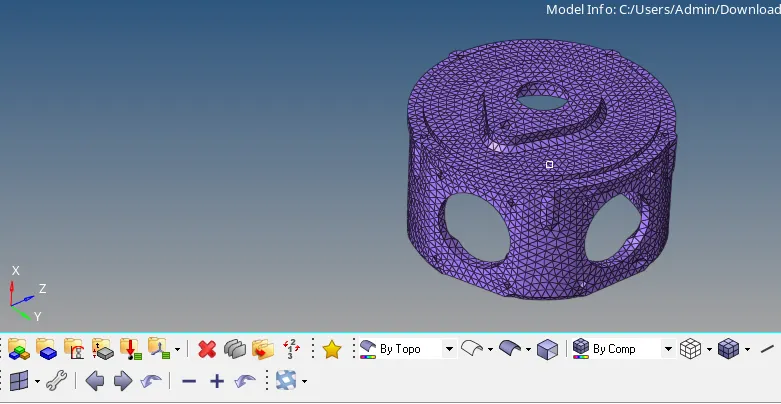
- The given model is meshed and fixed all the tet collapse error
- Below image shows the final result
Model 3:
Steps carried out :-
- Import the model to the software, look for any geometry error
- There are 4 different components in this model, mesh each the component in different methods
- Casing 1 is meshed using volume tetramesh method
- Casing 2 is meshed using quick tetramesh method
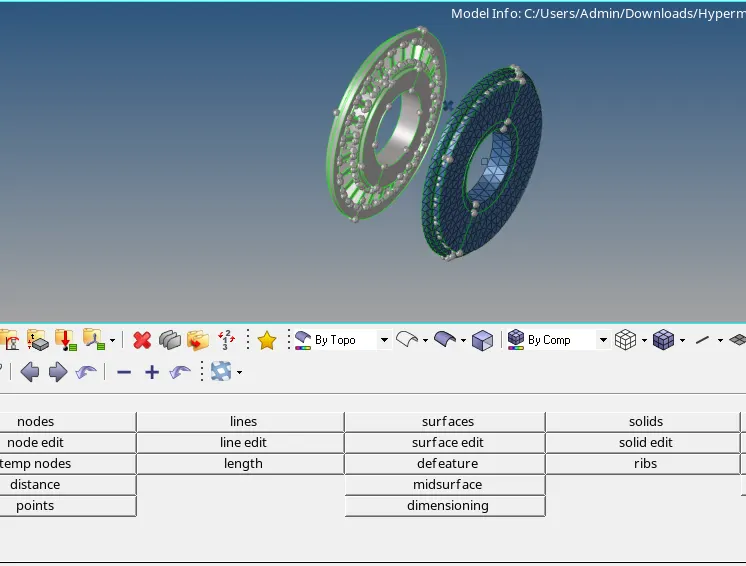
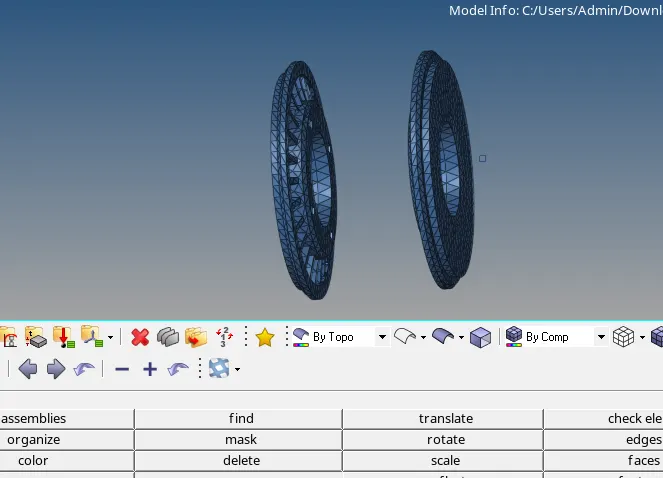
- Central hub is meshed by 2d tria element and convert the same to 3d tetramesh
- Hub will be meshed one side and be reflected to the other side like shown below
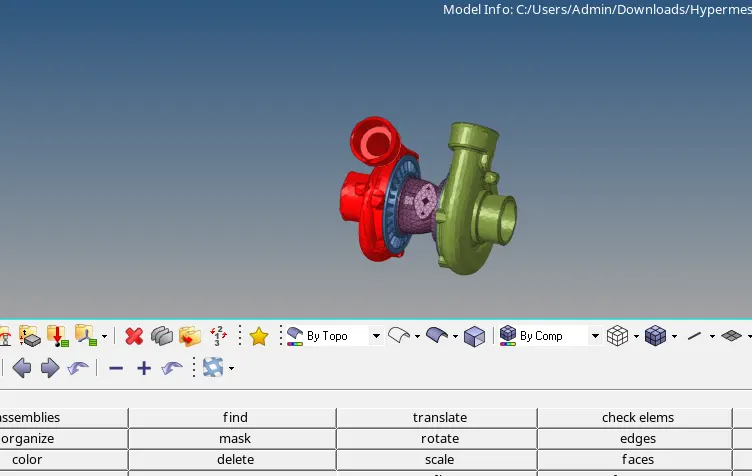
- Check for only tet collapse error in this model and fix the same
- Final output is shown in below image
CONCLUSION:
- Understood the types of 3d mesh used in different scenario
- The given model is meshed using 3d tetra elements