Week 5
AIM: To mesh the given solid component using tetra elements
PROCEDURE:
Step 1:-
- First step is to find how many volumes are given
- In this given model there 4 seperate solids
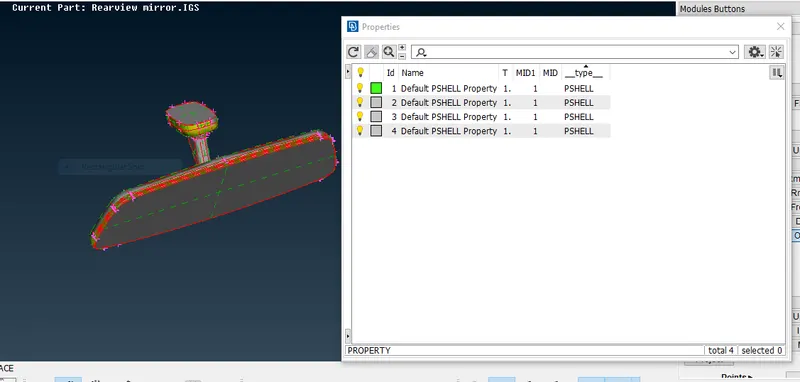
- We should define 4 seperate volumes
- Right click on one property isolate it by show only option, work on each solid seperately
Step 2:-
- First cleanup the geometry by TOPO
- Check for geometry errors
note: Make sure there are no single cons for solid meshing
- fix the geometry errors
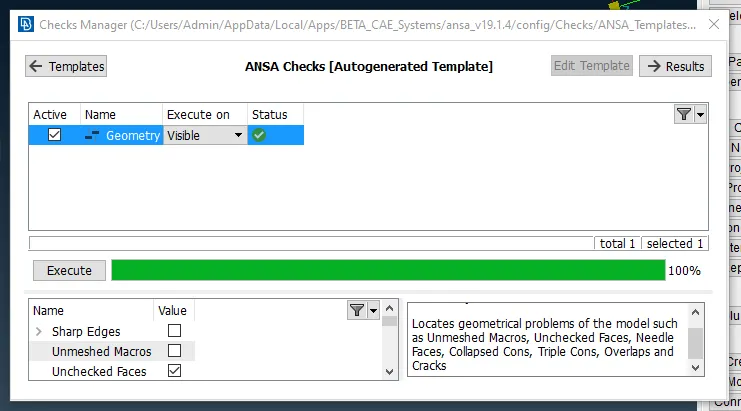
Step 3:-
- Next step is to perform surface mesh.
- Before meshing assign the mentioned quality criteria values, such as minimum, maximum and target length.
- Perform spot mesh by keeping element type as ortho tria for curved regions like fillets,
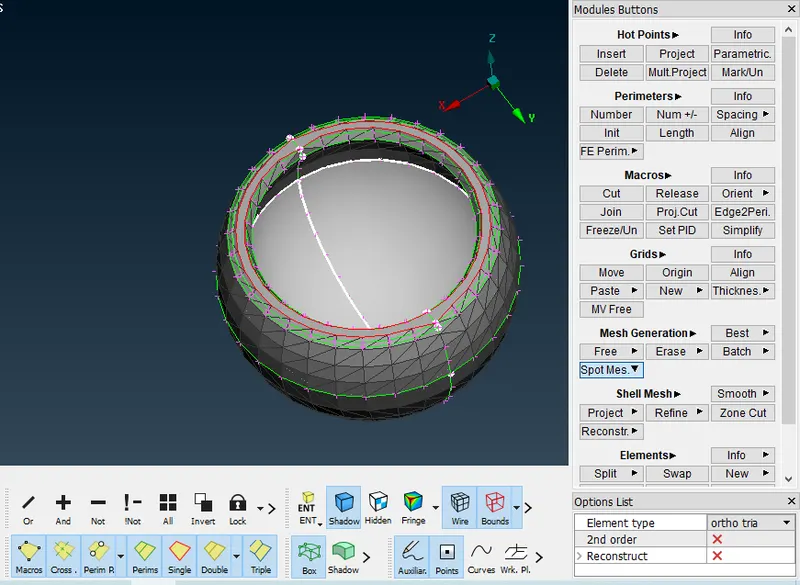
- Spot mesh the flat regions by keeping the element type as tria
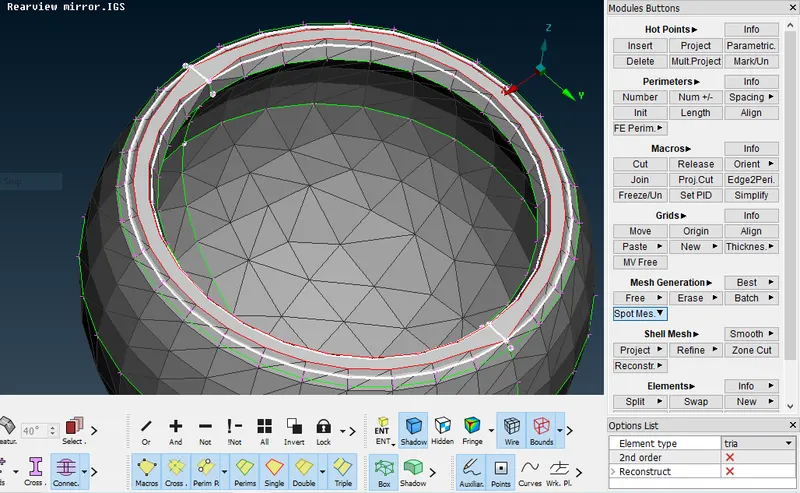
- After performing the surface mesh, make sure there is no OFF elements
Step 4:-
- Next step is to perform solid mesh
- Assign tet collapse quality criteria in solids tab.
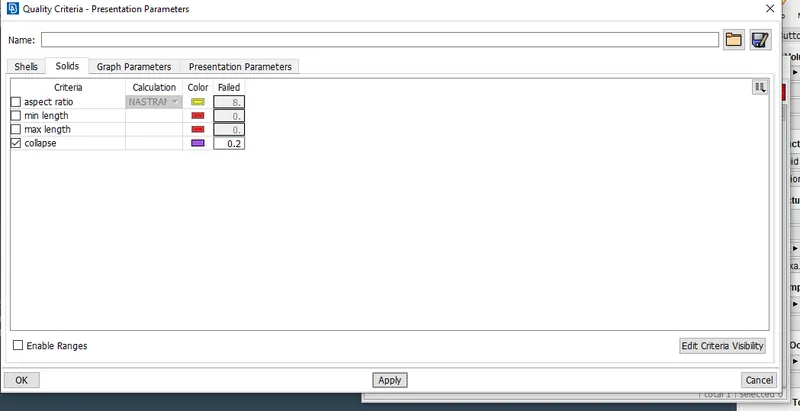
- Volume will not be defined initally, define the volume
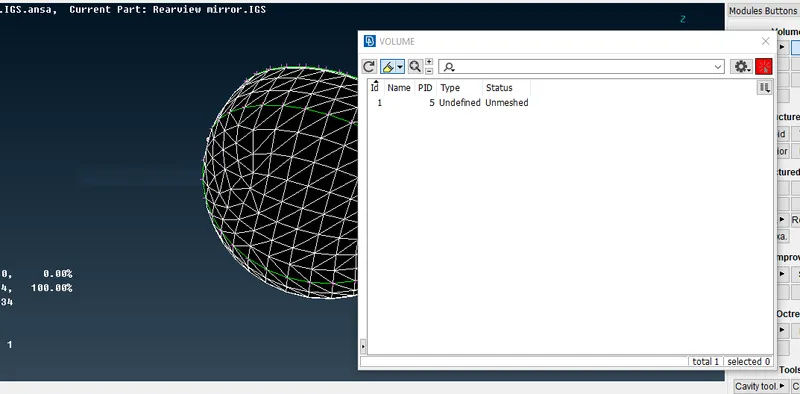
- Now the status should be defined by either tetra fem or tetra rapid method
- Make sure tet collapse error is zero
- Use fix quality option for auto fix the collapse error
- If collapse error is occuring on surface do not use fix quality it might form Raise and kinks.
- Instead use Mv Free option and fix the error.
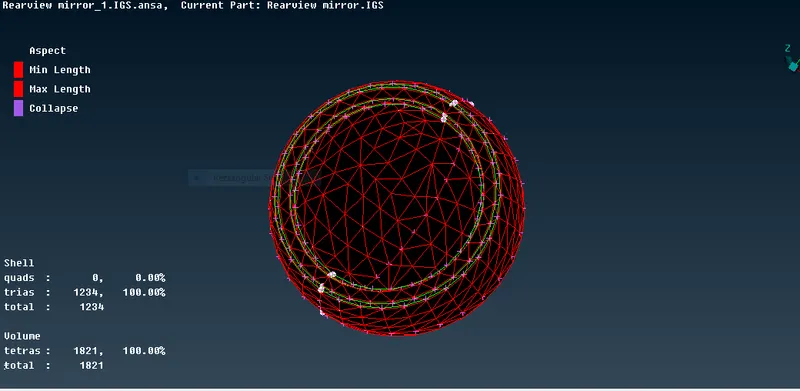
Step 5:-
- Repeat the same steps for each and every solids
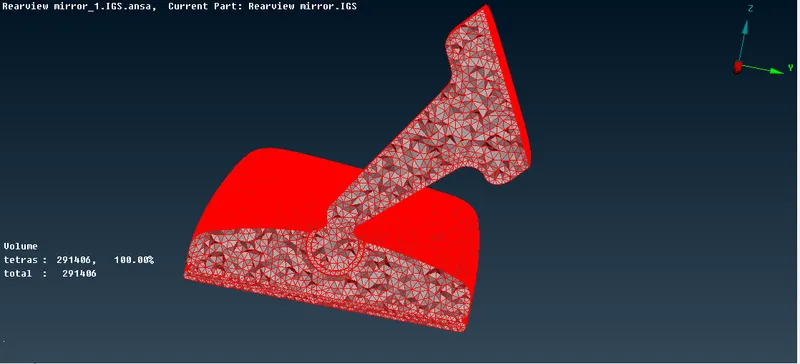
- Cross section views of all the solids are shown below
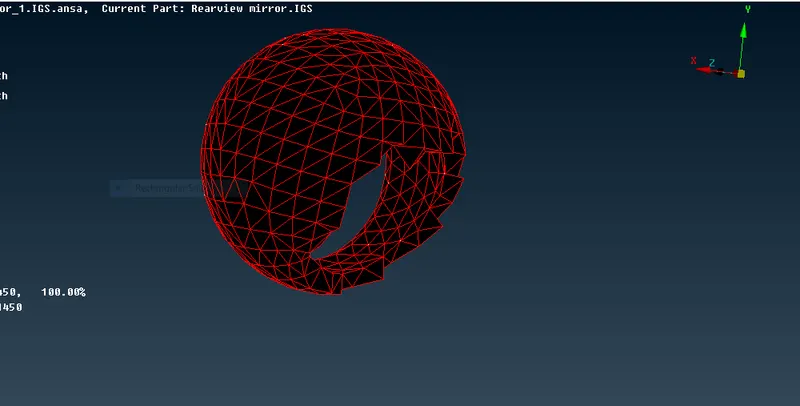
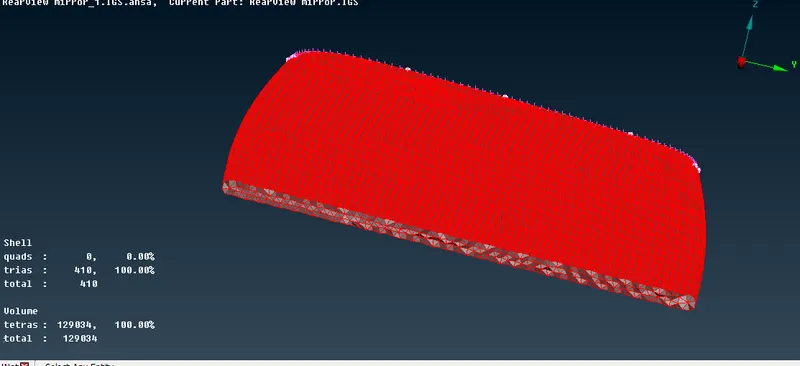
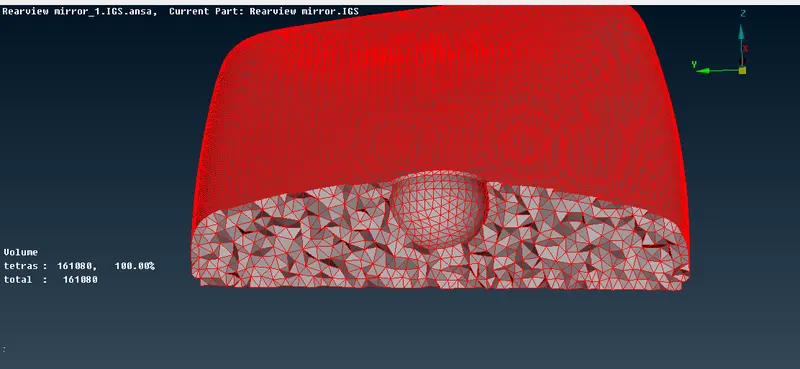
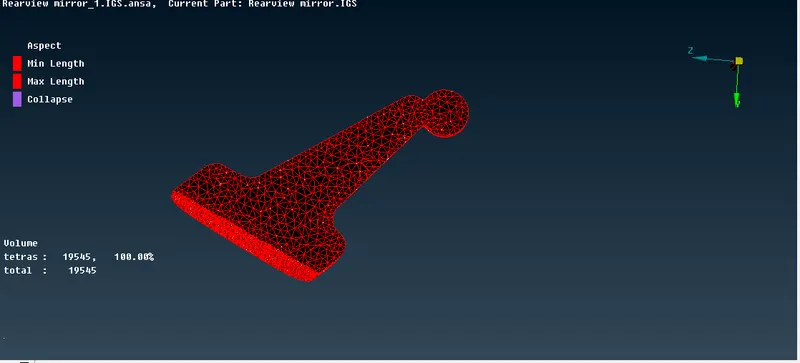
- Final result
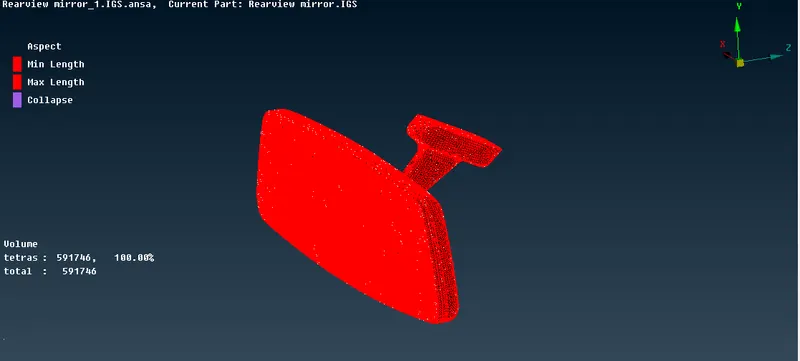
- Final cross section view
LEARNING OUTCOMES:
- Understood how to define the volumes for different solids
- Understood topics of unstructured ans structured mesh
COCLUSION:
- Surface and solid mesh is done for the given component without any OFF elements.