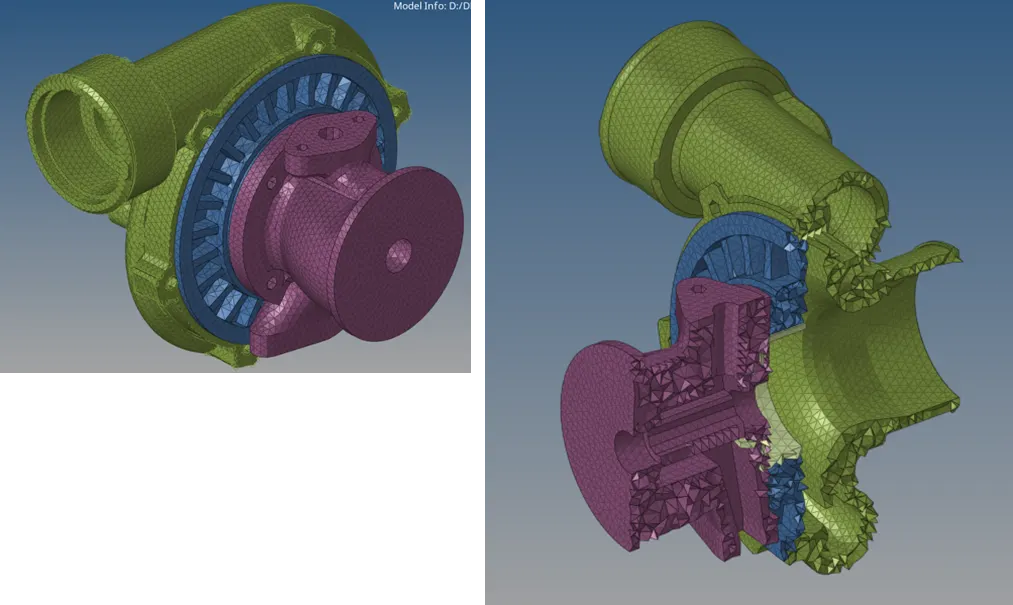
Week 8-3D Tetra Meshing Challenge
Aim: To create 3d mesh of the given models.
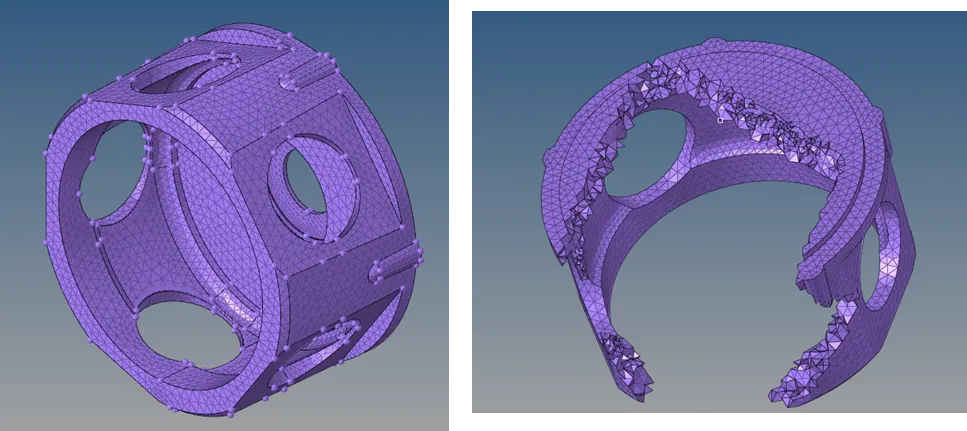
Model 1:
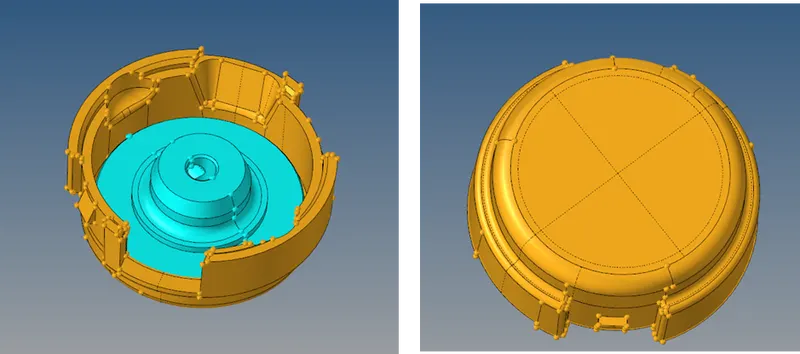
Procedure:
- Import the model or geometry
- Perform geometry and topology clean-up
- Set meshing parameters
- Perform mesh on the surface with trias using 2D > automesh
- Tria element should be used for plane surfaces and R-tria element should be used for curved surfaces
- Create 3D mesh with the help of the surface mesh using 3D > tetramesh
- Check for tet collapse and repair the failed elements one by one
Result:
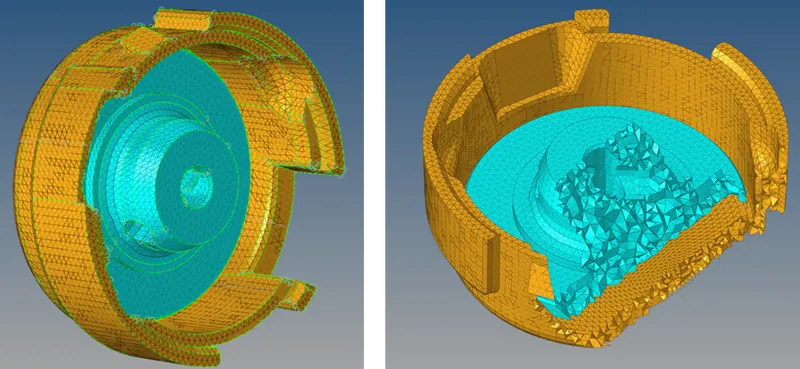
Model 2:
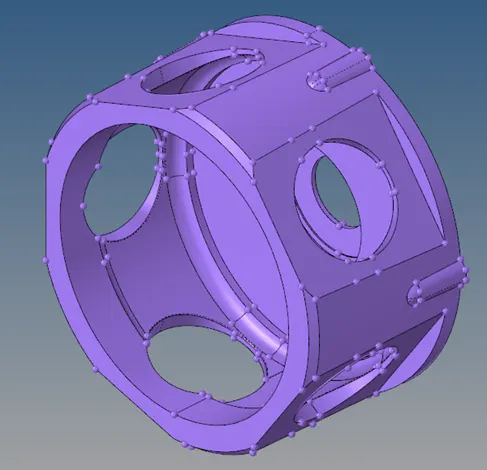
Procedure:
- Import the model
- Perform geometry and topology clean-up
- Use 3D > tetramesh > Volume tetra to select the surfaces or solids and mesh it with proper parameters.
- Check for tet collapse
- Fix every failed element one by one
Result:
Model 3:
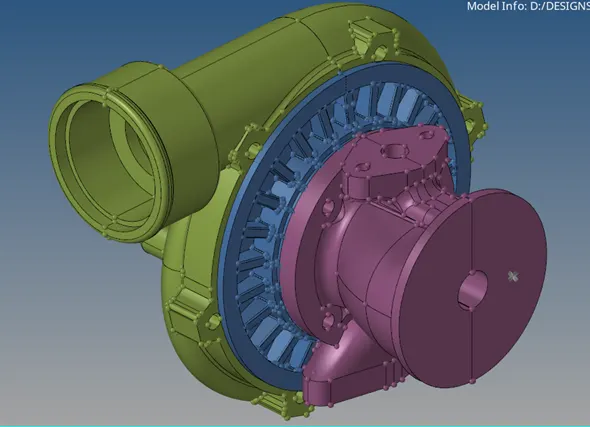
Procedure:
- Import the model
- Perform geometry and topology clean-up
- Use 3D > tetramesh > Volume tetra to select the surfaces or solids and mesh it with proper parameters.
- Check for tet collapse
- Fix every failed element one by one
Result: