Week 8-3D Tetra Meshing Challenge
Objective:-
- Create a Teramesh for Housing component with the following quality criteria.
TetraMesh Generation Method: 2D to 3D Conversion
Elements sizes: Min- 2 Units, Target- 5 Units, Max- 7 Units
Tet collapse: 0.15
- For the given model, Create a 3D Tetramesh with the following quality criteria.
TetraMesh Generation Method: Quick Tetra Mesh/ Volume Tetra Mesh
Target Element size: 3 Units.
Tet Collapse: 0.15
- For the given assembly model, Create a 3D Tetramesh with the following quality criteria.
TetraMesh Generation Method: Quick Tetra Mesh/ Volume Tetra Mesh
Target Element size: 4 Units.
Tet Collapse: 0.15
Procedure:-
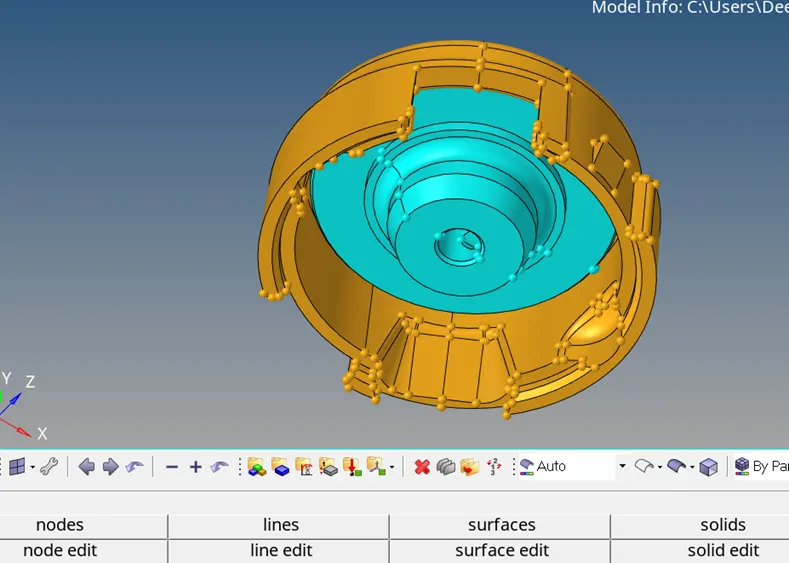
- Import the stp housing model as shown above.
- Check the geometry of the component and delete free edges from the model.
- Take the components individually and create the 2-D mesh over the surface.
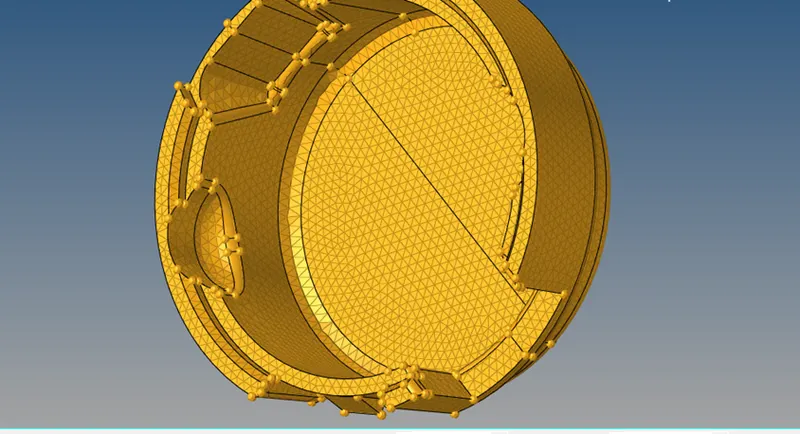
- Check the quality criteria and fix the elements whic are failing for the quality.
- Now switch to 3-D <tetra mesh change components to elements, select the elemts,displayed and press mesh.
- Check for the 3-D mesh and mask the elements and check for the meshing. As shown.
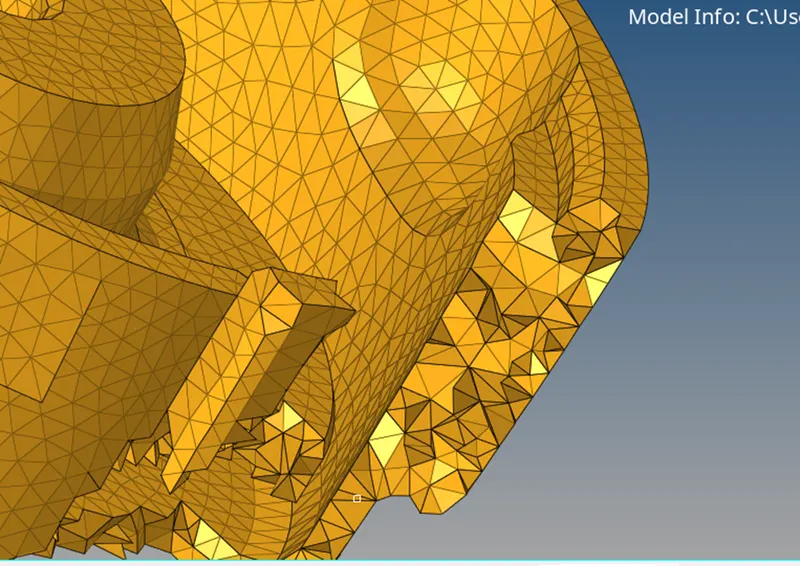
- Check for Tet-Collapse, and save failed.
- Move to mask, change to elements, select retreive, and mask the failed components.
- Now "reverse" the masked components and fixe the collapsed elements.
- After fixing the elements, save the model.