Week 8-3D Tetra Meshing Challenge
Aim- To Create a Teramesh for given models with the respective quality criteria given.
Objectives-
- Perform a proper geometric clean up on the surfaces.
- To Create a 3D Tetramesh with the respective quality criteria given.
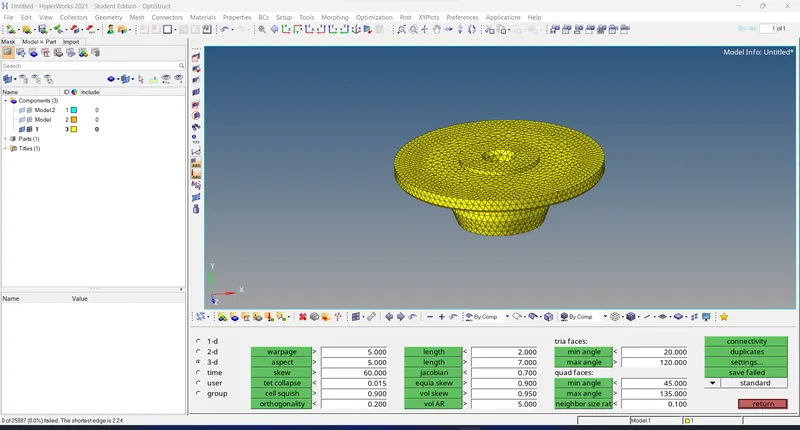
Model 1.
- Import the given geometry file in the Hyperworks.
- Press the 'F' key to fit the model in the window.
- Observe the geometry closely one can find out the component is symmetric and toggle the edge or line which is below the minimum element size.
- In this model, TetraMesh Generation Method given is a 2D to 3D Conversion so we need to mesh the component with a 2D mesh initially.
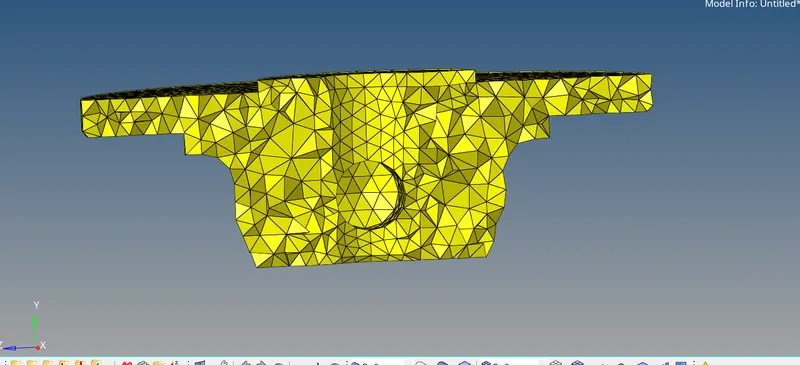
- After the completion of the 2D mesh next step is to convert it to the 3D mesh by selecting the elements selection tool in the tetra mesh panel.

- Now, check the meshed component for Tet collapse by pressing F10>3D>Tet collapse.
- If any element got failed then try to overcome using the translate option.
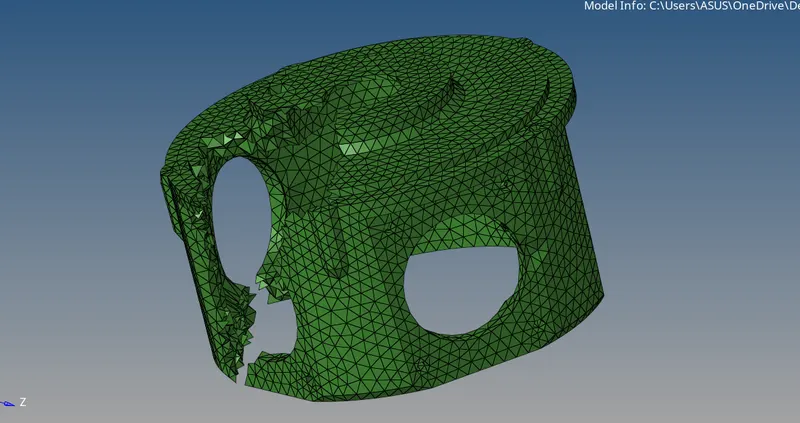
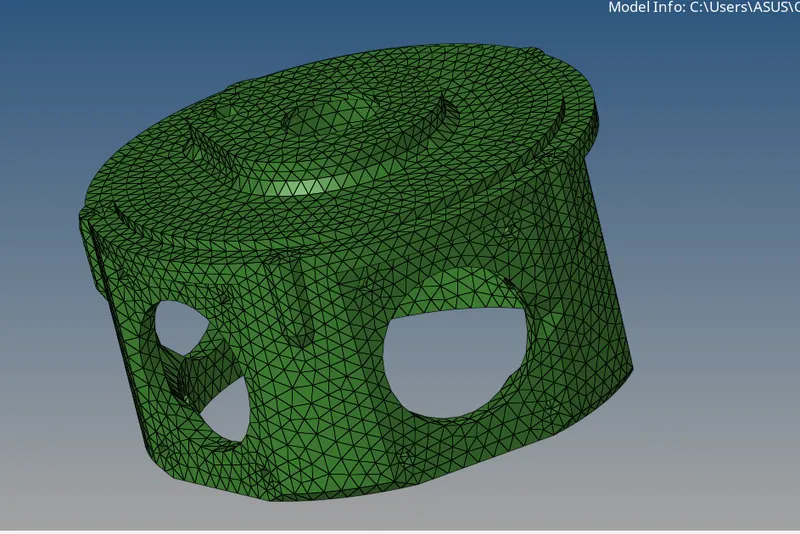
Model 2.
- Import the given geometry file in the Hyperworks.
- Press the 'F' key to fit the model in the window.
- Observe the geometry closely one can find out the component is symmetric and toggle the edge or line which is below the minimum element size.
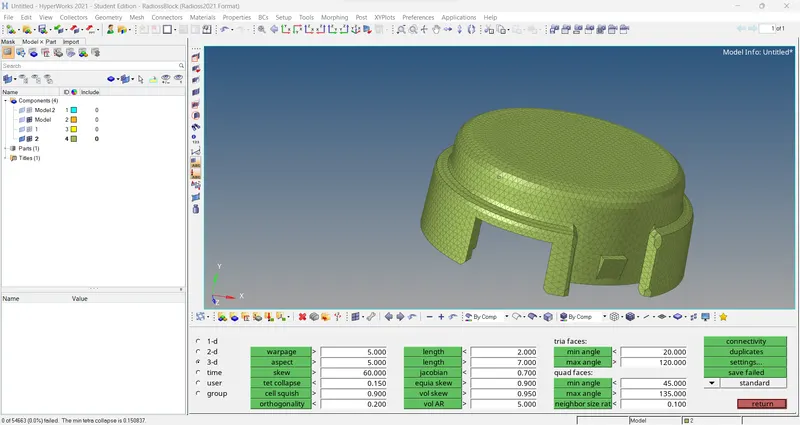
- In this model, TetraMesh Generation Method given is a Quick Tetra Mesh/ Volume Tetra Mesh.
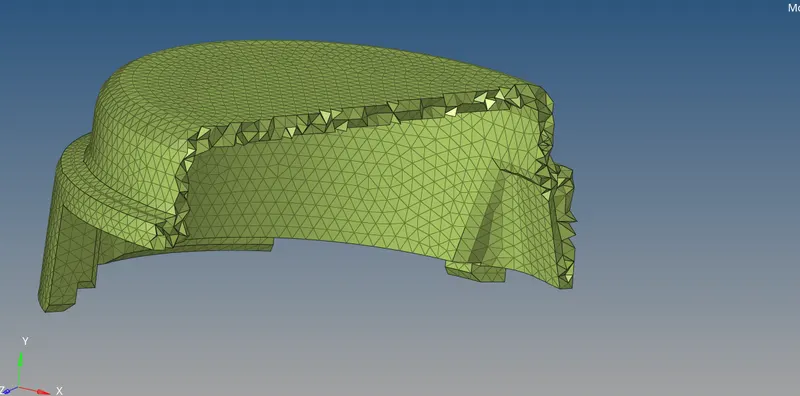
- After the completion of the 2D mesh next step is to convert it to the 3D mesh by selecting the elements selection tool in the tetra mesh panel.
- Now, check the meshed component for Tet collapse by pressing F10>3D>Tet collapse.
- If any element got failed then try to overcome using the translate option.
Model 3.
- Import the given geometry file in the Hyperworks.
- Press the 'F' key to fit the model in the window.
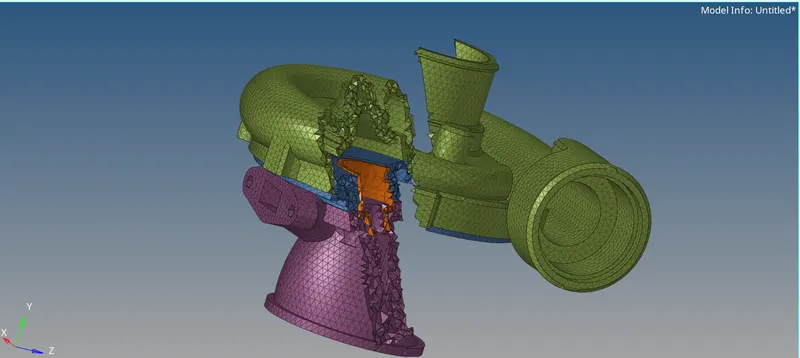
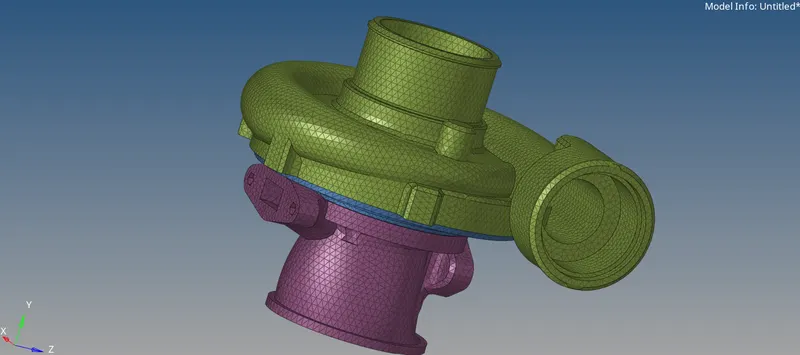
- We can find 5 components in the window. now one by one try to mesh the component as per the given method i.e Quick Tetra Mesh/ Volume Tetra Mesh.
- Observe the geometry closely one can find out the component is symmetric and toggle the edge or line which is below the minimum element size.
- In this model, TetraMesh Generation Method given is a Quick Tetra Mesh/ Volume Tetra Mesh so we need to mesh the component with a 2D mesh initially.
- After the completion of the 2D mesh next step is to convert it to the 3D mesh by selecting the elements selection tool in the tetra mesh panel.
Conclusions-
- Performed a proper geometric clean up on the surfaces.
- Created a 3D Tetramesh with the respective quality criteria given.