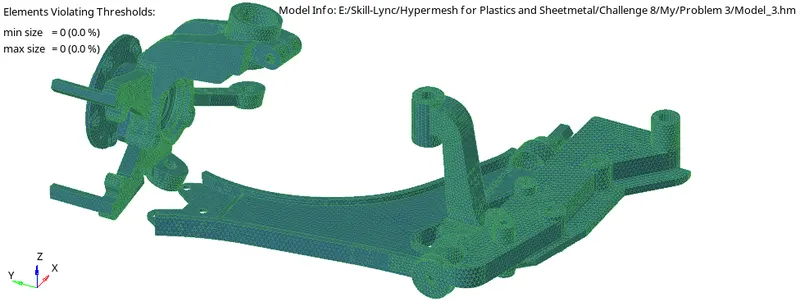
Week 8-3D Tetra Meshing Challenge
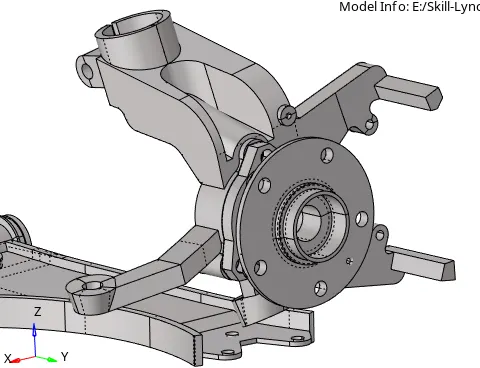
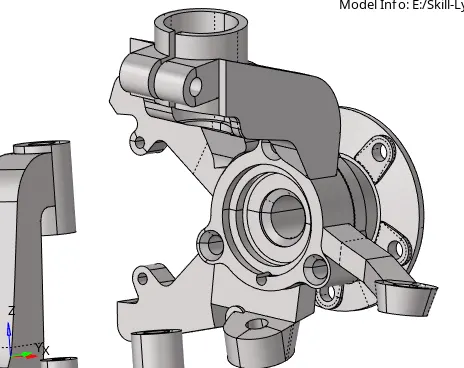
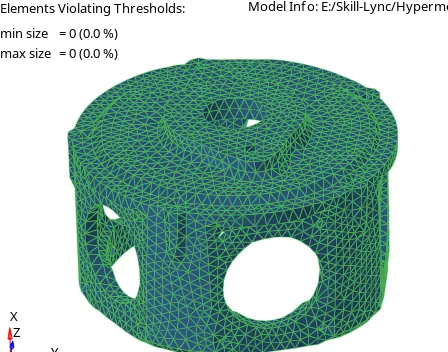
Objective: Create Tetramesh for Housing component with the mesh quality criteria.
Solution: Tetramesh and Hexamesh are representing the 3D mesh.
Create the tetramesh for the given three components with mesh quality. Mesh qualities are listed below:
Model: 1 = Housing Model
Elements Size: Min Element= 2 Units, Target Element = 5 Units, Max Elements = 7 Units
Tet Collapse: 0.15
Procedure:
1. Import the geometry.
2. Cleanup the geometry. Find and remove duplicate surfaces and toggle unnecessary edges.
3. There are many ways to perform the tetra mesh but mainly two methods are popular. a). Perform 2D mesh-Tria mesh and then after perform Tetra mesh which are dependent on the tria mesh. b). If there is solid objects and contains volume that time we can perform "Volume Tetra" mesh. This type of mesh is not dependent on tria mesh.
4. If we go with 2D to 3D mesh that time we have to delete solid parts from the geometry. Then perform the quick edit commands like toggle edges, untoggle edges, surface split, Add/Remove points, Replace point, unsplit surf etc. on the geometry.
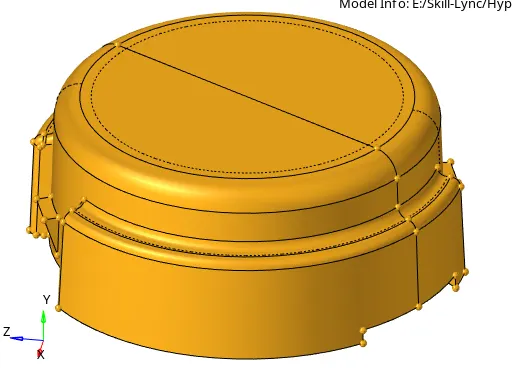
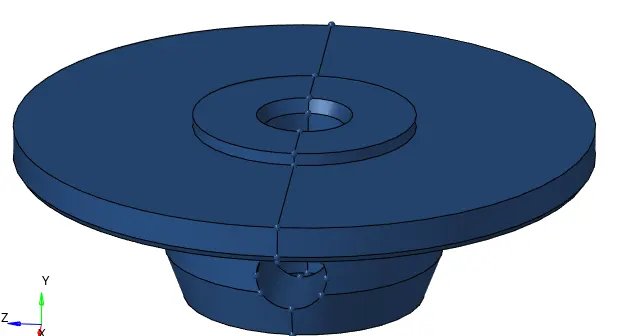
5. Open 2D mesh panel and perform tria mesh. Set the target element as a 5 units and select each and every surfaces for the meshing.
6. Check the elements if they are satisfied the meshing criteria or not.
7. If some elements are failing then we have to go in the quality index tab. Set the parameters of the meshing criteria and try to overcome the failing percentage.
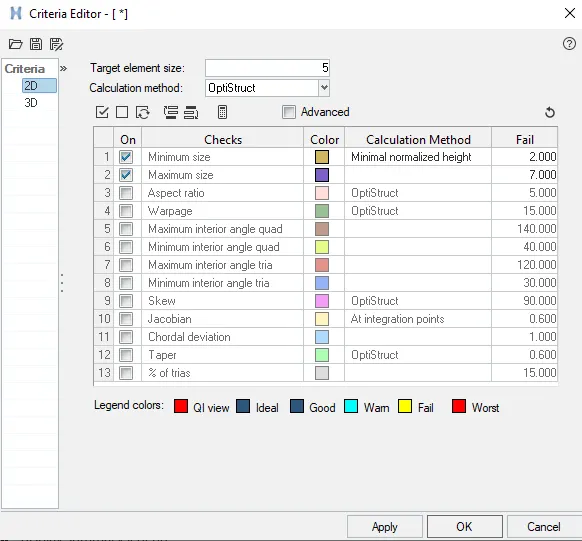
8. After satisfied the 2D criteria perform the 3D mesh.
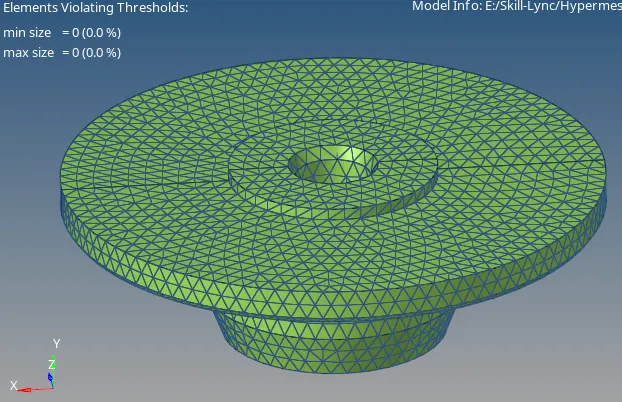
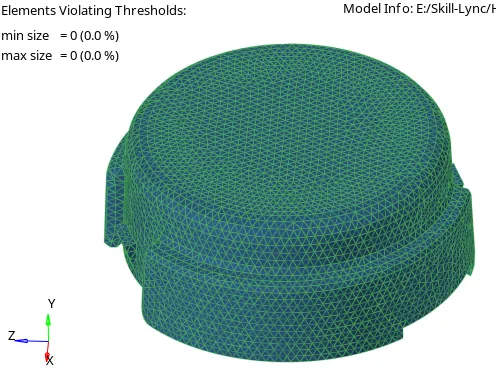
9. Go to 3D mesh panel. Set the tetra mesh parameter.

10. Select the tetra mesh and instead of comps select elems which are displayed and click on mesh.

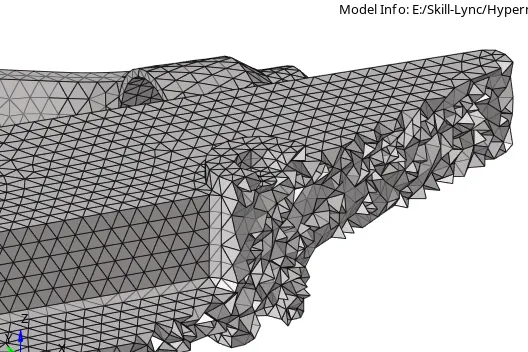
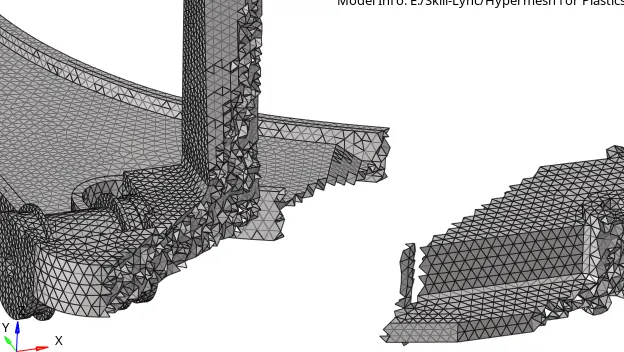
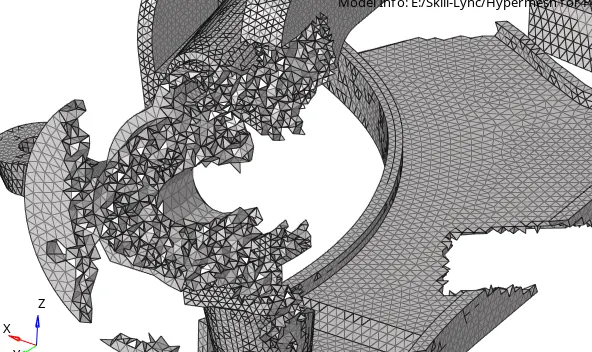
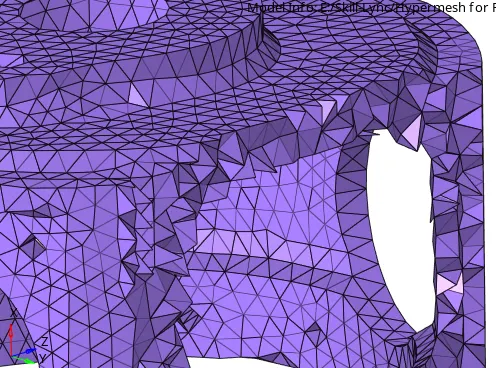
11. Check the meshing quality. If there are any failing elements then remesh it using save failed and retrived.
12. Mask the some of the elements and check the 3D mesh is done or not. If satisfied then unmask all elements.
13. Check the mesh connectivity and check the free edges. If free edge is exist then stich it. Save the model.
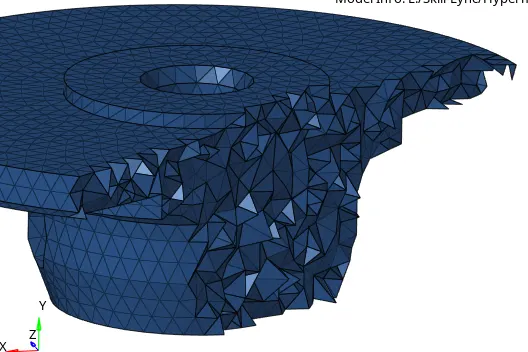
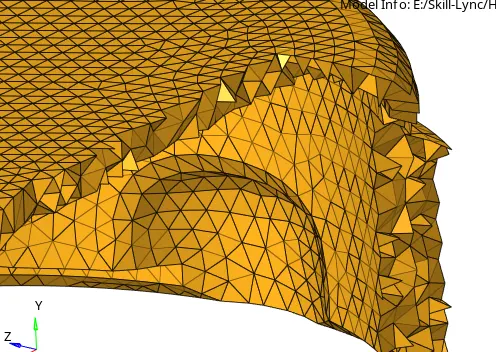
14. Follow these above steps for rest of the models.
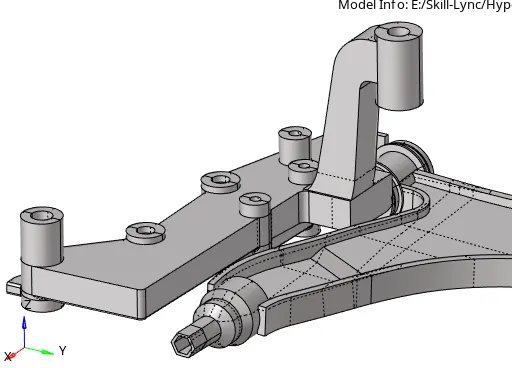
Model 2:
Elements Size: Min Element= 2 Units, Target Element = 3 Units, Max Elements = 7 Units
Tet Collapse: 0.15
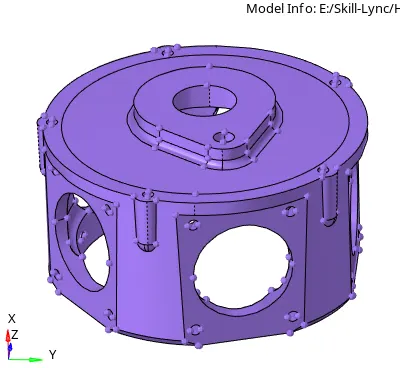
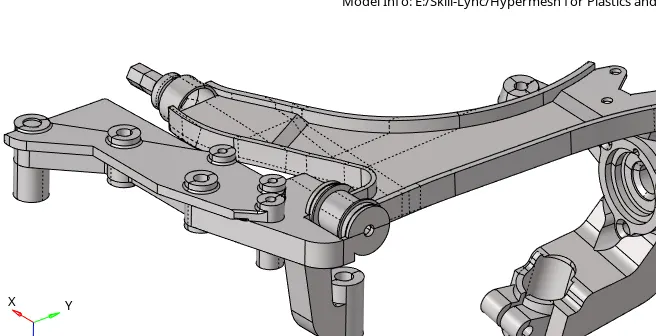
Model 3
Elements Size: Min Element= 2 Units, Target Element = 6 Units, Max Elements = 7 Units
Tet Collapse: 0.15