Week 8-3D Tetra Meshing Challenge
Objectives:-
1. We have to create 3D tetra mesh using 2d to 3d conversion method keeping tet collapse value as 0.15 and target size as 5.
2. We have to create 3D tetra mesh using volume method keeping element target size as 3 and tet collapse as 0.15.
3. We have to create 3D tetra mesh using quick tetra mesh keeping tet collapse as 0.15 and target size as 4.
Procedure:-
1. First we have to insert the first model i.e. Housing model.
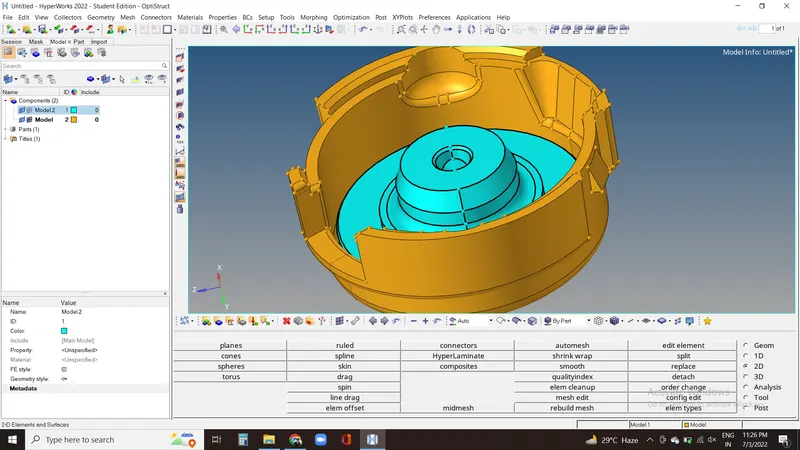
Here we have two component which we have to work on one by one. First on this part we did geometry clean up and did 2d automesh keeping element type as trias.
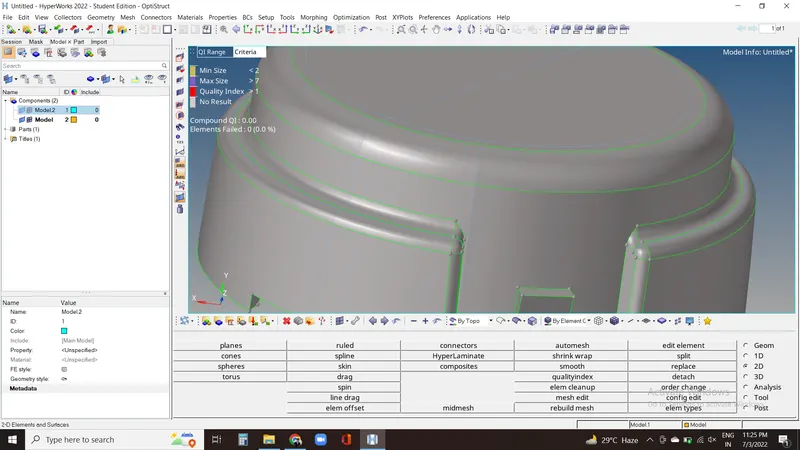
After getting 2d mesh, we have to go for 3d then tetramesh and select meshed elements and hit for mesh.
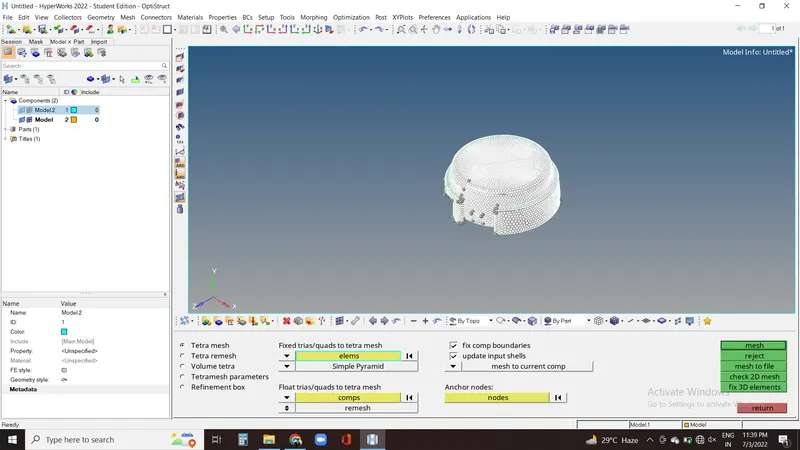
We'll get 3d mesh and then we have to check for tet collapse which is zero. So now we can proceed.
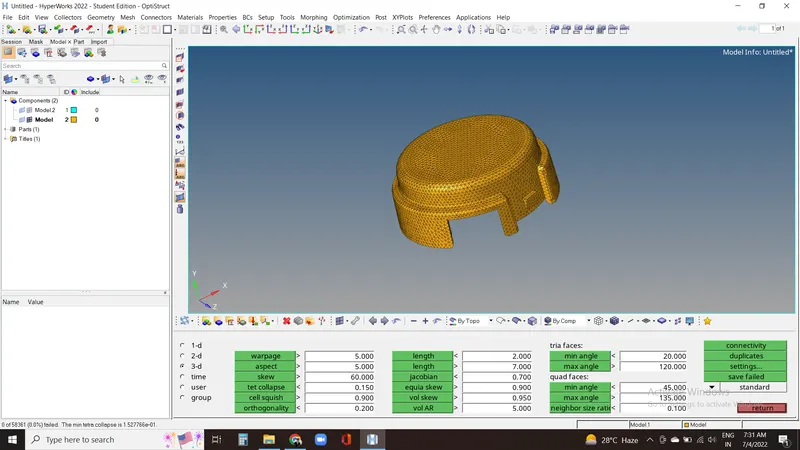
Now for inner part we have solid body which we need to delete and perform 2d mesh on it.
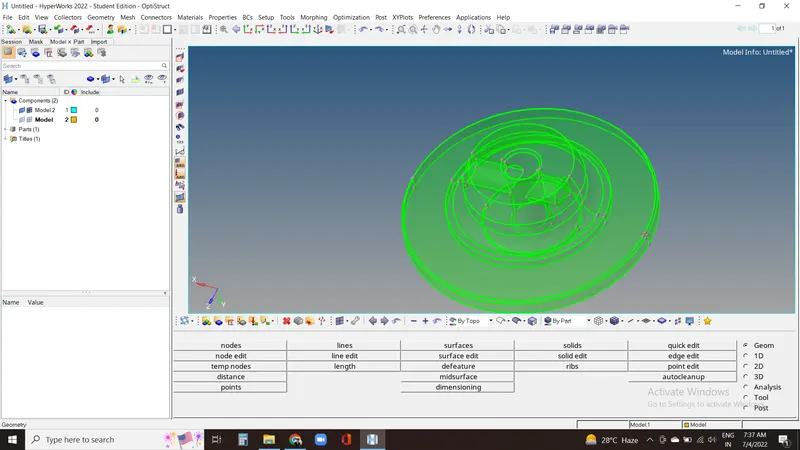
Now by keeping element size as 5 we can proceed for mesh.
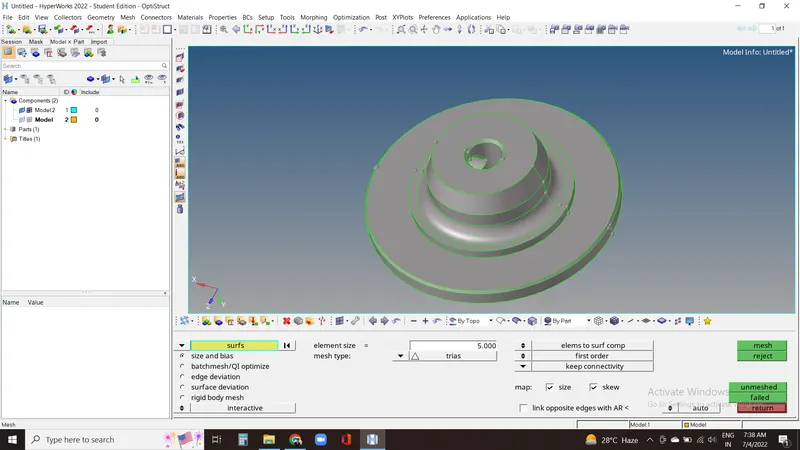
After getting 2d mesh, go to 3d, then tetramesh, here we have to select meshed elements and go for mesh.
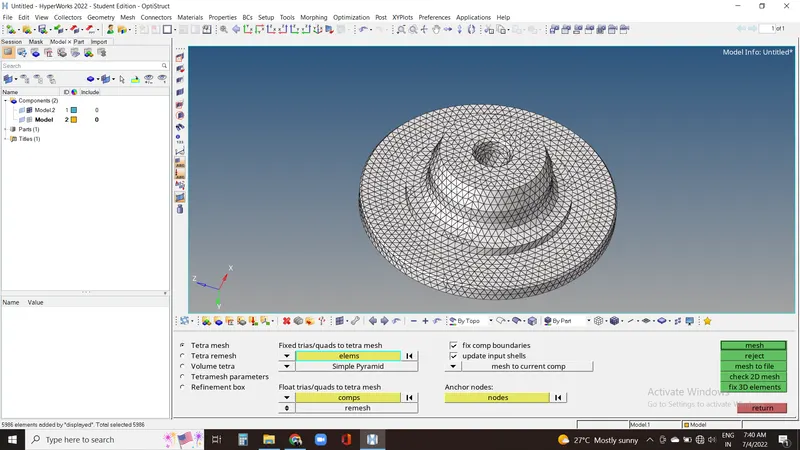
After getting both the tetra mesh we checked for tet collapse which is again zero for this model so this model is OK.
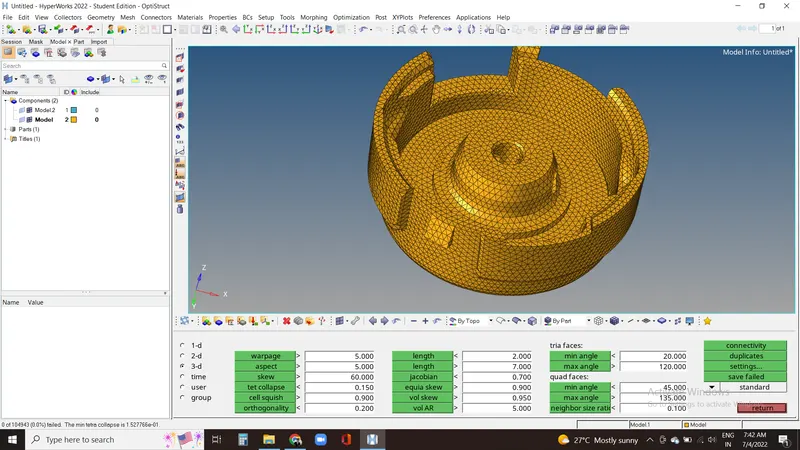
2. For this model, first we inserted using import then iges file.
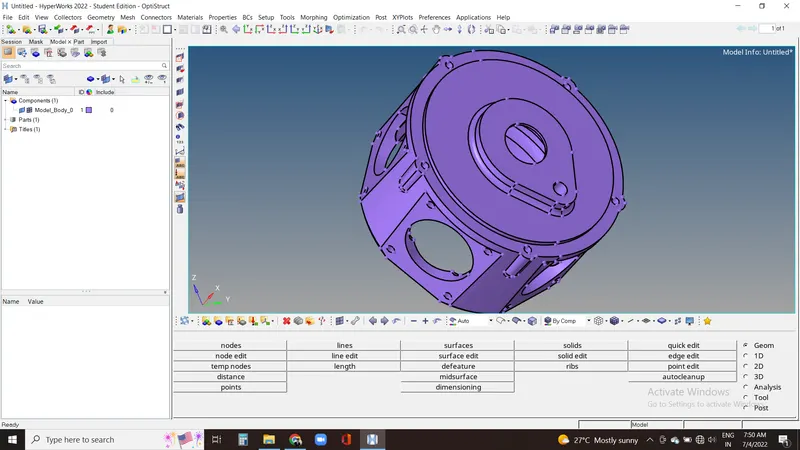
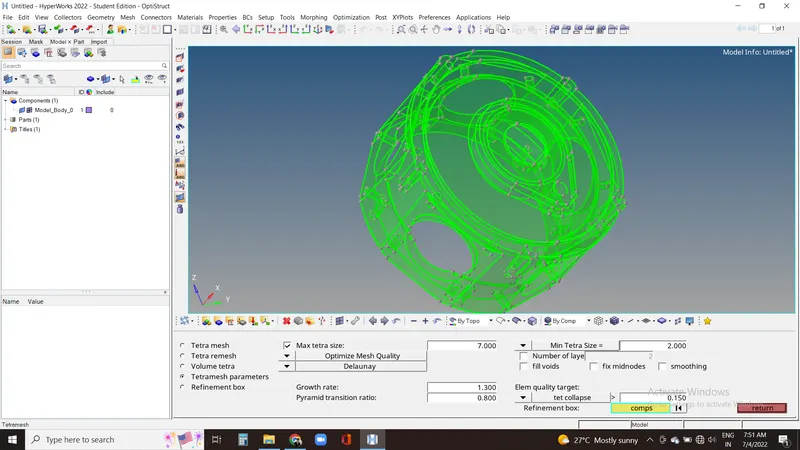
Here it is solid body and for volume tetra mesh we need solid body. Now we have to set tet collapse value in tetramesh parameter as 0.15 and proceed for mesh.
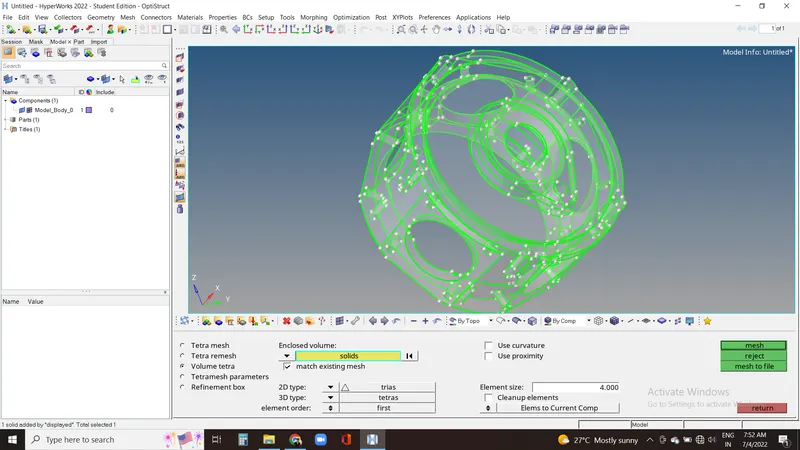
Now in volume tetramesh we have select required element size and select solid body and hit mesh.
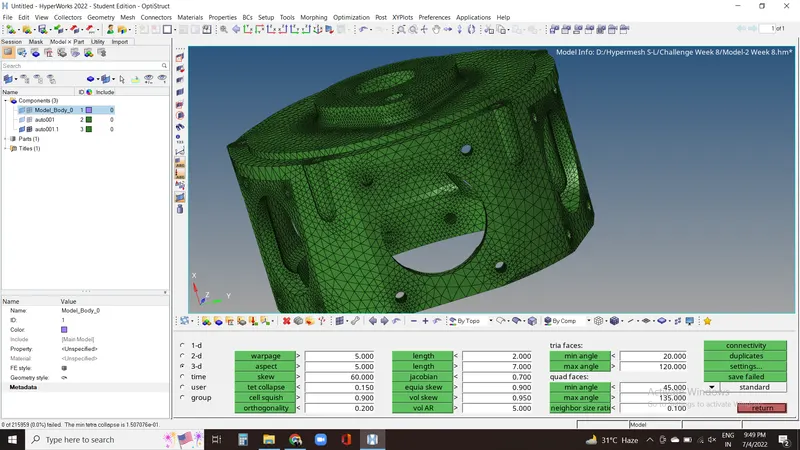
After getting mesh we can check for tet collapse value which is zero so this model is passed.
3. Now for this model we have to importthe geometry and check for the elements.
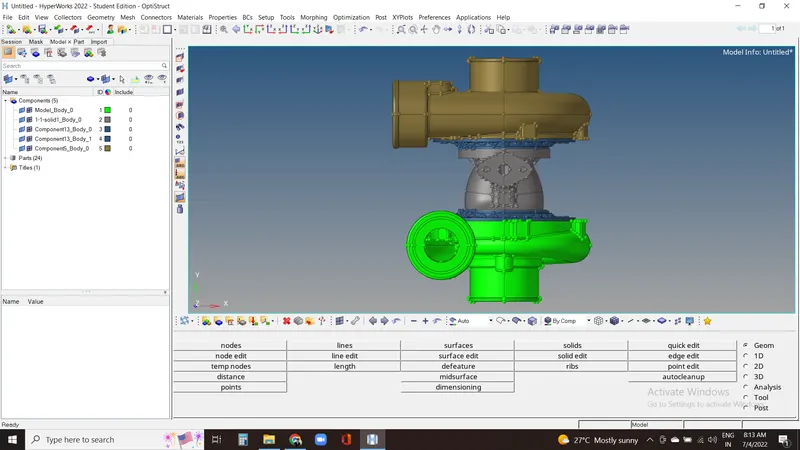
For this method we have delete all the solid present on the model.
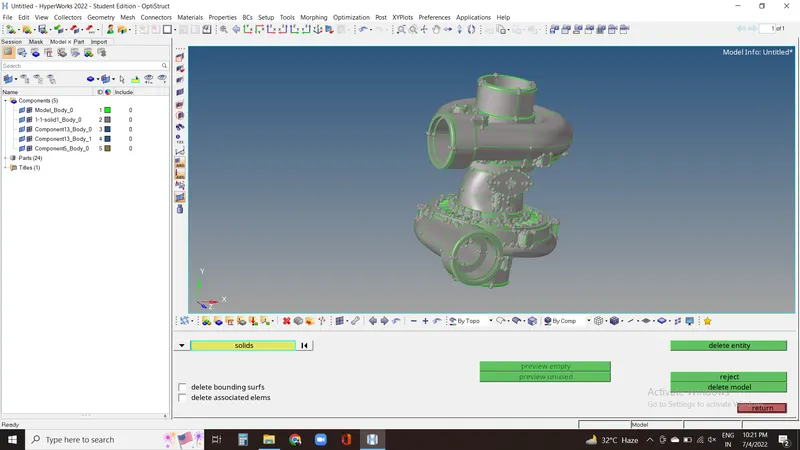
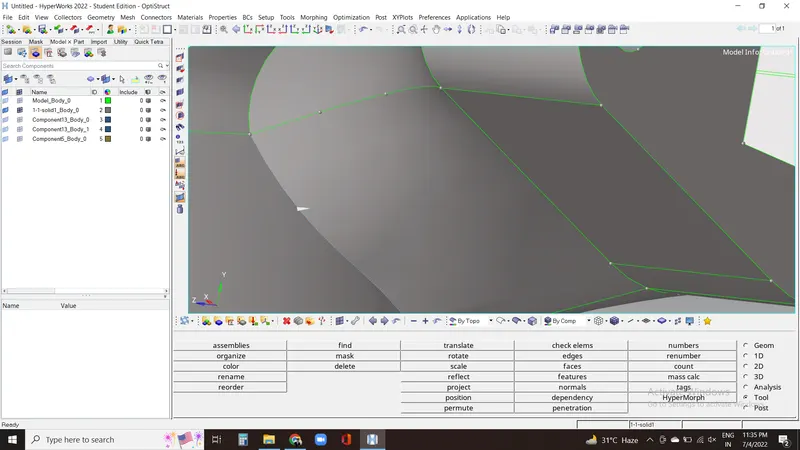
We have to check for geometry clean up and toggle unwanted lines to get the better mesh.
Now by clicking on quick tetra in geo/mesh option in ulitity panel in hypermesh in browser in view we'll get this window opening. Now selecting the componets and surface and keeping mesh size as 4 we can proceed to mesh.
We have to repeat the above process for all the 5 components and get the mesh.
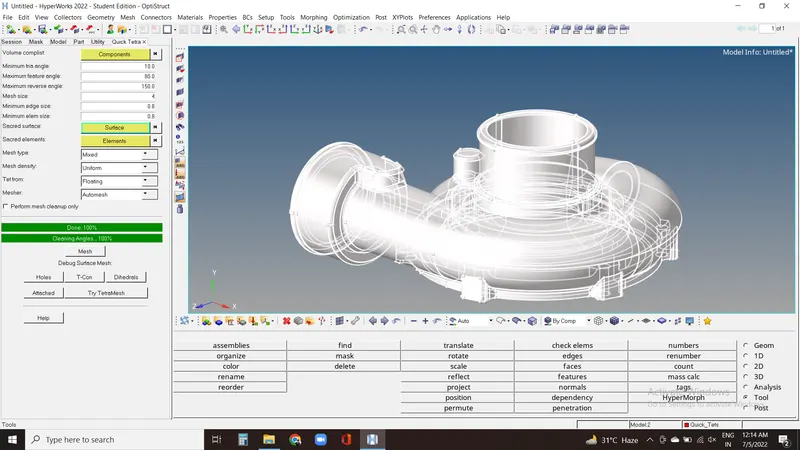
After meshing all the these surfaces and getting a final mesh we have to check for tet collapse.
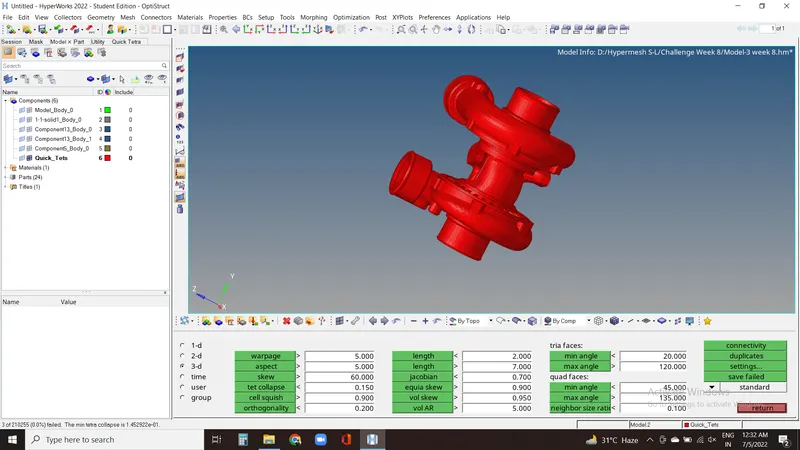
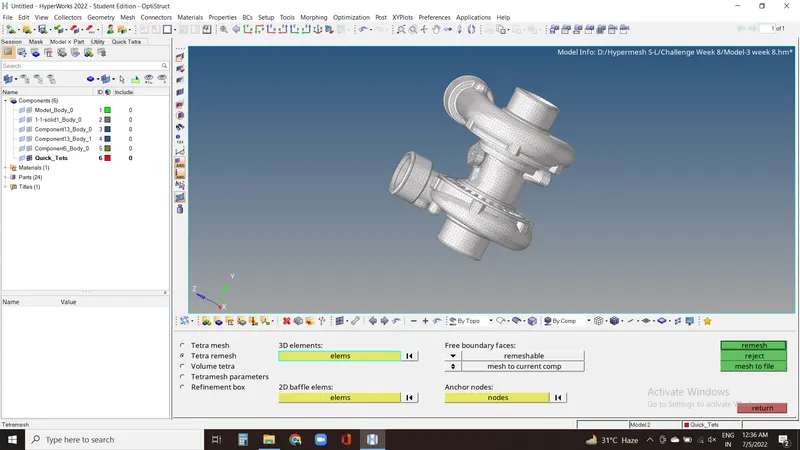
As we found 3 elements failing we need to remesh the model keeping it in remeshable and selecting elements which are meshed already.
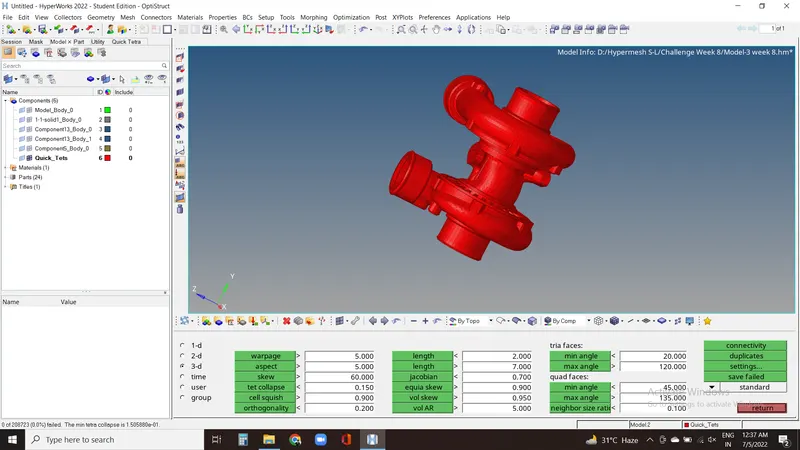
Now we finally got our model which is showing zero value for tet collapse failed elements. So this model is passed.
Conclusion:-
In this challenge we have completed the 3d tetra meshing for all the three elements using 3 different methods.
Learning outcomes:-
In this challenge we got to know about tetra and hexa meshing and 3 differenent types of meshing for tetra mesh.