Week 12:Project 2-Meshing of Rear Wheel Holder challenge
Objective:-
Mesh the given component as per given quality criteria and assign thickness to the component.
Procedure:-
1. First of all we need to import the file and check for the elements. After that we need to organise the component and put all the components in one collector.
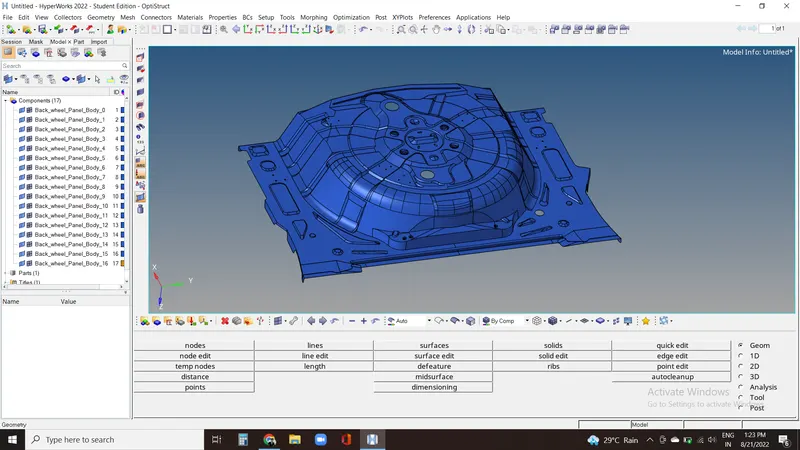
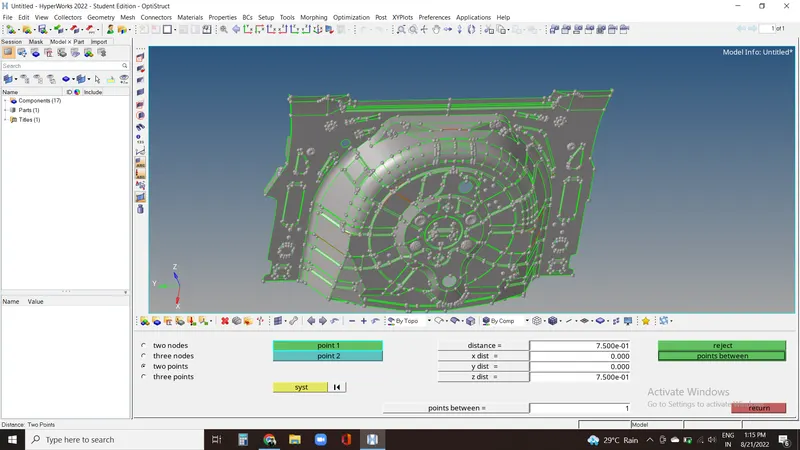
2. We need to check for the thickness of the element in all the regions which comes out to be 0.75mm. We can check thickness using F4.
3. Now we need to get its mid surface manually due to the complexity of the component. we can go to edit surface in geometry panel and then offset the the surface. Click any surface and select by face option and then duplicate and after that click on color normal or vector normal and then click offset if its in right direction.
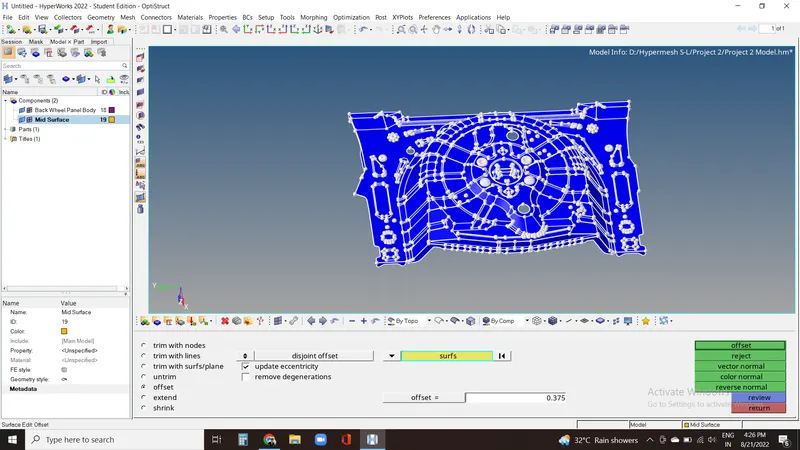
4. Now we can see that we got the mod surface exectly in the middle of the component.
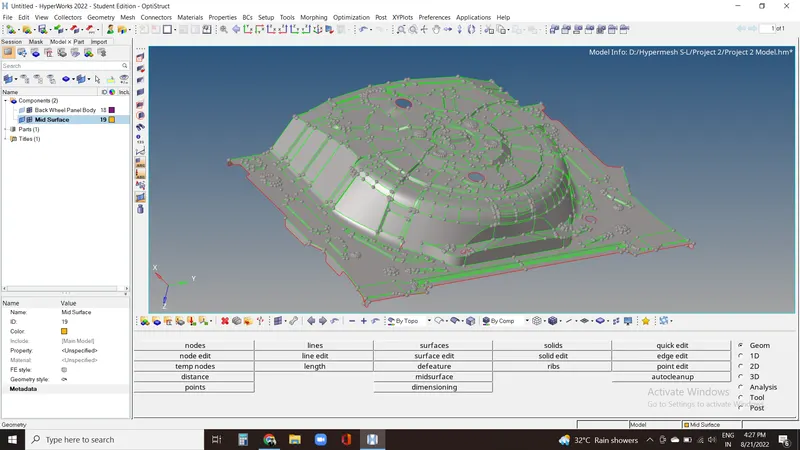
5. Now we'll do geometry clean up from quick edits in geom panel.
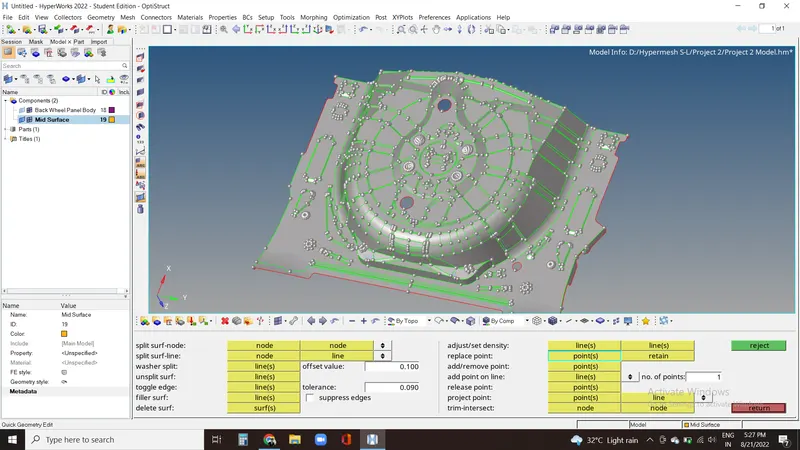
6. To check for surface where elements can fail, we can do rough mesh and then saving the failed elements and get temp nodes on them and deleting the mesh.
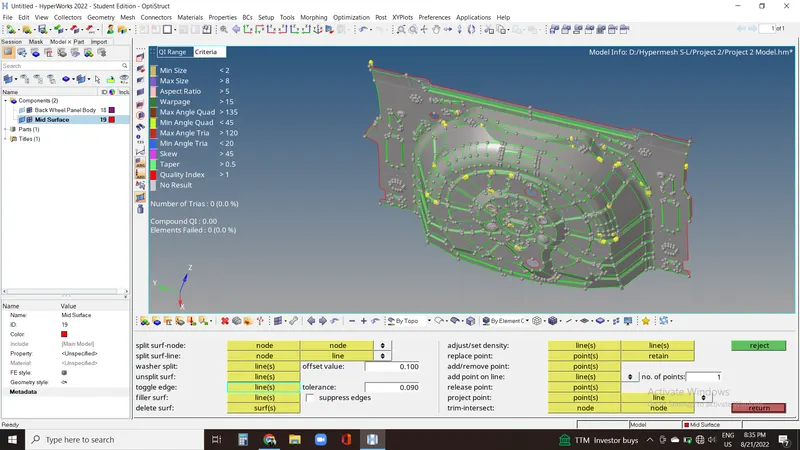
7. Now we'll fill the quality criteria details as given in the problem.
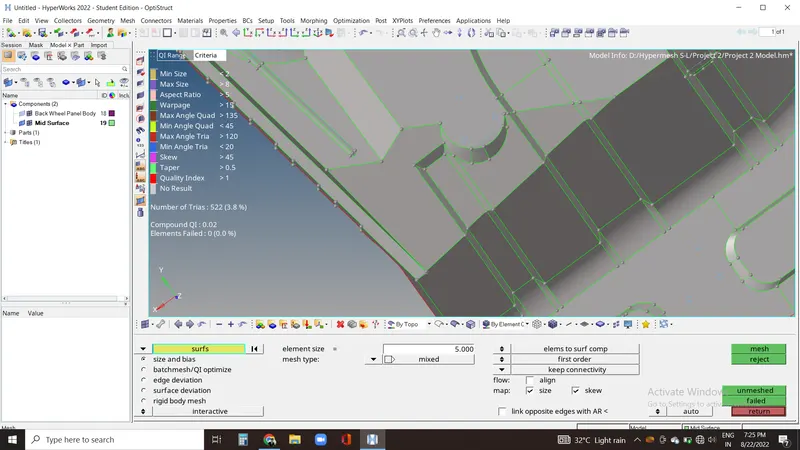
8. Now we can mesh the element from automesh in 2D panel by keeping the target element size as 5mm.
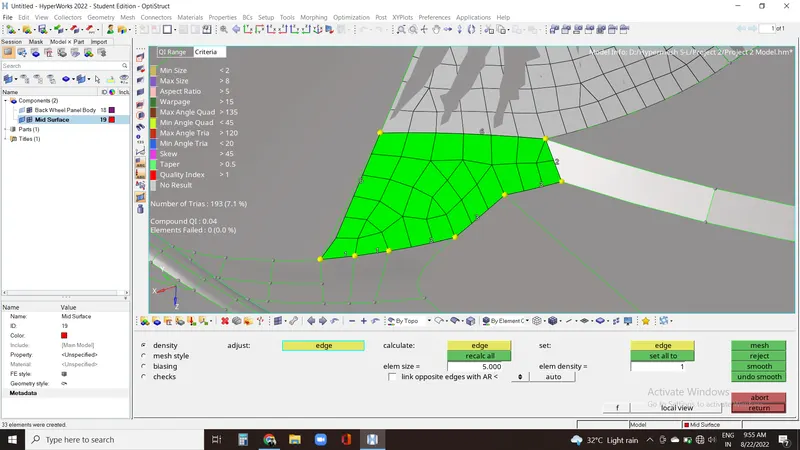
9. Now for very sharp areas where elements are failing we need to do element clean up in these regions to avoid failure.
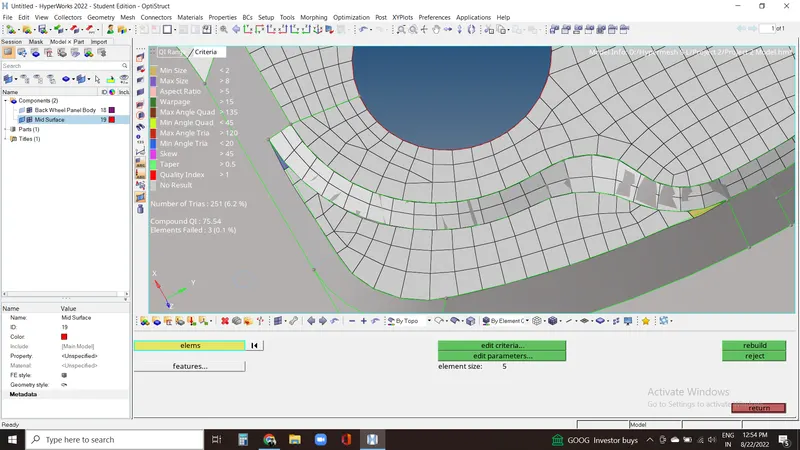
10. Now for the failed elements we can use rebuild option to get better mesh flow.
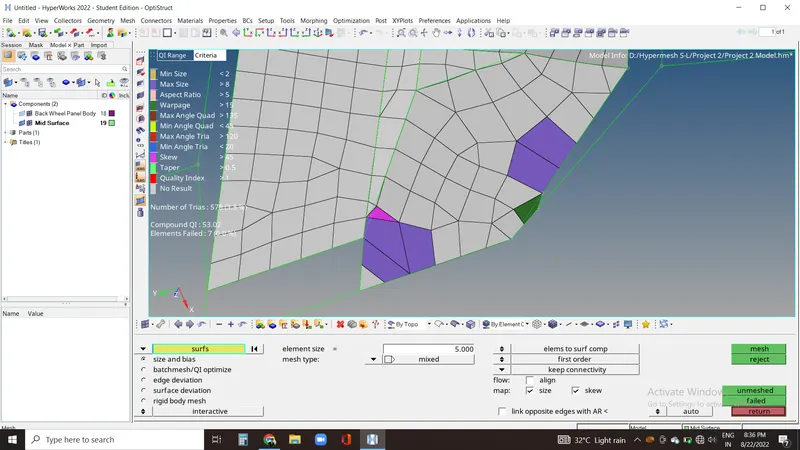
11. Now we have completely meshed the component by keeping elements within required quality criteria.
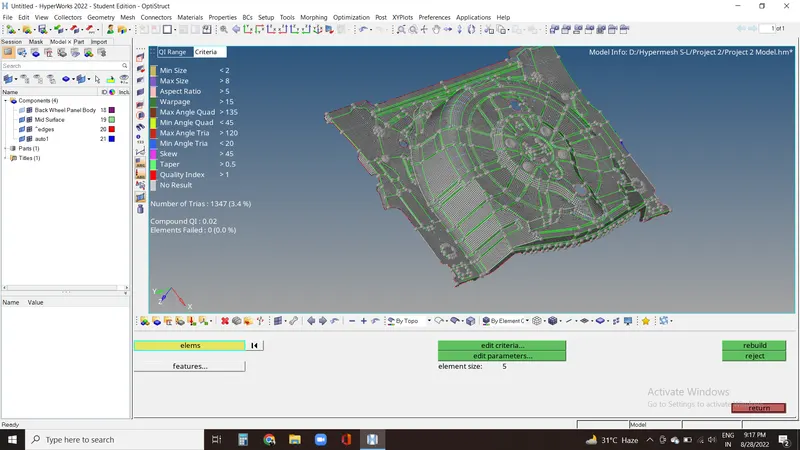
12. Now we can create the property and apply thickness as 0.75mm.
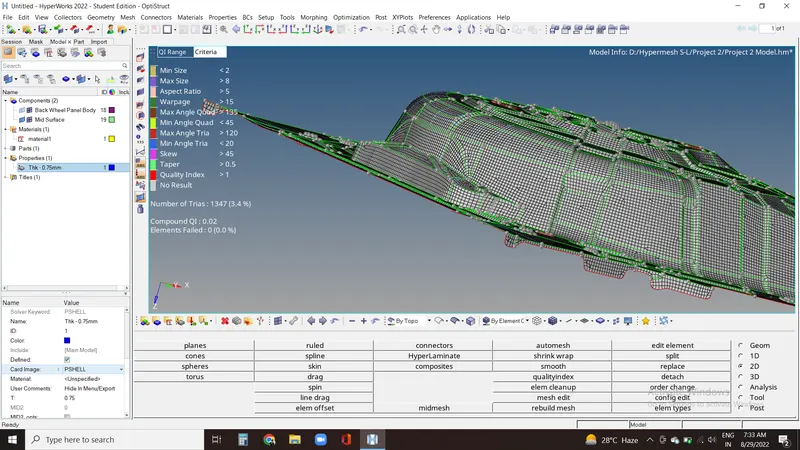
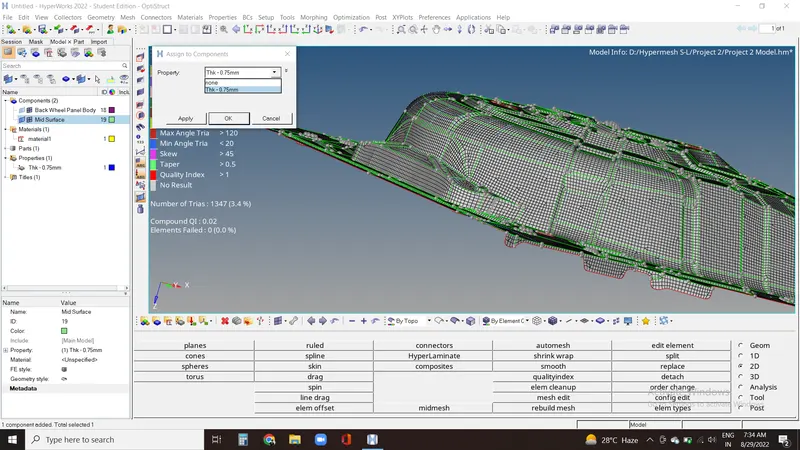
13. Now we need to assign the property to the element by right click on the ccomponent.
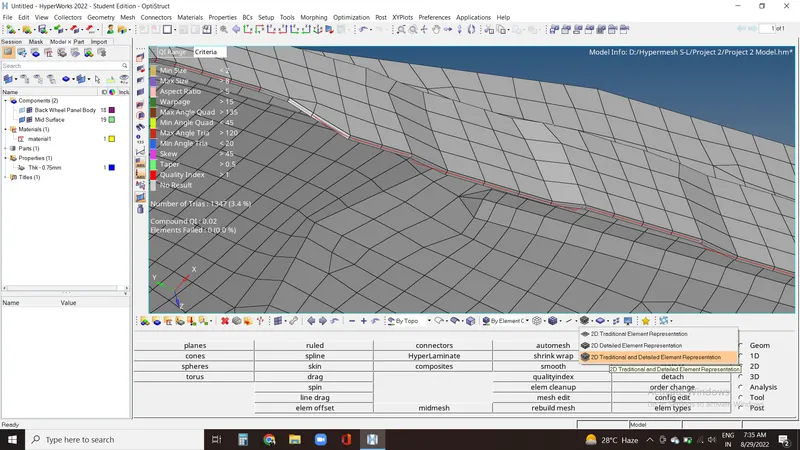
14. To check its thickness we need to click on detailed 2D element representation.
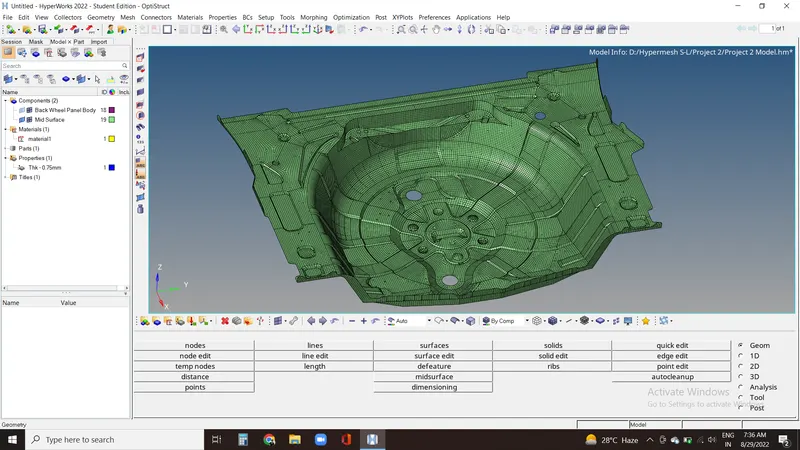
15. This is our Final Image of the component after doing all the required work.
Conclusion:-
We have meshed the component by doing required surface clean up and keeping the elements within required quality criteria, followed by assigning the thickness to the geometry.
Learning Outcome:-
In this challenge we learned about manual mid surfacing, quality criteria and assigning property.