Week 8-3D Tetra Meshing Challenge
AIM
To Create a Teramesh for Housing component with the given quality criteria.
TETRA MESH GENERATION METHOD: 2D TO 3D CONVERSION
Min- 2 Units,
Target- 5 Units,
Max- 7 Units
Tet collapse: 0.15
Importing the model:
The format of the file is stp, then first of all select import solver deck command, choose import geometry type and select file type is STEP.
file -- Import -- select the file -- Import.
now select the file from our folder and import it.
Cleaning Geometry
We can remove the unwanted lines inbetween the geometry and can properly create the lines for meshing.
To toggle lines
Geoms--- Quick Edits--- Toggle Lines
Generating mesh
To mesh the component
2D -- automesh -- select the surface -- mesh.
Start the Meshing with the closed area with less free edges
Keep the Mesh flow as per geometry and create mesh with less tria elements
Now the meshing is done
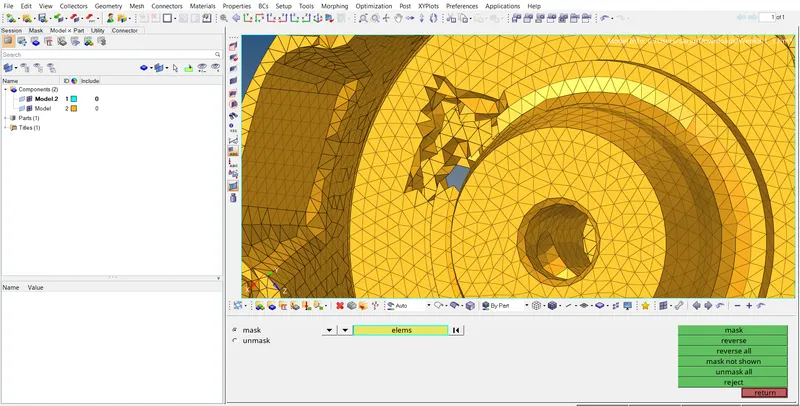
Quality criteria
Give the quality criteria for the elements in the criteria box
Tools--Check elems---Tet collapse
See how many elements fails
To get more mesh quality and see whats failed
Tools--Check elems---save failes
Mask--elements---retrieve---mask---reverse
Now you can see what are the elements failing criteria
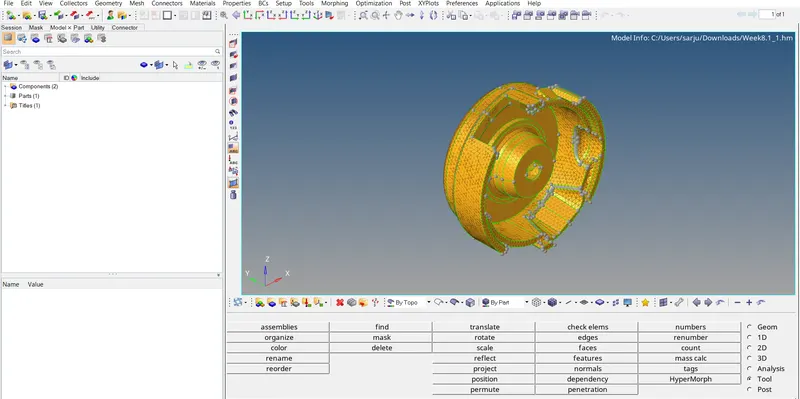
Tools used for Getting good Quality
3D---Tetasmesh--- Tetasmesh Parameters---Tet Collapse value
Terta remesh---Rebuild Mesh
TETRAMESH GENERATION METHOD: QUICK TETRA MESH
Target Element size: 3 Units
Tet Collapse: 0.15
Importing the model:
The format of the file is stp, then first of all select import solver deck command, choose import geometry type and select file type is IGES.
file -- Import -- select the file -- Import.
now select the file from our folder and import it.
Cleaning Geometry
We can remove the unwanted lines inbetween the geometry and can properly create the lines for meshing.
To toggle lines
Geoms--- Quick Edits--- Toggle Lines
Generating mesh
Utility--- mesh--- quick tetra mesh---enter the parameter and select the component to mesh and select the mesh---click Tria only
Now the 3D mesh has been obtained directly
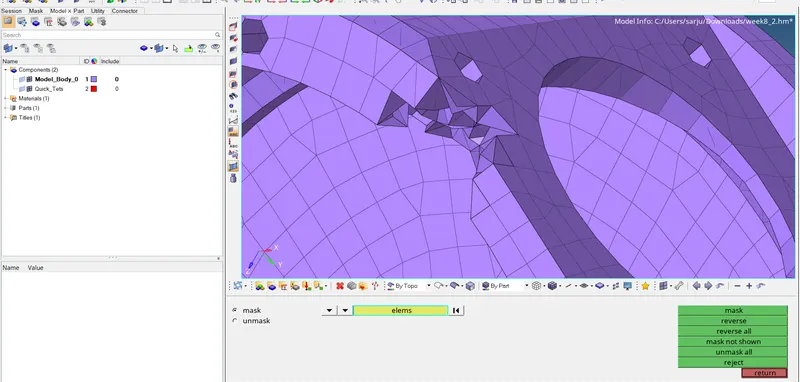
Quality criteria
Give the quality criteria for the elements in the criteria box
Tools--Check elems---Tet collapse
See how many elements fails
To get more mesh quality and see whats failed
Tools--Check elems---save failes
Mask--elements---retrieve---mask---reverse
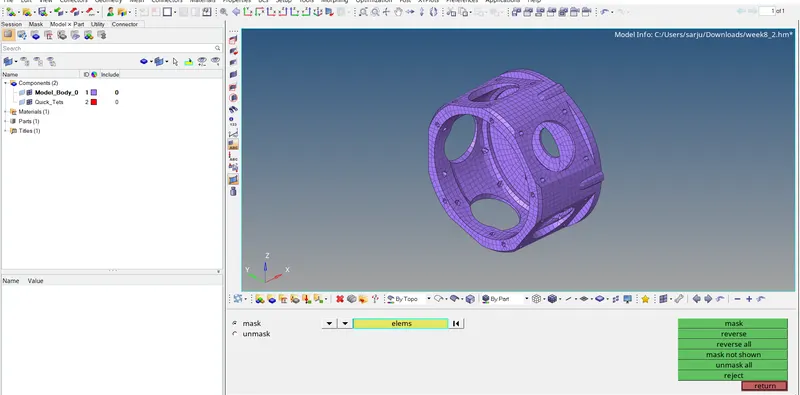
Now you can see what are the elements failing criteria
Tools used for Getting good Quality
3D---Tetasmesh--- Tetasmesh Parameters---Tet Collapse value
Terta remesh---Rebuild Mesh
TETRAMESH GENERATION METHOD: QUICK TETRA MESH/ VOLUME TETRA MESH
Target Element size: 4 Units
Tet Collapse: 0.15
Importing the model:
The format of the file is stp, then first of all select import solver deck command, choose import geometry type and select file type is IGES.
file -- Import -- select the file -- Import.
now select the file from our folder and import it.
Cleaning Geometry
We can remove the unwanted lines inbetween the geometry and can properly create the lines for meshing.
To toggle lines
Geoms--- Quick Edits--- Toggle Lines
Generating mesh
3D---tetramesh---volumetric mesh---enter the parameters and select the tetra --- select the component either surf or solid and click the volumetric mesh---click Mesh
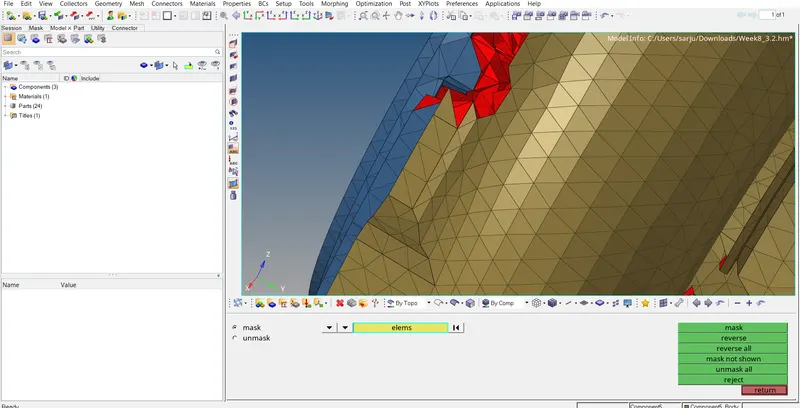
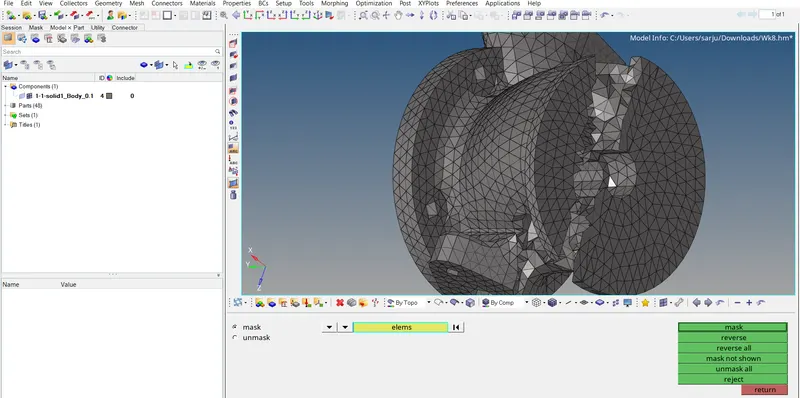
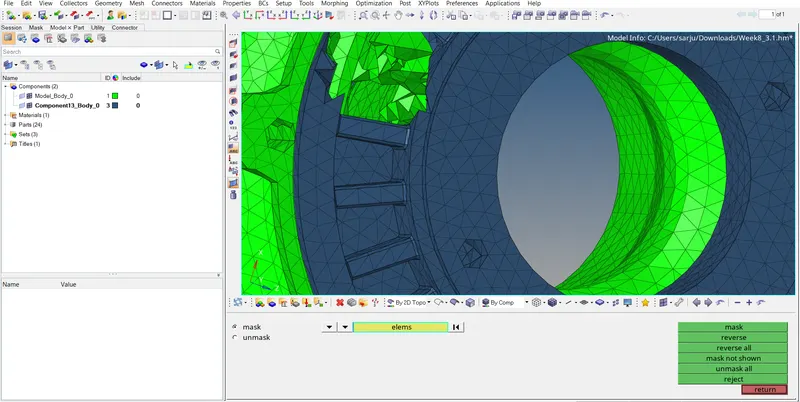
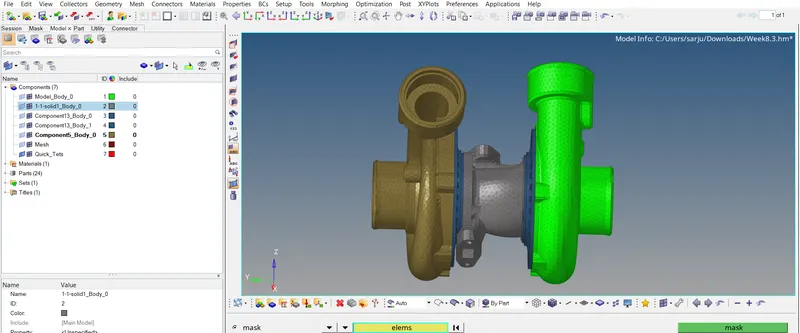
RESULT
Hence the given component has been imported and 3D meshing have been done successfully on the given criteria.